Top 6 Pest Control Software for Recurring Treatments for 2026 (Prices and Free Plans)
6 best pest control software for recurring treatments, with entry costs, free tiers and the buyer each one serves. With pricing notes and limits. No filler.
- Editor's choice
 Jobber
General home and commercial service scheduling
Starts atSee websiteVisit getjobber.comFull review - Great alternative
 Housecall Pro
Home service business management
Starts at$59 a monthVisit housecallpro.comFull review - Also consider
 FieldRoutes
Pest and lawn field service management
Starts atSee websiteVisit fieldroutes.comFull review
Direct answer
Start with Jobber if you need general home and commercial service scheduling. Listed starting prices: Housecall Pro from $59 a month. Look at Housecall Pro for home service business management, and at FieldRoutes for pest and lawn field service management. The remaining 3 options are covered below with prices and limits.
TL;DR:
- Jobber takes the first slot, best suited to general home and commercial service scheduling.
- A fair warning about Jobber: not designed for pest control.
- None of the 6 tools, from Jobber to PestPac, has a free plan, so budget for a subscription or use a trial.
- The cheapest monthly starting price in the list is $59 per month, offered by Housecall Pro.
Last checked November 2026. Prices and plan details were read from the vendors' own pages in November 2026; vendors change plans often, so confirm the current price on the vendor site before you buy.
Quick comparison
| Tool | Best for | Starts at | Free plan? | |
|---|---|---|---|---|
| Jobber | General home and commercial service scheduling | See website | Not stated | Visit |
| Housecall Pro | Home service business management | $59 a month | Free trial | Visit |
| FieldRoutes | Pest and lawn field service management | See website | No | Visit |
 ServiceTitan | Home and commercial contractors broadly | See website | Free trial | Visit |
 Briostack | Combined pest control and lawn care operations | See website | Not stated | Visit |
 PestPac | Pest control routing, CRM and payments | See website | Not stated | Visit |
Our 6 pest control software for recurring treatments
Choosing pest control software for recurring treatments usually comes down to price, fit and limits. This LinkVetted guide sets 6 tools side by side on those three points, with the facts kept short and checkable.
Jobber was built for general home and commercial service scheduling. Since it serves many service industries, pest-specific needs like treatment history or route density tools may be restricted.
Best features of Jobber: Quote, schedule.
Also, Jobber presents itself as home and commercial service software for organizing a service business, with quoting, scheduling, invoicing and payments in one place. Expanding pest businesses with complicated recurring routes should compare dedicated systems. Check the vendor site for Jobber pricing; none is listed in this comparison. Trial and free access: Not stated.
Where it is weaker: May lack deep pest-specific features.
- Supports sales and operations
- Invoice and payment in one place
- Not made for pest control
Housecall Pro works best for home service business management. Housecall Pro is a software option for home service firms, covering the scheduling and management tasks that recurring service work relies on.
Downsides: Pest workflows may need workarounds.
More specifically, firms with complicated recurring treatment programs may need dedicated pest software instead. Housecall Pro starts at: $59 per month. Free access: Free trial.
- Handles scheduling and business management
- Widely adopted across field service
- General instead of pest-specific
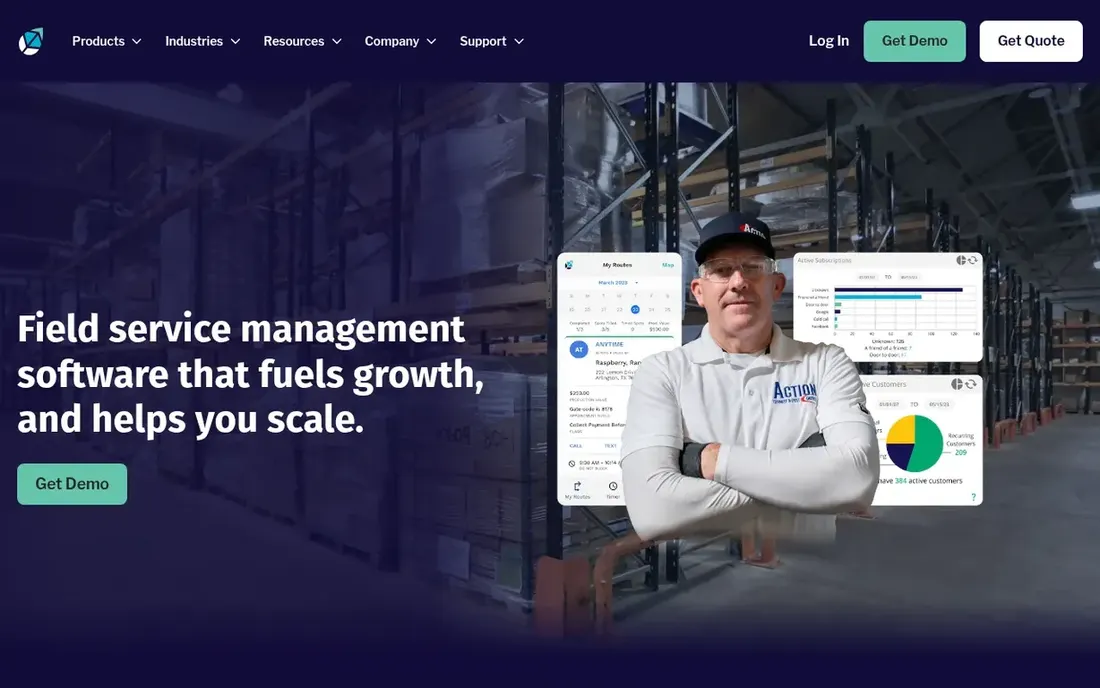
FieldRoutes targets pest and lawn field service management. For firms whose recurring treatments are the core of the business, a niche-focused product can align better with daily workflows than a general tool. It is worth including when you compare scheduling and routing choices.
Specialization cuts both ways, so firms with mixed service lines may need extras or a broader product. For everyday use, confirm how the system takes care of your specific treatment cadence and reporting needs. Check the vendor site for FieldRoutes pricing; none is listed in this comparison. FieldRoutes has no free tier.
Points against: Evaluation generally needs a demo.
- Concentrates on pest control and lawn care
- Targeted at simplifying operations
- Restricted appeal outside those niches
Where ServiceTitan fits: home and commercial contractors broadly. ServiceTitan supplies all-in-one software for home and commercial contractors, built to keep service visits and construction projects running smoothly. As for the details, smaller pest-only operations could find the scope heavier than necessary.
Pest control businesses that also deal with other trades may value a single system across the business. Since it is not pest-specific, recurring treatment workflows may need configuration to match. No starting price is listed for ServiceTitan here; confirm pricing on the vendor site. Free plan details: Free trial.
Watch-outs: Wide scope can mean more configuration.
- All-in-one software for contractors
- Fits home and commercial work
- Not pest-specific
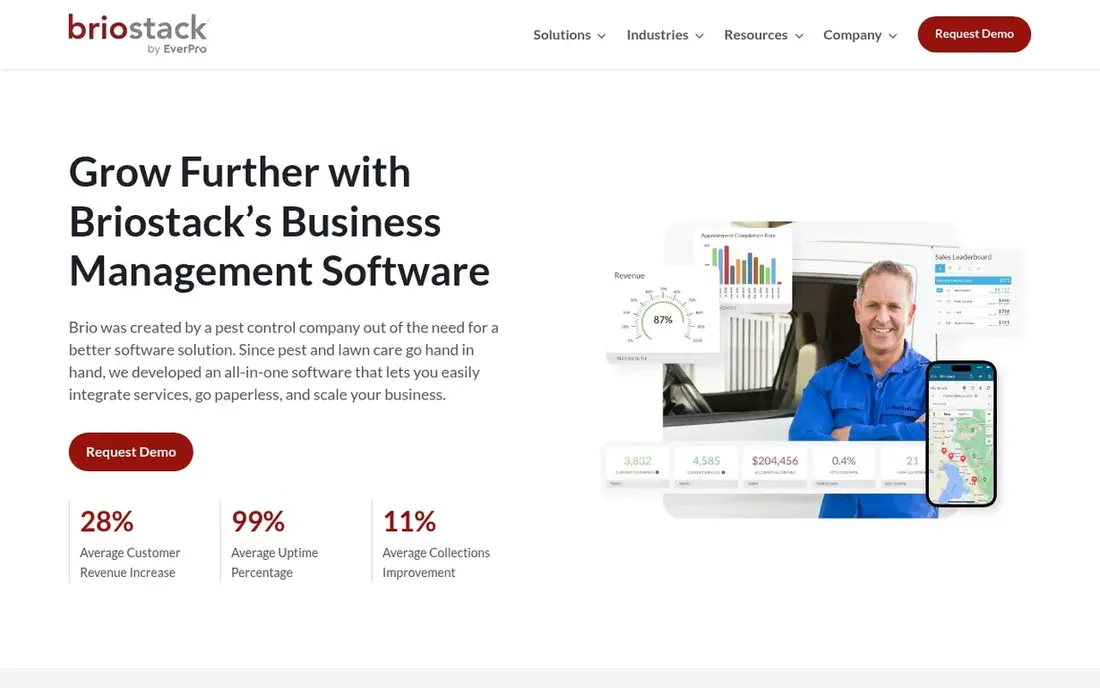
Briostack serves combined pest control and lawn care operations. Briostack describes itself as an all-in-one pest control and lawn care management product, handling invoicing, routing, CRM, scheduling and marketing. It is a reasonable candidate when marketing and customer communication matter alongside route planning.
Strengths: CRM and scheduling.
Where it falls short: Feature depth varies by module.
Compare module coverage carefully against how you actually run recurring treatments. Beyond that, the breadth of modules means setup and training take real effort. A pest-only company may not use the lawn care side. Pricing for Briostack is not stated here, so ask the vendor for current figures. Free plan details: Not stated.
- Handles pest control and lawn care in one product
- Includes invoicing, routing
- May be more than a small pest-only team needs
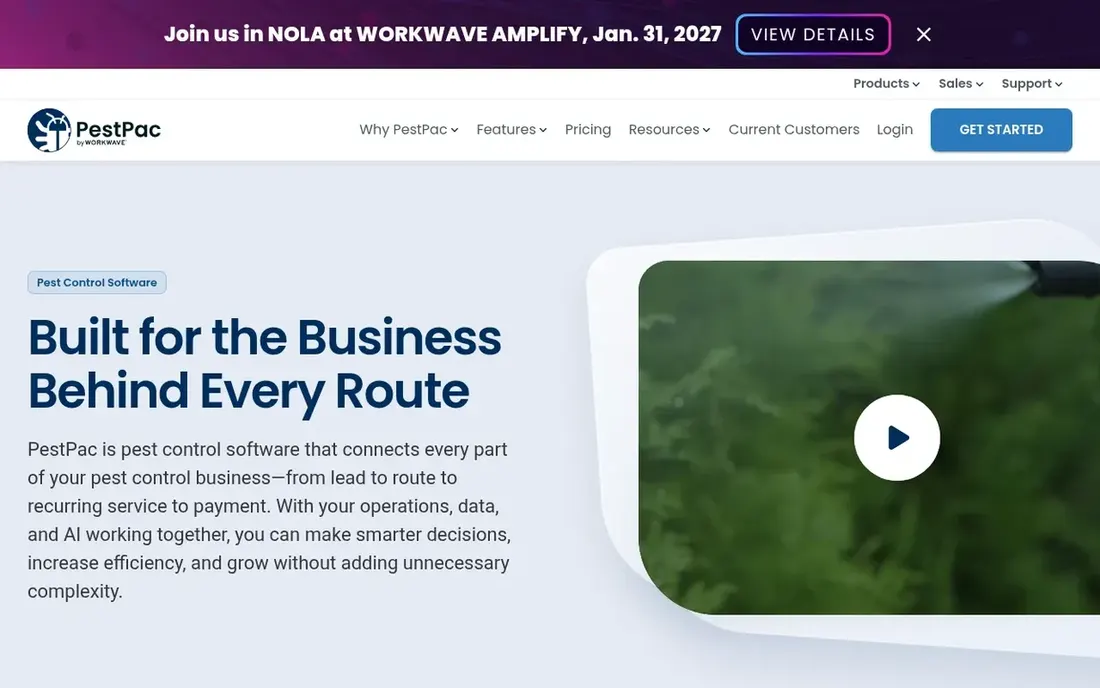
PestPac targets pest control routing, CRM and payments. Since it is centred on pest control, teams with broader field service needs may find a general system more adaptable. If your core challenge is keeping technicians on schedule and customer records in one place, this is the type of system to evaluate first.
Consider alternatives if you need broad non-pest service lines in the same system. Its vendor page frames it around the operational needs of pest control businesses, which makes it a natural fit for companies running recurring treatment routes. PestPac shows no starting price here, so confirm the cost on the vendor site. Trial and free access: Not stated.
Where it is weaker: Demo required to evaluate fit.
- Purpose-built for pest control operations
- Merges routing, scheduling
- Narrower fit outside pest control
How these tools were picked
What to check before you buy
- Confirm the entry price on the vendor page. For Jobber, FieldRoutes, ServiceTitan and others that means a quote rather than a fixed price.
- Use real work to test the free trial from Housecall Pro and ServiceTitan, rather than a demo project.
- Before choosing Jobber, weigh its main limit: not made for pest control.
- Ask ServiceTitan which support channels and response times come with the plan you would buy.
- Get the contract term, renewal terms and any onboarding fees from FieldRoutes in writing.
FAQ
Can I try these tools before paying?
Often, yes. Housecall Pro and ServiceTitan offer a free trial. Use your own data and a real task during the test, and check what the free tier or trial limits before you rely on it. For the full picture, the cards above cover all 6 entries of this pest control software for recurring treatments list, including price, free plan and limits.
What is the cheapest option for pest control software for recurring treatments in this list?
On published monthly entry prices, Housecall Pro is the lowest here at $59 per month. Entry price is only part of the cost, because seats, add-ons and billing terms can change the total. Prices, free plan details and limits for all 6 tools in this pest control software for recurring treatments roundup sit on the individual cards above.
How are the tools for pest control software for recurring treatments ordered?
The order follows typical fit for pest control software for recurring treatments, with Jobber first and PestPac last, then price clarity and free access. It is editorial judgement, not a score, so another team could rank the tools differently.
What should pest control software for recurring treatments contain?
Look for scheduling that takes care of repeat visits, routing that groups nearby stops, and customer records that display treatment history. Invoicing and payment tools for recurring billing also matter. The systems compared here differ in how deeply they address pest-specific workflows.
Does any tool for pest control software for recurring treatments here have a free plan?
No tool in this list, Jobber and PestPac included, has a permanent free plan. Housecall Pro, ServiceTitan offer a trial. Trials and quotes are the usual route, so plan a short evaluation period.
Sources
- https://www.getjobber.com
- https://www.housecallpro.com
- https://www.fieldroutes.com
- https://www.servicetitan.com
- https://www.briostack.com
- https://www.pestpac.com