Top 6 Online Form Builder for Government Contractors for 2026 (Prices and Free Plans)
Weighing the best online form builder for government contractors? We lined up 6 products by cost, free access and fit. Includes honest limits for each tool.
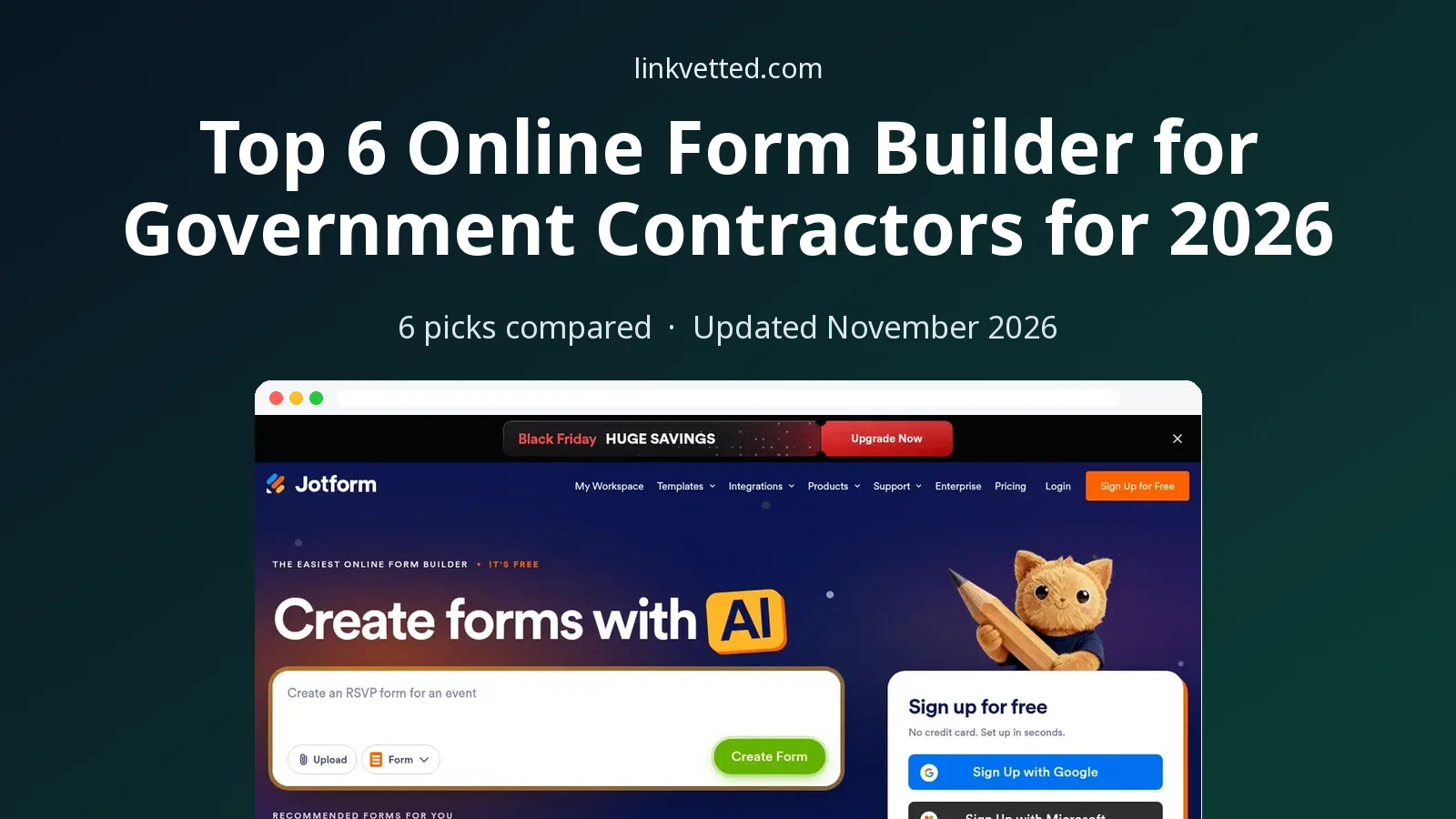
- Editor's choice
 Typeform
Engaging conversational forms
Starts atSee websiteVisit typeform.comFull review - Great alternativeWPForms
AI-assisted WordPress form building
Starts at$49.50 a yearVisit wpforms.comFull review - Also consider
 Jotform
Quick form creation with templates
Starts at$34 a monthVisit jotform.comFull review
Direct answer
Typeform is the first pick on this list for engaging conversational forms. Listed starting prices: WPForms from $49.50 a year, Jotform from $34 a month and Formstack from $83 a month. Alternatives: WPForms for AI-assisted WordPress form building, and Jotform for quick form creation with templates. The remaining 3 options are covered below with prices and limits.
TL;DR:
- This list starts with Typeform, which is built for engaging conversational forms.
- Jotform, Cognito Forms, Wufoo: these are the 3 tools out of 6 that offer a free plan.
- Starting prices begin at $24 per month with Cognito Forms.
- Wufoo is the one to check for straightforward forms backed by cloud storage.
- A fair warning about WPForms: restricted to WordPress sites.
Last checked November 2026. Prices and plan details were read from the vendors' own pages in November 2026; vendors change plans often, so confirm the current price on the vendor site before you buy.
Quick comparison
| Tool | Best for | Starts at | Free plan? | |
|---|---|---|---|---|
| Typeform | Engaging conversational forms | See website | Not stated | Visit |
| WPForms | AI-assisted WordPress form building | $49.50 a year | Not stated | Visit |
| Jotform | Quick form creation with templates | $34 a month | Yes | Visit |
 Formstack | Secure forms with documents and eSignatures | $83 a month | Free trial | Visit |
 Cognito Forms | Approvals and workflow automation | $24 a month | Yes | Visit |
 Wufoo | Straightforward forms backed by cloud storage | See website | Yes | Visit |
Tool-by-tool breakdown
Short on time? The summary and table above give the quick view of 6 online form builder for government contractors, and the profiles that follow give the detail behind each entry.
Typeform is aimed squarely at engaging conversational forms. Typeform builds AI-powered forms designed around a conversational, one-question-at-a-time experience, then triggers automatic workflows from responses.
In practice, the no-code approach keeps setup approachable for teams without developers. From a buyer's view, if your priority is approval routing, document generation and signatures in one place, a workflow-focused builder is the better comparison. Pricing for Typeform is not stated here, so ask the vendor for current figures. Free plan details: Not stated.
Drawbacks to consider: Workflow depth is narrower than dedicated tools.
- Conversational
- One-question-at-a-time design
- Conversational style may not suit compliance forms
WPForms
Best for: AI-assisted WordPress form building
WPForms makes the most sense for AI-assisted WordPress form building. Deeper workflow, document generation and signature needs may need extras or separate services.
Downsides: Advanced workflow features rely on extras.
The plugin approach keeps form management inside the site you already maintain. Worth adding: WPForms is an AI-powered WordPress forms plugin that combines AI assistance with a drag-and-drop builder. What you pay to start with WPForms: $49.50 per year. On free options: Not stated.
- Made for WordPress
- AI plus drag-and-drop form building
- Restricted to WordPress sites
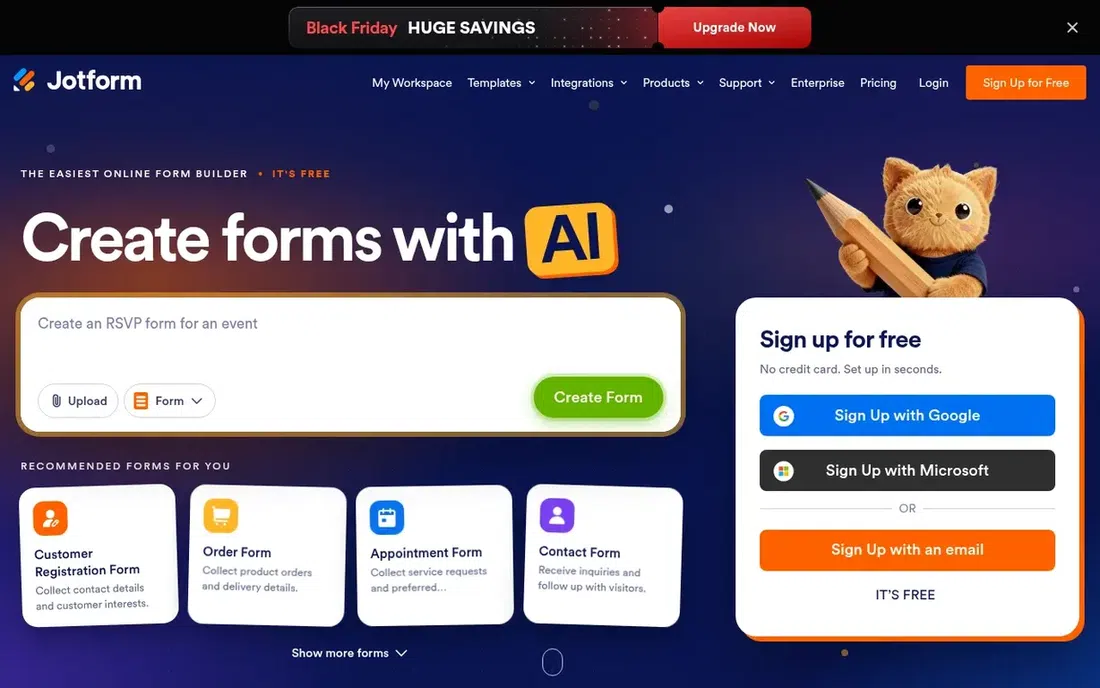
Jotform works best for quick form creation with templates. Its template library and widget choices help contractors assemble intake forms, contact forms and surveys without starting from scratch.
On cost, Jotform starts like this: $34 per month. Free access exists with Jotform.
Points against: Advanced workflow needs may need other tools.
- Fast form creation with drag-and-drop
- Supports surveys alongside forms
- Very broad feature set can overwhelm
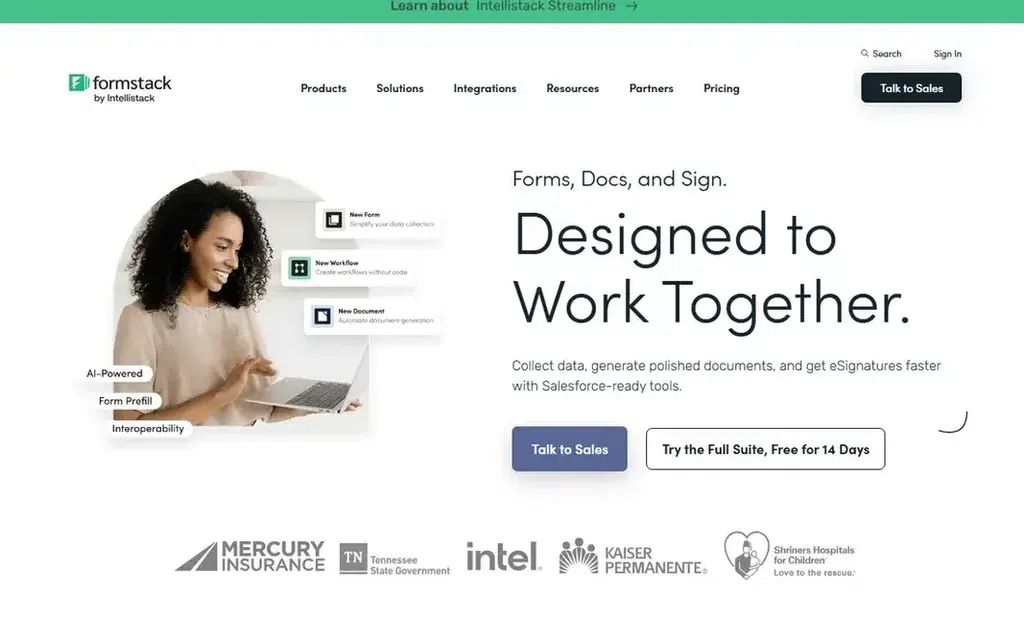
Formstack works best for secure forms with documents and eSignatures. Formstack is a workflow product built around secure, easy-to-use forms, document generation and eSignatures. Consider a more straightforward or plugin-based builder when your needs are entry-level contact or registration forms.
The system is wide, so smaller contractors may find more capability than they need. It is also a hosted product instead of a WordPress plugin, which matters if your site runs on WordPress. On cost, Formstack starts like this: $83 per month. On free options: Free trial.
Drawbacks to consider: Feature depth may exceed small team needs. Where Formstack stands out: Merges forms.
- Easy-to-use forms
- Document generation and eSignatures
- Less suited to non-WordPress site building
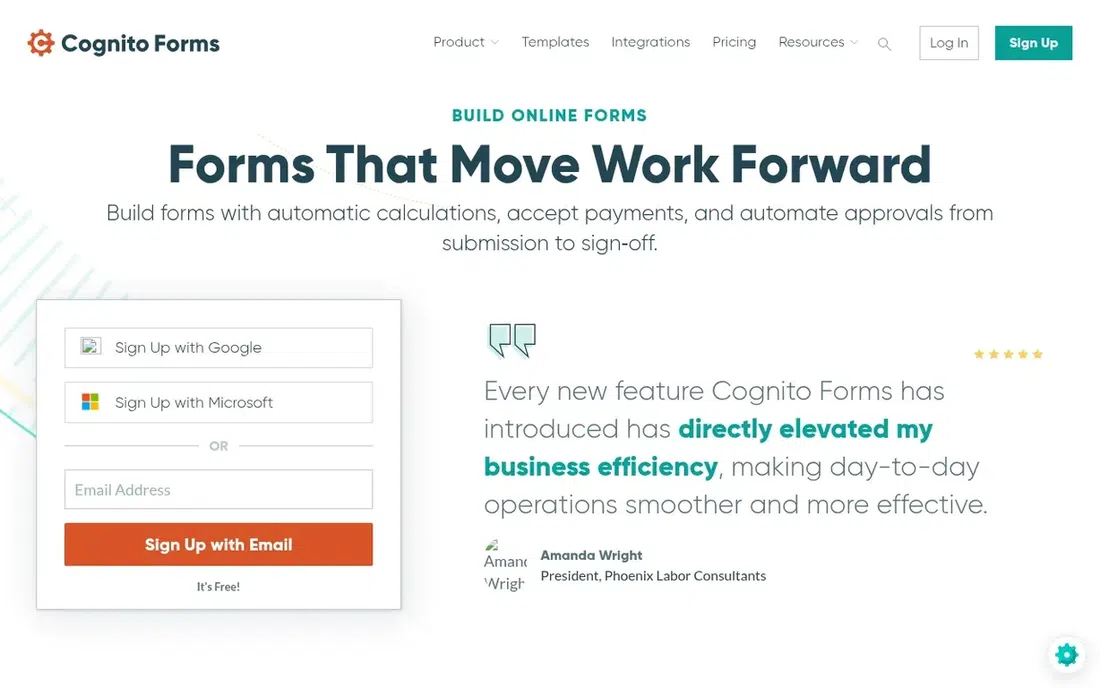
Where Cognito Forms fits: approvals and workflow automation. Cognito Forms is an online form builder centered on collecting data and automating business workflows, including documents, file uploads, signatures and approvals.
Where it falls short: Complicated logic takes time to configure.
It is a reasonable choice when approval routing is a core requirement. Worth adding: configuring approval logic and document templates takes setup time, and the brand is less familiar than the largest form builders. The starting price for Cognito Forms: $24 per month. Cognito Forms includes a free tier.
- Signatures built into form flows
- Document generation and file uploads
- Less known than larger form brands
For simple forms backed by cloud storage, Wufoo is a natural candidate. Wufoo is an online form builder with a cloud storage database behind it, targeted at creating custom forms in minutes. It handles registration forms, application forms, surveys, contact forms and payment forms, which makes it a practical choice for straightforward contractor intake.
What to check first: Design feels dated against newer builders.
Upsides: application and payment forms; Handles registration. Worth adding: teams wanting a familiar, no-frills builder will find it simple to start with. Wufoo is oriented toward straightforward form building, so complicated approval chains and document generation are not its focus. Its interface feels older than newer conversational builders. Check the vendor site for Wufoo pricing; none is listed in this comparison. Wufoo offers a free plan.
- Cloud storage database for entries
- Quick creation of custom forms
- Restricted advanced workflow features
How the list was put together
For each of the 6 tools we noted price, free plan or trial, fit for online form builder for government contractors and the main limit, using vendor pages and documentation. Treat prices as a snapshot: vendors change plans often, so check the vendor site for the figure that applies today. The order reflects how well each tool fits the most common buying scenario for online form builder for government contractors, then price clarity, then free plan access. It is a starting point, not a verdict.
Before you commit
- Confirm the entry price on the vendor page. For Typeform and Wufoo that means a quote rather than a fixed price.
- Read the fine print on the free plans from Jotform, Cognito Forms and Wufoo; seat, project and feature caps differ.
- Use real work to test the free trial from Formstack, rather than a demo project.
- Before choosing Typeform, weigh its main limit: conversational style may not suit compliance forms.
- Ask whether Cognito Forms integrates with your current software, and whether that comes standard or as an add-on.
- Find out whether the entry plan of Typeform covers your must-haves or only a trimmed-down version.
FAQ
Is Typeform the right pick for everyone comparing online form builder for government contractors?
No single tool suits every team. Typeform comes first because it fits engaging conversational forms, while WPForms suits AI-assisted WordPress form building and Jotform suits fast form creation with templates. Match the tool to your own size, budget and workflow before deciding.
Do government contractors need workflow approvals in forms?
Cognito Forms is built around approvals, signatures and file uploads. Worth adding: if your forms are straightforward intake, a lighter builder may be enough.
How are the tools for online form builder for government contractors ordered?
The order follows typical fit for online form builder for government contractors, with Typeform first and Wufoo last, then price clarity and free access. It is editorial judgement, not a score, so another team could rank the tools differently.
Can I try these tools before paying?
Often, yes. Jotform, Cognito Forms and Wufoo have a free plan and Formstack offers a free trial. Use your own data and a real task during the test, and check what the free tier or trial limits before you rely on it.
Do these tools publish their prices?
Not all of them. Typeform and Wufoo publish no starting price, so expect a quote request for those. The rest, WPForms included, show a starting price, though seats and billing terms still change the final cost.
Sources
- https://www.typeform.com
- https://wpforms.com
- https://www.jotform.com
- https://www.formstack.com
- https://www.cognitoforms.com
- https://www.wufoo.com