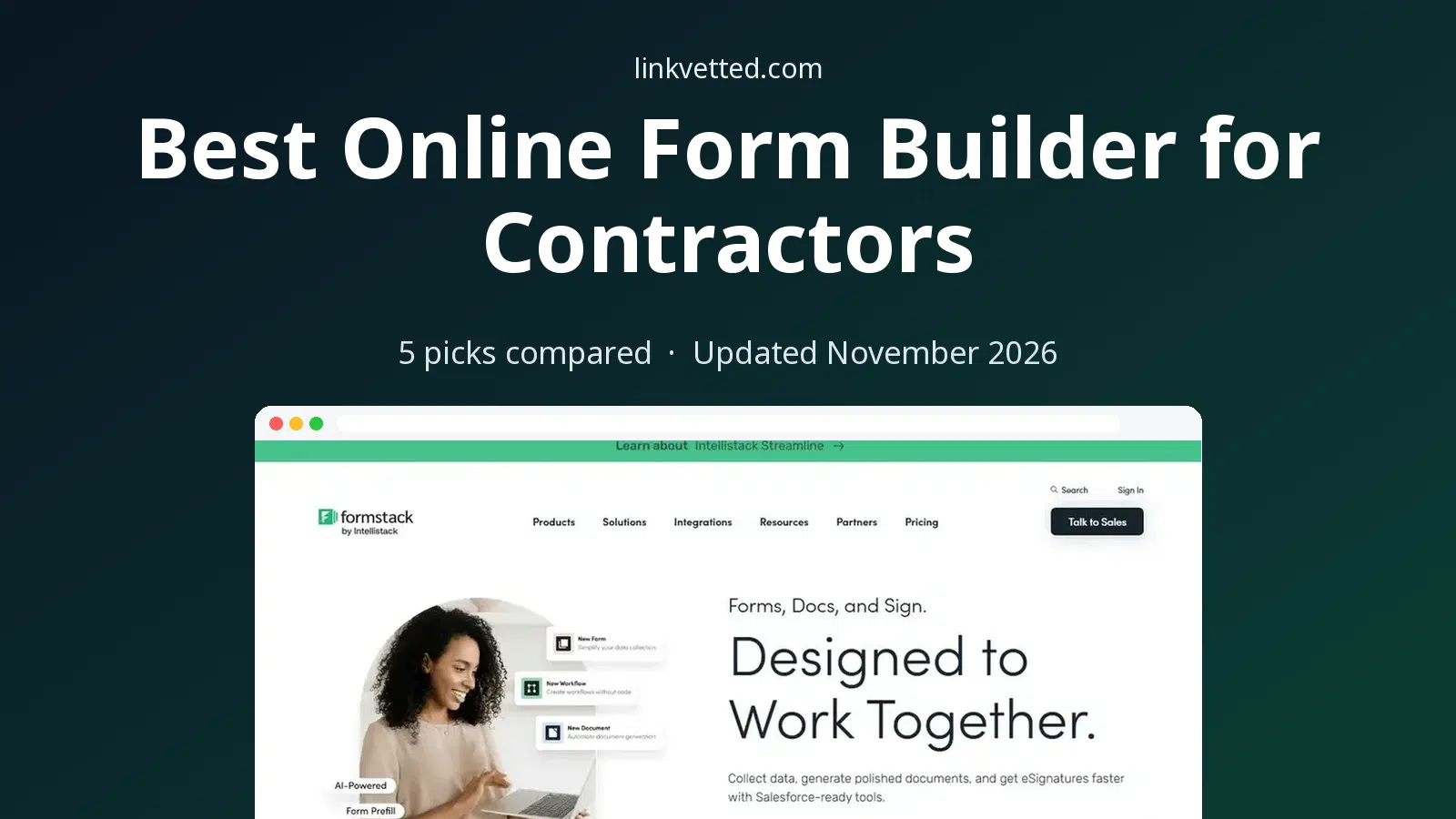
Best Online Form Builder for Contractors (2026): 5 Picks Checked on Vendor Pages
Best online form builder for contractors: 5 contenders ranked by fit, with entry costs and free tiers. Verdicts stay brief and factual. Updated November 2026.
- Editor's choiceWPForms
Contractors running WordPress sites
Starts at$49.50 per yearVisit wpforms.comFull review - Great alternative
 Cognito Forms
Workflow automation with approvals
Starts at$24 per monthVisit cognitoforms.comFull review - Also considerGravity Forms
Custom WordPress forms with control
Starts at$59 a yearVisit gravityforms.comFull review
Direct answer
This list puts WPForms first for contractors running WordPress sites. Listed starting prices: WPForms from $49.50 per year, Cognito Forms from $24 per month and Gravity Forms from $59 a year. If your case is different, Cognito Forms suits workflow automation with approvals and Gravity Forms suits custom WordPress forms with control. The remaining 2 options are covered below with prices and limits.
TL;DR:
- The list opens with WPForms, aimed at contractors running WordPress sites.
- 2 of 5 tools offer a free plan: Cognito Forms, Jotform.
- Jotform fits general contractor intake and job requests.
- Starting prices begin at $24 per month with Cognito Forms.
- What to know about Formstack first: broader system than a straightforward form tool.
Last checked November 2026. Prices and plan details were read from the vendors' own pages in November 2026; vendors change plans often, so confirm the current price on the vendor site before you buy.
Quick comparison
| Tool | Best for | Starts at | Free plan? | |
|---|---|---|---|---|
| WPForms | Contractors running WordPress sites | $49.50 per year | Not stated | Visit |
| Cognito Forms | Workflow automation with approvals | $24 per month | Yes | Visit |
| Gravity Forms | Custom WordPress forms with control | $59 a year | No | Visit |
 Formstack | Forms with documents and e-signatures | $83 per month | Free trial | Visit |
 Jotform | General contractor intake and job requests | $34 a month | Yes | Visit |
Every option for online form builder for contractors explained
LinkVetted put together this guide to online form builder for contractors for readers who want a clear shortlist without reading every vendor page. It compares 5 tools on starting price, free plans, who each one suits and where each one falls short.
WPForms
Best for: Contractors running WordPress sites
Pick WPForms if this describes you: contractors running WordPress sites. WPForms is a WordPress form builder plugin that emphasizes AI-assisted creation and drag-and-drop editing inside the WordPress dashboard.
Also, the plugin only makes sense on WordPress, so contractors on other products need a standalone builder instead. Starting cost for WPForms: $49.50 per year. Free access: Not stated.
Honest limits: Needs a WordPress site.
- Drag-and-drop WordPress plugin
- Broad range of form types
- Plugin features rely on the installed version
Cognito Forms serves workflow automation with approvals. Cognito Forms centers on building online forms, collecting data, and automating business workflows including documents, file uploads, signatures, and approvals. That makes it a reasonable fit for contractors who route job requests through review steps or need signed documents attached to a submission.
Drawbacks to consider: Advanced logic has a ramp-up time.
Workflow and approval configuration takes some upfront planning, and the builder rewards users who invest time in learning its logic. Contractors who want the simplest possible quote form may find a general-purpose builder quicker to deploy. What you pay to start with Cognito Forms: $24 per month. Free access exists with Cognito Forms.
- Built-in workflow automation
- Approval steps for submitted forms
- Less known for template variety
Gravity Forms
Best for: Custom WordPress forms with control
Gravity Forms serves custom WordPress forms with control. Since it leans toward custom building instead of ready-made templates, setup can take longer than a hosted builder with a large template library. Worth adding: contractors already running WordPress can use it for estimate requests, job applications, and client intake whereas keeping data inside their own site environment.
What to check first: Needs WordPress.
It appeals to companies that want control over form structure instead of a template-first approach. It is WordPress-only, so it does not serve contractors on other website products. Gravity Forms is a WordPress form plugin positioned around creating custom, secure, and steady forms on a WordPress site. The starting price for Gravity Forms: $59 per year. There is no free plan with Gravity Forms.
- Custom form building
- WordPress-native form plugin
- Less template-driven than hosted tools
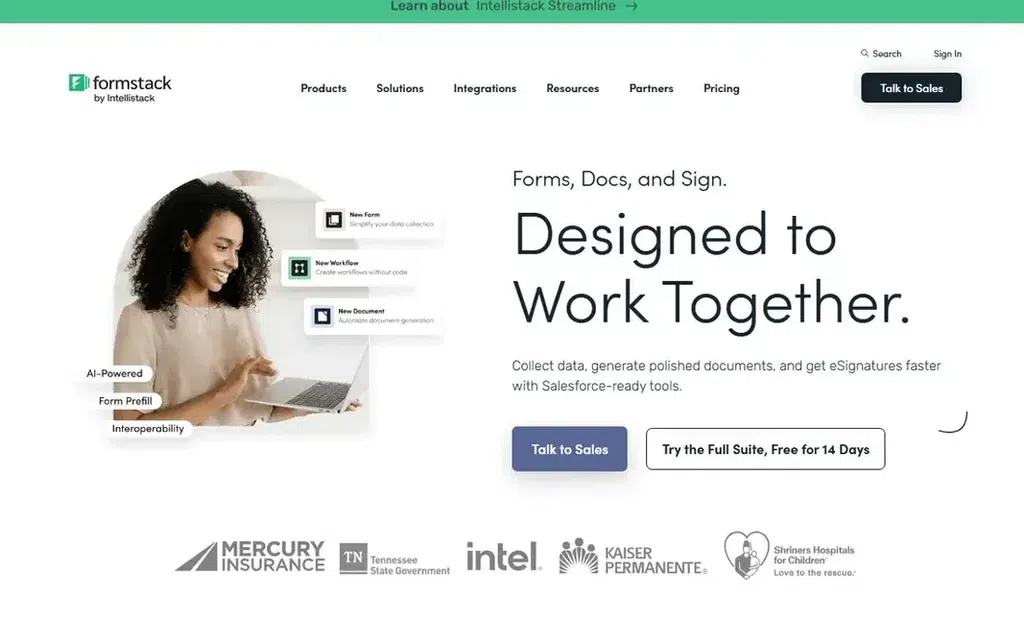
Formstack is a good fit for Forms with documents and e-signatures. Formstack describes itself as a system for secure forms, document generation, and e-signatures targeted at organizations simplifying workflows.
In daily use, contractors who only need straightforward contact or quote forms may find a lighter, standalone builder quicker to set up. Also, the system is broader than an entry-level form builder, so smaller crews may not need its document and signature features. Entry price for Formstack: $83 per month. Free plan details: Free trial.
The main drawbacks: Broader system than a straightforward form tool.
- Workflow and approval support
- Merges forms, docs, e-signatures
- Setup assumes some process planning

Jotform works best for general contractor intake and job requests. For contractors, that means job request forms, estimate intake, photo upload fields for site conditions, and client questionnaires can all be assembled with drag-and-drop tools.
Watch-outs: Advanced logic takes time to learn.
It suits small crews and solo contractors who want one place for numerous form types without touching code. Jotform cost at the entry level: $34 per month. You can start on Jotform without paying.
- Drag-and-drop builder with no coding
- Large template and form library
- Feature depth can feel overwhelming
What went into this list
Pricing pages, product documentation and feature lists were the main sources, and every entry carries at least one honest drawback. Where a price is missing, the vendor does not list one publicly or ties it to a quote. Always confirm before budgeting. The order reflects how well each tool fits the most common buying scenario for online form builder for contractors, then price clarity, then free plan access. It is a starting point, not a verdict.
Questions to settle before buying
- Check the vendor page for the current price: Cognito Forms starts at $24 per month here, and seats or billing terms can move it.
- Look at free plan limits closely: Cognito Forms and Jotform have one, and the caps decide whether it is usable for real work.
- Take the trial from Formstack and push a live task through it before you pay.
- Before choosing WPForms, weigh its main limit: needs a WordPress site.
- Map your must-have features to a specific WPForms plan before you compare prices.
- Ask whether Gravity Forms integrates with your current software, and whether that comes standard or as an add-on.
FAQ
How are the tools for online form builder for contractors ordered?
WPForms sits first and Jotform last because the order follows typical fit for online form builder for contractors, then price clarity and free access. It is a judgement call, so read each profile for fit and limits.
What is the cheapest option for online form builder for contractors in this list?
On published monthly entry prices, Cognito Forms is the lowest here at $24 per month. Entry price is only part of the cost, because seats, add-ons and billing terms can change the total. Each of the 5 options in this online form builder for contractors guide has its own card above with the price, free plan and limits.
Which options for online form builder for contractors have a free plan?
Cognito Forms and Jotform offer a free plan in this list. Free plans usually cap users, projects or features, so check the limits on the vendor page. One other tool offers a trial instead. All 5 picks in this online form builder for contractors comparison list a starting price, free plan details and the main limits on their cards above.
Is WPForms the right pick for everyone comparing online form builder for contractors?
No single tool suits every team. WPForms comes first because it fits contractors running WordPress sites, while Cognito Forms suits workflow automation with approvals and Gravity Forms suits custom WordPress forms with control. Match the tool to your own size, budget and workflow before deciding.
Can these form builders deal with signed contracts and change orders?
Formstack merges forms with document generation and e-signatures, and Cognito Forms supports signatures and approvals within its workflow. More specifically, confirm the exact signature and document features on each vendor site.
What should contractors look for in a form builder?
Prioritize file and photo uploads for site conditions, conditional logic for estimate questions, and a workflow for routing requests. Also confirm the builder works with your website system before committing.
Sources
- https://wpforms.com
- https://www.cognitoforms.com
- https://www.gravityforms.com
- https://www.formstack.com
- https://www.jotform.com