Best Municipal Software in 2026: 6 Tools Compared
Best municipal software: 6 contenders ranked by fit, with entry costs and free tiers. Concise write-ups of every option. A comparison table is included.
- Editor's choice
 Workday
HR, finance and IT on one product
Starts atPricing on requestVisit workday.comFull review - Great alternative
 Granicus
Citizen experience and government communications
Starts atPricing on requestVisit granicus.comFull review - Also considerEsri ArcGIS
Municipal mapping and spatial analytics
Starts atPricing on requestVisit esri.comFull review
Direct answer
For HR, finance and IT on one product, Workday is where this list starts. Alternatives: Granicus for citizen experience and government communications, and Esri ArcGIS for municipal mapping and spatial analytics. Details and limits for the rest of the 6 tools are below. None of these vendors publish plan prices, so pricing is on request for every option.
TL;DR:
- This list starts with Workday, which is built for HR, finance and IT on one product.
- No starting price is shown for any of the 6 tools, Workday and Accela Civic Platform included, so plan time for sales calls.
- Accela Civic Platform suits Permitting, licensing and citizen engagement.
- A permanent free plan is missing from all 6 tools, Workday and Accela Civic Platform included; plan for a trial or a premium start.
- Check the limits for Esri ArcGIS before you commit: not a finance or HR system.
Last checked November 2026. Pricing on request: vendors did not publish plan prices when this guide was last checked (November 2026), so ask each vendor for a written quote.
Quick comparison
| Tool | Best for | Starts at | Free plan? | |
|---|---|---|---|---|
| Workday | HR, finance and IT on one product | Pricing on request | Not stated | Visit |
| Granicus | Citizen experience and government communications | Pricing on request | Not stated | Visit |
| Esri ArcGIS | Municipal mapping and spatial analytics | Pricing on request | Not stated | Visit |
| Tyler Technologies Enterprise ERP | Public-sector ERP for local agencies | Pricing on request | Not stated | Visit |
 SAP S/4HANA | Large-scale enterprise resource planning | Pricing on request | Not stated | Visit |
| Accela Civic Platform | Permitting, licensing and citizen engagement | Pricing on request | Not stated | Visit |
Municipal Software profiles
Short on time? The summary and table above give the quick view of 6 tools for municipal software, and the profiles that follow give the detail behind each entry.
Where Workday fits: HR, finance and IT on one product. Agencies prioritizing HR and finance modernization commonly bundle it on shortlists.
Reasons to shortlist it: Handles HR.
Trade-offs to know: Municipal specifics need review.
On top of that, confirm public-sector fit and integration with permitting or utility systems before deciding. As for the details, smaller agencies may find the system broader than their needs. No starting price is listed for Workday here; confirm pricing on the vendor site. On free options: Not stated.
- Finance and IT
- Enterprise AI product positioning
- Not built solely for government
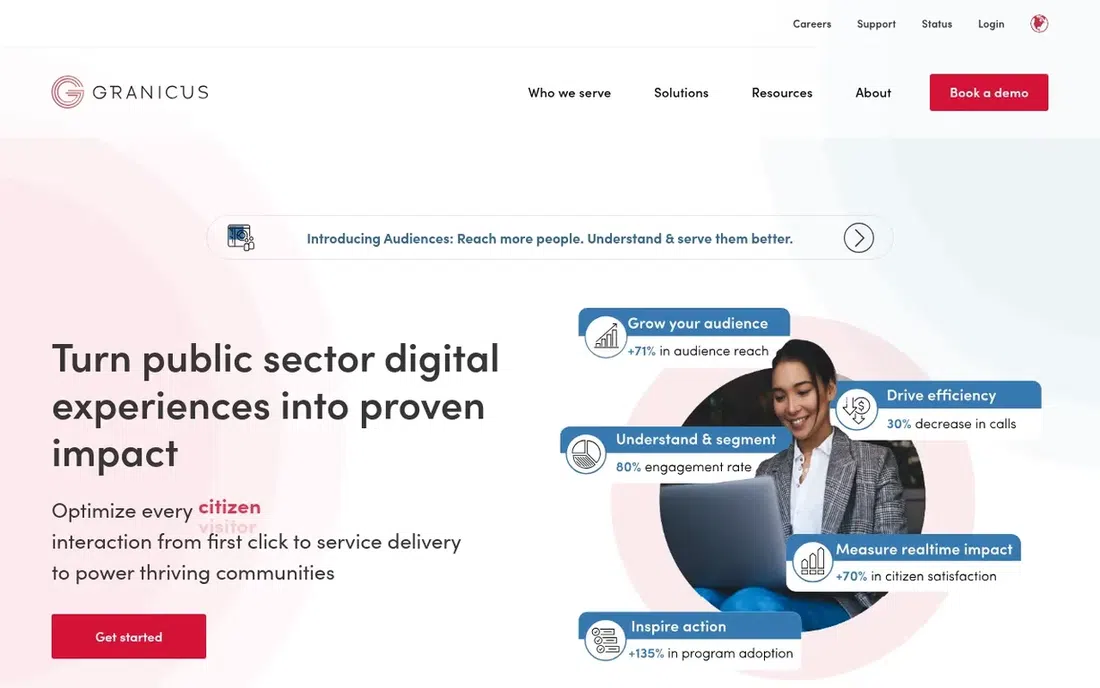
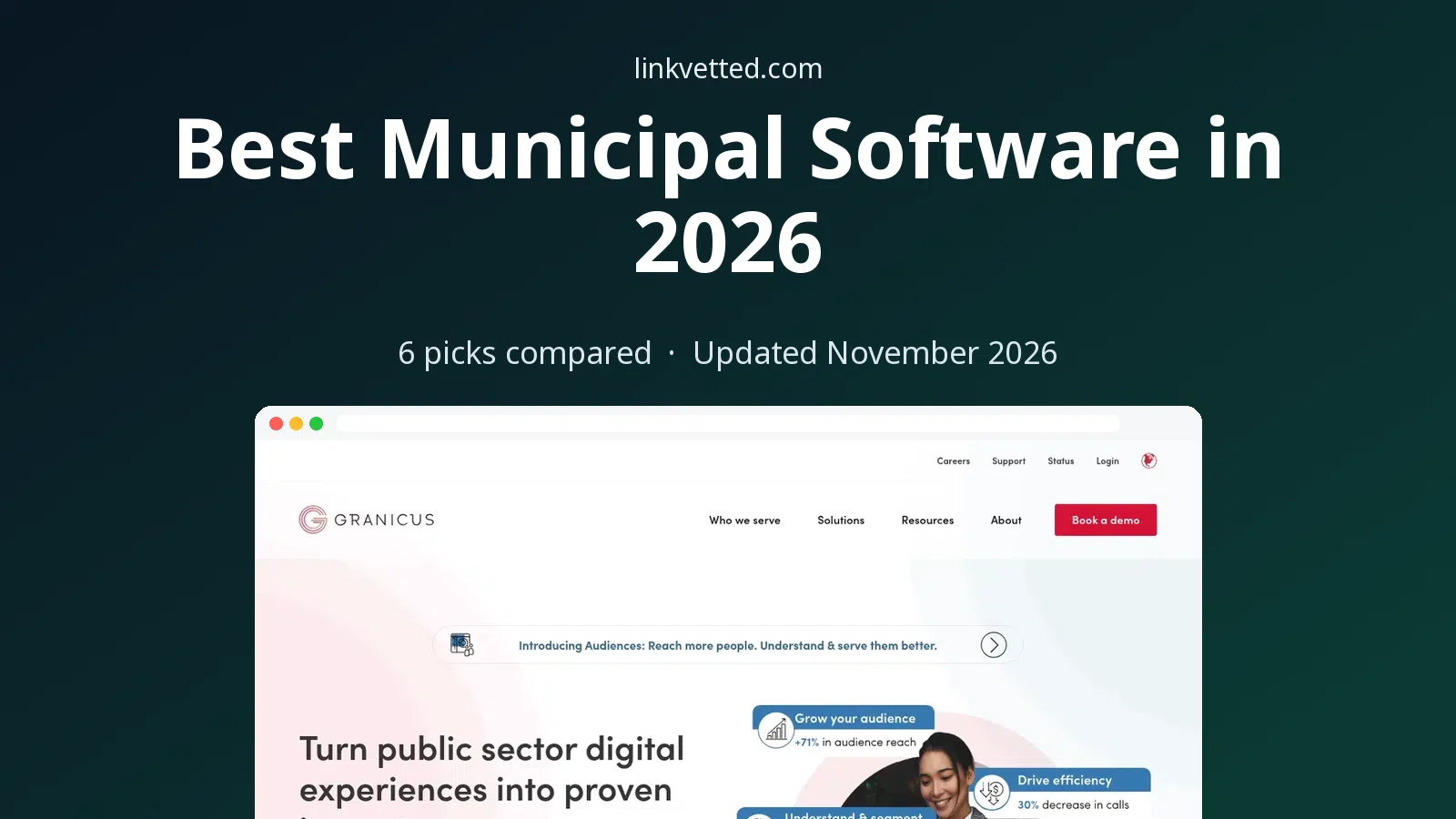
Granicus targets citizen experience and government communications. Granicus positions itself as a citizen experience product for government, centred on transforming how governments serve residents.
It suits municipalities that want to boost digital communication, engagement and the resident-facing side of services. Granicus shows no starting price here, so confirm the cost on the vendor site. Free options: Not stated.
Trade-offs to know: Not a core financial system.
- Centred on the citizen experience
- Links governments with residents
- Value relies on communication goals
Esri ArcGIS
Best for: Municipal mapping and spatial analytics
Esri ArcGIS serves municipal mapping and spatial analytics. Esri ArcGIS is GIS software for mapping and spatial analytics, described by Esri as feature-rich geospatial technology for business and government. ArcGIS is a mapping and analytics system, not an ERP, so it complements instead of replaces administrative systems.
Downsides: Not a finance or HR system.
Agencies with only occasional mapping needs may find lighter tools sufficient; confirm licensing and data integration details with Esri. On top of that, GIS teams and planners are the usual users. This comparison lists no price for Esri ArcGIS; ask the vendor. On free options: Not stated.
- Feature-rich mapping and spatial analytics
- Used for business and government
- Needs GIS skills to use completely
Tyler Technologies Enterprise ERP
Best for: Public-sector ERP for local agencies
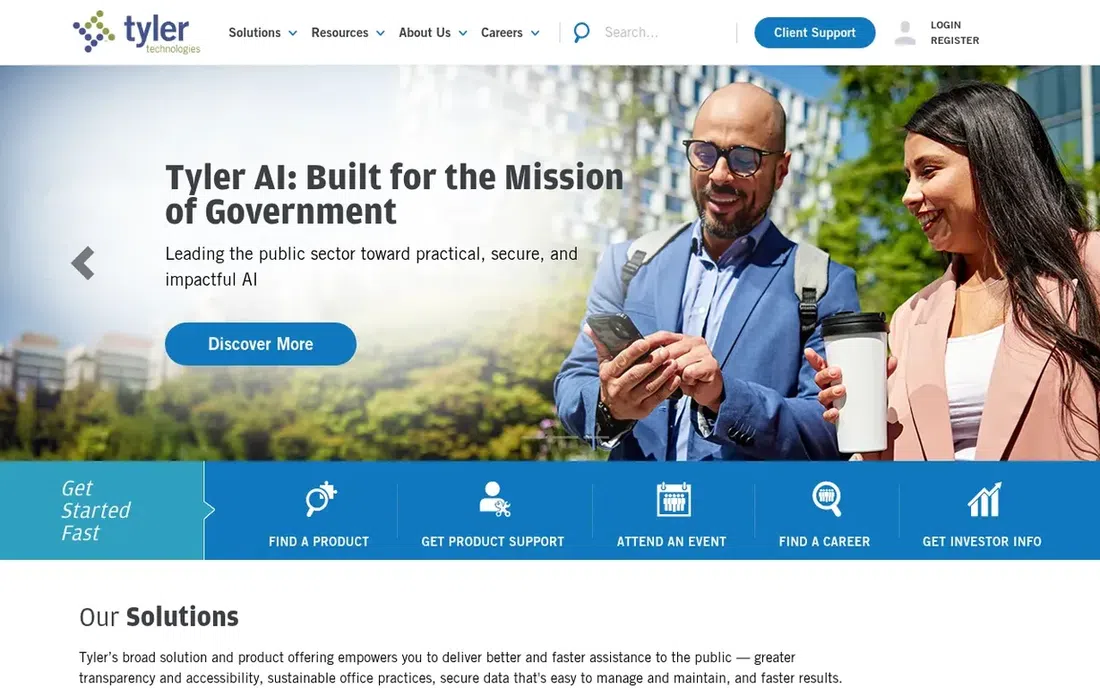
Pick Tyler Technologies Enterprise ERP if this describes you: Public-sector ERP for local agencies. Tyler Technologies Enterprise ERP is a public-sector software suite designed around the needs of state, local and federal government organizations and school districts.
Since the offering is wide, implementation scope and module selection matter a great deal, and a smaller town may find the full suite heavier than it needs. Pricing for Tyler Technologies Enterprise ERP is not stated here, so ask the vendor for current figures. As for free access: Not stated.
Where it is weaker: Fit varies by agency size.
- Also serves school districts
- Includes state
- Wide suites need careful scoping
SAP S/4HANA is designed for large-scale enterprise resource planning. SAP S/4HANA sits within SAP's portfolio of business applications and technology, spanning cloud, system and sustainability options for organizations of different sizes and industries. More specifically, the scale of an implementation can strain smaller IT teams.
Beyond that, agencies with existing SAP investments frequently consider it for continuity. SAP is a general enterprise system instead of a municipal-specific product, so government workflows may require configuration or partner extras. SAP S/4HANA shows no starting price here, so confirm the cost on the vendor site. As for free access: Not stated.
Where it is weaker: General purpose, not municipal-specific.
- Fits complicated organizations
- Cloud and system choices
- Implementation demands significant resources
Accela Civic Platform
Best for: Permitting, licensing and citizen engagement
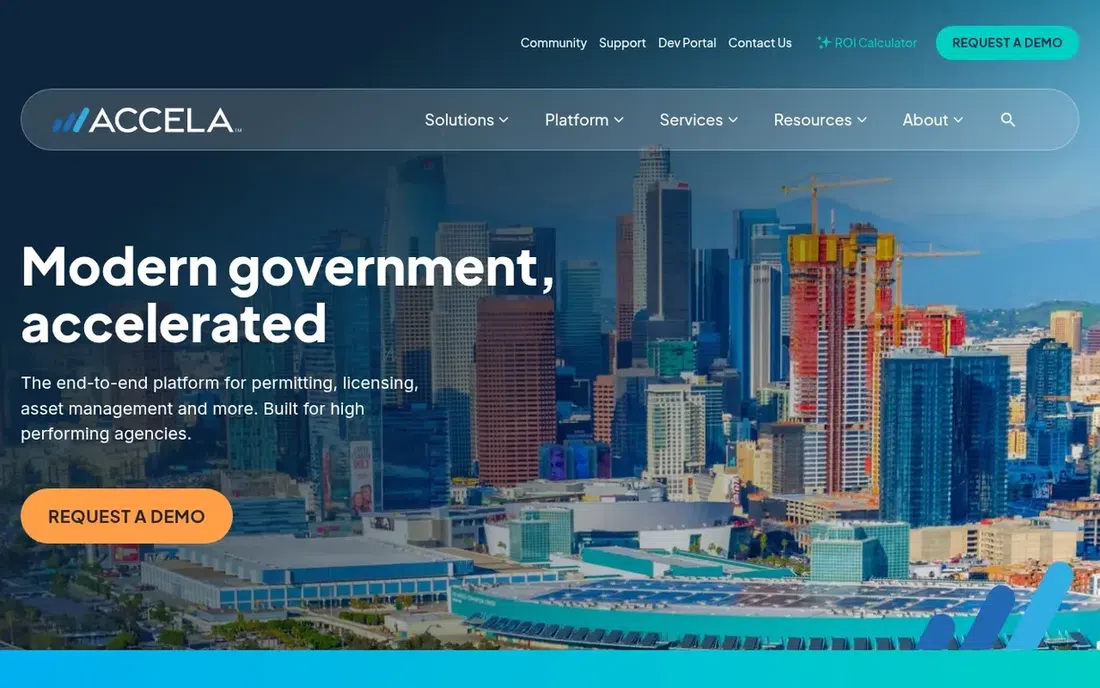
Accela Civic Platform works best for Permitting, licensing and citizen engagement. It suits municipalities that process permits, licenses and inspections and want those workflows in a modern cloud environment.
On top of that, Accela is not a full replacement for finance and HR systems, so agencies needing a complete ERP will pair it with other software. This comparison lists no price for Accela Civic Platform; ask the vendor. As for free access: Not stated.
Where it is weaker: Core strength is permitting and licensing.
- Aims to boost operational efficiency
- Cloud-based delivery
- Deep ERP functions sit elsewhere
How we built this list
LinkVetted looked at what each vendor publishes: pricing, plan limits, feature coverage for municipal software and stated drawbacks. No hands-on testing is claimed. Treat prices as a snapshot: vendors change plans often, so check the vendor site for the figure that applies today. Position on the page reflects fit for a typical buyer first, with price clarity and free access breaking ties. Treat it as a guide, not a ruling.
A buyer's checklist
- Request quotes from Workday, Accela Civic Platform and the others; the list shows no fixed prices.
- Read the limits listed for Workday first: not built solely for government.
- Map your must-have features to a specific Accela Civic Platform plan before you compare prices.
- Ask Tyler Technologies Enterprise ERP which support channels and response times come with the plan you would buy.
- Before you load data into SAP S/4HANA, check what an export looks like and who can run it.
FAQ
What should a municipality look for in software?
Start with the functions you run daily, for example finance, permitting, HR and citizen communications, and check which system includes them natively. Then review integration with existing systems, implementation effort and vendor public-sector experience.
How are the tools for municipal software ordered?
Workday sits first and Accela Civic Platform last because the order follows typical fit for municipal software, then price clarity and free access. It is a judgement call, so read each profile for fit and limits.
Does any tool for municipal software here have a free plan?
A permanent free plan is not offered by Workday, Accela Civic Platform or the other tools here. Plan a short evaluation period instead.
Is an ERP necessary, or can separate tools work?
An ERP like Tyler Technologies Enterprise ERP or SAP S/4HANA can cut duplication for bigger agencies. Smaller municipalities frequently combine focused tools instead.
How does GIS fit with municipal software?
GIS systems like Esri ArcGIS manage mapping and spatial analytics for planning, assets and public works. They complement administrative systems instead of replace them.
Do these tools publish their prices?
No. None of the tools, from Workday to Accela Civic Platform, shows a fixed starting price here, so budget time for quotes.
Sources
- https://www.workday.com
- https://granicus.com
- https://www.esri.com
- https://www.tylertech.com
- https://www.sap.com
- https://www.accela.com