Top 6 IT Management Software for Cleaning Businesses for 2026 (Prices and Free Plans)
Need the best IT management software for cleaning businesses? We compare 6 tools on cost, free access and who each suits. Real limits included. Facts only.
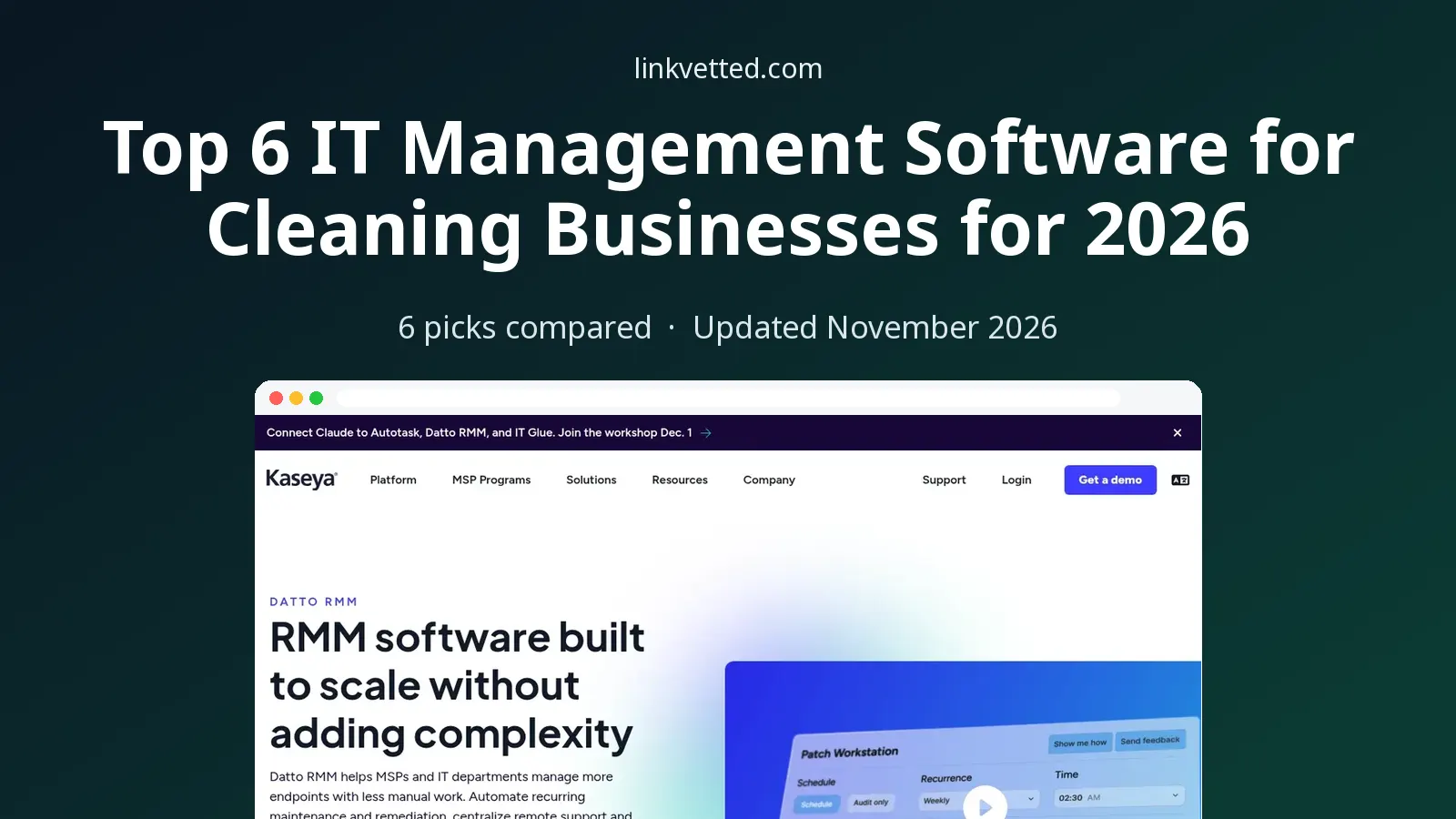
- Editor's choiceKaseya VSA
Managing plenty of endpoints with less manual work
Starts atSee websiteVisit kaseya.comFull review - Great alternativeN-able N-central
Managing complicated endpoint environments at scale
Starts atSee websiteVisit n-able.comFull review - Also consider
 NinjaOne
Unifying endpoint management in one system
Starts at$1.50 per device a monthVisit ninjaone.comFull review
Direct answer
Kaseya VSA comes first here, mainly for managing plenty of endpoints with less manual work. Listed starting prices: NinjaOne from $1.50 per device a month. N-able N-central is better for managing complex endpoint environments at scale, and NinjaOne is better for unifying endpoint management in one product. Details, prices and limits for the rest of the 6 tools are below.
TL;DR:
- The list opens with Kaseya VSA, aimed at managing numerous endpoints with less manual work.
- ConnectWise Automate fits automating routine technical IT work.
- The lowest published monthly entry price here is $1.50 per device per month, from NinjaOne.
- SuperOps comes with a trade-off: newer approach may need evaluation.
Last checked November 2026. Prices and plan details were read from the vendors' own pages in November 2026; vendors change plans often, so confirm the current price on the vendor site before you buy.
Quick comparison
| Tool | Best for | Starts at | Free plan? | |
|---|---|---|---|---|
| Kaseya VSA | Managing plenty of endpoints with less manual work | See website | Not stated | Visit |
| N-able N-central | Managing complicated endpoint environments at scale | See website | Not stated | Visit |
| NinjaOne | Unifying endpoint management in one system | $1.50 per device a month | Free trial | Visit |
| SuperOps | AI-driven autonomous endpoint management | See website | Yes | Visit |
 Action1 | Autonomous patching and vulnerability remediation | See website | Yes | Visit |
| ConnectWise Automate | Automating routine technical IT work | See website | Not stated | Visit |
IT Management Software for Cleaning Businesses, one by one
Short on time? The summary and table above give the quick view of 6 IT management software for cleaning businesses, and the profiles that follow give the detail behind each entry.
Kaseya VSA
Best for: Managing plenty of endpoints with less manual work
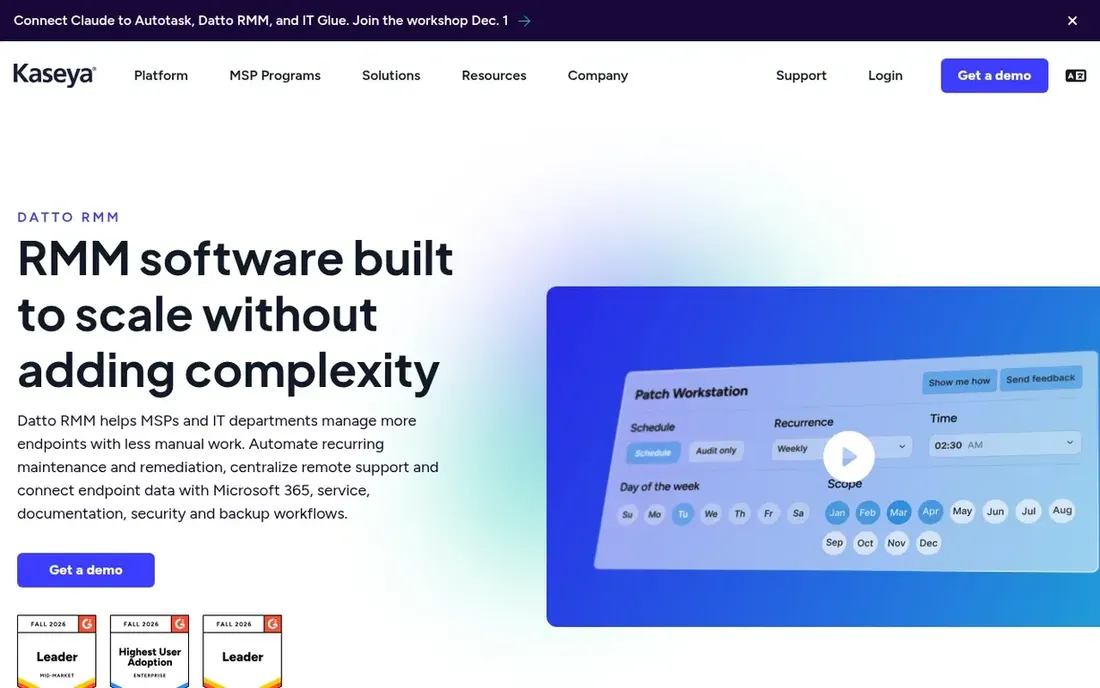
Kaseya VSA is aimed squarely at managing numerous endpoints with less manual work. Cleaning firms with several locations and devices can use it to keep systems consistent without visiting each site.
Watch-outs: Needs planning to configure well.
It automates monitoring, patching, remediation and remote support whereas connecting IT workflows. The breadth of features means setup and continuing administration demand attention, which may be heavy for a very small operation. Kaseya VSA does not show a starting price in this comparison, so check the vendor site for current pricing. Free options: Not stated.
- Automates monitoring and patching
- Links IT workflows
- Feature depth can overwhelm beginners
N-able N-central
Best for: Managing complicated endpoint environments at scale
Think of N-able N-central for managing complex endpoint environments at scale. Administration needs technical familiarity.
If your device estate is modest, a more straightforward system is likely a better match. Pricing for N-able N-central is not stated here, so ask the vendor for current figures. Trial and free access: Not stated.
Drawbacks to consider: Complexity fits bigger environments.
- Aimed at scale
- Unified endpoint management
- Small teams may find it heavy
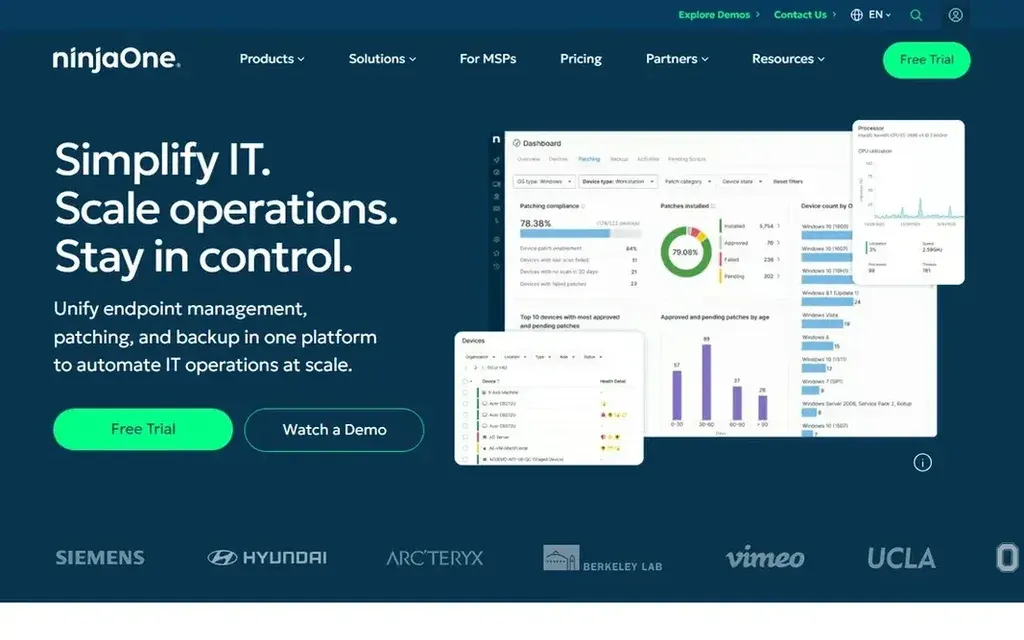
NinjaOne is designed for unifying endpoint management in one system. If you only need patching, a focused tool may be leaner. Worth adding: for a cleaning business, that means one place to monitor office and field devices, apply updates and reach machines remotely.
For everyday use, choose NinjaOne when consolidation across endpoint tasks is the goal. A unified product carries more capability than some small firms will use, and setup still needs planning. NinjaOne cost at the entry level: $1.50 per device per month. As for free access: Free trial.
Honest limits: Wide scope may exceed entry-level needs.
- Backup and remote access included
- Aimed at IT teams and MSPs
- Configuration takes time
SuperOps
Best for: AI-driven autonomous endpoint management
For AI-driven autonomous endpoint management, SuperOps is a natural candidate. Autonomous automation still benefits from human oversight and a clear policy for what agents may change.
What to check first: Newer approach may need evaluation.
Choose SuperOps when reducing manual endpoint work is the priority. Pricing for SuperOps is not stated here, so ask the vendor for current figures. You can start on SuperOps without paying.
- Geared toward IT teams and MSPs
- AI agents patch and fix devices
- Wide automation needs oversight
Action1 serves autonomous patching and vulnerability remediation. For a cleaning business, that means keeping office computers and field devices current with less manual effort.
Choose Action1 when patch discipline is the primary gap. Action1 centers on patching, so companies needing broader endpoint management or remote support may pair it with other tools. Pricing for Action1 is not stated here, so ask the vendor for current figures. Free access exists with Action1.
Watch-outs: Narrower than full IT operations suites.
- Pre-tested OS and external patches
- Cloud-native system
- Focus is patching instead of wide management
ConnectWise Automate
Best for: Automating routine technical IT work
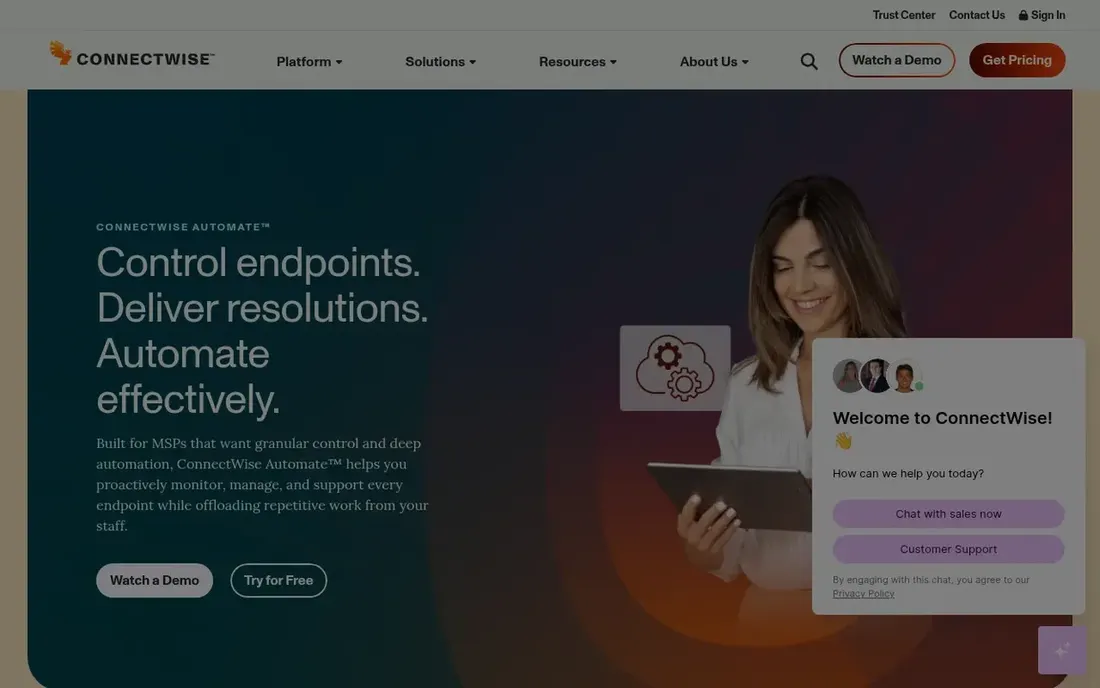
Where ConnectWise Automate fits: automating routine technical IT work. For a cleaning business with expanding device fleets, it centralizes monitoring and routine maintenance so staff spend less time on manual tasks.
Watch-outs: Can be complex for small teams.
The product is oriented toward IT professionals, so a small cleaning company without technical staff may find the ramp-up time steep. Also, if you primarily need straightforward patching, a lighter patch-focused tool could be simpler to adopt. No starting price is listed for ConnectWise Automate here; confirm pricing on the vendor site. On free options: Not stated.
- Remote monitoring and management focus
- Pitched at improving IT efficiency
- Setup effort may be significant
How we chose
LinkVetted looked at what each vendor publishes: pricing, plan limits, feature coverage for IT management software for cleaning businesses and stated drawbacks. No hands-on testing is claimed. Treat prices as a snapshot: vendors change plans often, so check the vendor site for the figure that applies today. The sequence is a judgement call: typical use case first, then pricing transparency, then free access. Use the profiles to check fit.
What to confirm before you sign up
- Confirm the entry price on the vendor page. For Kaseya VSA, N-able N-central, SuperOps and others that means a quote rather than a fixed price.
- Read the fine print on the free plans from SuperOps and Action1; seat, project and feature caps differ.
- Run a trial of NinjaOne with real work before paying for a year; your own workflow is the best test.
- Read the limits listed for Kaseya VSA first: feature depth can overwhelm beginners.
- Let daily users try NinjaOne on real work; their feedback beats any feature checklist.
- See whether ConnectWise Automate offers onboarding or training, and whether it is included in the price.
FAQ
Do these tools publish their prices?
Not all of them. Kaseya VSA, N-able N-central, SuperOps and others publish no starting price, so expect a quote request for those. The rest, NinjaOne included, show a starting price, though seats and billing terms still change the final cost.
Can I try these tools before paying?
Often, yes. SuperOps and Action1 have a free plan and NinjaOne offers a free trial. Use your own data and a real task during the test, and check what the free tier or trial limits before you rely on it.
Is Kaseya VSA the right pick for everyone comparing IT management software for cleaning businesses?
No single tool suits every team. Kaseya VSA comes first because it fits managing many endpoints with less manual work, while N-able N-central suits managing complex endpoint environments at scale and NinjaOne suits unifying endpoint management in one platform. Match the tool to your own size, budget and workflow before deciding.
Why would a cleaning business need IT management software?
Cleaning businesses commonly rely on scheduling systems, mobile devices for field staff and office computers across several locations. IT management software helps keep those endpoints monitored, patched and reachable remotely, reducing downtime that interrupts service delivery.
How are the tools for IT management software for cleaning businesses ordered?
The order follows typical fit for IT management software for cleaning businesses, with Kaseya VSA first and ConnectWise Automate last, then price clarity and free access. It is editorial judgement, not a score, so another team could rank the tools differently.
Can a small cleaning company use these systems without in-house IT staff?
A small business without IT staff often works with a managed service provider or chooses a more straightforward, patch-focused choice. Confirm setup and support expectations with each vendor.
Sources
- https://www.kaseya.com/products/vsa
- https://www.n-able.com/products/n-central
- https://www.ninjaone.com
- https://superops.com
- https://www.action1.com
- https://www.connectwise.com/platform/automate