Top 6 HR Software for Plumbers for 2026 (Prices and Free Plans)
Need the best HR software for plumbers? We compare 6 tools on cost, free access and who each suits. Every entry states what it lacks. Full profiles inside.
- Editor's choice
 Homebase
Hourly teams needing scheduling and time clocks
Starts at$30 per location a monthVisit joinhomebase.comFull review - Great alternative
 ADP Workforce Now
Expanding plumbing teams needing all-in-one HR
Starts atSee websiteVisit adp.comFull review - Also consider
 Rippling
Unified HR, IT and finance operations
Starts at$8 per employee a monthVisit rippling.comFull review
Direct answer
This list puts Homebase first for hourly teams needing scheduling and time clocks. Listed starting prices: Homebase from $30 per location a month, Rippling from $8 per employee a month and BambooHR from $10 per employee a month. ADP Workforce Now fits growing plumbing teams needing all-in-one HR; Rippling fits unified HR, IT and finance operations. Details, prices and limits for the rest of the 6 tools are below.
TL;DR:
- The list opens with Homebase, aimed at hourly teams needing scheduling and time clocks.
- Starting prices begin at $8 per employee per month with Rippling.
- Check the limits for Homebase before you commit: HR features may be restricted for salaried staff.
- For plumbers already using QuickBooks accounting, QuickBooks Payroll is worth a look.
Last checked November 2026. Prices and plan details were read from the vendors' own pages in November 2026; vendors change plans often, so confirm the current price on the vendor site before you buy.
Quick comparison
| Tool | Best for | Starts at | Free plan? | |
|---|---|---|---|---|
| Homebase | Hourly teams needing scheduling and time clocks | $30 per location a month | Yes | Visit |
| ADP Workforce Now | Expanding plumbing teams needing all-in-one HR | See website | Not stated | Visit |
| Rippling | Unified HR, IT and finance operations | $8 per employee a month | Not stated | Visit |
 Zenefits | HR, payroll and benefits via TriNet | See website | Not stated | Visit |
 BambooHR | Hire-to-retire HR with payroll and benefits | $10 per employee a month | No | Visit |
 QuickBooks Payroll | Plumbers already using QuickBooks accounting | $11.40 a month | Free trial | Visit |
HR Software for Plumbers compared in detail
This LinkVetted guide covers 6 HR software for plumbers. Each profile lists a starting price, free plan details, strengths and drawbacks, so you can drop poor fits quickly.
Homebase was built for hourly teams needing scheduling and time clocks. The product is oriented toward hourly teams, so firms with many salaried or office employees may find HR features less full.
Honest limits: Payroll extras may be needed.
It suits small firms that handle hourly staff and want a simple app for daily operations. The starting price for Homebase: $30 per location per month. A free plan is available with Homebase.
- Made for hourly teams
- Hiring tools in the same app
- HR features may be restricted for salaried staff
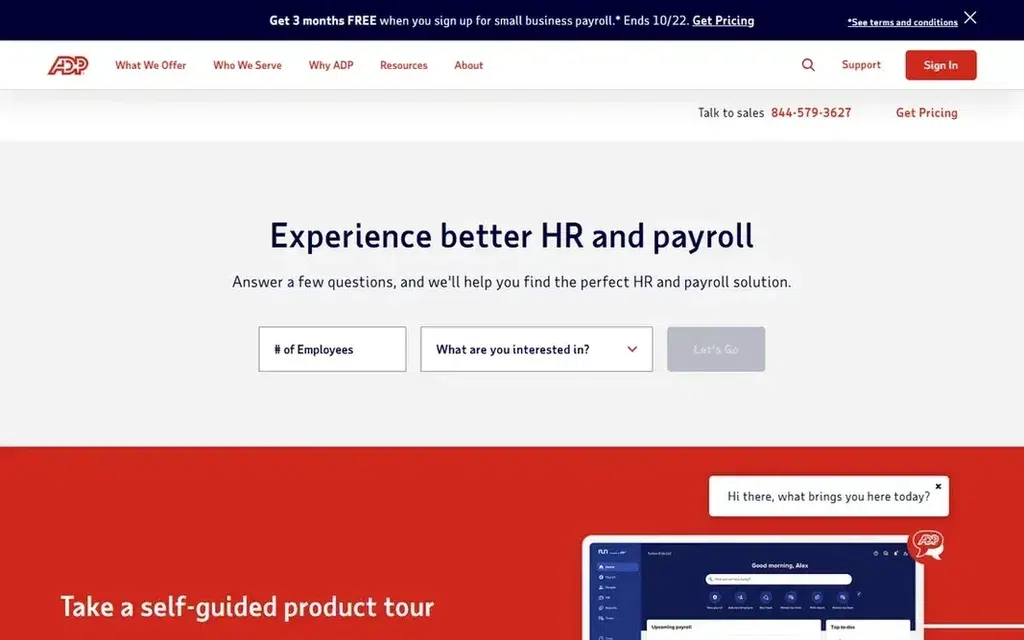
Think of ADP Workforce Now for expanding plumbing teams needing all-in-one HR. Check the vendor page for current capabilities.
Where it is weaker: May be more than small crews need.
Also, the breadth of features can be more than a small plumbing shop needs, and implementation may take more effort than more straightforward payroll tools. On top of that, businesses with office managers handling HR tasks may find the centralized approach useful. ADP Workforce Now shows no starting price here, so confirm the cost on the vendor site. Free options: Not stated.
- Expert support included
- All-in-one payroll and HR product
- Setup can need more time
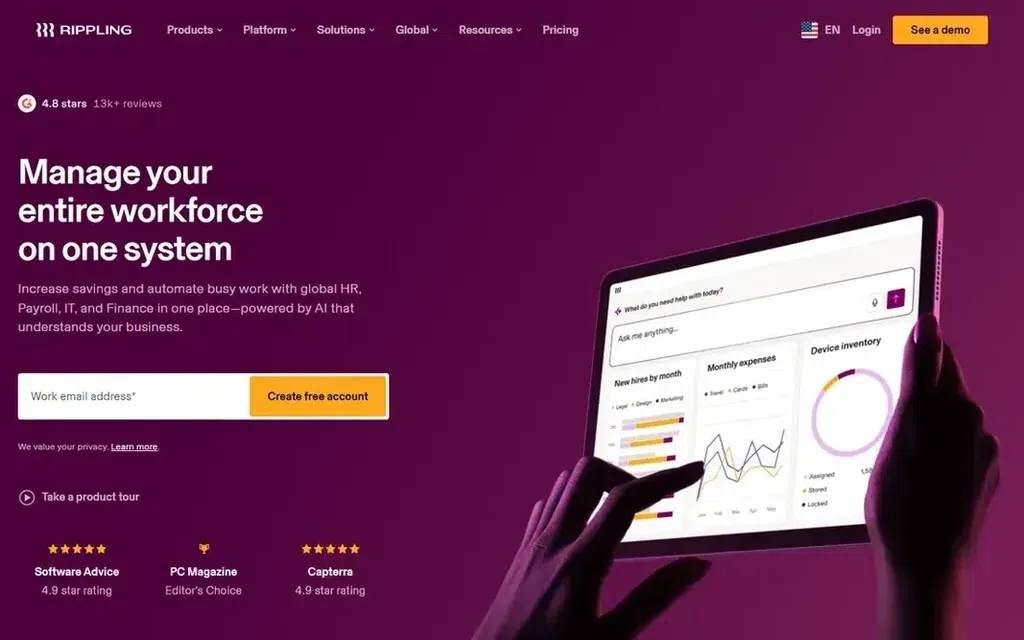
Where Rippling fits: unified HR, IT and finance operations. Rippling presents itself as a workforce management system that merges HR, IT and Finance apps on a unified data system.
Trade-offs to know: May be complicated for payroll-only needs.
What users get: IT and finance apps.
For plumbing firms with device management and several systems, this consolidation can cut friction. On cost, Rippling starts like this: $8 per employee per month. As for free access: Not stated.
- Wide workforce management scope
- Merges HR
- Feature set goes beyond usual plumbing HR
Choose Zenefits for HR, payroll and benefits via TriNet. The combined offering may be more than a small plumbing business needs, and the branding transition could need careful review of current services.
Zenefits is presented under TriNet, supplying HR options including payroll, benefits, risk management and compliance in one place. As for the details, plumbing businesses looking for a combined HR and benefits offering may find this approach handy. Zenefits shows no starting price here, so confirm the cost on the vendor site. Free access: Not stated.
Drawbacks to consider: May be more than small shops need.
- Risk management included
- Benefits and compliance support
- Brand transition may confuse buyers
In short, BambooHR is for hire-to-retire HR with payroll and benefits. BambooHR is described as complete HR software for people, payroll and benefits, pitched at simplifying HR from hire to retire. Plumbing companies that want to centralize employee records, time off and benefits alongside payroll may find it a solid fit.
Strengths: Eases HR administration.
What to check first: Focus is HR instead of field scheduling. Its strength is HR administration instead of field scheduling or job tracking, so plumbing crews needing time clocks may pair it with another tool. From a buyer's view, Payroll coverage can vary by location, so confirm availability. Beyond that, consider a payroll-first tool if HR administration is not a priority. Entry price for BambooHR: $10 per employee per month. BambooHR has no free tier.
- Spans hire-to-retire HR tasks
- Comes with payroll and benefits
- Payroll may not suit every state or setup
QuickBooks Payroll
Best for: Plumbers already using QuickBooks accounting
QuickBooks Payroll serves plumbers already using QuickBooks accounting. QuickBooks Payroll is a payroll service designed for small firms, with tools to simplify pay runs and tax tasks. In practice, for plumbing businesses that already use QuickBooks for invoicing and bookkeeping, it keeps payroll data close to the accounting records.
Where QuickBooks Payroll stands out: Automated payroll and tax tools.
Its focus is payroll instead of wide HR administration, so scheduling, time clocks and benefits management may need other tools. More specifically, confirm current features and setup details on the vendor site. In practice, if you need an all-in-one HR system, consider a dedicated HR system instead. The starting price for QuickBooks Payroll: $11.40 per month. On free options: Free trial.
Honest limits: Best value within the QuickBooks ecosystem.
- Tight integration with QuickBooks
- Familiar interface for accounting users
- Restricted HR features beyond payroll
What went into this list
Selection started from tools commonly considered for HR software for plumbers, then narrowed to 6 that have clear pricing information or a clear quote process. Treat prices as a snapshot: vendors change plans often, so check the vendor site for the figure that applies today. We ordered the tools by general fit, then by how clearly pricing is shown, then by free access. A buyer with unusual needs may reorder them.
What to check before you buy
- Confirm the entry price on the vendor page. For ADP Workforce Now and Zenefits that means a quote rather than a fixed price.
- Look at the free plan from Homebase closely: its caps decide whether it is usable for real work.
- Take the trial from QuickBooks Payroll and push a live task through it before you pay.
- Read the limits listed for Homebase first: HR features may be restricted for salaried staff.
- Confirm you can export your data from Homebase, so leaving later does not mean losing records.
- Ask BambooHR whether prices are locked for the first term and what happens at renewal.
FAQ
Do these tools publish their prices?
Not all of them. ADP Workforce Now and Zenefits publish no starting price, so expect a quote request for those. The rest, Homebase included, show a starting price, though seats and billing terms still change the final cost.
How do I choose between an all-in-one HR suite and a specialized payroll tool?
If payroll is your central pain point and you already have scheduling handled, a specialized payroll tool can be more straightforward. Match the choice to your team size and administrative capacity.
How are the tools for HR software for plumbers ordered?
Homebase sits first and QuickBooks Payroll last because the order follows typical fit for HR software for plumbers, then price clarity and free access. It is a judgement call, so read each profile for fit and limits.
What should a plumbing business look for in HR software?
Consider whether you need an all-in-one HR suite or a payroll-focused tool. Also check integration with any accounting or payment systems you already use.
Is Homebase the right pick for everyone comparing HR software for plumbers?
No single tool suits every team. Homebase comes first because it fits hourly teams needing scheduling and time clocks, while ADP Workforce Now suits growing plumbing teams needing all-in-one HR and Rippling suits unified HR, IT and finance operations. Match the tool to your own size, budget and workflow before deciding.
Can I try these tools before paying?
Often, yes. Homebase has a free plan and QuickBooks Payroll offers a free trial. Use your own data and a real task during the test, and check what the free tier or trial limits before you rely on it.
Sources
- https://www.joinhomebase.com
- https://www.adp.com/what-we-offer/products/adp-workforce-now.aspx
- https://www.rippling.com
- https://www.zenefits.com
- https://www.bamboohr.com
- https://quickbooks.intuit.com/payroll