Best IT Management Software for Government Contractors (2026): 6 Picks Checked on Vendor Pages
Best IT management software for government contractors: 6 tools compared on price, free plans and fit. Caveats come with every verdict. Updated November 2026.
- Editor's choiceMicrosoft System Center Configuration Manager
Large-scale Windows endpoint management
Starts atSee websiteVisit microsoft.comFull review - Great alternative
 SolarWinds Network Performance Monitor
Network visibility and troubleshooting
Starts atSee websiteVisit solarwinds.comFull review - Also consider
 NinjaOne
Unified IT operations for lean teams
Starts at$1.50 per device a monthVisit ninjaone.comFull review
Direct answer
If you need large-scale Windows endpoint management, Microsoft System Center Configuration Manager is the first tool to look at here. Listed starting prices: NinjaOne from $1.50 per device a month. SolarWinds Network Performance Monitor fits Network visibility and troubleshooting; NinjaOne fits unified IT operations for lean teams. The remaining 3 options are covered below with prices and limits.
TL;DR:
- Microsoft System Center Configuration Manager is the opening pick, best for large-scale Windows endpoint management.
- NinjaOne is the lowest-priced starter here at $1.50 per device per month.
- What to know about SolarWinds Network Performance Monitor first: concentrated on network performance.
- ManageEngine Endpoint Central suits unified endpoint management and security.
- A permanent free plan is missing from all 6 tools, Microsoft System Center Configuration Manager and ManageEngine Endpoint Central included; plan for a trial or a premium start.
Last checked November 2026. Prices and plan details were read from the vendors' own pages in November 2026; vendors change plans often, so confirm the current price on the vendor site before you buy.
Quick comparison
| Tool | Best for | Starts at | Free plan? | |
|---|---|---|---|---|
| Microsoft System Center Configuration Manager | Large-scale Windows endpoint management | See website | Not stated | Visit |
| SolarWinds Network Performance Monitor | Network visibility and troubleshooting | See website | Not stated | Visit |
| NinjaOne | Unified IT operations for lean teams | $1.50 per device a month | Free trial | Visit |
 ServiceNow | Enterprise workflow and compliance | See website | Not stated | Visit |
| ConnectWise Automate | Automating technical IT work | See website | Not stated | Visit |
 ManageEngine Endpoint Central | Unified endpoint management and security | See website | Not stated | Visit |
Our 6 IT management software for government contractors
This LinkVetted guide covers 6 IT management software for government contractors. Each profile lists a starting price, free plan details, strengths and drawbacks, so you can drop poor fits quickly.
Microsoft System Center Configuration Manager
Best for: Large-scale Windows endpoint management
Pick Microsoft System Center Configuration Manager if this describes you: large-scale Windows endpoint management. Microsoft System Center Configuration Manager is documented by Microsoft for managing Windows endpoints at scale. From a buyer's view, consider it when deep Windows management and Microsoft integration are central requirements.
The product is well established in enterprise IT and connects with Microsoft management tools. It is primarily centred on Windows and can need significant setup and administration effort. No starting price is listed for Microsoft System Center Configuration Manager here; confirm pricing on the vendor site. Free options: Not stated.
Honest limits: Primarily Windows-centric.
- Official Microsoft documentation
- Supports patching and deployment
- Needs significant setup effort
SolarWinds Network Performance Monitor
Best for: Network visibility and troubleshooting
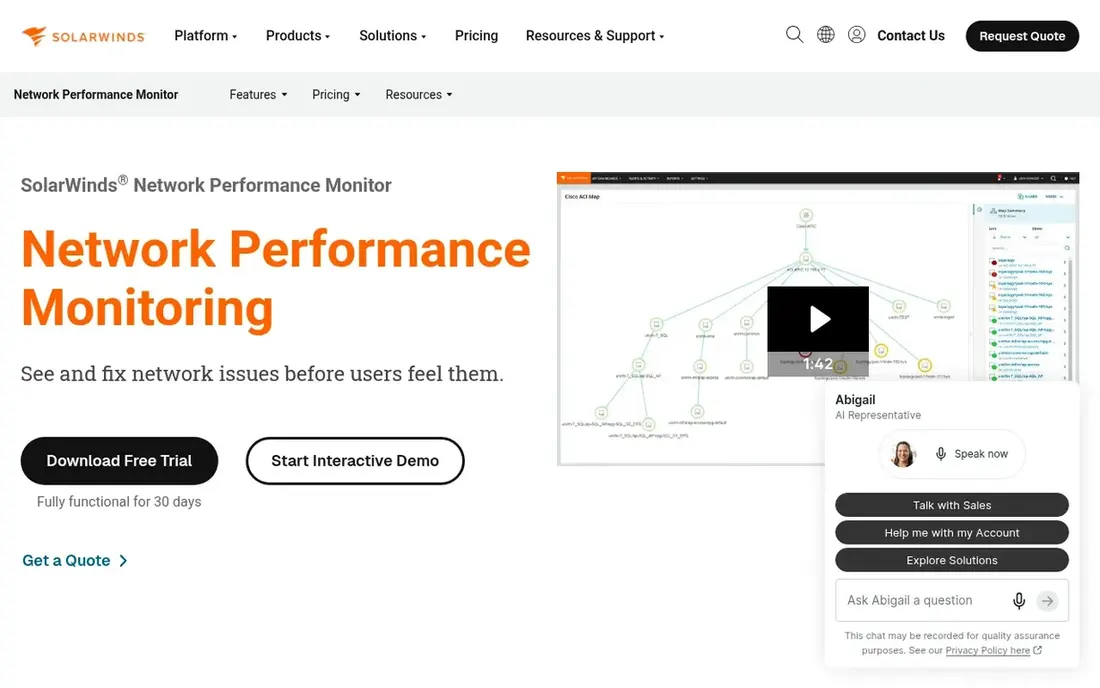
Where SolarWinds Network Performance Monitor fits: Network visibility and troubleshooting. SolarWinds Network Performance Monitor is a self-hosted observability tool for troubleshooting network health and performance. It gives you visibility and control across hybrid IT environments, making it a fit for contractors that require to monitor network efficiency and detect issues rapidly.
It is not a full endpoint management or service desk product, so it performs best alongside other IT management tools. Contractors without the infrastructure or staff to host monitoring may prefer a cloud-based alternative. Worth adding: choose it when network performance is the central concern. SolarWinds Network Performance Monitor does not show a starting price in this comparison, so check the vendor site for current pricing. On free options: Not stated.
Limits to weigh: Concentrated on network performance.
- Self-hosted observability
- Hybrid IT environment control
- Needs infrastructure to host
NinjaOne is aimed squarely at unified IT operations for lean teams. NinjaOne is a unified IT operations system for endpoint management, autonomous patching, backup, and remote access. As for the details, the system is positioned for IT teams and MSPs worldwide.
Also, choose it when unified endpoint operations and remote access are the core requirements. Beyond that, contractors with complicated enterprise workflow needs may need a broader system. NinjaOne pricing: $1.50 per device per month. Free options: Free trial.
Where it is weaker: Feature set may exceed small team needs.
- Unified endpoint management
- Autonomous patching and backup
- May lack deep network monitoring
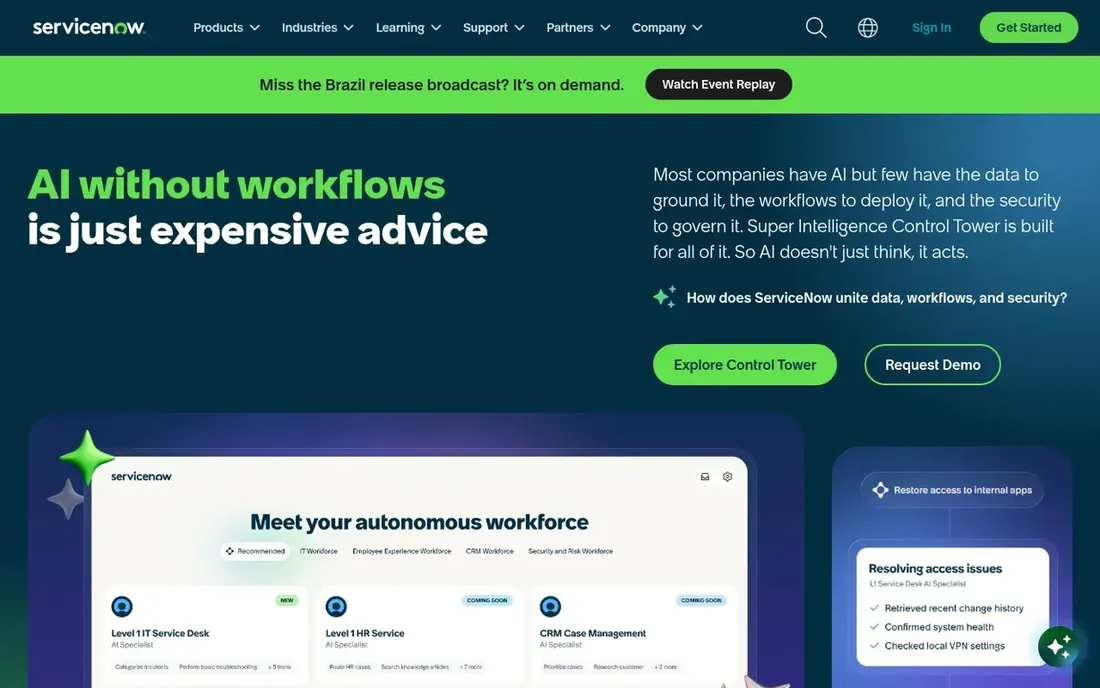
Pick ServiceNow if this describes you: enterprise workflow and compliance. Consider it when enterprise-wide workflow and compliance coordination are priorities.
As for the details, ServiceNow is an AI product built to simplify enterprise workflows across customers and employees. In daily use, the product emphasizes automation and visibility in every corner of the business, which can help align IT operations with contractual obligations. This comparison lists no price for ServiceNow; ask the vendor. Free options: Not stated.
Where it falls short: Can be complicated to configure.
- AI system for enterprise workflows
- Supports customer and employee processes
- May need dedicated administration
ConnectWise Automate
Best for: Automating technical IT work
For automating technical IT work, ConnectWise Automate is a natural candidate. ConnectWise Automate is remote monitoring and management software that automates technical work to boost IT team efficiency.
Limits to weigh: Automation setup can be complicated.
Consider it when automation and efficiency gains are the primary goals. ConnectWise Automate shows no starting price here, so confirm the cost on the vendor site. Trial and free access: Not stated.
- Remote monitoring and management focus
- Aims to boost team efficiency
- May suit managed service providers more than in-house teams
ManageEngine Endpoint Central
Best for: Unified endpoint management and security
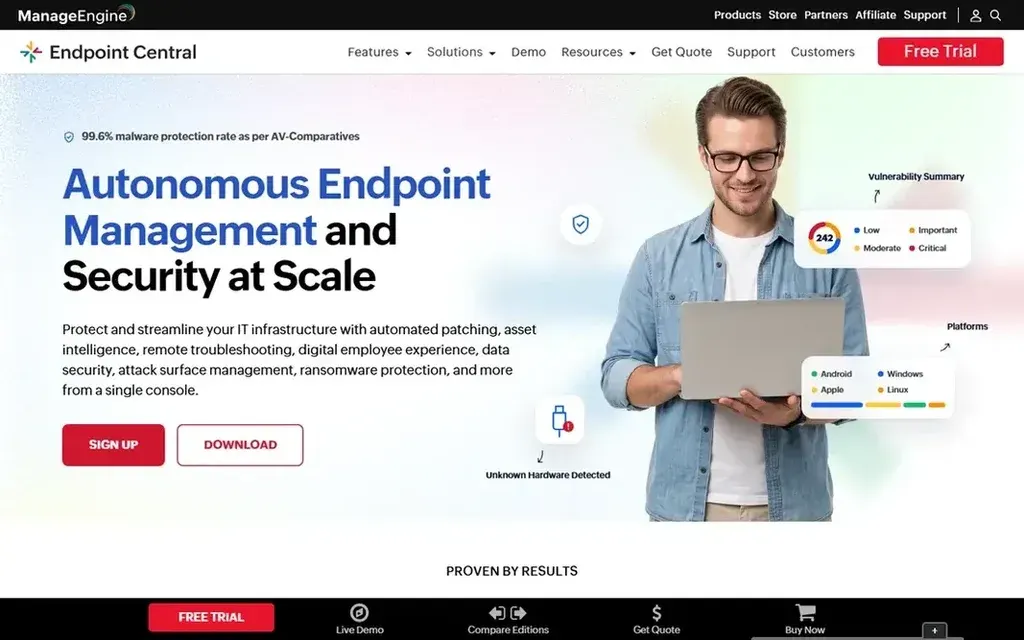
ManageEngine Endpoint Central makes the most sense for unified endpoint management and security. Contractors seeking only remote monitoring may find it broader than necessary. It is a solid fit when endpoint security and management are combined priorities.
More specifically, ManageEngine Endpoint Central is a unified endpoint management and security option for servers, desktops, laptops, and mobile devices. More specifically, the breadth of features can mean a ramp-up time, and very small teams may not use all capabilities. Check the vendor site for ManageEngine Endpoint Central pricing; none is listed in this comparison. Trial and free access: Not stated.
The main drawbacks: Can be complicated for very small teams.
Best features of ManageEngine Endpoint Central: Handles servers, desktops, laptops.
- Centralized security controls
- Unified management console
- Feature depth may need training
How we chose
For each of the 6 tools we noted price, free plan or trial, fit for IT management software for government contractors and the main limit, using vendor pages and documentation. Prices and plan limits come from vendor pages and can change, so confirm them on the vendor site before you buy. The sequence is a judgement call: typical use case first, then pricing transparency, then free access. Use the profiles to check fit.
Pre-purchase checklist
- Confirm the entry price on the vendor page. For Microsoft System Center Configuration Manager, SolarWinds Network Performance Monitor, ServiceNow and others that means a quote rather than a fixed price.
- Use real work to test the free trial from NinjaOne, rather than a demo project.
- Before choosing Microsoft System Center Configuration Manager, weigh its main limit: primarily Windows-centric.
- Work out what ConnectWise Automate costs with your real seat count, add-ons and usage, not just the entry price.
- Confirm minimum seats and billing terms with ManageEngine Endpoint Central before you commit to an annual plan.
FAQ
Is ServiceNow suitable for smaller government contractors?
ServiceNow is made for enterprise workflows and may be more than smaller contractors need. Smaller teams might prefer a more narrowly focused endpoint tool.
Can I try these tools before paying?
Often, yes. NinjaOne offers a free trial. Use your own data and a real task during the test, and check what the free tier or trial limits before you rely on it. All 6 picks in this IT management software for government contractors comparison list a starting price, free plan details and the main limits on their cards above.
How are the tools for IT management software for government contractors ordered?
Microsoft System Center Configuration Manager sits first and ManageEngine Endpoint Central last because the order follows typical fit for IT management software for government contractors, then price clarity and free access. It is a judgement call, so read each profile for fit and limits.
What is the cheapest option for IT management software for government contractors in this list?
On published monthly entry prices, NinjaOne is the lowest here at $1.50 per device per month. Entry price is only part of the cost, because seats, add-ons and billing terms can change the total. For the full picture, the cards above cover all 6 entries of this IT management software for government contractors list, including price, free plan and limits.
Is Microsoft System Center Configuration Manager the right pick for everyone comparing IT management software for government contractors?
No single tool suits every team. Microsoft System Center Configuration Manager comes first because it fits large-scale Windows endpoint management, while SolarWinds Network Performance Monitor suits Network visibility and troubleshooting and NinjaOne suits unified IT operations for lean teams. Match the tool to your own size, budget and workflow before deciding.
Sources
- https://www.microsoft.com/en-us/cloud-platform/system-center-configuration-manager
- https://www.solarwinds.com/network-performance-monitor
- https://www.ninjaone.com
- https://www.servicenow.com
- https://www.connectwise.com/platform/automate
- https://www.manageengine.com/products/desktop-central