Choosing Password Manager for Plumbers in 2026: 6 Options Compared
6 best Password manager for plumbers, with entry costs, free tiers and the buyer each one serves. Price notes and drawbacks come with each one. Prices checked.
- Editor's choiceKeePassXC
Offline, locally stored credential vaults
Starts atSee websiteVisit keepassxc.orgFull review - Great alternative
 Dashlane
Credential security across business and personal use
Starts at$4 per user a monthVisit dashlane.comFull review - Also consider
 Bitwarden
Open source adaptability for small crews
Starts at$1.65 per monthVisit bitwarden.comFull review
Direct answer
This list puts KeePassXC first for offline, locally stored credential vaults. Listed starting prices: Dashlane from $4 per user a month and Bitwarden from $1.65 per month. For a different need, Dashlane covers credential security across business and personal use and Bitwarden covers open source adaptability for small crews. The remaining 3 options are covered below with prices and limits.
TL;DR:
- Number one here is KeePassXC, a fit for offline, locally stored credential vaults.
- LastPass fits visibility into shadow IT and AI tools.
- Only Bitwarden offers a free plan among these 6 tools.
- Bitwarden is the lowest-priced starter here at $1.65 per month.
Last checked November 2026. Prices and plan details were read from the vendors' own pages in November 2026; vendors change plans often, so confirm the current price on the vendor site before you buy.
Quick comparison
| Tool | Best for | Starts at | Free plan? | |
|---|---|---|---|---|
| KeePassXC | Offline, locally stored credential vaults | See website | Not stated | Visit |
| Dashlane | Credential security across business and personal use | $4 per user a month | Free trial | Visit |
| Bitwarden | Open source adaptability for small crews | $1.65 per month | Yes | Visit |
| Password Depot | On-premises control for business teams | See website | Not stated | Visit |
 1Password | Expanding plumbing teams needing shared vaults | See website | Not stated | Visit |
 LastPass | Visibility into shadow IT and AI tools | See website | Free trial | Visit |
Password Manager for Plumbers profiles
LinkVetted put together this guide to Password manager for plumbers for readers who want a clear shortlist without reading every vendor page. It compares 6 tools on starting price, free plans, who each one suits and where each one falls short.
KeePassXC
Best for: Offline, locally stored credential vaults
KeePassXC targets offline, locally stored credential vaults. KeePassXC is an open source password manager that keeps credentials in a local encrypted database instead of relying on a vendor cloud.
Where it is weaker: Sharing across a crew is manual.
There is no built-in cloud sync, so sharing credentials with office staff means passing the database file around or syncing it yourself, which brings risk if done carelessly. In daily use, choose a hosted manager if simple team sharing is essential. This comparison lists no price for KeePassXC; ask the vendor. Free plan details: Not stated.
- Cross-platform desktop use
- Local vault storage
- No built-in cloud sync
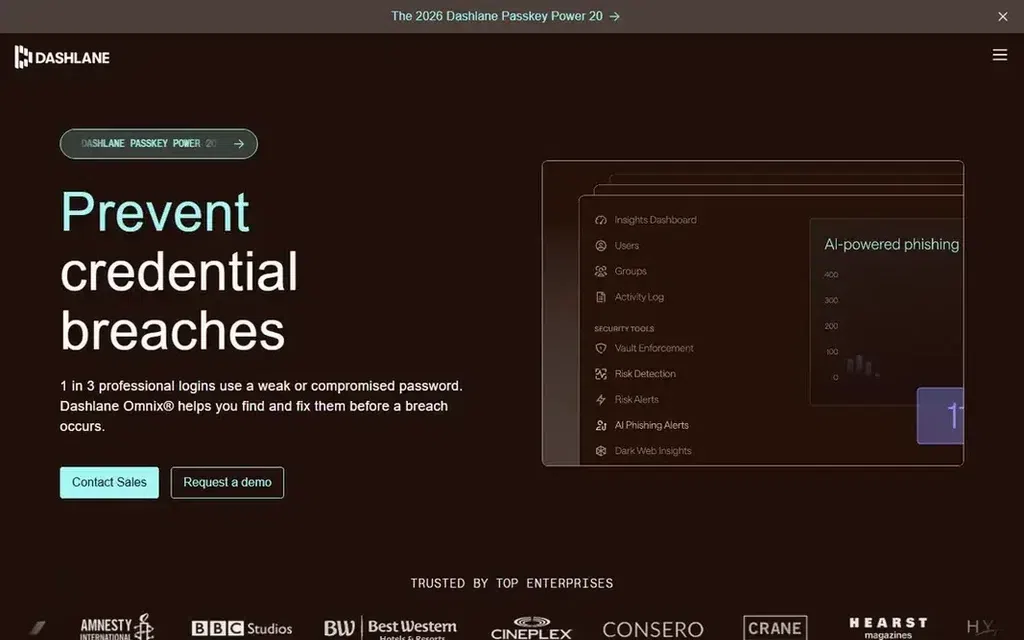
Pick Dashlane if this describes you: credential security across business and personal use. If you want open source transparency instead, look at Bitwarden.
Worth adding: a plumbing company that wants a single security-minded home for logins across office and field devices can use it for both work and personal credentials. Since Dashlane speaks to everyone from individuals to enterprises, some capabilities are targeted at bigger organizations and may be unnecessary for a small crew. The starting price for Dashlane: $4 per user per month. On free options: Free trial.
Where it falls short: Enterprise angle may feel heavy.
- Business-oriented security product
- Credential protection focus
- Feature set varies by audience
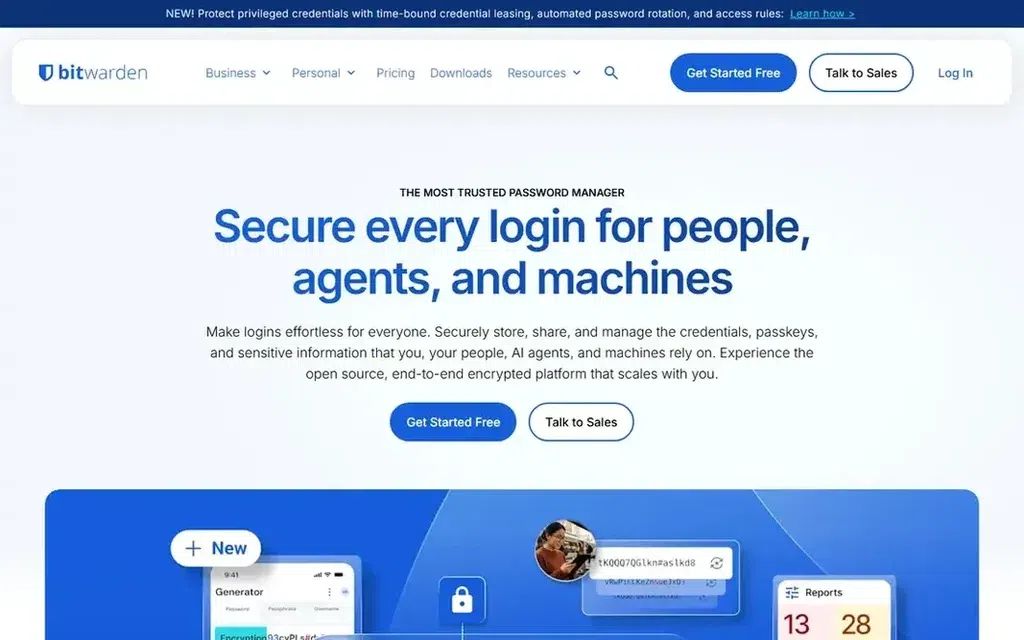
In short, Bitwarden is for open source flexibility for small crews. If you prefer a guided experience, compare 1Password or Dashlane instead. Worth adding: Bitwarden is an open source password manager for individuals, teams, and enterprises, storing passwords, passkeys, and secrets with sharing and management built in.
On top of that, the interface leans functional instead of refined, and organizing shared items for a team can take some research. It is a solid fit when openness and flexibility matter more than hand-holding. What you pay to start with Bitwarden: $1.65 per month. A free plan is available with Bitwarden.
Limits to weigh: Advanced setup may need research.
- Open source codebase
- Made for individuals and teams
- Interface is functional, not flashy
Password Depot
Best for: On-premises control for business teams
Think of Password Depot for on-premises control for business teams. Password Depot is a password manager for companies and teams, offering an on-premises enterprise server, GDPR support under Article 32, apps for Windows, macOS, iOS, and Android, plus browser extensions.
Downsides: Business focus may exceed small shops.
Also, the business orientation may also exceed what a two-person shop needs. Beyond that, a plumbing business that wants credentials kept on its own infrastructure and works across phones and desktops in the field will find it relevant. Password Depot shows no starting price here, so confirm the cost on the vendor site. Free plan details: Not stated.
What works well: On-premises enterprise server choice.
- Android support
- Browser extensions included
- On-premises setup needs IT effort
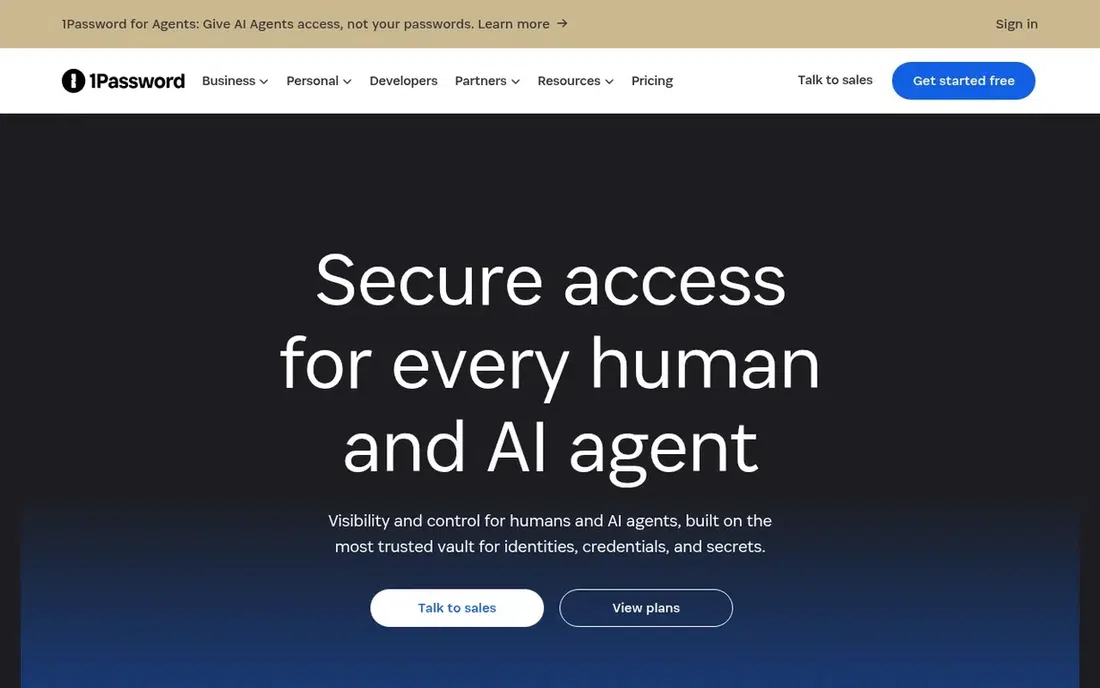
For expanding plumbing teams needing shared vaults, 1Password is a natural candidate. 1Password is a password manager that also handles secrets and access management, positioned for expanding teams through enterprise.
In daily use, if you only want straightforward personal storage, a lighter tool may suit you better. On top of that, the breadth of features may be more than a one-person shop needs, and getting shared vaults organized takes some upfront planning. Pricing for 1Password is not stated here, so ask the vendor for current figures. On free options: Not stated.
Downsides: Setup takes some planning.
- Access management included
- Takes care of passwords and secrets
- More than a solo plumber needs
LastPass is aimed squarely at visibility into shadow IT and AI tools. The governance and visibility features are geared toward firms with employees using numerous apps, so a solo plumber may not use them. On top of that, if you want a lean personal tool, more straightforward choices exist.
Consider whether you need that oversight or just secure storage. A plumbing business whose staff sign into scheduling, invoicing, and supplier apps can use it to see what tools are in play and keep credentials organized. No starting price is listed for LastPass here; confirm pricing on the vendor site. As for free access: Free trial.
Limits to weigh: Governance features target companies.
- Password generation and encrypted storage
- Shadow IT visibility
- May be more than solo plumbers need
Our selection method
LinkVetted used vendor pricing pages and product documentation as the base, then compared plans, free access and documented limits for 6 tools. Plan names, prices and limits change often. Treat the figures here as a starting point and verify them with the vendor. Tools are placed by general fit for Password manager for plumbers, with price clarity and free access as tie-breakers. A different team can reasonably rank them differently.
Things to verify first
- Get a written quote from KeePassXC, Password Depot, 1Password and LastPass; the list shows no starting price for them.
- Test the free plan from Bitwarden against your real workload before relying on it.
- Use real work to test the free trial from Dashlane and LastPass, rather than a demo project.
- Read the limits listed for KeePassXC first: no built-in cloud sync.
- Get the contract term, renewal terms and any onboarding fees from 1Password in writing.
- Check how data leaves LastPass: formats, limits and whether exports are available on every plan.
FAQ
What is the difference between cloud and on-premises password managers?
Cloud-hosted managers store your encrypted vault with the vendor and sync across devices automatically. On-premises choices like Password Depot keep data on your own server, which some companies prefer for control but which needs setup and maintenance.
How are the tools for Password manager for plumbers ordered?
The order follows typical fit for Password manager for plumbers, with KeePassXC first and LastPass last, then price clarity and free access. It is editorial judgement, not a score, so another team could rank the tools differently.
Which options for Password manager for plumbers have a free plan?
Bitwarden is the only tool in this list with a free plan. Free plans usually cap users, projects or features, so check the limits on the vendor page. Several others offer a trial instead. Prices, free plan details and limits for all 6 tools in this Password manager for Plumbers roundup sit on the individual cards above.
Is KeePassXC the right pick for everyone comparing Password manager for plumbers?
No single tool suits every team. KeePassXC comes first because it fits offline, locally stored credential vaults, while Dashlane suits credential security across business and personal use and Bitwarden suits open source flexibility for small crews. Match the tool to your own size, budget and workflow before deciding.
Do these tools publish their prices?
Not all of them. KeePassXC, Password Depot, 1Password and LastPass publish no starting price, so expect a quote request for those. The rest, Dashlane included, show a starting price, though seats and billing terms still change the final cost.
Sources
- https://keepassxc.org
- https://www.dashlane.com
- https://bitwarden.com
- https://www.password-depot.com
- https://1password.com
- https://www.lastpass.com