Best Password Manager for Electricians in 2026: 6 Tools Compared
Best Password manager for electricians in 2026: 6 contenders with entry costs and free tiers. Each profile ends with a plain caveat. Reviewed this month.
- Editor's choiceManageEngine Password Manager Pro
On-premise enterprise credential control
Starts atSee websiteVisit manageengine.comFull review - Great alternative
 Bitwarden
Open source and budget-conscious teams
Starts at$1.65 a monthVisit bitwarden.comFull review - Also consider
 1Password
Shared credentials for expanding teams
Starts atSee websiteVisit 1password.comFull review
Direct answer
For on-premise enterprise credential control, ManageEngine Password Manager Pro is where this list starts. Listed starting prices: Bitwarden from $1.65 a month and Dashlane from $4 per user per month. Look at Bitwarden for open source and budget-conscious teams, and at 1Password for shared credentials for expanding teams. The other 3 tools in the list cover narrower or pricier cases.
TL;DR:
- ManageEngine Password Manager Pro sits first on this list: on-premise enterprise credential control.
- The lowest published monthly entry price here is $1.65 per month, from Bitwarden.
- Bitwarden stands alone as the one tool in this list with a free plan.
- Keeper suits privileged access and secrets control.
Last checked November 2026. Prices and plan details were read from the vendors' own pages in November 2026; vendors change plans often, so confirm the current price on the vendor site before you buy.
Quick comparison
| Tool | Best for | Starts at | Free plan? | |
|---|---|---|---|---|
| ManageEngine Password Manager Pro | On-premise enterprise credential control | See website | Not stated | Visit |
| Bitwarden | Open source and budget-conscious teams | $1.65 a month | Yes | Visit |
| 1Password | Shared credentials for expanding teams | See website | Not stated | Visit |
 Dashlane | Individual and business credential protection | $4 per user per month | Free trial | Visit |
 LastPass | Shadow IT visibility and AI governance | See website | Free trial | Visit |
 Keeper | Privileged access and secrets control | See website | Free trial | Visit |
Our 6 Password manager for electricians
LinkVetted put together this guide to Password manager for electricians for readers who want a clear shortlist without reading every vendor page. It compares 6 tools on starting price, free plans, who each one suits and where each one falls short.
ManageEngine Password Manager Pro
Best for: On-premise enterprise credential control
ManageEngine Password Manager Pro targets on-premise enterprise credential control. Individuals or small crews are normally better served by a cloud password manager. On-premise deployment means you need servers and staff to run and maintain it, which is heavy for a small contracting business.
Downsides: Heavier than personal tools.
Worth adding: pick ManageEngine when on-premise enterprise credential control is a firm requirement. As for the details, where policy needs on-premise control over shared accounts, it provides centralized management instead of cloud-only storage. No starting price is listed for ManageEngine Password Manager Pro here; confirm pricing on the vendor site. As for free access: Not stated.
- On-premise deployment
- Enterprise credential management
- Requires on-premise infrastructure
Pick Bitwarden if this describes you: open source and budget-conscious teams. Bitwarden is an open source password manager for individuals, teams and enterprises that stores passwords, passkeys and secrets and supports sharing. Also, electricians who value transparency and want one place for job site logins, supplier accounts and team credentials will find it handles the essentials.
Strengths: Open source approach.
Where it is weaker: Advanced admin needs planning. Its stated range from individuals to enterprises means it can grow with a contracting business. For everyday use, teams wanting a heavily guided experience might prefer a more packaged choice. Since it aims to serve everyone from solo users to large enterprises, some administrative setup may take additional effort. Bitwarden pricing: $1.65 per month. Free access exists with Bitwarden.
- Teams and enterprises
- Includes individuals
- Interface may feel utilitarian
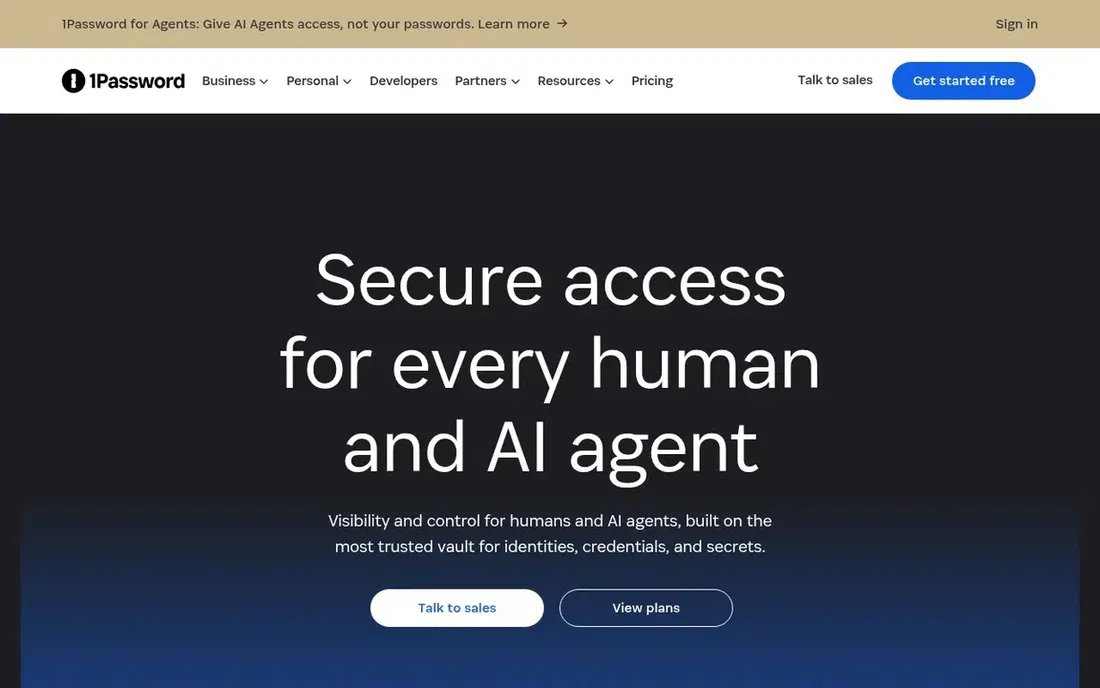
Think of 1Password for shared credentials for growing teams. For electricians running a small crew, it keeps job site logins, supplier accounts and shared credentials organized in one vault.
Choose 1Password when shared access and secrets management across an expanding team are the priority. Pricing for 1Password is not stated here, so ask the vendor for current figures. Free options: Not stated.
Points against: Setup takes some planning.
- Keeps passwords and secrets in one place
- Scales from small teams to enterprise
- Feature depth may overwhelm solo users
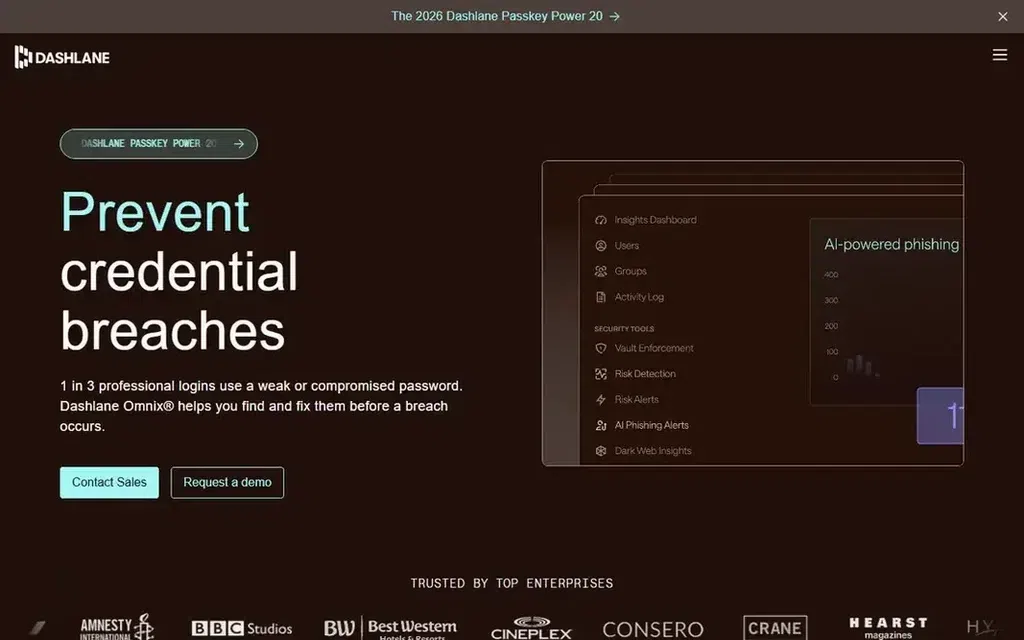
Dashlane targets individual and business credential protection. Electricians who want a straightforward way to secure logins for supplier portals, invoicing tools and email can use it across personal and work accounts. Its stated coverage of individuals through enterprises means it can follow a contractor from solo work to a bigger outfit.
From a buyer's view, Dashlane leans toward credential protection instead of deep privileged access or secrets control, so specialized admin needs may call for another tool. Small operations might find some business-oriented capabilities beyond what they use day to day. Dashlane cost at the entry level: $4 per user per month. Free plan details: Free trial.
Watch-outs: Less emphasis on privileged access.
- Includes individuals and enterprises
- Credential security focus
- Enterprise features may exceed small needs
For shadow IT visibility and AI governance, LastPass is a natural candidate. Solo electricians may prefer a leaner vault. LastPass is a password manager that secures logins and brings shadow IT visibility and AI governance across the SaaS and AI tools employees use.
Watch-outs: Business focus layers on complexity.
It creates capable passwords and keeps them in an encrypted vault. For electrical companies where technicians and office staff use numerous web tools, that visibility can help track which services are in use. LastPass does not show a starting price in this comparison, so check the vendor site for current pricing. Free options: Free trial.
- Shadow IT and AI governance visibility
- Creates solid passwords
- Governance features may exceed small needs
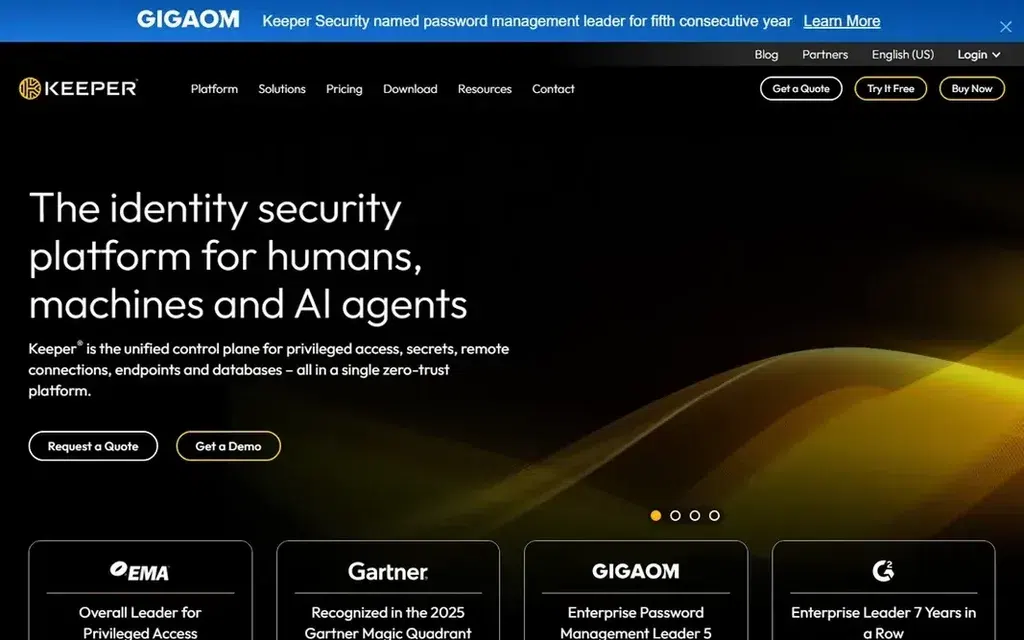
Keeper works best for privileged access and secrets control. Choose Keeper when privileged access and secrets management across systems are central to how you work.
Highlights: Spans secrets.
Worth adding: Keeper describes itself as a unified control plane for privileged access, secrets, remote connections, endpoints and databases in a single zero-trust system. Worth adding: Keeper's system orientation means more moving parts than a straightforward password vault, which can be heavy for a small crew. Keeper does not show a starting price in this comparison, so check the vendor site for current pricing. Free plan details: Free trial.
Honest limits: Pitched at complicated environments.
- Zero-trust system approach
- Remote connections and endpoints
- More than an entry-level vault gives you
Selection criteria
Things to verify first
- Ask ManageEngine Password Manager Pro, 1Password, LastPass and Keeper for a written quote, since no starting price is shown.
- Look at the free plan from Bitwarden closely: its caps decide whether it is usable for real work.
- Run a trial of Dashlane, LastPass and Keeper with real work before paying for a year; your own workflow is the best test.
- Before choosing ManageEngine Password Manager Pro, weigh its main limit: needs on-premise infrastructure.
- Add up seats, add-ons and usage charges for 1Password before comparing it with cheaper entries.
- Read the plan comparison for Dashlane carefully; key features often start on a higher tier.
FAQ
What should an electrician look for in a password manager?
If you handle administrative or equipment accounts, check for privileged access features. Match the tool to whether you work solo or with a team.
Which options for Password manager for electricians have a free plan?
Bitwarden is the only tool in this list with a free plan. Free plans usually cap users, projects or features, so check the limits on the vendor page. Several others offer a trial instead. Prices, free plan details and limits for all 6 tools in this Password manager for electricians roundup sit on the individual cards above.
Is ManageEngine Password Manager Pro the right pick for everyone comparing Password manager for electricians?
No single tool suits every team. ManageEngine Password Manager Pro comes first because it fits on-premise enterprise credential control, while Bitwarden suits open source and budget-conscious teams and 1Password suits shared credentials for growing teams. Match the tool to your own size, budget and workflow before deciding.
How are the tools for Password manager for electricians ordered?
The order follows typical fit for Password manager for electricians, with ManageEngine Password Manager Pro first and Keeper last, then price clarity and free access. It is editorial judgement, not a score, so another team could rank the tools differently.
Do electricians need privileged access features?
If you run shared administrative accounts, equipment logins or systems across several technicians, privileged access features can help. Solo electricians storing everyday logins may not need that depth.
Can I try these tools before paying?
Often, yes. Bitwarden has a free plan and Dashlane, LastPass and Keeper offer a free trial. Use your own data and a real task during the test, and check what the free tier or trial limits before you rely on it. Each of the 6 options in this Password manager for electricians guide has its own card above with the price, free plan and limits.
Sources
- https://www.manageengine.com/products/passwordmanagerpro
- https://bitwarden.com
- https://1password.com
- https://www.dashlane.com
- https://www.lastpass.com
- https://www.keepersecurity.com