Top 5 Pest Control Software for Mobile Devices for 2026 (Prices and Free Plans)
Best pest control software for mobile devices in 2026: 5 contenders with entry costs and free tiers. Includes honest limits for each tool. Read the profiles.
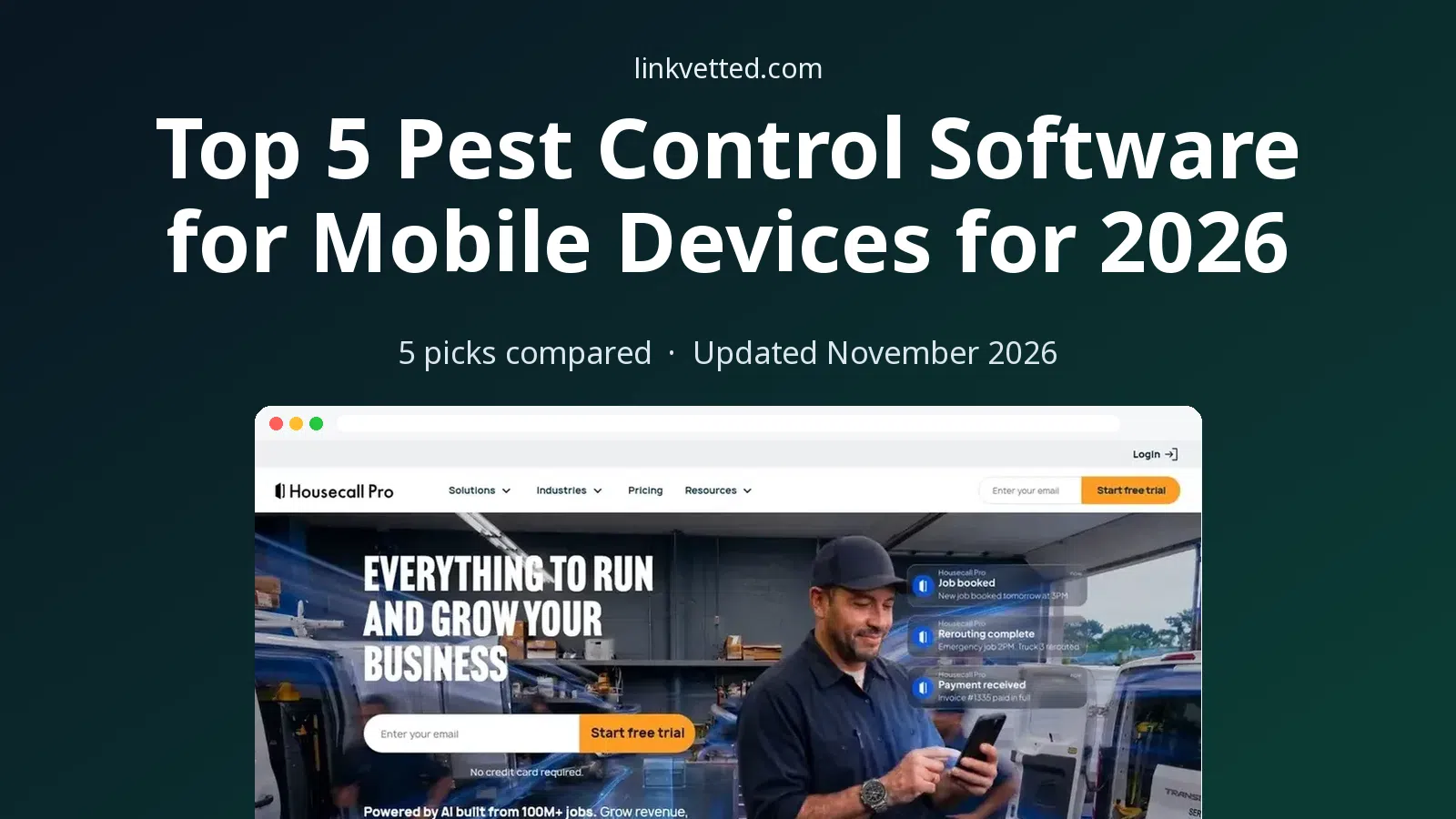
- Editor's choice
 Housecall Pro
Home service teams wanting a mobile-friendly suite
Starts at$59 a monthVisit housecallpro.comFull review - Great alternative
 ServiceTitan
Bigger contractors managing complicated operations
Starts atSee websiteVisit servicetitan.comFull review - Also consider
 PestPac
Dedicated pest control routing and CRM
Starts atSee websiteVisit pestpac.comFull review
Direct answer
This list puts Housecall Pro first for home service teams wanting a mobile-friendly suite. Listed starting prices: Housecall Pro from $59 a month and GorillaDesk from $49 a month. ServiceTitan is better for bigger contractors managing complicated operations, and PestPac is better for dedicated pest control routing and CRM. Prices, free plans and limits for all 5 tools follow.
TL;DR:
- Top of the list is Housecall Pro, which targets home service teams wanting a mobile-friendly suite.
- GorillaDesk fits AI-assisted scheduling and follow-ups.
- The lowest published monthly entry price here is $49 per month, from GorillaDesk.
- Housecall Pro, GorillaDesk and the 3 others all need a premium plan or a trial, since no free plan is listed.
Last checked November 2026. Prices and plan details were read from the vendors' own pages in November 2026; vendors change plans often, so confirm the current price on the vendor site before you buy.
Quick comparison
| Tool | Best for | Starts at | Free plan? | |
|---|---|---|---|---|
| Housecall Pro | Home service teams wanting a mobile-friendly suite | $59 a month | Free trial | Visit |
| ServiceTitan | Bigger contractors managing complicated operations | See website | Free trial | Visit |
| PestPac | Dedicated pest control routing and CRM | See website | Not stated | Visit |
 Jobber | All-in-one quoting and invoicing on mobile | See website | Not stated | Visit |
 GorillaDesk | AI-assisted scheduling and follow-ups | $49 a month | Free trial | Visit |
5 pest control software for mobile devices in detail
LinkVetted put together this guide to pest control software for mobile devices for readers who want a clear shortlist without reading every vendor page. It compares 5 tools on starting price, free plans, who each one suits and where each one falls short.
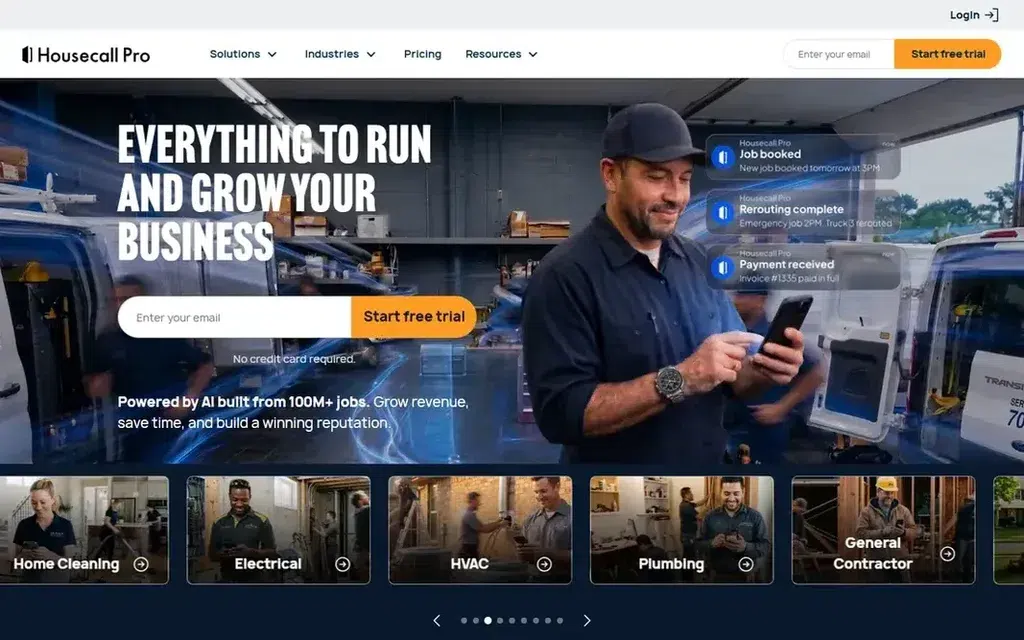
Housecall Pro is built with home service teams wanting a mobile-friendly suite in mind. It suits owners who want a familiar, broadly applicable tool rather than a niche system.
In practice, firms with complicated pest workflows should weigh a dedicated choice. Housecall Pro starts at: $59 per month. Free plan details: Free trial.
The main drawbacks: General home service focus.
- Handles core business management tasks
- Field service professionals use it widely
- Pest-specific features are restricted
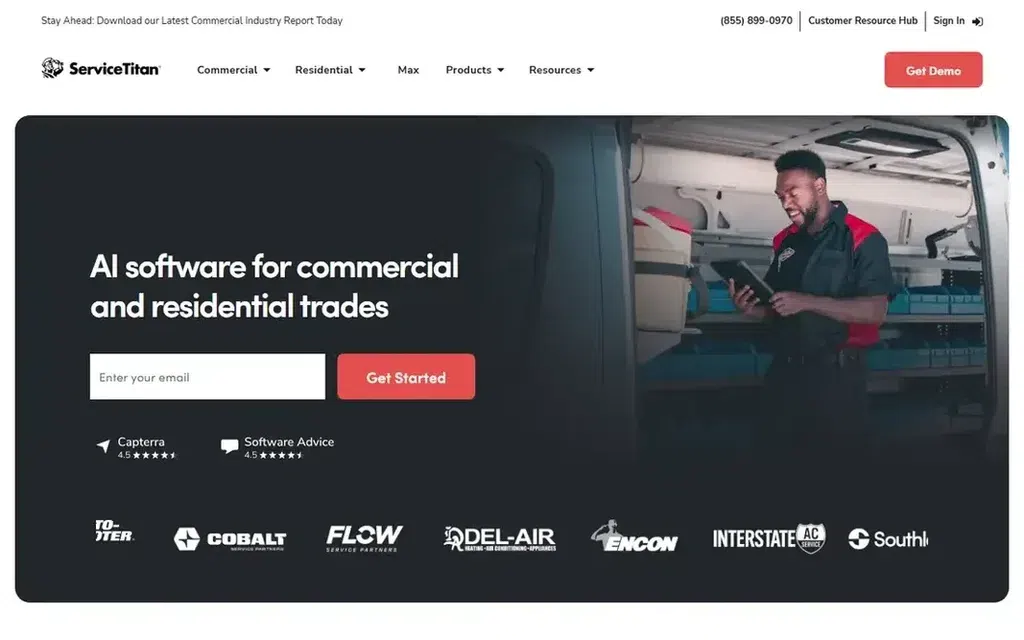
In short, ServiceTitan is for bigger contractors managing complicated operations. ServiceTitan describes its all-in-one software as made for home and commercial contractors, keeping service visits and construction projects running smoothly. Worth adding: for pest control firms that also deal with bigger commercial work, that breadth can help unify scheduling and job tracking across teams.
It tends to suit established operations with structured processes and staff dedicated to administration. If you chiefly need fast mobile scheduling and invoicing, a lighter tool may be simpler to adopt. Pricing for ServiceTitan is not stated here, so ask the vendor for current figures. On free options: Free trial.
Honest limits: Configuration can be involved.
- Made for trade firms
- All-in-one software for home and commercial contractors
- May be more than small teams need
Pick PestPac if this describes you: dedicated pest control routing and CRM. It fits pest control businesses that want a purpose-built system instead of a general field service suite.
Mobile usability can also differ across modules, so check the field app against your technicians' routines. Check the vendor site for PestPac pricing; none is listed in this comparison. Trial and free access: Not stated.
Where it falls short: Mobile experience varies by module.
- Widely used by pest control firms
- Routing, scheduling
- Focused scope may not include other trades
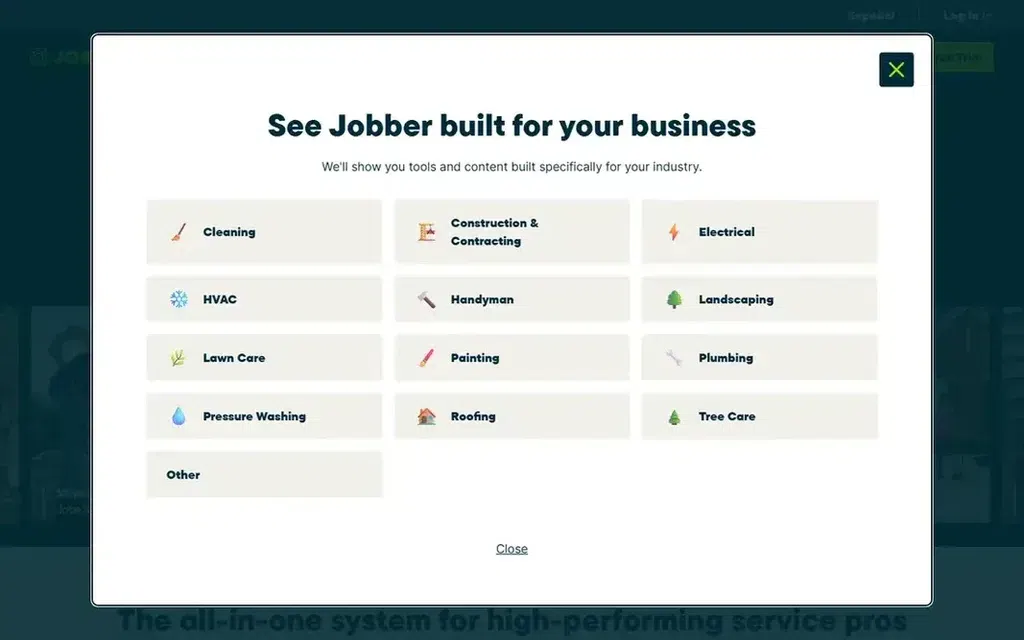
Where Jobber fits: all-in-one quoting and invoicing on mobile. Teams needing deep pest-specific reporting should compare a dedicated system.
Drawbacks to consider: General service focus instead of pest-specific.
Its app is built to power sales, operations and customer communication, which fits pest control operators who want a clean mobile workflow without juggling separate tools. Jobber shows no starting price here, so confirm the cost on the vendor site. Trial and free access: Not stated.
Where Jobber stands out: operations and customer service.
- Schedule and invoice in one place
- Easy-to-use app for field teams
- Advanced pest workflows may need extras
Pick GorillaDesk if this describes you: AI-assisted scheduling and follow-ups. The product's pest focus also means restricted value for unrelated trades.
In daily use, choose GorillaDesk when automation and renewal management are priorities for your mobile workflow. On cost, GorillaDesk starts like this: $49 per month. Free access: Free trial.
Best features of GorillaDesk: routes and invoicing together.
The main drawbacks: Pest-focused scope.
- Quotes and follow-ups
- Scheduling, dispatch
- AI features need evaluation against your workflow
How these tools were picked
A buyer's checklist
- Ask ServiceTitan, PestPac and Jobber for a written quote, since no starting price is shown.
- Use real work to test the free trial from Housecall Pro, ServiceTitan and GorillaDesk, rather than a demo project.
- Read the limits listed for Housecall Pro first: general home service focus.
- Ask GorillaDesk about contract length, onboarding fees and user minimums before you sign.
- Ask the daily users to test Jobber on a live task before you roll it out to everyone.
FAQ
Do these tools publish their prices?
Not all of them. ServiceTitan, PestPac and Jobber publish no starting price, so expect a quote request for those. The rest, Housecall Pro included, show a starting price, though seats and billing terms still change the final cost.
Does any tool for pest control software for mobile devices here have a free plan?
A permanent free plan is not offered by Housecall Pro, GorillaDesk or the other tools here. Housecall Pro, ServiceTitan, GorillaDesk offer a trial. Plan a short evaluation period instead.
What should pest control companies look for in mobile software?
Prioritize steady scheduling, routing and invoicing on phones or tablets, plus fast access to customer and treatment history. Confirm the app works in the field conditions your technicians face.
Can I try these tools before paying?
Often, yes. Housecall Pro, ServiceTitan and GorillaDesk offer a free trial. Use your own data and a real task during the test, and check what the free tier or trial limits before you rely on it.
Is Housecall Pro the right pick for everyone comparing pest control software for mobile devices?
No single tool suits every team. Housecall Pro comes first because it fits home service teams wanting a mobile-friendly suite, while ServiceTitan suits larger contractors managing complex operations and PestPac suits dedicated pest control routing and CRM. Match the tool to your own size, budget and workflow before deciding.
Sources
- https://www.housecallpro.com
- https://www.servicetitan.com
- https://www.pestpac.com
- https://www.getjobber.com
- https://www.gorilladesk.com