6 Best Other Product Suites Software for 2026, Vetted and Compared
Searching for the best other product suites software? Here are 6 options with prices and free plans. Each listing flags where it falls short. Clear verdicts.
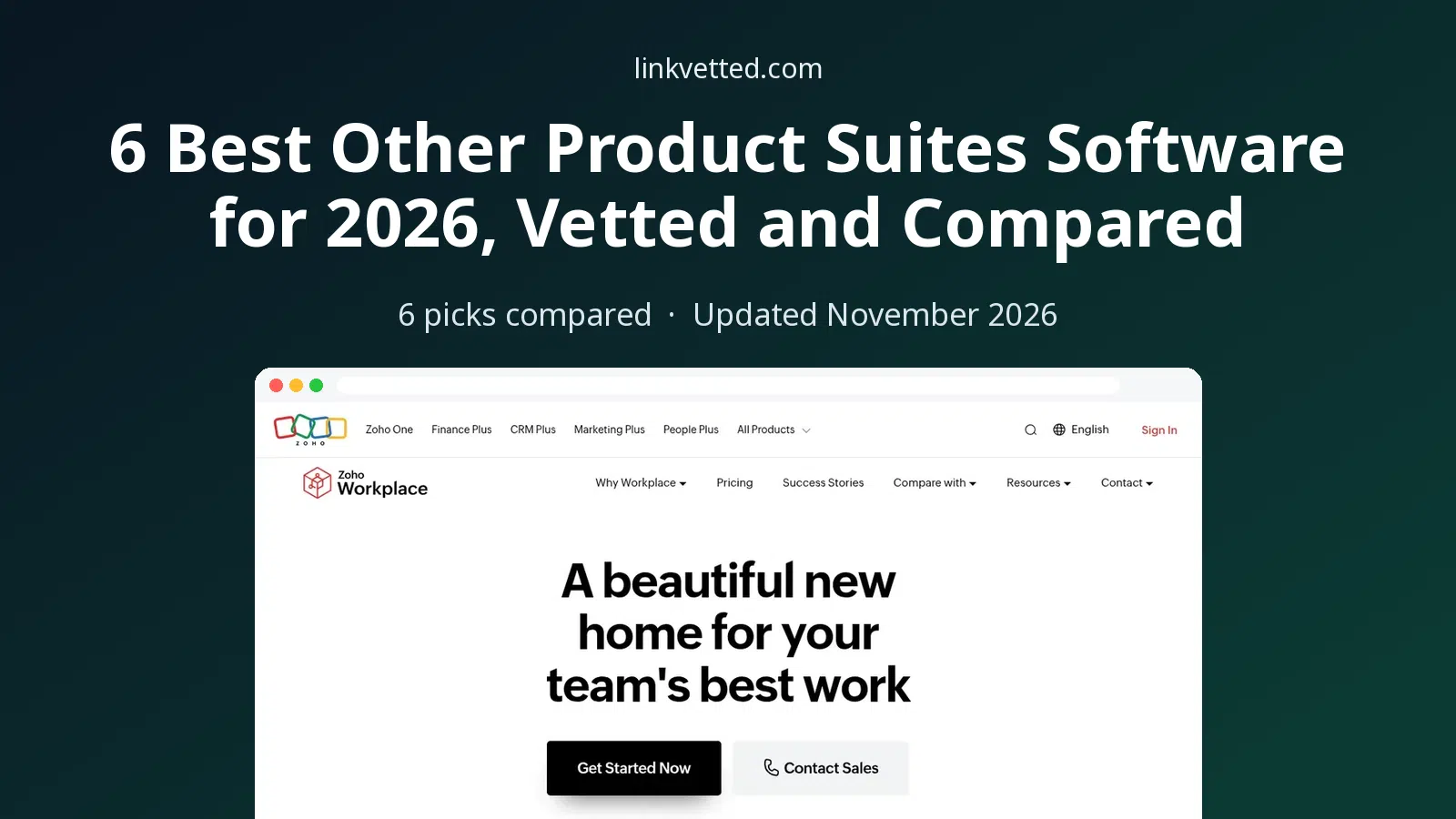
- Editor's choice
 Notion
Adaptable workspace with docs and automation
Starts at$10 per member a monthVisit notion.comFull review - Great alternative
 Zoho Workplace
All-in-one mail, chat and office tools
Starts at$1 per user per monthVisit zoho.comFull review - Also consider
 Google Workspace
Browser-based collaboration for teams of all sizes
Starts atSee websiteVisit workspace.google.comFull review
Direct answer
If you need adaptable workspace with docs and automation, Notion is the first tool to look at here. Listed starting prices: Notion from $10 per member a month, Zoho Workplace from $1 per user per month and Slack from $4.38 per user a month. Look at Zoho Workplace for all-in-one mail, chat and office tools, and at Google Workspace for browser-based collaboration for teams of all sizes. Prices, free plans and limits for all 6 tools follow.
TL;DR:
- This list starts with Notion, which is built for adaptable workspace with docs and automation.
- Before buying Microsoft 365, weigh this: large suite can be complicated to administer.
- For the cheapest start, look at Zoho Workplace: $1 per user per month.
- Asana fits work and project management.
- Notion, Zoho Workplace, Slack, Asana: these are the 4 tools out of 6 that offer a free plan.
Last checked November 2026. Prices and plan details were read from the vendors' own pages in November 2026; vendors change plans often, so confirm the current price on the vendor site before you buy.
Quick comparison
| Tool | Best for | Starts at | Free plan? | |
|---|---|---|---|---|
| Notion | Adaptable workspace with docs and automation | $10 per member a month | Yes | Visit |
| Zoho Workplace | All-in-one mail, chat and office tools | $1 per user per month | Yes | Visit |
| Google Workspace | Browser-based collaboration for teams of all sizes | See website | Not stated | Visit |
 Microsoft 365 | Familiar office apps plus cloud services | See website | Free trial | Visit |
 Slack | Chat-centered teamwork and automation | $4.38 per user a month | Yes | Visit |
 Asana | Work and project management | $10.99 per user a month | Yes | Visit |
Other Product Suites Software, one by one
LinkVetted put together this guide to other product suites software for readers who want a clear shortlist without reading every vendor page. It compares 6 tools on starting price, free plans, who each one suits and where each one falls short.
Notion works best for adaptable workspace with docs and automation. The vendor emphasizes getting more done faster. That adaptability means you have to design structure yourself, and it is not a substitute for a traditional office suite with mail and calendars.
Where it is weaker: Not a traditional office suite.
Notion presents itself as an AI workspace that works for you, with custom agents, search across your apps and automation of busywork. If you want ready-made apps with little configuration, a conventional suite may be easier to adopt. What you pay to start with Notion: $10 per member per month. Notion has a free plan.
- Custom agents and cross-app search
- Merges docs and workspace in one tool
- Adaptability needs upfront structure
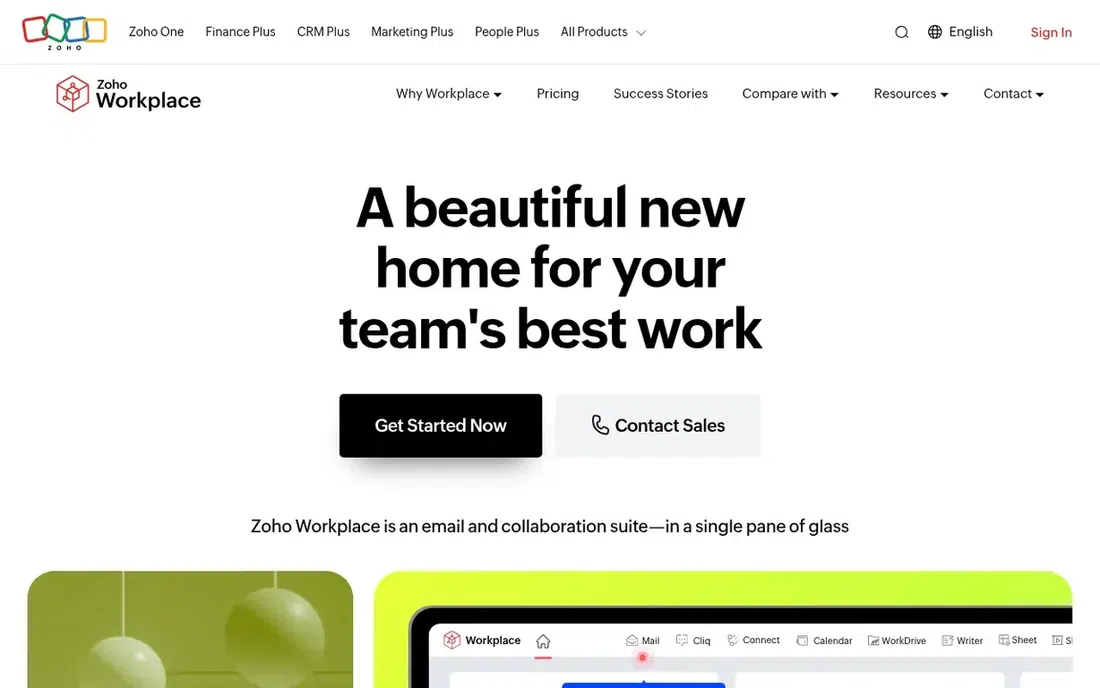
In short, Zoho Workplace is for all-in-one mail, chat and office tools. Zoho Workplace is a productivity and collaboration suite that brings mail, chat, files, an office suite, meetings and more into one place.
Honest limits: Numerous modules can take time to configure.
What works well: Mail, chat.
With numerous modules under one roof, setup and administration can take effort, and the experience can feel uneven between components. Zoho Workplace pricing: $1 per user per month. Zoho Workplace has a free plan.
- Files and meetings together
- Comes with an office suite
- Interface consistency varies across modules
Google Workspace
Best for: Browser-based collaboration for teams of all sizes
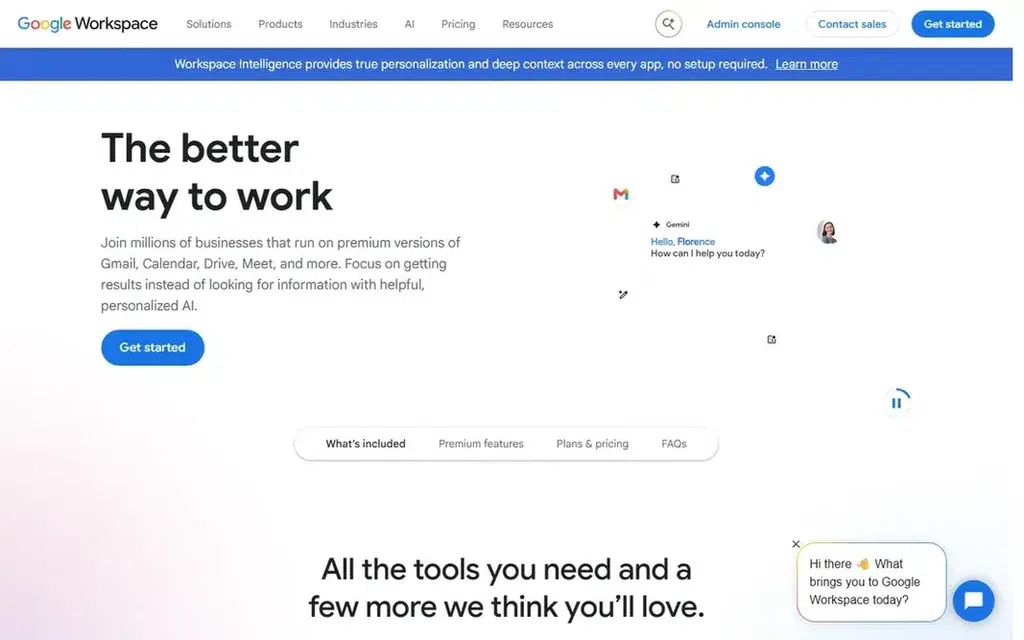
Google Workspace works best for browser-based collaboration for teams of all sizes. It is a natural fit for teams already comfortable working in the browser.
Where it falls short: Less appealing if you rely on desktop office files.
From a buyer's view, teams with deep investments in traditional desktop document formats may find the fit less comfortable. The tool set differs from classic office suites. Check the vendor site for Google Workspace pricing; none is listed in this comparison. On free options: Not stated.
- Built for live collaboration
- Secure online productivity tools
- Feature set differs from traditional office suites
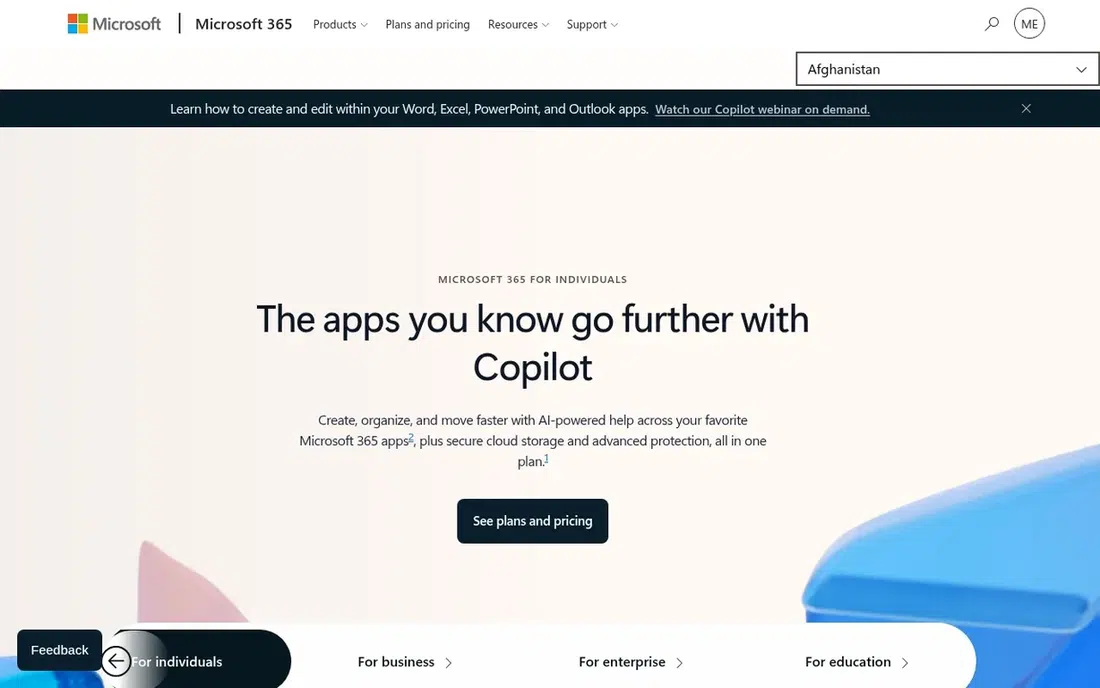
Microsoft 365 is aimed squarely at familiar office apps plus cloud services. Microsoft 365, formerly Office 365, is a subscription suite of productivity apps and cloud services aimed at individuals and organizations that want a well-known set of tools in one place. More specifically, the vendor flags world-class security and feature-rich AI as part of the offering.
Beyond that, if your work is largely browser-based chat and documents, a lighter collaboration suite may be more straightforward to run. Worth adding: the breadth of the suite can mean more administration than a smaller team needs. Some features may duplicate tools you already run. Microsoft 365 shows no starting price here, so confirm the cost on the vendor site. Free plan details: Free trial.
Trade-offs to know: Large suite can be complicated to administer.
- Wide set of productivity apps
- AI capabilities described by the vendor
- Overlap with tools you may already use
Slack works best for chat-centered teamwork and automation. Slack describes itself as an AI work system for managing projects, automating workflows and connecting teams securely. It centers on conversation channels, which makes it a solid fit for teams that want quick communication and light coordination in one place.
For everyday use, if you need document creation and mail as core functions, pair Slack with a broader suite or choose one instead. Worth adding: plenty of organizations use it as the hub that links other tools. Entry price for Slack: $4.38 per user per month. Slack offers a free plan.
What to check first: Not a full document or office suite.
- Channel-based team communication
- Workflow automation features
- Needs discipline to keep channels organized
Think of Asana for work and project management. Asana is work management software for teams and AI agents, built around planning, automating and executing critical workflows together.
Teams use it to coordinate cross-functional work in a shared system. Starting cost for Asana: $10.99 per user per month. Asana has a free plan.
Limits to weigh: Not a document or communication suite.
- Automation for recurring work
- Plan and track critical workflows
- Needs setup to reflect your processes
How we built this list
Before you commit
- Get a written quote from Google Workspace and Microsoft 365; the list shows no starting price for them.
- Check what the free option really includes: Notion, Zoho Workplace, Slack and Asana offer a free plan, and usage caps differ.
- Take the trial from Microsoft 365 and push a live task through it before you pay.
- Before choosing Notion, weigh its main limit: adaptability needs upfront structure.
- Price Zoho Workplace for your actual team size; headline prices rarely include add-ons or overage.
- Test the integrations you rely on with Google Workspace before committing; some connectors sit on upper tiers.
FAQ
What counts as a product suite in this comparison?
Some entries are wide office suites, whereas others focus on collaboration or work management.
Do these tools publish their prices?
Not all of them. Google Workspace and Microsoft 365 publish no starting price, so expect a quote request for those. The rest, Notion included, show a starting price, though seats and billing terms still change the final cost. Prices, free plan details and limits for all 6 tools in this other product suites software roundup sit on the individual cards above.
What is the cheapest option for other product suites software in this list?
On published monthly entry prices, Zoho Workplace is the lowest here at $1 per user per month. Entry price is only part of the cost, because seats, add-ons and billing terms can change the total. Each of the 6 options in this other product suites software guide has its own card above with the price, free plan and limits.
How are the tools for other product suites software ordered?
The order follows typical fit for other product suites software, with Notion first and Asana last, then price clarity and free access. It is editorial judgement, not a score, so another team could rank the tools differently.
Is Notion the right pick for everyone comparing other product suites software?
No single tool suits every team. Notion comes first because it fits flexible workspace with docs and automation, while Zoho Workplace suits all-in-one mail, chat and office tools and Google Workspace suits browser-based collaboration for teams of all sizes. Match the tool to your own size, budget and workflow before deciding.
Sources
- https://www.notion.com
- https://www.zoho.com/workplace
- https://workspace.google.com
- https://www.microsoft.com/microsoft-365
- https://slack.com
- https://asana.com