Top 5 Online Form Builder for Event Planners for 2026 (Prices and Free Plans)
Best online form builder for event planners in 2026: 5 tools with starting prices, free plans and limits. Each entry gets a plain verdict. Easy to scan.
- Editor's choice
 Typeform
Engaging conversational forms
Starts atSee websiteVisit typeform.comFull review - Great alternative
 Formstack
Secure forms with eSignatures
Starts at$83 per monthVisit formstack.comFull review - Also consider
 Wufoo
Straightforward, fast form creation
Starts atSee websiteVisit wufoo.comFull review
Direct answer
If you need engaging conversational forms, Typeform is the first tool to look at here. Listed starting prices: Formstack from $83 per month, Jotform from $34 per month and Cognito Forms from $24 a month. Formstack is the stronger choice for secure forms with eSignatures, while Wufoo suits straightforward, fast form creation. The full list of 5 tools follows, with prices and free plan facts.
TL;DR:
- Top of the list is Typeform, which targets engaging conversational forms.
- 3 of 5 tools offer a free plan: Wufoo, Jotform, Cognito Forms.
- For workflow automation and approvals, Cognito Forms is worth a look.
- Before buying Jotform, weigh this: can be overwhelming for beginners.
- Cognito Forms is the lowest-priced starter here at $24 per month.
Last checked November 2026. Prices and plan details were read from the vendors' own pages in November 2026; vendors change plans often, so confirm the current price on the vendor site before you buy.
Quick comparison
| Tool | Best for | Starts at | Free plan? | |
|---|---|---|---|---|
| Typeform | Engaging conversational forms | See website | Not stated | Visit |
| Formstack | Secure forms with eSignatures | $83 per month | Free trial | Visit |
| Wufoo | Straightforward, fast form creation | See website | Yes | Visit |
 Jotform | Versatile event registration forms | $34 per month | Yes | Visit |
 Cognito Forms | Workflow automation and approvals | $24 a month | Yes | Visit |
The best online form builder for event planners
LinkVetted compared 5 online form builder for event planners. The goal is a practical shortlist: published prices, free plan facts, best-fit use cases and honest limits for every entry.
Think of Typeform for engaging conversational forms. The system also bundles AI-powered automation to trigger workflows based on responses, helping planners follow up with attendees efficiently. In practice, Typeform is noted for its conversational, one-question-at-a-time form design that feels more like a chat than a traditional form.
This approach can result in higher completion rates and better attendee engagement, making it well suited to surveys and feedback collection at events. Typeform's focus on conversational forms means it may not be the best fit for complicated registration forms with numerous fields. Also, for straightforward event registrations, Jotform or Wufoo might be more practical, but Typeform excels when engagement is a priority. Pricing for Typeform is not stated here, so ask the vendor for current figures. Free plan details: Not stated.
Limits to weigh: Restricted template variety.
- Conversational interface
- AI-powered automation
- Can be more pricey for advanced features
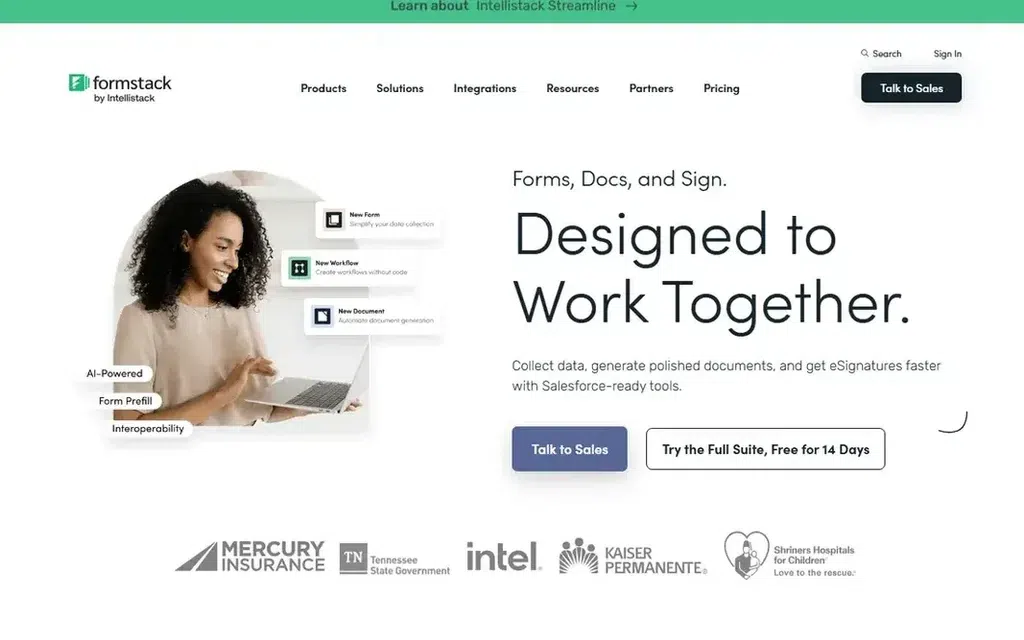
Where Formstack fits: secure forms with eSignatures. Formstack is a solid form builder that emphasizes security and workflow automation, making it right for event planners who require to collect sensitive information or handle contracts. It contains document generation and eSignature capabilities, which can be handy for vendor agreements and attendee waivers.
Drawbacks to consider: Less focus on event-specific features.
Also, for entry-level event forms, Jotform or Cognito Forms may be more straightforward, but Formstack shines for secure, document-heavy workflows. As for the details, the product is built for organizations that need simplified processes and compliance. It lacks some event-specific features like ticketing or session management, so planners might have to connect with other tools. Formstack cost at the entry level: $83 per month. Free plan details: Free trial.
- ESignature integration
- Workflow automation
- Higher ramp-up time
For straightforward, fast form creation, Wufoo is a natural candidate. For more complex needs, Jotform or Cognito Forms offer more adaptability, but Wufoo remains a steady choice for fast, entry-level forms. The product bundles a cloud storage database to handle submissions and supplies a set of form types.
The main drawbacks: Restricted advanced features.
It is a decent choice for planners who require a straightforward tool without a steep ramp-up time. Wufoo's interface may feel dated compared with newer builders, and it lacks some advanced features like conditional logic or AI automation. Wufoo does not show a starting price in this comparison, so check the vendor site for current pricing. Free access exists with Wufoo.
- Cloud storage database
- Variety of form types
- Dated interface
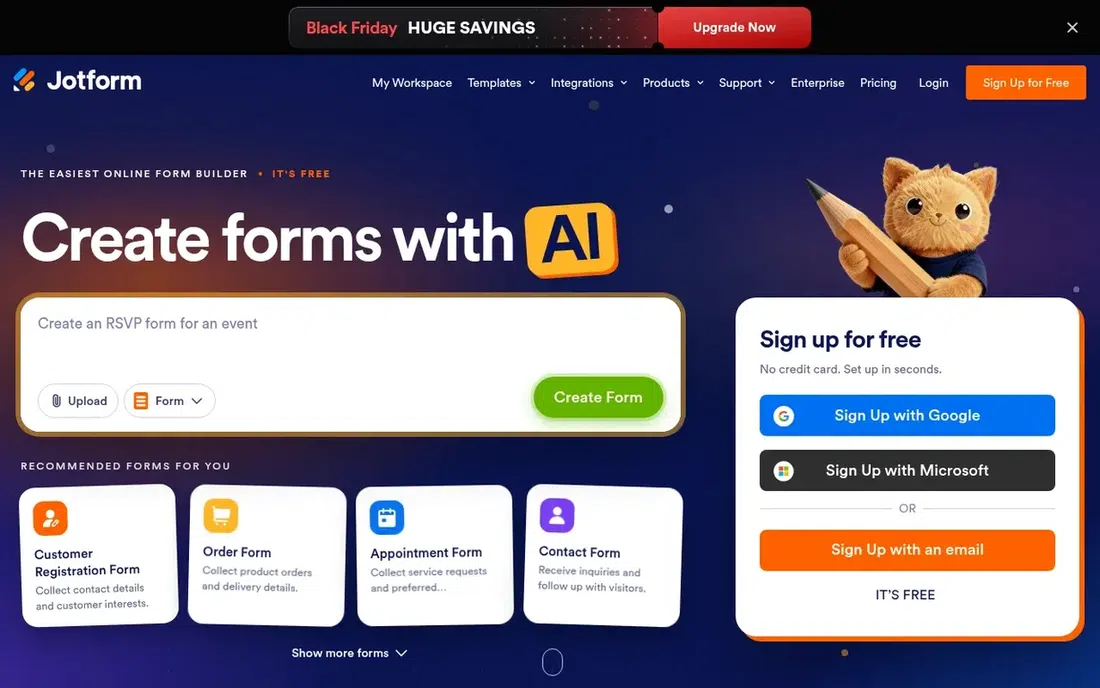
Jotform makes the most sense for versatile event registration forms. Jotform is a widely used online form builder known for its simplicity and broad template collection.
It permits event planners to build registration forms, surveys, and payment forms rapidly. The drag-and-drop interface makes it accessible to users without technical skills, and integrations with widely used tools like Google Sheets and Mailchimp simplify data management. Entry price for Jotform: $34 per month. You can start on Jotform without paying.
Where it is weaker: Some advanced features need premium plans.
- Deep template library
- Payment processing support
- Can be overwhelming for beginners
Cognito Forms is built with workflow automation and approvals in mind. The interface may take some getting used to.
It supports file uploads, signatures, and conditional logic, allowing for complicated event registration and vendor management. What you pay to start with Cognito Forms: $24 per month. Free access exists with Cognito Forms.
Points against: Restricted integrations compared with others.
- File uploads and signatures
- Approval processes
- Less brand recognition
How we compared the tools
Selection started from tools commonly considered for online form builder for event planners, then narrowed to 5 that have clear pricing information or a clear quote process. Plan names, prices and limits change often. Treat the figures here as a starting point and verify them with the vendor. The ranking is editorial: typical fit first, then clear pricing, then free access. If your needs are unusual, read the profiles rather than relying on position.
A buyer's checklist
- Confirm the entry price on the vendor page. For Typeform and Wufoo that means a quote rather than a fixed price.
- Check what the free option really includes: Wufoo, Jotform and Cognito Forms offer a free plan, and usage caps differ.
- Run a trial of Formstack with real work before paying for a year; your own workflow is the best test.
- Before choosing Typeform, weigh its main limit: restricted template variety.
- Let daily users try Jotform on real work; their feedback beats any feature checklist.
- Look at the help docs and support options for Typeform before you commit.
FAQ
How are the tools for online form builder for event planners ordered?
Typeform sits first and Cognito Forms last because the order follows typical fit for online form builder for event planners, then price clarity and free access. It is a judgement call, so read each profile for fit and limits.
Can I try these tools before paying?
Often, yes. Wufoo, Jotform and Cognito Forms have a free plan and Formstack offers a free trial. Use your own data and a real task during the test, and check what the free tier or trial limits before you rely on it.
Which options for online form builder for event planners have a free plan?
Wufoo, Jotform and Cognito Forms offer a free plan in this list. Free plans usually cap users, projects or features, so check the limits on the vendor page. One other tool offers a trial instead.
Is Typeform the right pick for everyone comparing online form builder for event planners?
No single tool suits every team. Typeform comes first because it fits engaging conversational forms, while Formstack suits secure forms with eSignatures and Wufoo suits simple, quick form creation. Match the tool to your own size, budget and workflow before deciding.
What is the best form builder for event registration?
The first pick on this list is Typeform, because it suits engaging conversational forms. Formstack is better for secure forms with eSignatures, and Wufoo for simple, fast form creation. Check price and limits against your own needs before choosing.
Sources
- https://www.typeform.com
- https://www.formstack.com
- https://www.wufoo.com
- https://www.jotform.com
- https://www.cognitoforms.com