Best Online Databases for Articles in 2026: 6 Tools Compared
Best online databases for articles: 6 contenders ranked by fit, with entry costs and free tiers. Fit, price and catches for every tool. Straight answers.
- Editor's choice
 Coda
Blended docs, tables and apps
Starts atSee websiteVisit coda.ioFull review - Great alternative
 Zoho Creator
Custom article apps with workflows
Starts atSee websiteVisit zoho.comFull review - Also consider
 Notion
Docs and databases in one workspace
Starts at$10 per member a monthVisit notion.soFull review
Direct answer
This list puts Coda first for blended docs, tables and apps. Listed starting prices: Notion from $10 per member a month, Airtable from $20 per user per month and Knack from $19 per month. Zoho Creator is the stronger choice for custom article apps with workflows, while Notion suits docs and databases in one workspace. The remaining 3 options are covered below with prices and limits.
TL;DR:
- Number one here is Coda, a fit for blended docs, tables and apps.
- Caspio is the one to check for compliant custom business applications.
- What to know about Coda first: rich pages can grow unwieldy.
- Only 2 of the 6 tools have a free plan (Notion, Airtable), so check the caps.
- Notion has the lowest monthly starting price in this list: $10 per member per month.
Last checked November 2026. Prices and plan details were read from the vendors' own pages in November 2026; vendors change plans often, so confirm the current price on the vendor site before you buy.
Quick comparison
| Tool | Best for | Starts at | Free plan? | |
|---|---|---|---|---|
| Coda | Blended docs, tables and apps | See website | Not stated | Visit |
| Zoho Creator | Custom article apps with workflows | See website | Not stated | Visit |
| Notion | Docs and databases in one workspace | $10 per member a month | Yes | Visit |
 Airtable | Adaptable article tables and views | $20 per user per month | Yes | Visit |
 Knack | No-code database applications | $19 per month | Free trial | Visit |
 Caspio | Compliant custom business applications | $270 per month | Free trial | Visit |
The full online databases for articles list
This LinkVetted guide covers 6 online databases for articles. Each profile lists a starting price, free plan details, strengths and drawbacks, so you can drop poor fits quickly.
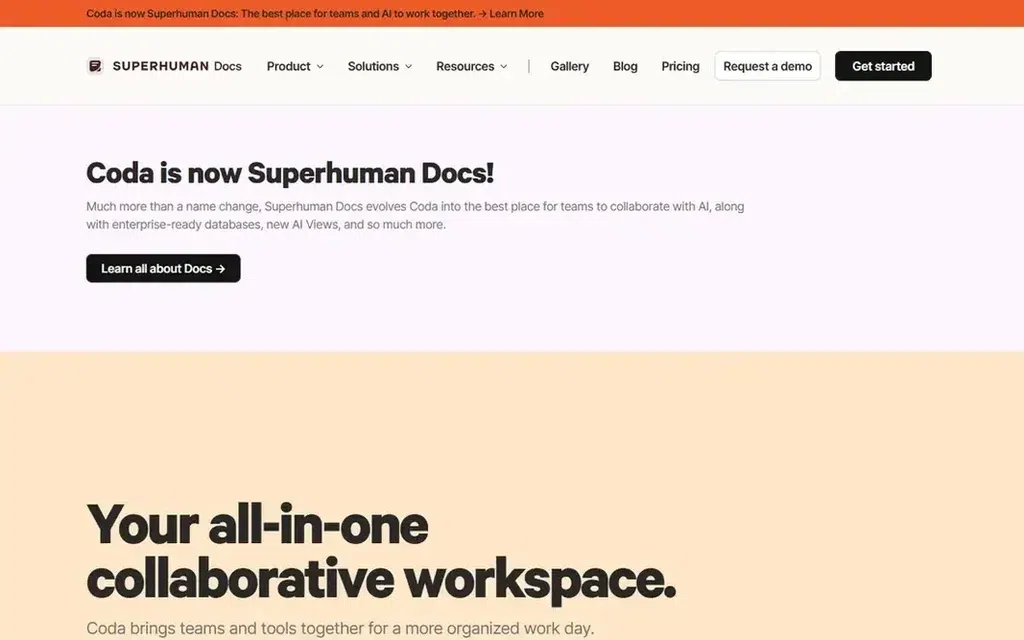
Coda works best for blended docs, tables and apps. For article management, that means you can keep an editorial brief, a table of pieces and interactive controls in one document.
This comparison lists no price for Coda; ask the vendor. Trial and free access: Not stated.
Limits to weigh: Rich pages can grow unwieldy.
- App-like building blocks
- AI features built in
- Ramp-up time for advanced builds
In short, Zoho Creator is for custom article apps with workflows. Building an app takes more planning than opening a shared table, and the result is a data application instead of a drafting environment.
What to check first: Not a writing tool.
From a buyer's view, Zoho Creator is an AI app development system that helps firms build custom applications, agents and workflows securely. In practice, choose a workspace tool if writing and organization matter more than custom process logic. Check the vendor site for Zoho Creator pricing; none is listed in this comparison. Trial and free access: Not stated.
- Custom applications and workflows
- AI app building product
- Needs some app design thinking
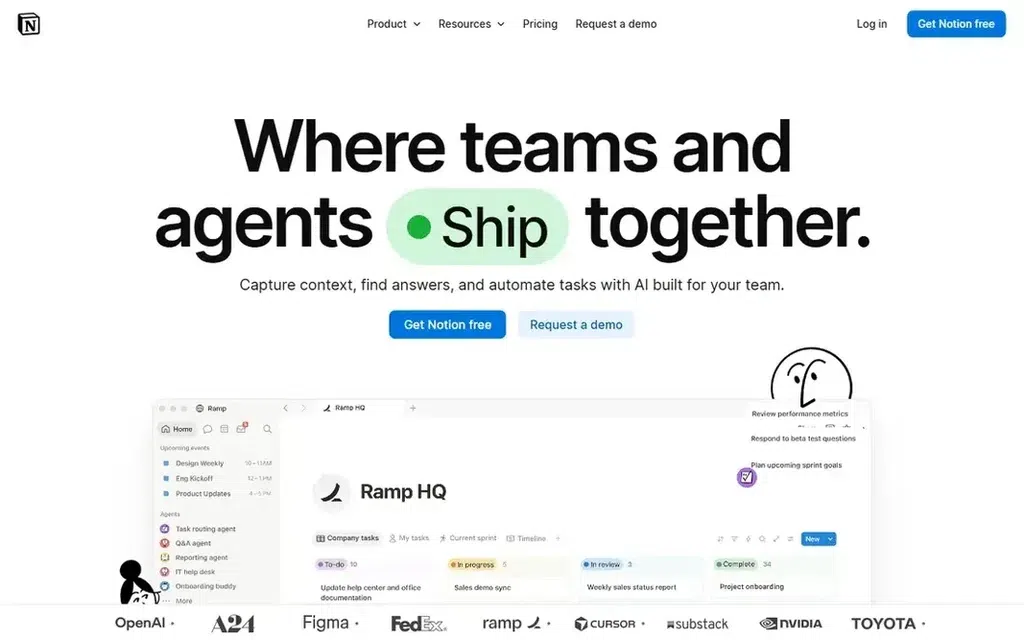
Notion is a good fit for docs and databases in one workspace. Notion is an AI workspace where pages and databases live together, so writers can draft an article and store its metadata in the same place.
From a buyer's view, because it leans toward documents, its database behavior is less rigid than dedicated data tools, which can matter for large, heavily related article sets. Notion pricing: $10 per member per month. Notion includes a free tier.
Trade-offs to know: Database features are less specialized.
- Documents and databases side by side
- Custom agents and automation
- Can feel open-ended for structured data
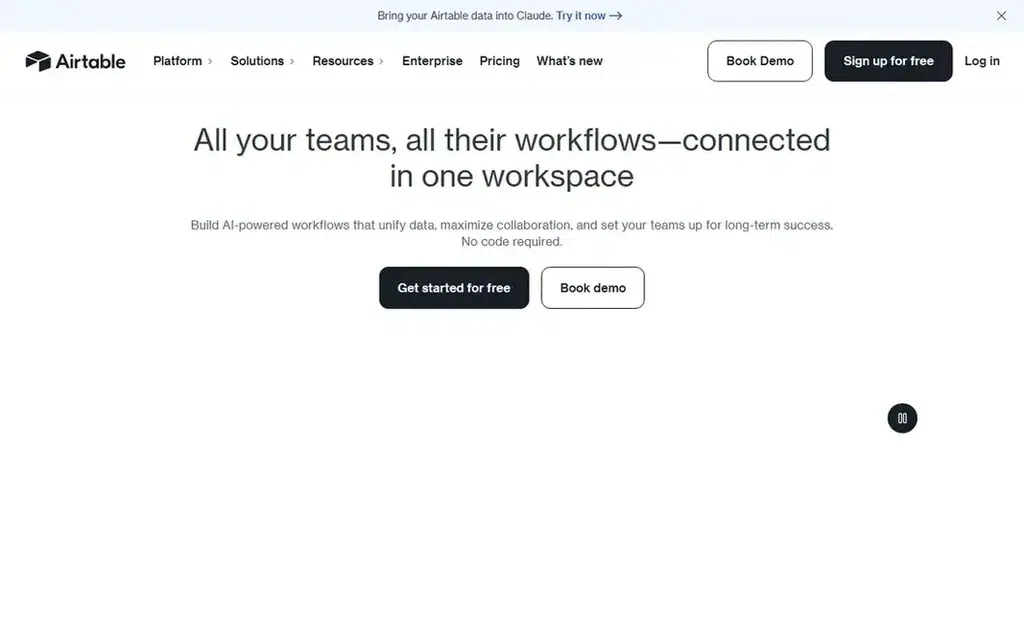
Choose Airtable for adaptable article tables and views. Its homepage emphasizes enterprise-ready AI workflows, apps and agents, plus automation of repetitive tasks.
The system's breadth can become a drawback when a straightforward list of articles is all you need, since setup and structure take some planning. The starting price for Airtable: $20 per user per month. Airtable offers a free plan.
Limits to weigh: Large bases can get complicated.
- Automation for repetitive tasks
- Spreadsheet-style tables with several views
- Advanced needs may need extras
Choose Knack for no-code database applications. Knack is a no-code application development system for building solid applications with an AI app builder.
Points against: App setup takes planning.
If your need is just to store and sort articles, a lighter database workspace is the simpler route. Teams without developers can assemble structured data apps and share them with the people who require them. Entry price for Knack: $19 per month. Free access: Free trial.
- No-code app builder
- Structured data applications
- Less concentrated on document editing
Caspio targets compliant custom business applications. Caspio is an AI product for building custom business applications, with annually certified HIPAA, SOC 2 Type II and GDPR compliance and unlimited users noted on its homepage.
Strengths: Custom business applications.
Watch-outs: Targeted at application builders.
In practice, the platform is aimed at application development, so a small editorial group may find it more than necessary. Starting cost for Caspio: $270 per month. On free options: Free trial.
- SOC 2 Type II and GDPR compliance
- Stated HIPAA
- Overkill for straightforward article lists
How we compared the tools
Things to verify first
- Get a written quote from Coda and Zoho Creator; the list shows no starting price for them.
- Read the fine print on the free plans from Notion and Airtable; seat, project and feature caps differ.
- Run a trial of Knack and Caspio with real work before paying for a year; your own workflow is the best test.
- Read the limits listed for Coda first: rich pages can grow unwieldy.
- Look at which plan of Caspio unlocks the features you need; entry tiers are often cut down.
- Run a one or two week pilot of Zoho Creator with the people who will use it every day.
FAQ
What is the cheapest option for online databases for articles in this list?
On published monthly entry prices, Notion is the lowest here at $10 per member per month. Entry price is only part of the cost, because seats, add-ons and billing terms can change the total. For the full picture, the cards above cover all 6 entries of this online databases for Articles list, including price, free plan and limits.
Can these tools replace a document editor?
Some, including Notion and Coda, combine documents with databases, so drafting and organizing can happen in one place. Others focus on structured data and pair better with a separate writing tool.
How are the tools for online databases for articles ordered?
Coda sits first and Caspio last because the order follows typical fit for online databases for articles, then price clarity and free access. It is a judgement call, so read each profile for fit and limits.
What makes a decent online database for articles?
A solid fit keeps structured fields for example title, author, topic and status whereas staying simple for editors to browse and update. Views, search and permissions matter as much as raw storage capacity.
Can I try these tools before paying?
Often, yes. Notion and Airtable have a free plan and Knack and Caspio offer a free trial. Use your own data and a real task during the test, and check what the free tier or trial limits before you rely on it.
Should I use a workspace tool or an app builder?
Workspace tools like Airtable, Notion and Coda suit teams that want to organize and draft rapidly. App builders for example Zoho Creator, Knack and Caspio fit cases needing custom forms, portals or compliance controls.
Sources
- https://coda.io
- https://www.zoho.com/creator
- https://www.notion.so
- https://www.airtable.com
- https://www.knack.com
- https://www.caspio.com