Best Online Business Software for Freelancers (2026): 6 Picks Checked on Vendor Pages
Best online business software for freelancers: 6 tools compared on price, free plans and fit. Strengths and weak spots are spelled out. Read before you buy.
- Editor's choice
 HoneyBook
Client relationships and project flow
Starts atSee websiteVisit honeybook.comFull review - Great alternative
 Dubsado
Creative service business management
Starts atSee websiteVisit dubsado.comFull review - Also consider
 FreshBooks
Invoicing and small business accounting
Starts at$23.00 a monthVisit freshbooks.comFull review
Direct answer
HoneyBook is the first pick on this list for client relationships and project flow. Listed starting prices: FreshBooks from $23.00 a month, Xero from $7 a month and QuickBooks Online from $11.40 a month. Dubsado is the stronger choice for creative service business management, while FreshBooks suits invoicing and small business accounting. Prices, free plans and limits for all 6 tools follow.
TL;DR:
- HoneyBook is the opening pick, best for client relationships and project flow.
- Wave stands alone as the one tool in this list with a free plan.
- For the cheapest start, look at Xero: $7 per month.
- A fair warning about FreshBooks: accounting depth may suit more straightforward firms.
Last checked November 2026. Prices and plan details were read from the vendors' own pages in November 2026; vendors change plans often, so confirm the current price on the vendor site before you buy.
Quick comparison
| Tool | Best for | Starts at | Free plan? | |
|---|---|---|---|---|
| HoneyBook | Client relationships and project flow | See website | Not stated | Visit |
| Dubsado | Creative service business management | See website | Not stated | Visit |
| FreshBooks | Invoicing and small business accounting | $23.00 a month | Free trial | Visit |
 Xero | Bank connections and accountant collaboration | $7 a month | Free trial | Visit |
 QuickBooks Online | Organizing finances with quick setup | $11.40 a month | Free trial | Visit |
 Wave | Straightforward invoicing and money management | $19 a month | Yes | Visit |
The 6 tools in detail
LinkVetted put together this guide to online business software for freelancers for readers who want a clear shortlist without reading every vendor page. It compares 6 tools on starting price, free plans, who each one suits and where each one falls short.
Choose HoneyBook for client relationships and project flow. Confirm the current feature set on the vendor site. If your work is largely repeat invoicing with little proposal activity, a more straightforward billing tool could be a better match.
From a buyer's view, HoneyBook is described as an AI-powered client relationship system for small firms. It runs proposals, contracts, invoices, payments and projects, which fits freelancers whose work revolves around winning clients and moving them through a defined process. Check the vendor site for HoneyBook pricing; none is listed in this comparison. On free options: Not stated.
Trade-offs to know: Accounting depth may be restricted.
Where HoneyBook stands out: Proposals.
- Contracts and invoices together
- Payments and projects in one system
- Best fit for client-service workflows
Dubsado is designed for creative service business management. Dubsado is software for creative service firms, offering business management tools to deal with everything beyond the core creative work. Its homepage frames it as a way to succeed at doing what you love whereas managing the rest.
More specifically, check the vendor site for the specific features you need. For everyday use, business management systems commonly need configuration before they match your workflow, so expect some setup effort. If you primarily need accounting and expense tracking, a dedicated accounting tool may serve you better. Check the vendor site for Dubsado pricing; none is listed in this comparison. As for free access: Not stated.
The main drawbacks: Accounting features may be restricted. What Dubsado does well: Business management tools in one place.
- Helps deal with client-facing admin
- Geared toward creative service firms
- May need setup time to configure
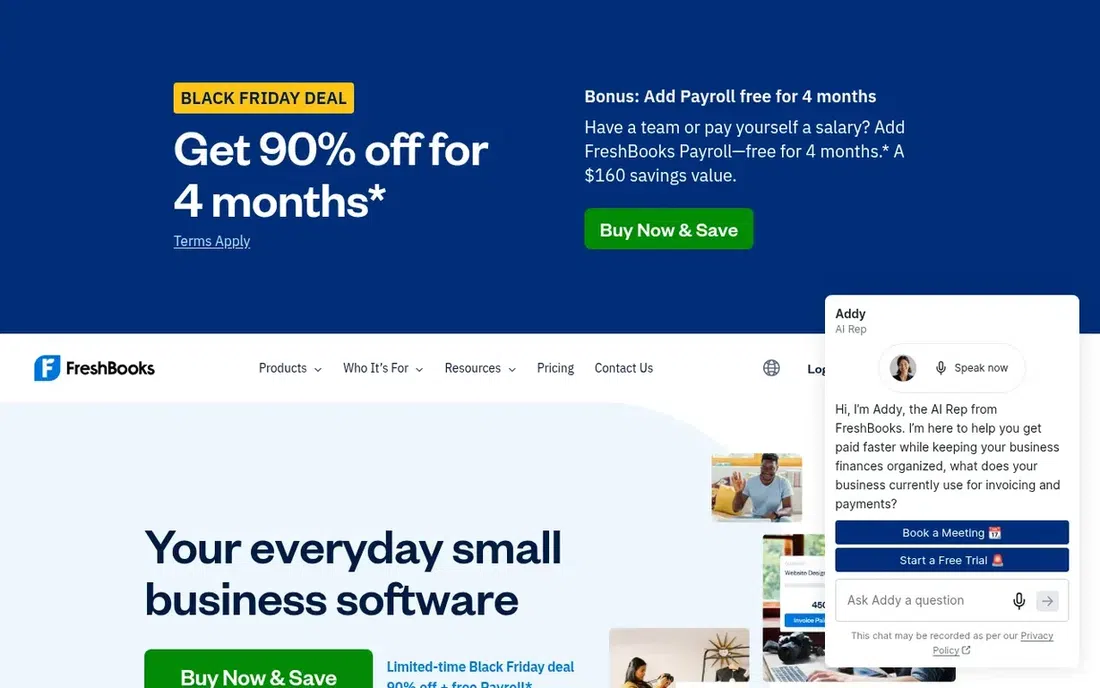
FreshBooks was built for invoicing and small business accounting. It tends to fit solo operators and small teams that want invoicing and bookkeeping together without a steep ramp-up time.
Worth adding: the product is built around small business accounting instead of complicated inventory or multi-entity finance, so expanding operations may outgrow it. What you pay to start with FreshBooks: $23.00 per month. Free options: Free trial.
Where it falls short: Accounting depth may suit more straightforward companies.
- Accepts credit card payments
- Time tracking and receipt management
- Some workflows need add-on apps
Xero targets bank connections and accountant collaboration. Xero is accounting software for small firms that links you to your bank, accountant, bookkeeper and other business apps.
Where it is weaker: May be more than straightforward invoicing needs.
Xero rewards users who will use its connections and app links. Xero cost at the entry level: $7 per month. As for free access: Free trial.
- Links to bank and accountant
- Links with other business apps
- Setup relies on connected accounts

In short, QuickBooks Online is for organizing finances with quick setup. QuickBooks Online is a cloud accounting product from Intuit that concentrates on organizing and managing business finances.
Points against: Feature depth can feel heavy for simple freelancing.
Check the vendor site for the features that matter to your workflow. Entry price for QuickBooks Online: $11.40 per month. Trial and free access: Free trial.
- Wide accounting and business organization tools
- Widely used by small firms
- Ramp-up time for new accounting users
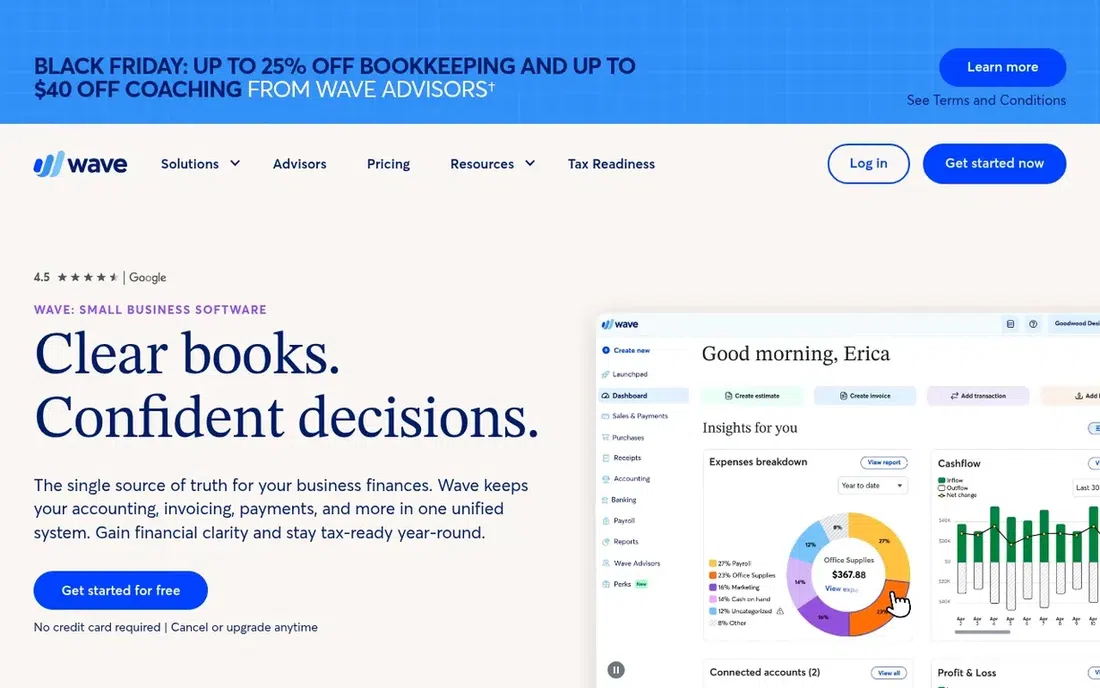
Wave targets straightforward invoicing and money management. Wave is small business software centered on money management.
Its homepage describes creating invoices, accepting online payments and making accounting simple in one place. More specifically, confirm which accounting and payment features are currently offered on the vendor site before committing. The starting price for Wave: $19 per month. A free plan is available with Wave.
What to check first: May lack deep project management.
- Straightforward money management focus
- Accounting tools in one suite
- Less suited to complicated accounting needs
How these tools were picked
Questions to settle before buying
- Get a written quote from HoneyBook and Dubsado; the list shows no starting price for them.
- Look at the free plan from Wave closely: its caps decide whether it is usable for real work.
- Use real work to test the free trial from FreshBooks, Xero and QuickBooks Online, rather than a demo project.
- Read the limits listed for HoneyBook first: accounting depth may be restricted.
- Add up seats, add-ons and usage charges for Xero before comparing it with cheaper entries.
- Check how data leaves HoneyBook: formats, limits and whether exports are available on every plan.
FAQ
What is the cheapest option for online business software for freelancers in this list?
On published monthly entry prices, Xero is the lowest here at $7 per month. Entry price is only part of the cost, because seats, add-ons and billing terms can change the total. Prices, free plan details and limits for all 6 tools in this online business software for freelancers roundup sit on the individual cards above.
How are the tools for online business software for freelancers ordered?
The order follows typical fit for online business software for freelancers, with HoneyBook first and Wave last, then price clarity and free access. It is editorial judgement, not a score, so another team could rank the tools differently.
Which options for online business software for freelancers have a free plan?
Wave is the only tool in this list with a free plan. Free plans usually cap users, projects or features, so check the limits on the vendor page. Several others offer a trial instead. Each of the 6 options in this online business software for freelancers guide has its own card above with the price, free plan and limits.
Can I switch tools later if my freelance business grows?
Switching is possible but simpler when your records are exportable and your workflow is not overly customized. Before committing, check how each vendor deals with data and integrations so a future move stays manageable.
Is HoneyBook the right pick for everyone comparing online business software for freelancers?
No single tool suits every team. HoneyBook comes first because it fits client relationships and project flow, while Dubsado suits creative service business management and FreshBooks suits invoicing and small business accounting. Match the tool to your own size, budget and workflow before deciding.
Sources
- https://www.honeybook.com
- https://www.dubsado.com
- https://www.freshbooks.com
- https://www.xero.com
- https://quickbooks.intuit.com
- https://www.waveapps.com