The 5 Best Compositing Software for VFX Freelancers in 2026, Ranked
5 best compositing software for VFX freelancers, with entry costs, free tiers and the buyer each one serves. Plus the drawbacks of each tool. No hype.
- Editor's choiceSilhouette
Roto, paint and tracking work
Starts atPricing on requestVisit silhouettefx.comFull review - Great alternative
 DaVinci Resolve Fusion
Effects inside an edit and color pipeline
Starts atPricing on requestVisit blackmagicdesign.comFull review - Also considerNuke
Node-based film and episodic compositing
Starts atPricing on requestVisit foundry.comFull review
Direct answer
Start with Silhouette if you need Roto, paint and tracking work. Look at DaVinci Resolve Fusion for Effects inside an edit and color pipeline, and at Nuke for node-based film and episodic compositing. The full list of 5 tools follows, with free plan facts. None of these vendors publish plan prices, so pricing is on request for every option.
TL;DR:
- Number one here is Silhouette, a fit for Roto, paint and tracking work.
- Every tool from Silhouette to Adobe After Effects works by quote, with no list price shown.
- Before buying Silhouette, weigh this: narrower than a full compositor.
- Neither Silhouette nor Adobe After Effects, nor any of the other 3 tools, has a permanent free plan; trials and quotes are the norm.
- For all-around compositing and motion graphics, Adobe After Effects is worth a look.
Last checked November 2026. Pricing on request: vendors did not publish plan prices when this guide was last checked (November 2026), so ask each vendor for a written quote.
Quick comparison
| Tool | Best for | Starts at | Free plan? | |
|---|---|---|---|---|
| Silhouette | Roto, paint and tracking work | Pricing on request | Not stated | Visit |
| DaVinci Resolve Fusion | Effects inside an edit and color pipeline | Pricing on request | Not stated | Visit |
| Nuke | Node-based film and episodic compositing | Pricing on request | Not stated | Visit |
| Autodesk Flame | High-end finishing and VFX | Pricing on request | Not stated | Visit |
 Adobe After Effects | All-around compositing and motion graphics | Pricing on request | Not stated | Visit |
Compositing Software for VFX Freelancers profiles
Short on time? The summary and table above give the quick view of 5 compositing software for VFX freelancers, and the profiles that follow give the detail behind each entry.
Silhouette
Best for: Roto, paint and tracking work
Silhouette is aimed squarely at Roto, paint and tracking work. Its focus on tasks like rotoscoping, paint and tracking makes it handy for freelancers who receive cleanup and matte work and need efficient, dedicated tools inside an existing pipeline.
Silhouette is a specialist tool instead of a complete compositing environment, so it fits best alongside a primary application. Check the vendor site for Silhouette pricing; none is listed in this comparison. On free options: Not stated.
Drawbacks to consider: Best as part of a bigger pipeline.
- Manages tracking tasks
- Plugs into plenty of host apps
- Narrower than a full compositor
DaVinci Resolve Fusion
Best for: Effects inside an edit and color pipeline
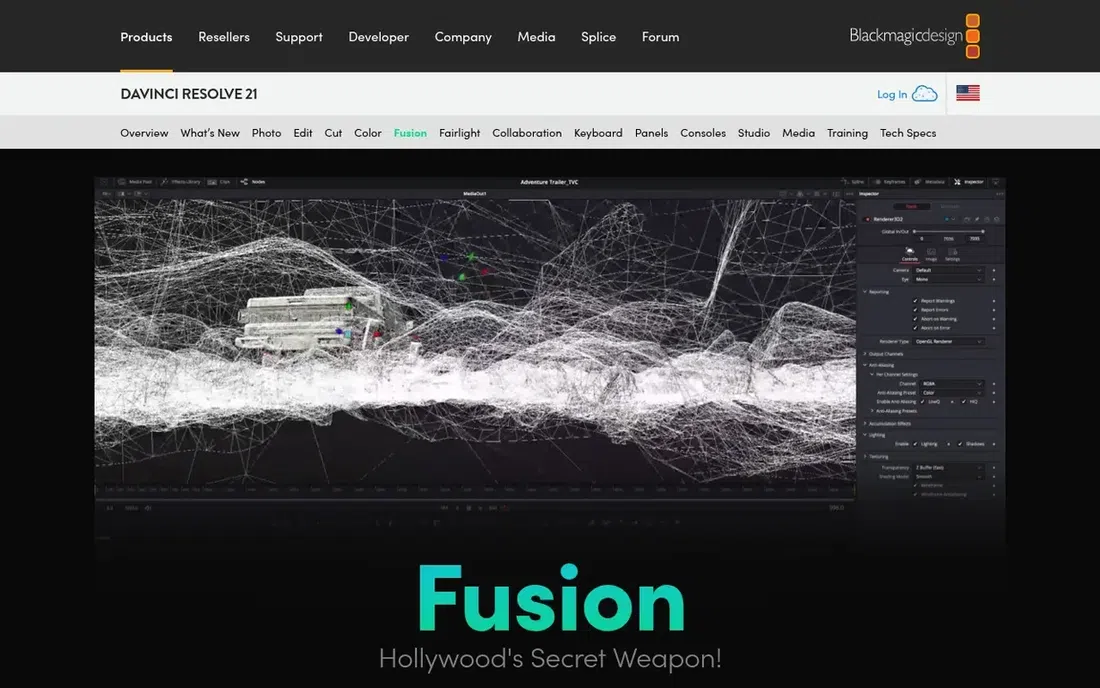
Think of DaVinci Resolve Fusion for Effects inside an edit and color pipeline. The Fusion page uses a node workflow that differs from layer-based tools, so newcomers need time to adjust.
What to check first: Effects page has its own logic.
Very large composites can strain modest systems, and freelancers doing specialized shot work at scale may want a dedicated compositing application instead. No starting price is listed for DaVinci Resolve Fusion here; confirm pricing on the vendor site. Free access: Not stated.
- Editing and color in one app
- Runs on Mac
- Heavy composites need capable hardware
Nuke
Best for: Node-based film and episodic compositing
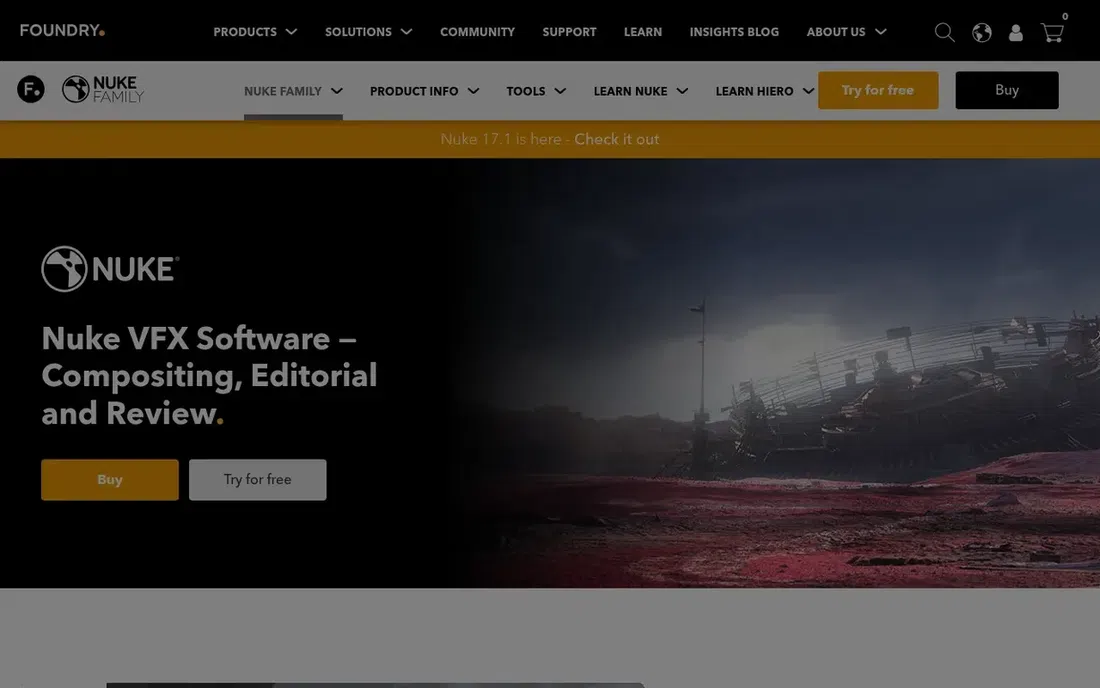
Nuke is aimed squarely at node-based film and episodic compositing. Nuke is compositing and film editing software from Foundry pitched at high-end film and TV production. Its node-based workflow lets artists build and reuse complicated composites, which suits freelancers who take on shot work for studios or episodic projects and have to match established pipelines.
Honest limits: Steeper learning curve.
It is a natural choice when precision and repeatability matter more than fast design work. As for the details, the node approach and scripting expectations mean a real learning investment. It is not the tool for motion graphics or social content. Freelancers who largely cut and finish their own projects may find a combined editor and effects application more efficient. Check the vendor site for Nuke pricing; none is listed in this comparison. Free access: Not stated.
- Deals with multi-pass workflows
- Designed for film and TV pipelines
- Less suited to motion graphics
Autodesk Flame
Best for: High-end finishing and VFX
Autodesk Flame is a good fit for high-end finishing and VFX. Autodesk Flame is a finishing and VFX option for creating high-grade film and TV productions.
Watch-outs: Pitched at established finishing suites.
It brings compositing, conform and finishing tasks together, which fits freelancers working on commercial and broadcast projects where final quality and client-facing sessions matter. Pricing for Autodesk Flame is not stated here, so ask the vendor for current figures. As for free access: Not stated.
- Designed for film and TV grades
- Integrated finishing and VFX
- Needs feature-rich hardware
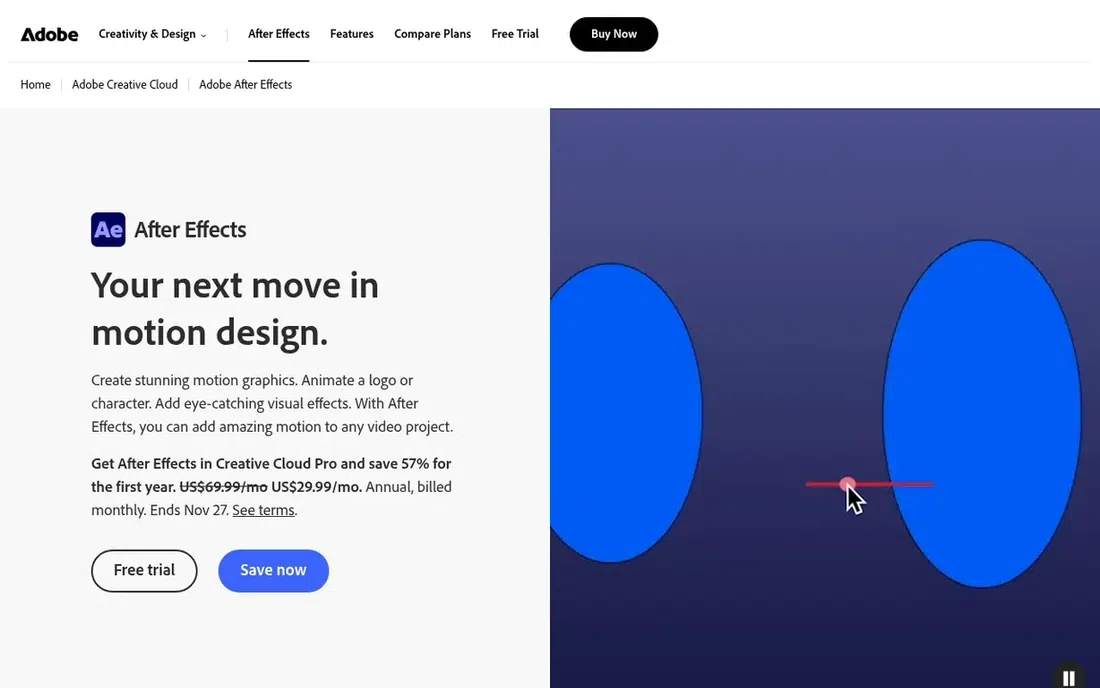
In short, Adobe After Effects is for all-around compositing and motion graphics. Freelancers frequently choose it because it includes compositing, animation, tracking and title work in one place, and it links naturally with other Adobe creative apps.
Watch-outs: Layer-based compositing has limits.
Its layer-based model can become unwieldy for very complicated node-style composites, and heavy projects need a capable machine. More specifically, freelancers whose work is largely deep 3D-integrated film compositing may prefer a dedicated node tool, whereas those who also do design and animation frequently stay with After Effects. Adobe After Effects shows no starting price here, so confirm the cost on the vendor site. Free access: Not stated.
- Suits Adobe workflows
- Deep plugin ecosystem
- Demanding on hardware
What went into this list
Selection started from tools commonly considered for compositing software for VFX freelancers, then narrowed to 5 that have clear pricing information or a clear quote process. Plan names, prices and limits change often. Treat the figures here as a starting point and verify them with the vendor. We ordered the tools by general fit, then by how clearly pricing is shown, then by free access. A buyer with unusual needs may reorder them.
Questions to settle before buying
- Ask each vendor, from Silhouette to Adobe After Effects, for a written quote; none of them publishes a starting price.
- Before choosing Silhouette, weigh its main limit: narrower than a full compositor.
- Ask whether Adobe After Effects integrates with your current software, and whether that comes standard or as an add-on.
- Check whether the features you need in Nuke sit on the entry plan or only on higher tiers.
- Involve the people who will use DaVinci Resolve Fusion daily; a short pilot beats a long feature checklist.
FAQ
How are the tools for compositing software for VFX freelancers ordered?
Silhouette sits first and Adobe After Effects last because the order follows typical fit for compositing software for VFX freelancers, then price clarity and free access. It is a judgement call, so read each profile for fit and limits.
Do these tools publish their prices?
No. None of the tools, from Silhouette to Adobe After Effects, shows a fixed starting price here, so budget time for quotes.
Can I try these tools before paying?
Not by default. None of the tools, from Silhouette to Adobe After Effects, lists a free plan or a free trial here, so ask each vendor for a demo before committing.
Does any tool for compositing software for VFX freelancers here have a free plan?
A permanent free plan is not offered by Silhouette, Adobe After Effects or the other tools here. Plan a short evaluation period instead.
Where do Photoshop and Silhouette fit in a compositing workflow?
Photoshop manages matte painting, textures and still cleanup, whereas Silhouette concentrates on roto, paint and tracking inside host applications. A central compositor still assembles the final shot.
Sources
- https://www.silhouettefx.com
- https://www.blackmagicdesign.com/products/davinciresolve/fusion
- https://www.foundry.com/products/nuke-family/nuke
- https://www.autodesk.com/products/flame/overview
- https://www.adobe.com/products/aftereffects.html