5 Online Database Software Worth Shortlisting in 2026
Best online database software in 2026: 5 tools with starting prices, free plans and limits. The weak spots sit next to the strengths. Budget notes included.
- Editor's choice
 Google Sheets
Familiar collaborative spreadsheets
Starts atSee websiteVisit workspace.google.comFull review - Great alternativeMicrosoft Access
Desktop relational databases on Windows
Starts at$18.00 per user per monthVisit microsoft.comFull review - Also consider
 Notion
Databases inside a docs workspace
Starts at$10 per member per monthVisit notion.soFull review
Direct answer
Start with Google Sheets if you need familiar collaborative spreadsheets. Listed starting prices: Microsoft Access from $18.00 per user per month, Notion from $10 per member per month and Smartsheet from $12 per Member/month. Microsoft Access fits desktop relational databases on Windows; Notion fits databases inside a docs workspace. The remaining 2 options are covered below with prices and limits.
TL;DR:
- Google Sheets sits first on this list: familiar collaborative spreadsheets.
- For visual relational databases with automation, Airtable is worth a look.
- 2 of 5 tools offer a free plan: Notion, Airtable.
- What to know about Microsoft Access first: desktop-first, not designed for web teams.
- The cheapest monthly starting price in the list is $10 per member per month, offered by Notion.
Last checked November 2026. Prices and plan details were read from the vendors' own pages in November 2026; vendors change plans often, so confirm the current price on the vendor site before you buy.
Quick comparison
| Tool | Best for | Starts at | Free plan? | |
|---|---|---|---|---|
| Google Sheets | Familiar collaborative spreadsheets | See website | Not stated | Visit |
| Microsoft Access | Desktop relational databases on Windows | $18.00 per user per month | Free trial | Visit |
| Notion | Databases inside a docs workspace | $10 per member per month | Yes | Visit |
 Smartsheet | Structured work execution at scale | $12 per Member/month | Not stated | Visit |
 Airtable | Visual relational databases with automation | $20 per user per month | Yes | Visit |
Tool-by-tool breakdown
Short on time? The summary and table above give the quick view of 5 tools for online database software, and the profiles that follow give the detail behind each entry.
Google Sheets was built for familiar collaborative spreadsheets. Google Sheets is a collaborative spreadsheet that runs in the browser, with AI features that help ease complicated data, surface insights and build interactive mini-apps.
Sheets is a spreadsheet, not a relational database, so referential integrity and scale are restricted. This comparison lists no price for Google Sheets; ask the vendor. Free plan details: Not stated.
Where it falls short: Large datasets strain performance.
- Live co-editing in the browser
- AI-assisted analysis and insights
- Not a true relational database
Microsoft Access
Best for: Desktop relational databases on Windows
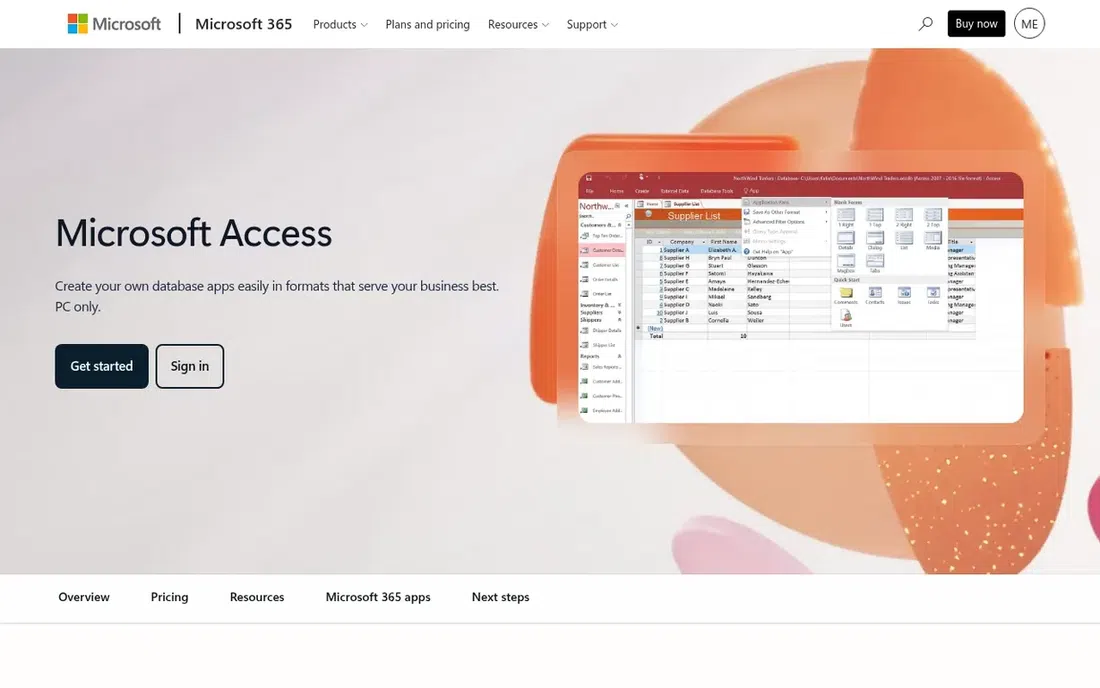
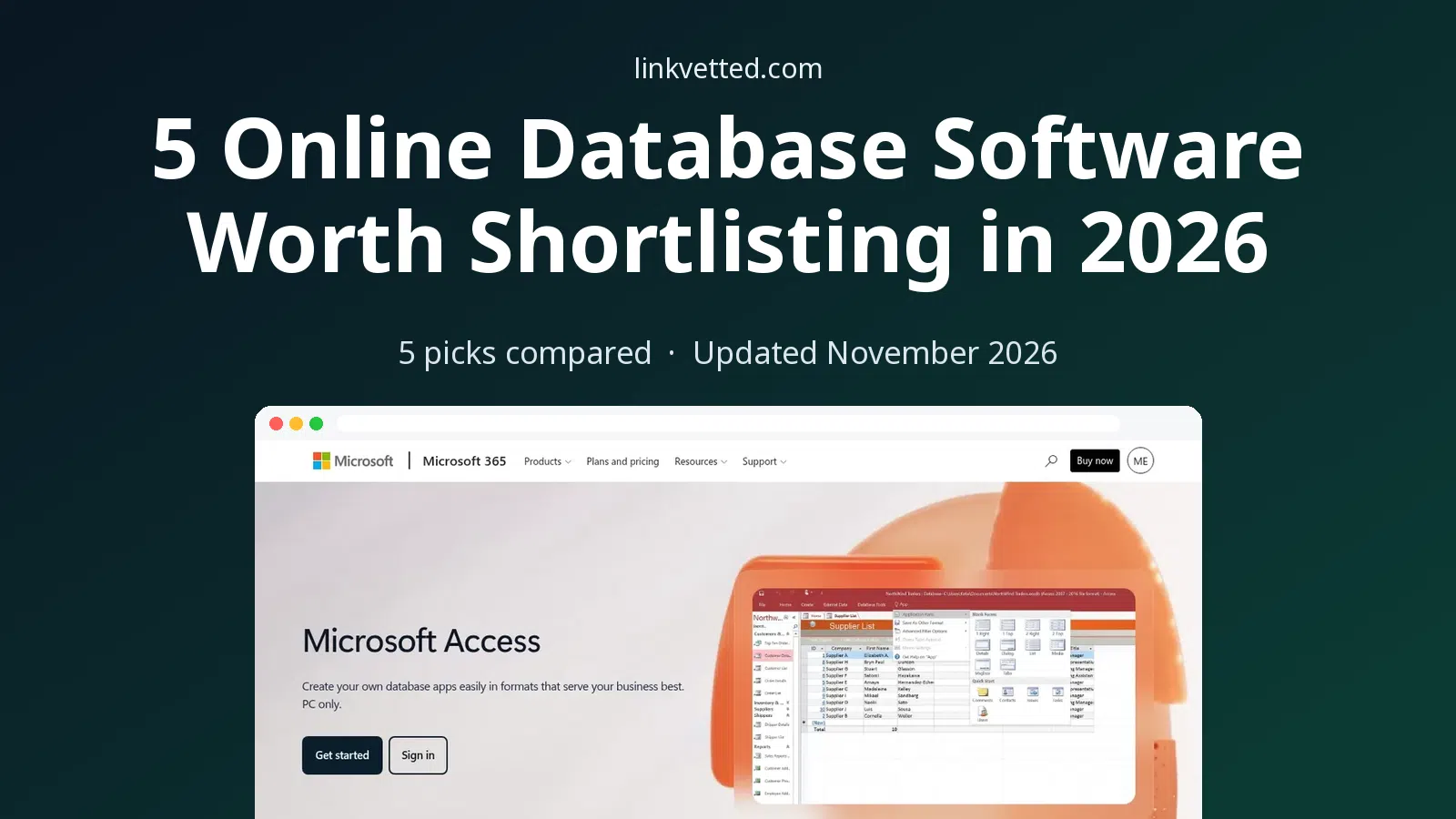
Microsoft Access is built with desktop relational databases on Windows in mind. Its homepage frames it around quick database creation.
Watch-outs: not made for web teams.
Access is desktop-oriented, so concurrent web collaboration is not its strength, and remote access needs additional planning. Teams that require browser-based multi-user databases should consider cloud-native choices instead. Microsoft Access cost at the entry level: $18.00 per user per month. Free access: Free trial. Main advantages: Familiar Microsoft environment.
- Queries and forms
- Relational tables
- Sharing outside a network is restricted
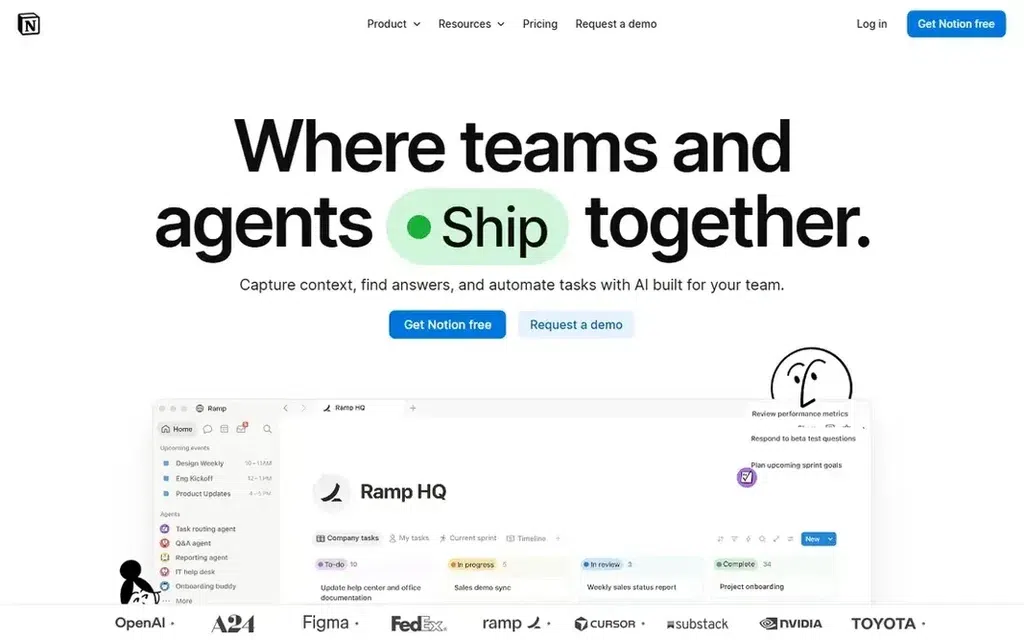
Think of Notion for databases inside a docs workspace. Its homepage flags custom agents, cross-app search and automation of busywork.
The main drawbacks: Not aimed at heavy data volumes.
If your priority is strict relational integrity or high-volume records, a dedicated database tool is the better fit. On top of that, Notion is not built for large, transaction-heavy datasets, and permissive editing means structure can erode without conventions. On cost, Notion starts like this: $10 per member per month. A free plan is available with Notion.
- Databases live alongside pages and notes
- AI search across connected apps
- Structure can drift without discipline
Pick Smartsheet if this describes you: structured work execution at scale. Smartsheet describes itself as an execution hub where people and AI get work done together, with the governance and visibility enterprises need.
It is best when process tracking and accountability matter as much as the data itself. Smartsheet cost at the entry level: $12 per Member/month. Free options: Not stated.
Where it is weaker: Work-management focus over pure data.
- Grid-based work and data tracking
- Governance and visibility controls
- Complicated sheets need setup effort
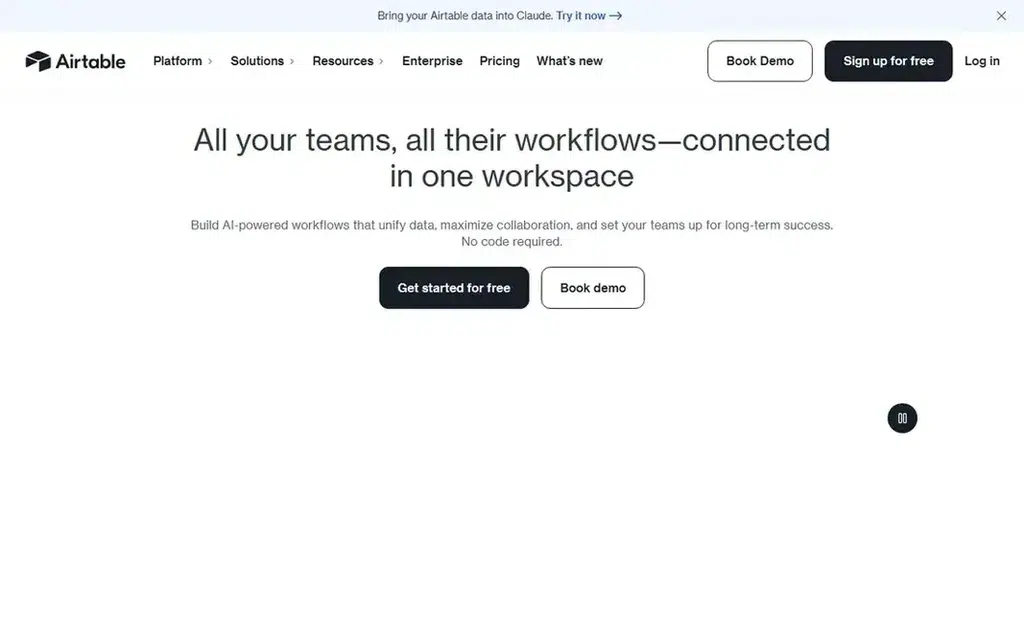
Think of Airtable for visual relational databases with automation. Airtable presents data in a familiar grid whereas supporting linked records, several views and automatic workflows. Its homepage emphasizes enterprise-ready AI workflows, apps and agents built on top of that data layer.
Downsides: Large bases can need careful structure.
Teams that primarily need long-form documents may prefer a workspace tool, and those needing deep custom application logic may look at a dedicated app builder instead. The adaptability can become complexity as bases grow, so governance and naming conventions matter. The starting price for Airtable: $20 per user per month. You can start on Airtable without paying.
- Spreadsheet-like grid with linked records
- Built-in automation for repetitive tasks
- Advanced setups take time to learn
Selection criteria
LinkVetted looked at what each vendor publishes: pricing, plan limits, feature coverage for online database software and stated drawbacks. No hands-on testing is claimed. Plan names, prices and limits change often. Treat the figures here as a starting point and verify them with the vendor. The sequence is a judgement call: typical use case first, then pricing transparency, then free access. Use the profiles to check fit.
A buyer's checklist
- Ask Google Sheets for a written quote, since no starting price is shown.
- Check what the free option really includes: Notion and Airtable offer a free plan, and usage caps differ.
- Take the trial from Microsoft Access and push a live task through it before you pay.
- Before choosing Google Sheets, weigh its main limit: not a true relational database.
- Test how quickly Smartsheet answers a pre-sales question; it hints at how support will feel later.
- Ask the daily users to test Google Sheets on a live task before you roll it out to everyone.
FAQ
Is a spreadsheet enough as an online database?
They struggle with relationships between tables and with large datasets, so once your data grows or needs strict structure, a dedicated database tool is worth the switch.
How are the tools for online database software ordered?
Google Sheets sits first and Airtable last because the order follows typical fit for online database software, then price clarity and free access. It is a judgement call, so read each profile for fit and limits.
Is Google Sheets the right pick for everyone comparing online database software?
No single tool suits every team. Google Sheets comes first because it fits familiar collaborative spreadsheets, while Microsoft Access suits desktop relational databases on Windows and Notion suits databases inside a docs workspace. Match the tool to your own size, budget and workflow before deciding.
Can I try these options before paying?
Often, yes. Notion and Airtable have a free plan and Microsoft Access offers a free trial. Use your own data and a real task during the test, and check what the free tier or trial limits before you rely on it.
Do these tools publish their prices?
Not all of them. Google Sheets publishes no starting price, so expect a quote request for it. The rest, Microsoft Access included, show a starting price, though seats and billing terms still change the final cost.
Sources
- https://workspace.google.com/products/sheets
- https://www.microsoft.com/en-us/microsoft-365/access
- https://www.notion.so
- https://www.smartsheet.com
- https://www.airtable.com