Best No-Code Tools for Building SaaS (2026): 5 Picks Checked on Vendor Pages
Shortlisting the best No-Code tools for building SaaS? 5 products compared on cost, free access and ideal buyer. Every entry states what it lacks. Facts only.
- Editor's choice
 Glide
Internal business apps from spreadsheets
Starts at$25 a monthVisit glideapps.comFull review - Great alternative
 Adalo
Native mobile and web apps
Starts at$65 a monthVisit adalo.comFull review - Also consider
 Make
Workflow automation and integrations
Starts atSee websiteVisit make.comFull review
Direct answer
If you need internal business apps from spreadsheets, Glide is the first tool to look at here. Listed starting prices: Glide from $25 a month, Adalo from $65 a month and Webflow from $15 a month. Alternatives: Adalo for native mobile and web apps, and Make for workflow automation and integrations. The full list of 5 tools follows, with prices and free plan facts.
TL;DR:
- Glide sits first on this list: internal business apps from spreadsheets.
- Bubble is the one to check for full-stack SaaS development.
- For the cheapest start, look at Webflow: $15 per month.
- Only 4 of the 5 tools have a free plan (Glide, Adalo, Make, Webflow), so check the caps.
- Before buying Glide, weigh this: restricted for complex SaaS features.
Last checked November 2026. Prices and plan details were read from the vendors' own pages in November 2026; vendors change plans often, so confirm the current price on the vendor site before you buy.
Quick comparison
| Tool | Best for | Starts at | Free plan? | |
|---|---|---|---|---|
| Glide | Internal business apps from spreadsheets | $25 a month | Yes | Visit |
| Adalo | Native mobile and web apps | $65 a month | Yes | Visit |
| Make | Workflow automation and integrations | See website | Yes | Visit |
 Webflow | Marketing sites and content management | $15 a month | Yes | Visit |
 Bubble | Full-stack SaaS development | See website | Not stated | Visit |
5 No-Code tools for building SaaS in detail
Choosing No-Code tools for building SaaS usually comes down to price, fit and limits. This LinkVetted guide sets 5 tools side by side on those three points, with the facts kept short and checkable.
For internal business apps from spreadsheets, Glide is a natural candidate. Glide is primarily made for internal use and may lack the advanced customization and scalability required for customer-facing SaaS. If your app needs complicated user roles or external user management, you might outgrow Glide.
Trade-offs to know: Dependent on data source structure.
Worth adding: Glide is an AI app builder centred on internal business apps. It permits users to produce custom apps from a spreadsheet or a prompt, with AI generating the interface and logic. This makes it a good match for SaaS businesses looking to rapidly build internal tools for operations, inventory, or team workflows without deep development. Entry price for Glide: $25 per month. Free access exists with Glide.
- Fast to deploy
- AI-generated app creation
- Restricted for complicated SaaS features
Adalo is aimed squarely at native mobile and web apps. Adalo is a no-code app builder that permits users to produce native iOS, Android, and web apps from a single project. It uses AI to create screens, data, and logic based on descriptions, making it accessible for SaaS founders who want to launch mobile apps without coding.
Also, the system emphasizes simplicity and cross-platform publishing. From a buyer's view, if your SaaS needs intricate workflows or broad integrations, you might need a more advanced product. The starting price for Adalo: $65 per month. Adalo includes a free tier.
Downsides: Performance may vary at scale.
- AI-assisted app building
- Publishes to iOS, Android, web
- Restricted complicated logic support
Make is built with workflow automation and integrations in mind. Make is a no-code automation product that lets you visually build, scale, and automate workflows and integrations. It is handy for SaaS companies that require to link different tools, automate backend processes, and simplify operations.
Trade-offs to know: Not for building user interfaces.
In daily use, Make supports AI and agentic workflows, enabling complicated automation without code. Make does not offer front-end app building capabilities, so it is not a standalone option for creating a SaaS. As for the details, choose Make when you have to automate workflows and integrate services, not when you need to build user-facing interfaces. Check the vendor site for Make pricing; none is listed in this comparison. Make offers a free plan.
- Visual automation builder
- AI and agentic workflow support
- Needs understanding of APIs
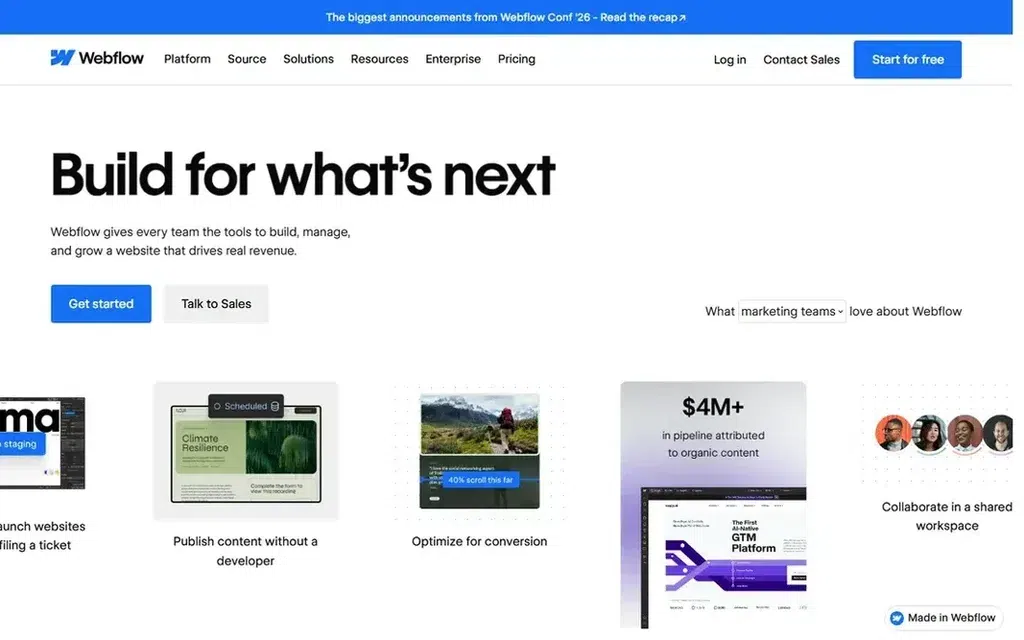
Webflow was built for marketing sites and content management. The product gives you enterprise-grade security and hosting, making it a solid choice for firms that prioritize a refined web presence. In practice, choose Webflow when your primary need is a high-quality marketing site or content product.
Webflow is a visual web development system centred on design, CMS, and hosting. It is well-suited for SaaS marketing sites, blogs, and content-driven pages, with tools for search engine optimization and AI search readiness. In daily use, Webflow is not aimed at building complicated application logic or user authentication flows. In practice, if you have to produce a full SaaS application with database interactions, you may have to pair it with other tools. Starting cost for Webflow: $15 per month. Webflow includes a free tier.
The main drawbacks: Not for complicated app logic.
- Visual design with CMS
- Enterprise-grade security and hosting
- Steeper ramp-up time for designers
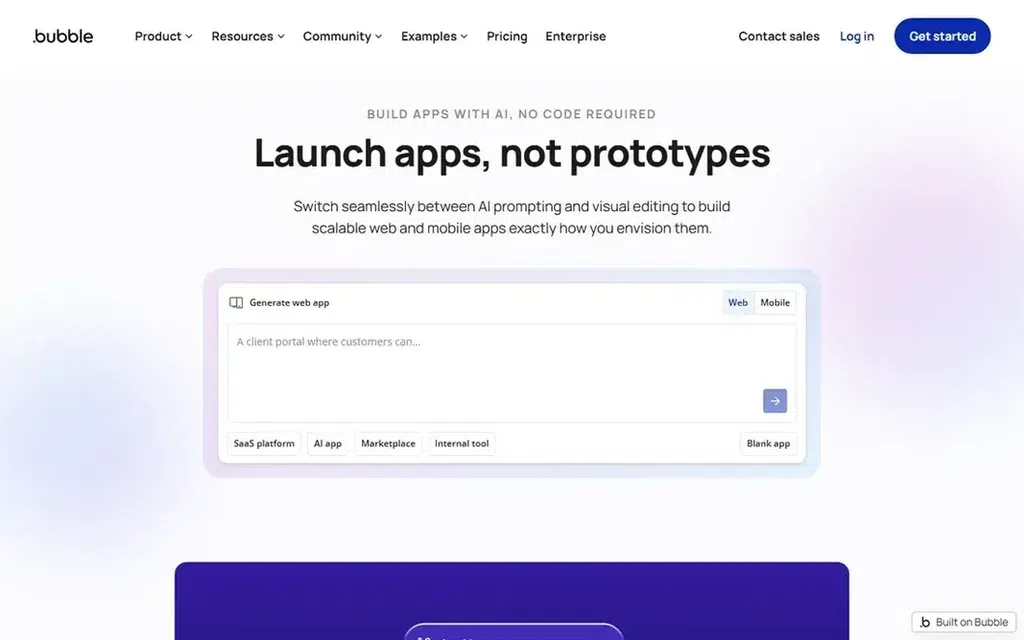
Bubble is designed for full-stack SaaS development. The system emphasizes speed and precision, allowing users to design, build, and launch apps rapidly. Bubble is a no-code system for building web and mobile applications with a visual editor and AI assistance.
What users get: Built-in database and privacy rules.
It bundles a built-in database, logic, and privacy rules, making it a good match for founders who want to build a complete SaaS without writing code. In daily use, Bubble may need time to master its logic and data modeling, and complicated apps can become resource-intensive. If you need deep native mobile features or prefer a code-first approach, consider alternatives. Worth adding: Bubble is a good match for those committed to a no-code path for full-stack SaaS. This comparison lists no price for Bubble; ask the vendor. Free options: Not stated. Honest limits: Ramp-up time for advanced logic.
- Visual editor with AI assistance
- Supports web and mobile apps
- Restricted native mobile capabilities
How we built this list
For each of the 5 tools we noted price, free plan or trial, fit for No-Code tools for building SaaS and the main limit, using vendor pages and documentation. Treat prices as a snapshot: vendors change plans often, so check the vendor site for the figure that applies today. Order on the page follows fit for the typical buyer first, then price transparency and free access. Your own requirements should decide the final pick.
Before you commit
- Confirm the entry price on the vendor page. For Make and Bubble that means a quote rather than a fixed price.
- Look at free plan limits closely: Glide, Adalo, Make and Webflow have one, and the caps decide whether it is usable for real work.
- Read the limits listed for Glide first: restricted for complicated SaaS features.
- Ask the daily users to test Adalo on a live task before you roll it out to everyone.
- Find out what support Glide includes on your plan, and whether onboarding help costs extra.
FAQ
Which No-Code tools for building SaaS have a free plan?
Glide, Adalo, Make and Webflow offer a free plan in this list. Free plans usually cap users, projects or features, so check the limits on the vendor page.
Is Glide the right pick for everyone comparing No-Code tools for building SaaS?
No single tool suits every team. Glide comes first because it fits internal business apps from spreadsheets, while Adalo suits native mobile and web apps and Make suits workflow automation and integrations. Match the tool to your own size, budget and workflow before deciding.
Can I try these tools before paying?
Often, yes. Glide, Adalo, Make and Webflow have a free plan. Use your own data and a real task during the test, and check what the free tier or trial limits before you rely on it.
Which no-code tool is best for internal SaaS?
Start with Glide if you need internal business apps from spreadsheets. Adalo is the better match for native mobile and web apps, and Make for workflow automation and integrations. The best choice depends on budget, team size and workflow.
How are the No-Code tools for building SaaS ordered?
Glide sits first and Bubble last because the order follows typical fit for No-Code tools for building SaaS, then price clarity and free access. It is a judgement call, so read each profile for fit and limits.
Sources
- https://www.glideapps.com
- https://www.adalo.com
- https://www.make.com
- https://webflow.com
- https://bubble.io