Choosing No-Code Platforms for Building Web Apps in 2026: 6 Options Compared
Weighing the best no-code platforms for building web apps? We lined up 6 products by cost, free access and fit. Each entry gets a plain verdict. See which fits.
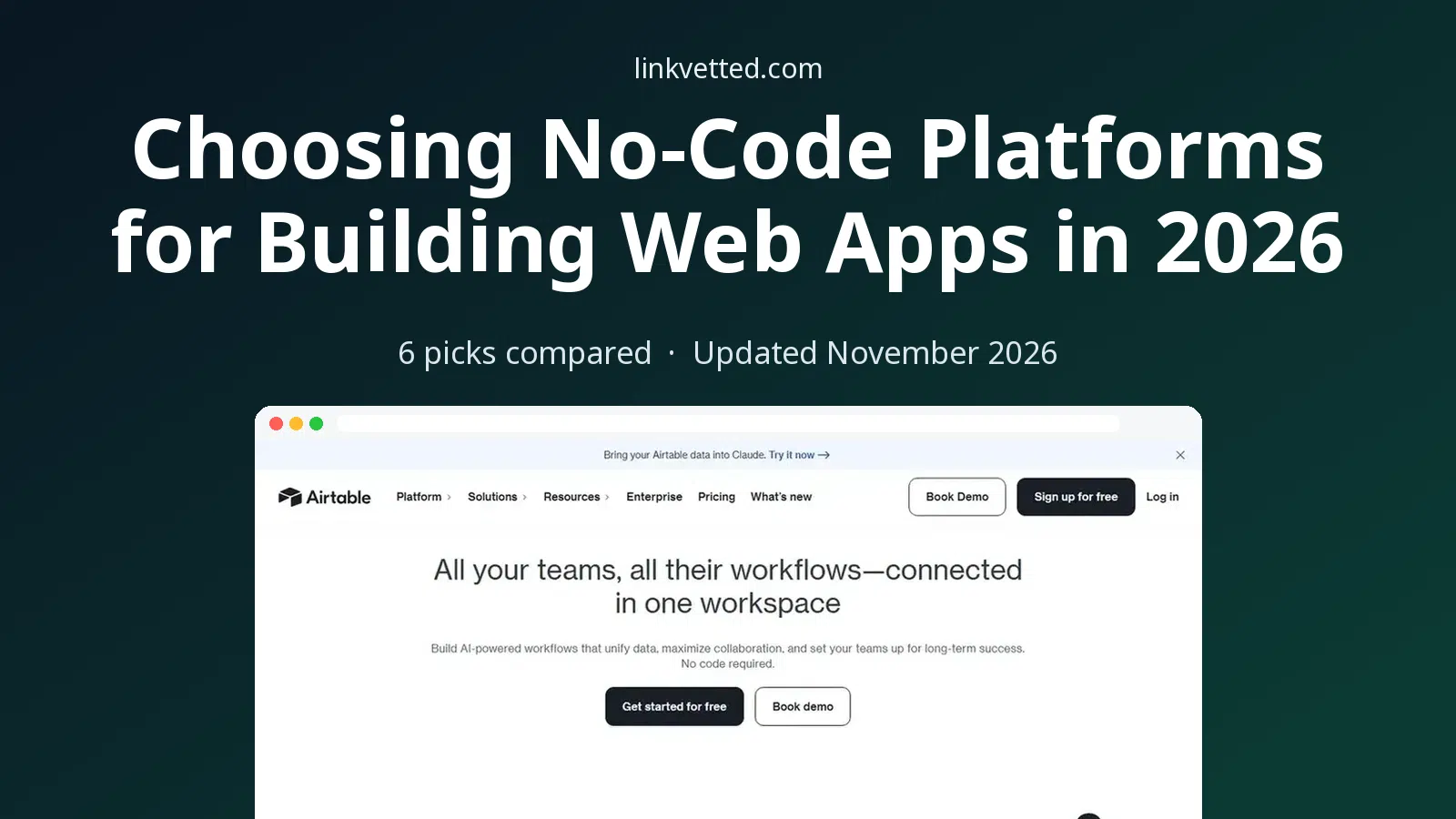
- Editor's choice
 Airtable
Workflow apps and databases
Starts at$20 per user per monthVisit airtable.comFull review - Great alternative
 Glide
Internal business apps from spreadsheets
Starts at$25 a monthVisit glideapps.comFull review - Also consider
 Webflow
Design-centric websites with CMS
Starts at$15 per monthVisit webflow.comFull review
Direct answer
Our first pick is Airtable, best for workflow apps and databases. Listed starting prices: Airtable from $20 per user per month, Glide from $25 a month and Webflow from $15 per month. Alternatives: Glide for internal business apps from spreadsheets, and Webflow for design-centric websites with CMS. The other 3 tools in the list cover narrower or pricier cases.
TL;DR:
- Airtable is the opening pick, best for workflow apps and databases.
- A free plan is available from 4 of the 6 tools: Airtable, Glide, Webflow, Adalo.
- Webflow has the lowest monthly starting price in this list: $15 per month.
- Carrd suits straightforward one-page sites.
Last checked November 2026. Prices and plan details were read from the vendors' own pages in November 2026; vendors change plans often, so confirm the current price on the vendor site before you buy.
Quick comparison
| Tool | Best for | Starts at | Free plan? | |
|---|---|---|---|---|
| Airtable | Workflow apps and databases | $20 per user per month | Yes | Visit |
| Glide | Internal business apps from spreadsheets | $25 a month | Yes | Visit |
| Webflow | Design-centric websites with CMS | $15 per month | Yes | Visit |
 Bubble | Full web apps with logic and database | See website | Not stated | Visit |
 Adalo | Native mobile and web apps | $65 a month | Yes | Visit |
 Carrd | Straightforward one-page sites | See website | Not stated | Visit |
Tool-by-tool breakdown
This LinkVetted guide covers 6 no-code platforms for building web apps. Each profile lists a starting price, free plan details, strengths and drawbacks, so you can drop poor fits quickly.
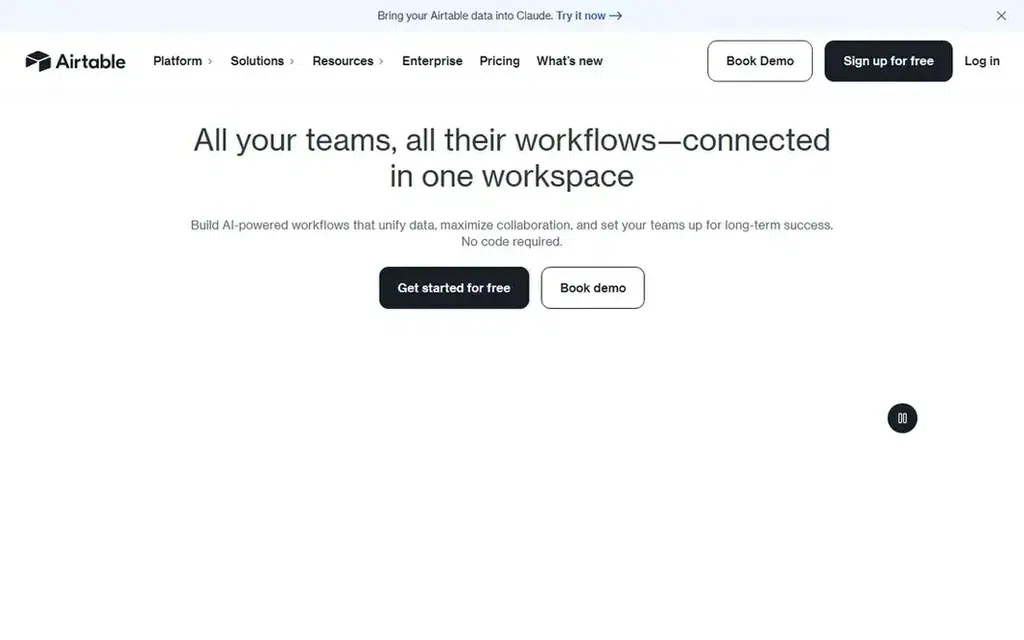
Airtable is designed for workflow apps and databases. Airtable is a system for building enterprise-ready AI workflows, apps, and agents, with a focus on live collaboration and automation. It is used by plenty of brands to simplify business processes.
Points against: May need extras for advanced apps.
For consumer-facing apps or highly customized interfaces, consider Bubble or Adalo instead. As for the details, Airtable's app-building capabilities are tied to its database model, which can limit custom interface design. Entry price for Airtable: $20 per user per month. You can start on Airtable without paying.
- Automation of repetitive tasks
- Live collaboration
- App interface less configurable
In short, Glide is for internal business apps from spreadsheets. Glide is an AI app builder for internal business apps, allowing you to build custom apps and agents from a spreadsheet or a prompt. It is made for fast deployment, making it right for operations, sales, and other teams needing internal tools without coding.
What works well: Quick app creation.
If you need a customer-facing app with complex logic, Bubble or Adalo could be better suits. Glide focuses on internal business apps, so it may not be a strong match for public-facing or highly designed web apps. Glide pricing: $25 per month. Free access exists with Glide.
Limits to weigh: Restricted to internal use cases.
- Custom business apps and agents
- Build from spreadsheet or prompt
- Less design adaptability
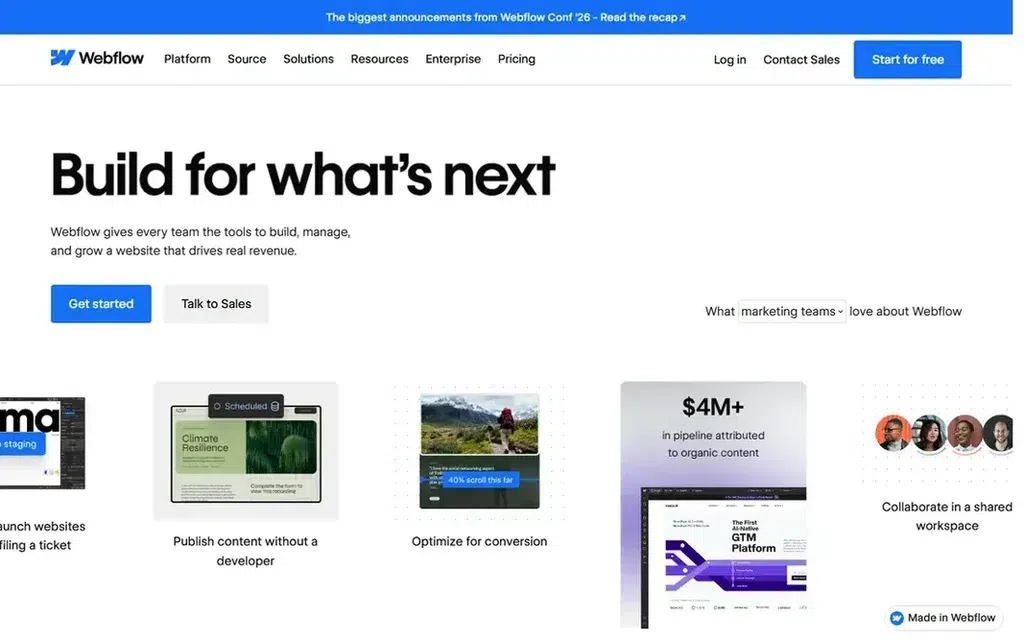
Webflow serves design-centric websites with CMS. Webflow is a system for designing, building, and optimizing websites with a focus on visual design and content management. It comes with CMS, hosting, and security features, and is used by plenty of teams.
In daily use, Webflow is not primarily made for complicated web app logic or databases, so it may fall short for interactive applications. Beyond that, if your project needs custom workflows and data relationships, Bubble or Glide might be more appropriate. On cost, Webflow starts like this: $15 per month. Webflow offers a free plan.
The main drawbacks: Less suited for app logic.
- Enterprise-grade security
- Visual design control
- Needs design knowledge
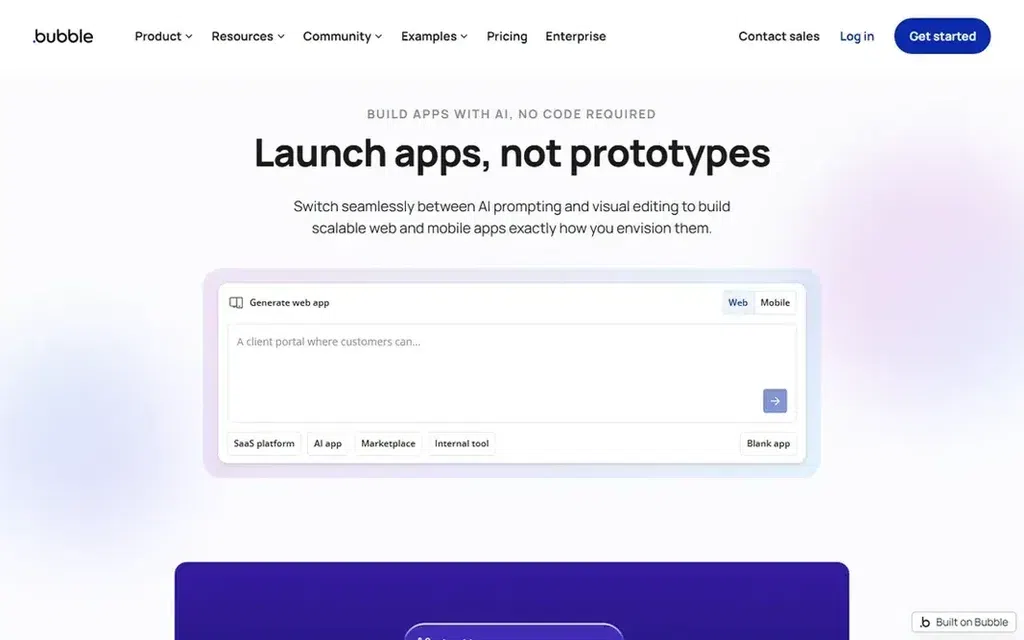
Bubble works best for full web apps with logic and database. It bundles database, logic, and privacy rules, making it a good match for founders and teams who require custom functionality without code.
In daily use, the system aims to take you from idea to launched app rapidly. As for the details, if you need a straightforward site or internal tool, consider lighter choices like Carrd or Glide instead. Bubble does not show a starting price in this comparison, so check the vendor site for current pricing. Free options: Not stated.
Where it is weaker: Ramp-up time for advanced features.
- Visual editing for precision
- AI-assisted building for speed
- Can be complicated for beginners
Where Adalo fits: native mobile and web apps. Adalo's focus on mobile apps means web app capabilities may be less solid than dedicated web systems.
For everyday use, if your primary target is a complicated web app, Bubble or Webflow might be more suitable. Adalo cost at the entry level: $65 per month. Adalo has a free plan.
The main drawbacks: Restricted customization for complex apps.
- Publishes to iOS, Android, web
- AI-assisted app building
- May need workarounds for advanced features
It is a strong match for individuals and small firms needing a minimal online presence, for example a landing page or personal profile, without complexity. This comparison lists no price for Carrd; ask the vendor. Free options: Not stated.
Downsides: Restricted to one-page sites.
- Straightforward to use
- Right for basic sites
- Not for complicated web apps Carrd if this describes you: straightforward one-page sites. Carrd is restricted to one-page sites and lacks the database and logic features needed for web apps.
How we built this list
The comparison looks at four things: starting price, free access, how well the feature set matches no-code platforms for building web apps, and the main limit of each tool. Where a price is missing, the vendor does not list one publicly or ties it to a quote. Always confirm before budgeting. The sequence is a judgement call: typical use case first, then pricing transparency, then free access. Use the profiles to check fit.
Questions to settle before buying
- Ask Bubble and Carrd for a written quote, since no starting price is shown.
- Read the fine print on the free plans from Airtable, Glide, Webflow and Adalo; seat, project and feature caps differ.
- Read the limits listed for Airtable first: app interface less customizable.
- Look at the renewal terms for Airtable: auto-renewal, notice periods and price changes can matter more than the first-year price.
- Before you load data into Adalo, check what an export looks like and who can run it.
FAQ
Which no-code platforms for building web apps have a free plan?
On this list, Airtable, Glide, Webflow and Adalo include a free plan. Caps on seats, usage or features are common, so test the free plan against your real workload.
Is Airtable the right pick for everyone comparing no-code platforms for building web apps?
No single tool suits every team. Airtable comes first because it fits workflow apps and databases, while Glide suits internal business apps from spreadsheets and Webflow suits design-centric websites with CMS. Match the tool to your own size, budget and workflow before deciding.
Are no-code products a good match for simple websites?
Yes, Carrd is well suited to straightforward one-page sites, and Webflow is a good match for design-centric websites with CMS. These are less suited for complicated app logic but excel at presentation.
Do these tools publish their prices?
Not all of them. Bubble and Carrd publish no starting price, so expect a quote request for those. The rest, Airtable included, show a starting price, though seats and billing terms still change the final cost.
What is the best no-code platform for building a complicated web app?
Start with Airtable if you need workflow apps and databases. Glide is the better match for internal business apps from spreadsheets, and Webflow for design-centric websites with CMS. The best choice depends on budget, team size and workflow.
Which no-code system is a good match for internal business tools?
Start with Airtable if you need workflow apps and databases. Glide is the better match for internal business apps from spreadsheets, and Webflow for design-centric websites with CMS. The best choice depends on budget, team size and workflow.
Sources
- https://airtable.com
- https://www.glideapps.com
- https://webflow.com
- https://bubble.io
- https://www.adalo.com
- https://carrd.co