Best Mobile Time Clock Apps in 2026: Prices, Free Plans and 5 Picks
Weighing the best mobile time clock apps? We lined up 5 products by cost, free access and fit. Plain-spoken summaries throughout. Updated November 2026.
- Editor's choice
 Clockify
Project time tracking
Starts atSee websiteVisit clockify.meFull review - Great alternative
 Connecteam
Frontline team management
Starts at$29 per monthVisit connecteam.comFull review - Also consider
 QuickBooks Time
Payroll and GPS tracking
Starts atSee websiteVisit quickbooks.intuit.comFull review
Direct answer
Clockify comes first here, mainly for project time tracking. Listed starting prices: Connecteam from $29 per month, Hubstaff from $10 per seat a month and Homebase from $30 per location per month. If your case is different, Connecteam suits frontline team management and QuickBooks Time suits payroll and GPS tracking. The other 2 tools in the list cover narrower or pricier cases.
TL;DR:
- The list opens with Clockify, aimed at project time tracking.
- Hubstaff comes with a trade-off: may feel intrusive to employees.
- The cheapest monthly starting price in the list is $10 per seat per month, offered by Hubstaff.
- Only 3 of the 5 tools have a free plan (Clockify, Connecteam, Homebase), so check the caps.
- Homebase is the one to check for hourly teams and scheduling.
Last checked November 2026. Prices and plan details were read from the vendors' own pages in November 2026; vendors change plans often, so confirm the current price on the vendor site before you buy.
Quick comparison
| Tool | Best for | Starts at | Free plan? | |
|---|---|---|---|---|
| Clockify | Project time tracking | See website | Yes | Visit |
| Connecteam | Frontline team management | $29 per month | Yes | Visit |
| QuickBooks Time | Payroll and GPS tracking | See website | Not stated | Visit |
 Hubstaff | Productivity monitoring | $10 per seat a month | Free trial | Visit |
 Homebase | Hourly teams and scheduling | $30 per location per month | Yes | Visit |
5 mobile time clock apps in detail
This LinkVetted guide covers 5 mobile time clock apps. Each profile lists a starting price, free plan details, strengths and drawbacks, so you can drop poor fits quickly.
Clockify was built for project time tracking. The mobile app permits users to start and stop timers, log hours manually, and view reports on the go. It also lacks payroll integration.
Where it is weaker: Not aimed at shift-based teams.
Clockify is a time tracking app that lets individuals and teams track work hours across projects. Choose Clockify if project-based time tracking is your primary requirement. This comparison lists no price for Clockify; ask the vendor. Clockify offers a free plan.
- Tracks across projects
- Mobile app available
- Restricted scheduling features
Where Connecteam fits: frontline team management. It is made for industries like construction, field services, and retail, where employees are frequently on the go.
Also, Connecteam's thorough feature set might be more than a small team needs, and it could take time to set up. Connecteam cost at the entry level: $29 per month. Free access exists with Connecteam.
Honest limits: May need training to use completely.
- All-in-one for frontline teams
- Scheduling and time tracking
- Can be overwhelming for small teams
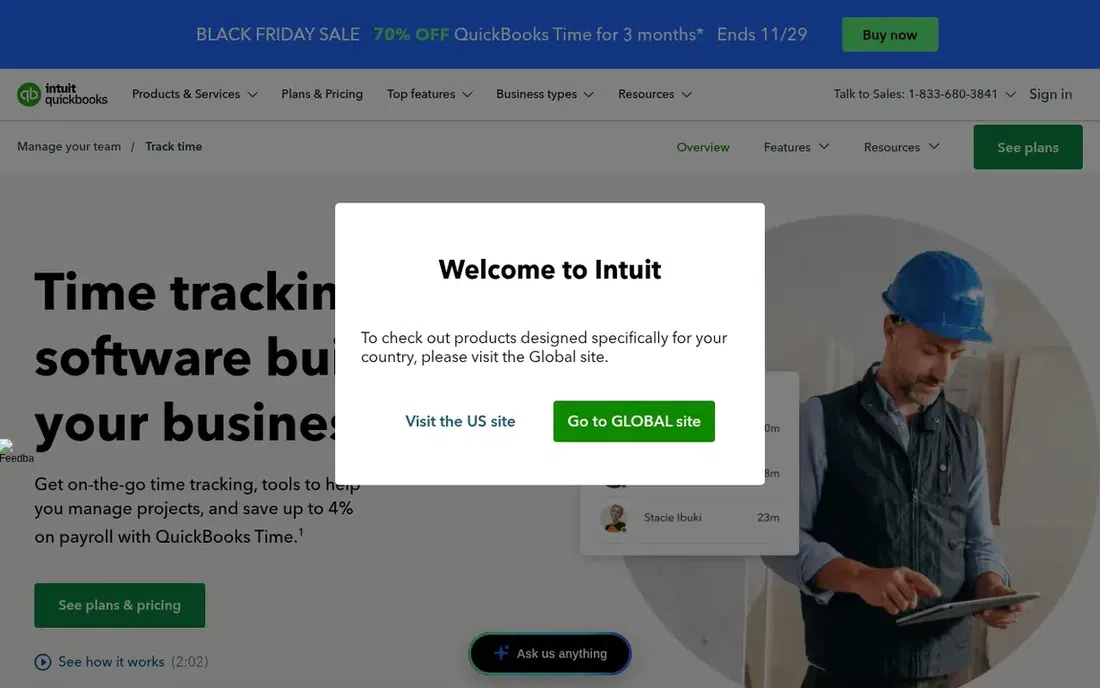
QuickBooks Time serves payroll and GPS tracking. The app may be most valuable for businesses already using QuickBooks for accounting.
Where it is weaker: Advanced features can add complexity.
Also, if you need a straightforward time clock without payroll features, a lighter choice might be better. QuickBooks Time shows no starting price here, so confirm the cost on the vendor site. On free options: Not stated.
- AI-powered time tracking
- GPS and job tracking
- May need QuickBooks ecosystem
For productivity monitoring, Hubstaff is a natural candidate. Hubstaff is a time tracking app that watches productivity and turns approved hours into payments. It is made for remote and distributed teams, offering features like activity monitoring, screenshots, and app usage tracking.
If you need entry-level time tracking without monitoring, a more straightforward tool may be better. From a buyer's view, the monitoring features may be seen as intrusive by some employees. Price to start with Hubstaff: $10 per seat per month. On free options: Free trial.
What to check first: May feel intrusive to employees.
- Time tracking with screenshots
- Productivity insights
- Not well suited to shift scheduling
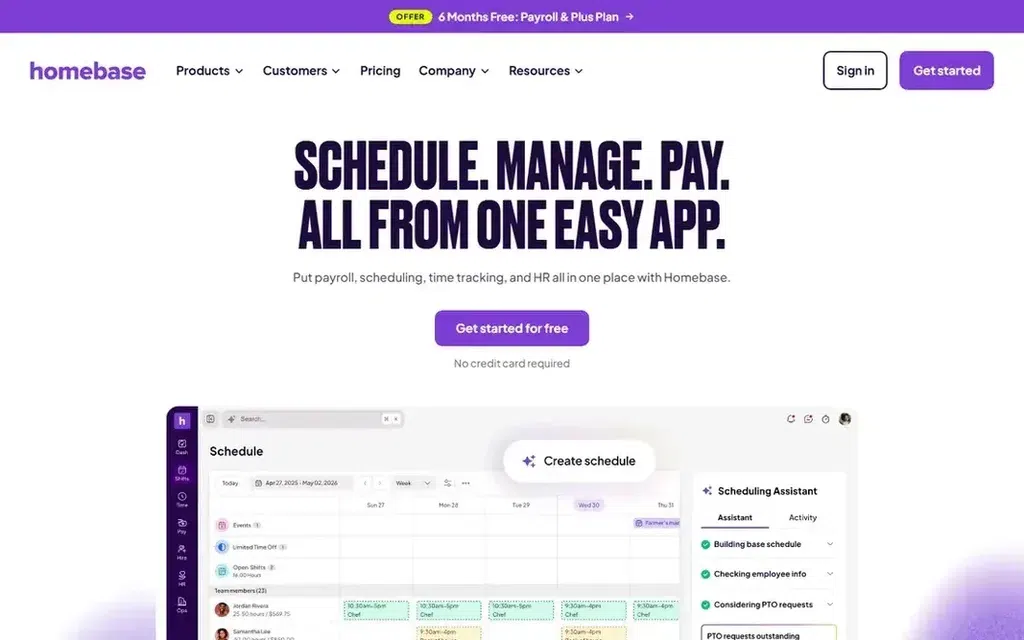
Homebase serves hourly teams and scheduling. It is built for small businesses that require a simple way to run shifts and track hours.
The mobile app lets employees to clock in and out, view schedules, and communicate with managers, making it a practical choice for retail, restaurants, and other shift-based companies. The starting price for Homebase: $30 per location per month. A free plan is available with Homebase.
Where it is weaker: Payroll may need extras.
- Simple app for employees
- Aimed at hourly teams
- Restricted advanced HR features
How the list was put together
Pre-purchase checklist
- Get a written quote from Clockify and QuickBooks Time; the list shows no starting price for them.
- Check what the free option really includes: Clockify, Connecteam and Homebase offer a free plan, and usage caps differ.
- Use real work to test the free trial from Hubstaff, rather than a demo project.
- Read the limits listed for Clockify first: restricted scheduling features.
- Confirm the exact Clockify plan that includes your must-have features.
- Pick one real project and run it in Connecteam first; a small pilot shows fit faster than a checklist.
FAQ
What is a mobile time clock app?
A mobile time clock app lets employees clock in and out using their smartphones, frequently with extra features like GPS tracking, scheduling, and payroll integration. It replaces traditional time clocks and is well suited to remote or mobile teams.
Is Clockify the right pick for everyone comparing mobile time clock apps?
No single tool suits every team. Clockify comes first because it fits project time tracking, while Connecteam suits frontline team management and QuickBooks Time suits payroll and GPS tracking. Match the tool to your own size, budget and workflow before deciding.
Can I try these options before paying?
Often, yes. Clockify, Connecteam and Homebase have a free plan and Hubstaff offers a free trial. Use your own data and a real task during the test, and check what the free tier or trial limits before you rely on it.
Can I use a mobile time clock app for remote teams?
Yes, apps like Hubstaff and Clockify are aimed at remote teams, offering time tracking and productivity features. Connecteam is also right for frontline teams that are mobile.
Do these tools publish their prices?
Not all of them. Clockify and QuickBooks Time publish no starting price, so expect a quote request for those. The rest, Connecteam included, show a starting price, though seats and billing terms still change the final cost.
Which options for mobile time clock apps have a free plan?
On this list, Clockify, Connecteam and Homebase include a free plan. Caps on seats, usage or features are common, so test the free plan against your real workload. One other tool offers a trial instead.
Sources
- https://clockify.me
- https://connecteam.com
- https://quickbooks.intuit.com/time-tracking
- https://hubstaff.com
- https://joinhomebase.com