Best Mileage Tracking Software for Remote Teams in 2026: 5 Tools Compared
Best mileage tracking software for remote teams in 2026: 5 tools with starting prices, free plans and limits. Weak spots flagged for every entry. Easy to scan.
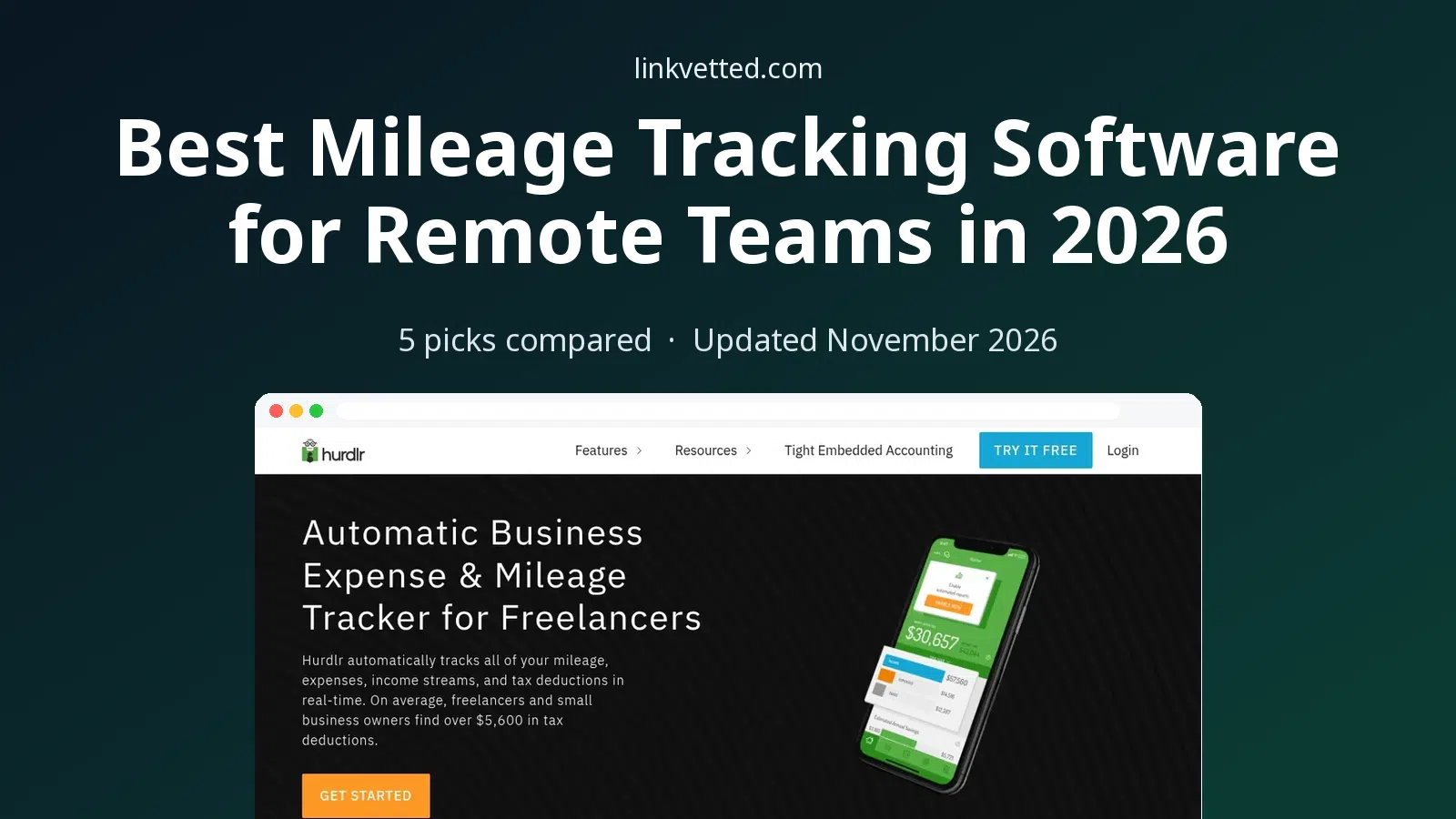
- Editor's choice
 Hurdlr
Freelancers tracking mileage and deductions
Starts atSee websiteVisit hurdlr.comFull review - Great alternative
 Expensify
Receipt and expense workflows
Starts atSee websiteVisit expensify.comFull review - Also consider
 FreshBooks
Invoicing teams that also track mileage
Starts at$23.00 per monthVisit freshbooks.comFull review
Direct answer
Hurdlr is the first pick on this list for freelancers tracking mileage and deductions. Listed starting prices: FreshBooks from $23.00 per month, Everlance from $89.99 per year and QuickBooks Online from $11.40 per month. Look at Expensify for receipt and expense workflows, and at FreshBooks for invoicing teams that also track mileage. The other 2 tools in the list cover narrower or pricier cases.
TL;DR:
- Top of the list is Hurdlr, which targets freelancers tracking mileage and deductions.
- One limit worth knowing about Hurdlr: geared toward solo operators.
- Everlance stands alone as the one tool in this list with a free plan.
- QuickBooks Online is the one to check for mileage alongside core accounting.
Last checked November 2026. Prices and plan details were read from the vendors' own pages in November 2026; vendors change plans often, so confirm the current price on the vendor site before you buy.
Quick comparison
| Tool | Best for | Starts at | Free plan? | |
|---|---|---|---|---|
| Hurdlr | Freelancers tracking mileage and deductions | See website | Not stated | Visit |
| Expensify | Receipt and expense workflows | See website | Not stated | Visit |
| FreshBooks | Invoicing teams that also track mileage | $23.00 per month | Free trial | Visit |
 Everlance | Automatic mileage and expense logging | $89.99 per year | Yes | Visit |
 QuickBooks Online | Mileage alongside core accounting | $11.40 per month | Free trial | Visit |
The full mileage tracking software for remote teams list
Choosing mileage tracking software for remote teams usually comes down to price, fit and limits. This LinkVetted guide sets 5 tools side by side on those three points, with the facts kept short and checkable.
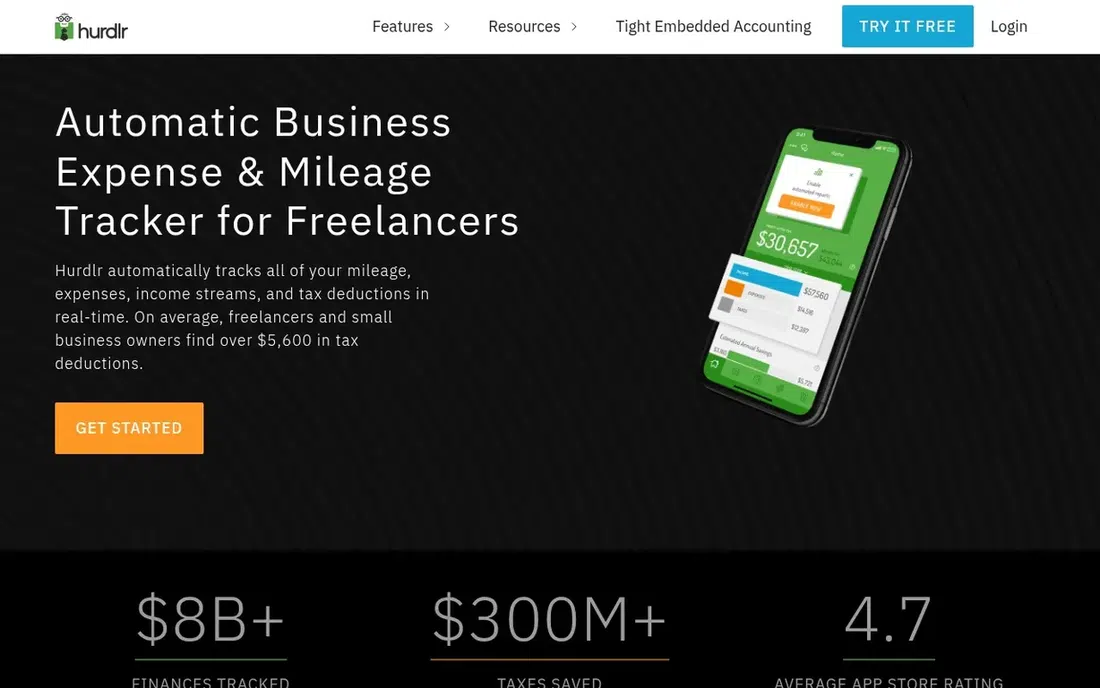
In short, Hurdlr is for freelancers tracking mileage and deductions. Remote contractors who drive for work can keep trip records and deductible expenses together, which simplifies tax preparation.
It is a reasonable fit for small, owner-operated setups rather than structured corporate teams. Hurdlr does not show a starting price in this comparison, so check the vendor site for current pricing. Free options: Not stated.
Points against: Less suited to large teams.
- Surfaces tax deductions
- Tracks expenses and income
- Targeted at solo operators
Expensify is aimed squarely at receipt and expense workflows. Remote teams that already report expenses through a shared workflow can fold mileage into the same process, keeping trip costs with other spend.
Downsides: Mileage is part of a broader suite.
Check the vendor site for Expensify pricing; none is listed in this comparison. Free access: Not stated.
- Receipt and expense handling
- Suits team expense reporting
- Heavier than a straightforward logger
Pick FreshBooks if this describes you: invoicing teams that also track mileage. FreshBooks is cloud-based small business accounting software for invoices, time, receipts and expenses.
Watch-outs: Mileage is secondary to billing.
Remote teams that bill clients and want mileage recorded near their billing and expense data can use it as a single workspace. FreshBooks pricing: $23.00 per month. Free options: Free trial.
What FreshBooks does well: Receipt and expense management.
- Time and expenses together
- Cloud-based accounting
- Not a dedicated tracking app
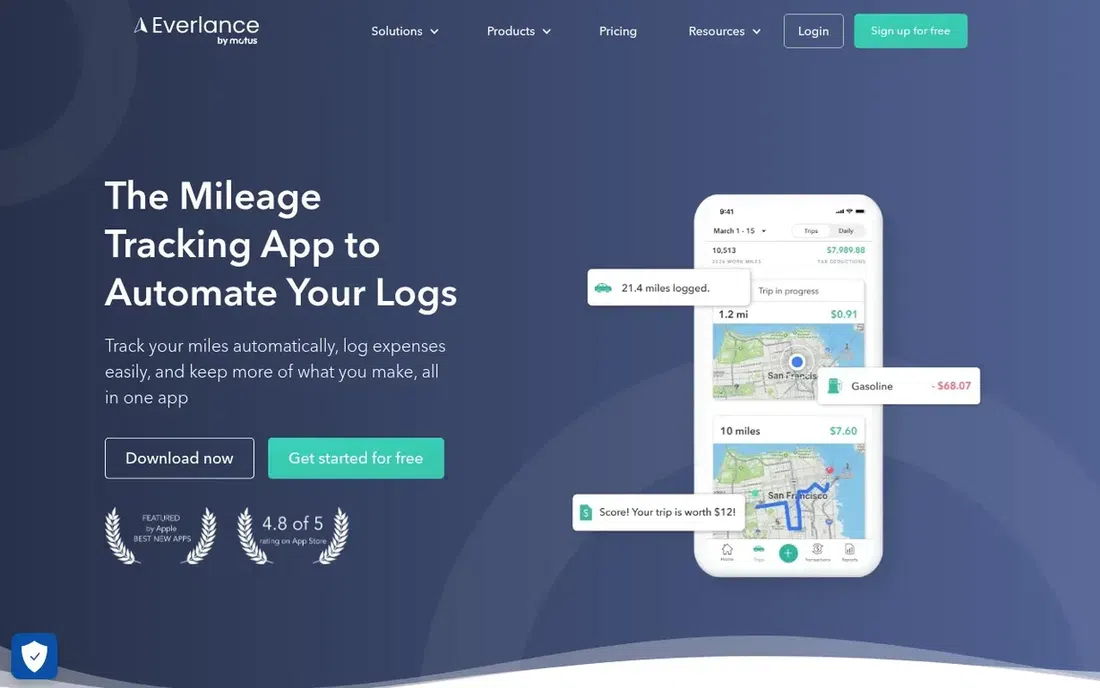
In short, Everlance is for automatic mileage and expense logging. Everlance is a mileage tracking app built around automating trip logs and simplifying expense tracking in a single, easy-to-use app.
Main advantages: app-first experience.
It does well for field staff, sales reps and anyone who moves between client sites. The starting price for Everlance: $89.99 per year. Everlance has a free plan.
What to check first: Mileage is the core focus.
- Merges expenses in one app
- Straightforward
- Narrower accounting depth
QuickBooks Online is designed for mileage alongside core accounting. QuickBooks Online is an accounting platform for organizing and managing a business, with mileage tracking as one part of a wider toolkit.
The main drawbacks: Setup can feel heavy for small teams.
Mileage is not the primary focus, so teams wanting best-in-class automatic trip capture may find dedicated apps more simplified. Setup and administration can also be heavier than a straightforward mileage tool for very small teams. Price to start with QuickBooks Online: $11.40 per month. Free options: Free trial.
- Organizes business finances
- Wide accounting toolkit
- Mileage is one feature among numerous
How the list was put together
LinkVetted looked at what each vendor publishes: pricing, plan limits, feature coverage for mileage tracking software for remote teams and stated drawbacks. No hands-on testing is claimed. Where a vendor does not publish a price, the entry says quote. Where a price depends on seats or billing term, the entry says so. The order reflects how well each tool fits the most common buying scenario for mileage tracking software for remote teams, then price clarity, then free plan access. It is a starting point, not a verdict.
Things to verify first
- Get a written quote from Hurdlr and Expensify; the list shows no starting price for them.
- Test the free plan from Everlance against your real workload before relying on it.
- Use real work to test the free trial from FreshBooks and QuickBooks Online, rather than a demo project.
- Before choosing Hurdlr, weigh its main limit: geared toward solo operators.
- Check the integration list for QuickBooks Online against the tools you run today, and note which ones need a higher plan.
- Ask Expensify whether prices are locked for the first term and what happens at renewal.
FAQ
Can accounting products manage team mileage?
They work well when mileage should sit next to your books. But they are not dedicated trip loggers, so automatic capture may be less central.
Which options for mileage tracking software for remote teams have a free plan?
Everlance is the only tool in this list with a free plan. Free plans usually cap users, projects or features, so check the limits on the vendor page. Several others offer a trial instead. Prices, free plan details and limits for all 5 tools in this Mileage tracking software for remote teams roundup sit on the individual cards above.
Do these tools publish their prices?
Not all of them. Hurdlr and Expensify publish no starting price, so expect a quote request for those. The rest, FreshBooks included, show a starting price, though seats and billing terms still change the final cost.
How are the tools for mileage tracking software for remote teams ordered?
Hurdlr sits first and QuickBooks Online last because the order follows typical fit for mileage tracking software for remote teams, then price clarity and free access. It is a judgement call, so read each profile for fit and limits.
Can I try these tools before paying?
Often, yes. Everlance has a free plan and FreshBooks and QuickBooks Online offer a free trial. Use your own data and a real task during the test, and check what the free tier or trial limits before you rely on it.
Sources
- https://www.hurdlr.com
- https://www.expensify.com
- https://www.freshbooks.com
- https://www.everlance.com
- https://quickbooks.intuit.com