Choosing Employee Tracking Software for Remote Teams in 2026: 6 Options Compared
Best employee tracking software for remote teams: 6 contenders ranked by fit, with entry costs and free tiers. Prices and drawbacks included. Read the profiles.
- Editor's choice
 DeskTime
Automatic time tracking for remote teams
Starts at$6.42 per user a monthVisit desktime.comFull review - Great alternative
 Time Doctor
Deep visibility for distributed teams
Starts at$6.67 per user a monthVisit timedoctor.comFull review - Also consider
 ActivTrak
Work intelligence and productivity optimization
Starts at$7 per worker per monthVisit activtrak.comFull review
Direct answer
This list puts DeskTime first for automatic time tracking for remote teams. Listed starting prices: DeskTime from $6.42 per user a month, Time Doctor from $6.67 per user a month and ActivTrak from $7 per worker per month. Alternatives: Time Doctor for deep visibility for distributed teams, and ActivTrak for work intelligence and productivity optimization. All 6 tools are compared below on price, free plan and limits.
TL;DR:
- DeskTime sits first on this list: automatic time tracking for remote teams.
- ActivTrak stands alone as the one tool in this list with a free plan.
- Teramind suits insider risk and workforce analytics.
- Insightful has the lowest monthly starting price in this list: $4 per seat per month.
- One limit worth knowing about Time Doctor: may require buy-in from team members.
Last checked November 2026. Prices and plan details were read from the vendors' own pages in November 2026; vendors change plans often, so confirm the current price on the vendor site before you buy.
Quick comparison
| Tool | Best for | Starts at | Free plan? | |
|---|---|---|---|---|
| DeskTime | Automatic time tracking for remote teams | $6.42 per user a month | Free trial | Visit |
| Time Doctor | Deep visibility for distributed teams | $6.67 per user a month | Free trial | Visit |
| ActivTrak | Work intelligence and productivity optimization | $7 per worker per month | Yes | Visit |
 Insightful | Process improvement and work intelligence | $4 per seat per month | Free trial | Visit |
 Hubstaff | All-in-one time tracking with payments | $10 per seat per month | Free trial | Visit |
 Teramind | Insider risk and workforce analytics | See website | Free trial | Visit |
6 employee tracking software for remote teams in detail
LinkVetted compared 6 employee tracking software for remote teams. The goal is a practical shortlist: published prices, free plan facts, best-fit use cases and honest limits for every entry.
DeskTime serves automatic time tracking for remote teams. DeskTime gives you automatic time tracking software that displays a remote team's hours, apps, and project time automatically. It aims to offer the same visibility you would have in an office without constant check-ins.
Downsides: May lack advanced productivity analytics.
Beyond that, DeskTime may not offer the depth of productivity insights or AI-driven analytics found in some other tools. Worth adding: the tool is right for remote teams seeking a hands-off approach to time tracking, with automatic data capture that cuts manual effort and helps managers stay informed. If you need advanced analytics or in-depth process validation, consider a more feature-rich system. In practice, the automatic tracking could be seen as invasive by some team members. The starting price for DeskTime: $6.42 per user per month. Free options: Free trial.
- Automatic tracking of hours, apps
- Straightforward setup for remote teams
- Automatic tracking might raise privacy concerns
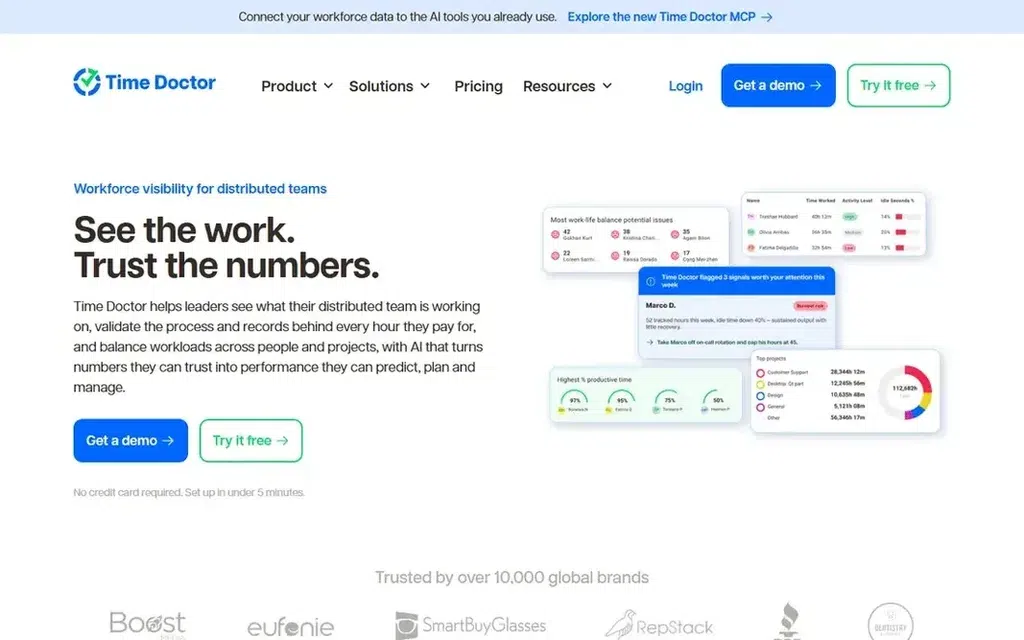
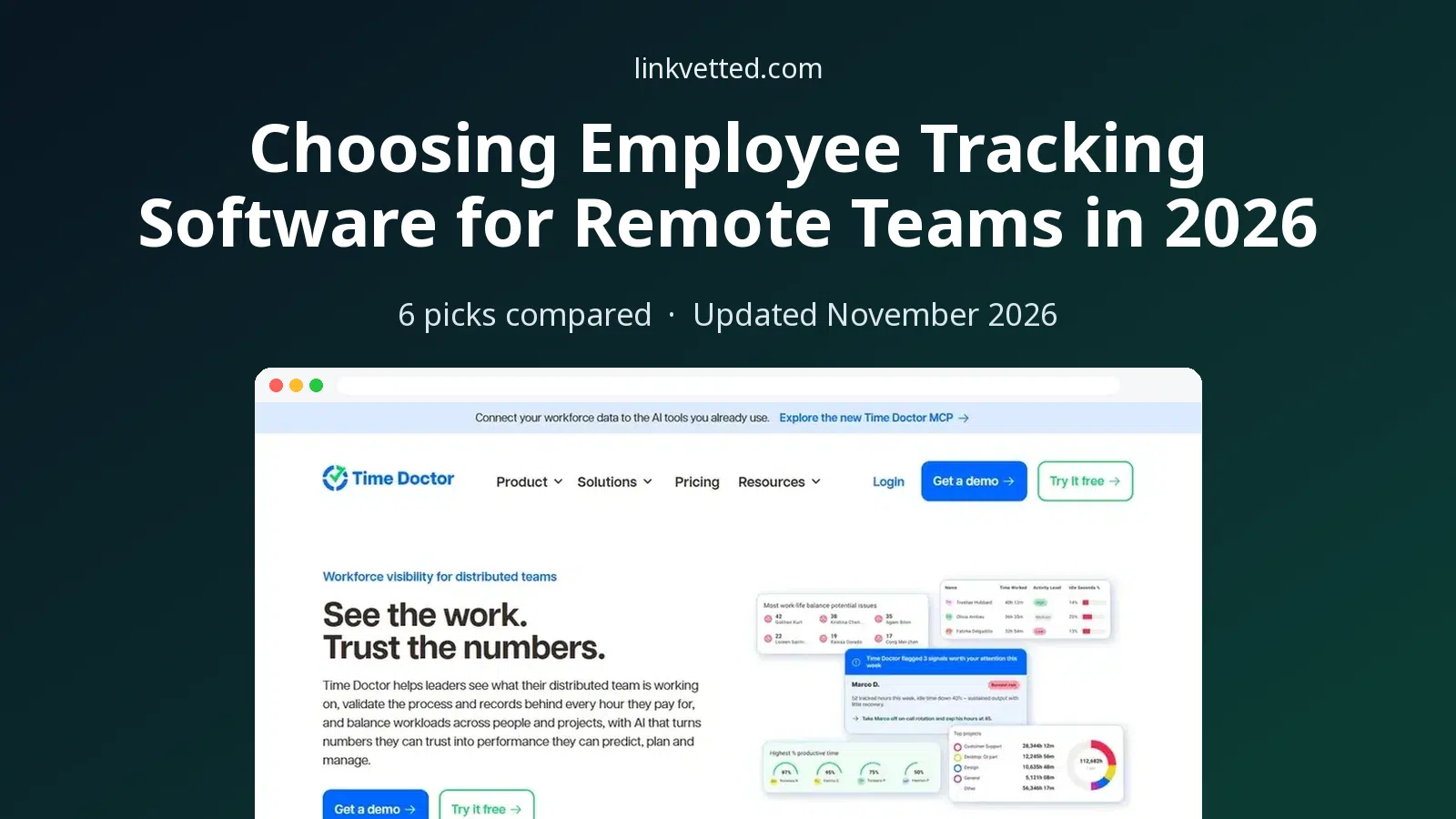
Time Doctor makes the most sense for deep visibility for distributed teams. Time Doctor is a workforce visibility tool designed for distributed teams. It helps leaders see what team members are working on, validate the process behind every hour, and get AI-driven answers based on real data.
This makes it a good match for remote teams that require in-depth insight into how time is spent and want to ensure accountability without constant check-ins. Also, choose Time Doctor when deep visibility into distributed work is a priority. The emphasis on visibility and process validation might be too granular for some organizations, and team members could perceive it as intrusive. As for the details, if you prefer a lighter touch or only need entry-level time logs, a less in-depth tool may work better. Time Doctor pricing: $6.67 per user per month. Trial and free access: Free trial.
Trade-offs to know: May need buy-in from team members.
- Displays what distributed teams are working on
- Validates the process behind every hour
- Focus on visibility could feel like oversight
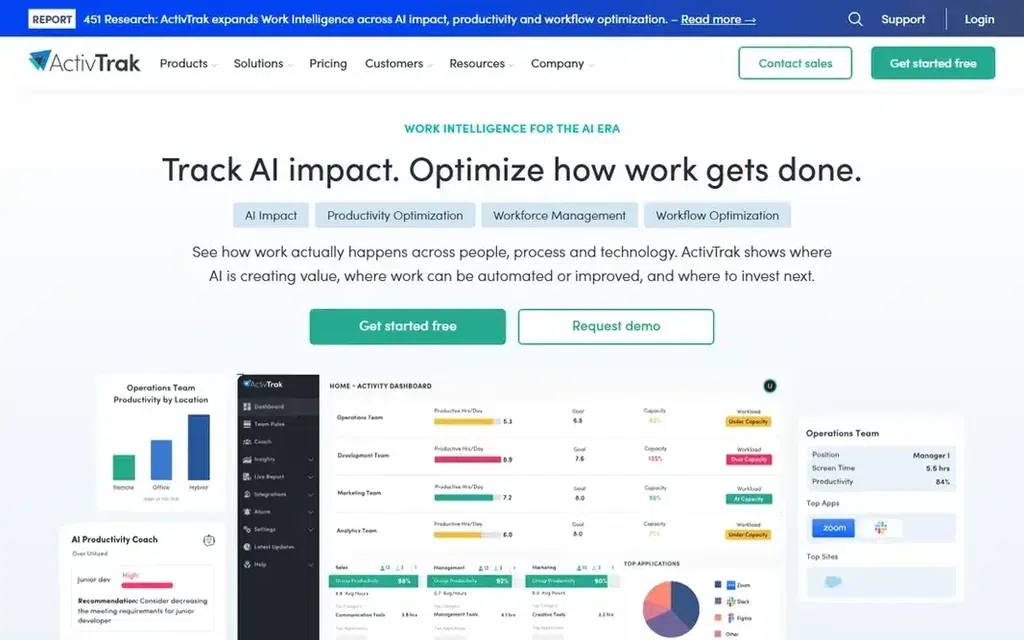
Choose ActivTrak for work intelligence and productivity optimization. It is aimed at organizations that want to optimize productivity by analyzing work patterns and tool usage.
Beyond that, the product fits teams looking for insights into workflows and efficiency instead of straightforward time tracking, making it a solid fit for data-driven managers. If you need entry-level time tracking with scheduling, consider a more traditional tool. On cost, ActivTrak starts like this: $7 per worker per month. Free access exists with ActivTrak.
Where it is weaker: Primarily analytics-focused, less on timekeeping.
- Centres on productivity optimization
- Examines across people, tools, AI
- May be complicated for small teams
Insightful is designed for process improvement and work intelligence. Insightful is a work intelligence product that displays how people and processes work and where to boost them. As for the details, if you prefer a straightforward time tracker, consider a more straightforward choice.
Honest limits: Focus on process improvement might not suit all teams.
Insightful's emphasis on process improvement may be more than some teams need if they only need entry-level tracking. From a buyer's view, the insights could need interpretation and action to be valuable. Insightful cost at the entry level: $4 per seat per month. Trial and free access: Free trial.
- Presents where time goes
- Reveals how teams work
- May need training to use effectively
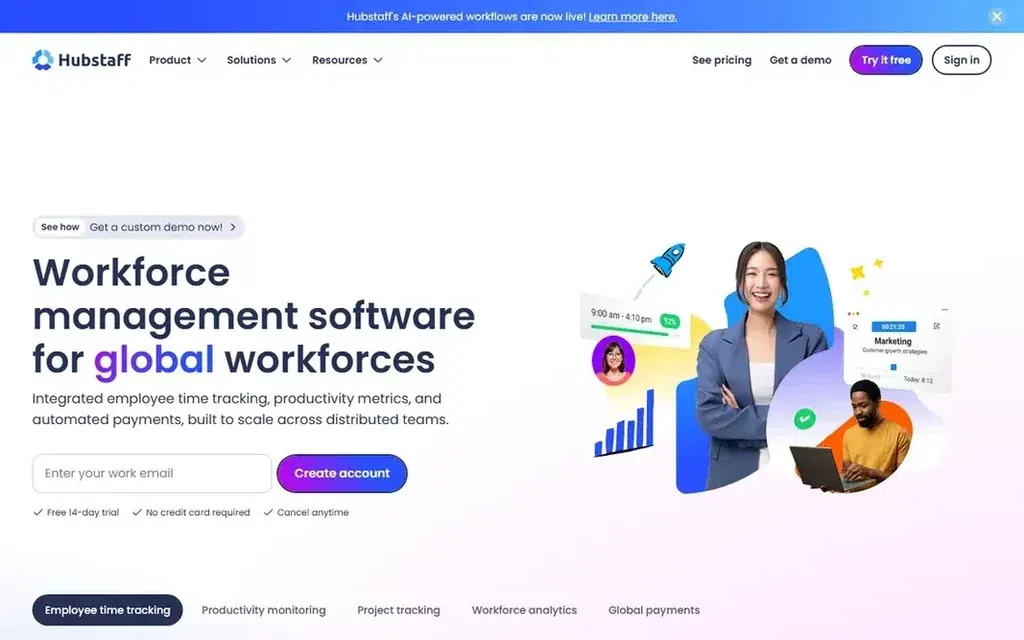
Hubstaff is a good fit for all-in-one time tracking with payments. The tool suits remote teams looking for an integrated option that links time data with financial workflows, making it simpler to run costs and productivity in one place.
Starting cost for Hubstaff: $10 per seat per month. As for free access: Free trial.
Drawbacks to consider: May be overkill for straightforward timekeeping.
- Merges time tracking with productivity insights
- Turns approved hours into payments
- Productivity features could feel intrusive to some teams
Teramind works best for insider risk and workforce analytics. This makes it right for industries handling sensitive information.
On top of that, Teramind's security-centric approach may be excessive for teams without strict compliance requirements. The feature set could need dedicated administration. Teramind shows no starting price here, so confirm the cost on the vendor site. Free plan details: Free trial.
Where it falls short: Could be more than needed for low-risk teams.
- Contains productivity inefficiencies analysis
- Proactive protection against insider threats
- Heavy focus on security may overwhelm some users
What went into this list
A buyer's checklist
- Ask Teramind for a written quote, since no starting price is shown.
- Look at the free plan from ActivTrak closely: its caps decide whether it is usable for real work.
- Take the trial from DeskTime, Time Doctor, Insightful and others and push a live task through it before you pay.
- Before choosing DeskTime, weigh its main limit: may lack advanced productivity analytics.
- Check the support hours and onboarding help Insightful offers; smaller vendors vary a lot here.
- Run a one or two week pilot of Teramind with the people who will use it every day.
FAQ
Can I try these tools before paying?
Often, yes. ActivTrak has a free plan and DeskTime, Time Doctor, Insightful and others offer a free trial. Use your own data and a real task during the test, and check what the free tier or trial limits before you rely on it.
What privacy concerns should I consider?
Remote tracking tools may collect data on app usage, websites, and screenshots. More specifically, discuss monitoring policies with your team and choose tools with transparent data practices and customizable privacy settings.
Which options for employee tracking software for remote teams have a free plan?
ActivTrak is the only tool in this list with a free plan. Free plans usually cap users, projects or features, so check the limits on the vendor page. Several others offer a trial instead.
Is DeskTime the right pick for everyone comparing employee tracking software for remote teams?
No single tool suits every team. DeskTime comes first because it fits automatic time tracking for remote teams, while Time Doctor suits deep visibility for distributed teams and ActivTrak suits work intelligence and productivity optimization. Match the tool to your own size, budget and workflow before deciding.
What is the cheapest option for employee tracking software for remote teams in this list?
On published monthly entry prices, Insightful is the lowest here at $4 per seat per month. Entry price is only part of the cost, because seats, add-ons and billing terms can change the total. All 6 picks in this employee tracking software for remote teams comparison list a starting price, free plan details and the main limits on their cards above.
Sources
- https://desktime.com
- https://www.timedoctor.com
- https://www.activtrak.com
- https://www.insightful.io
- https://hubstaff.com
- https://www.teramind.co