The 6 Best Employee Scheduling Software for Remote Teams in 2026, Ranked
Weighing the best employee scheduling software for remote teams? We lined up 6 products by cost, free access and fit. Every profile names its biggest catch.
- Editor's choice
 Connecteam
Frontline teams in one app
Starts at$29 a monthVisit connecteam.comFull review - Great alternative
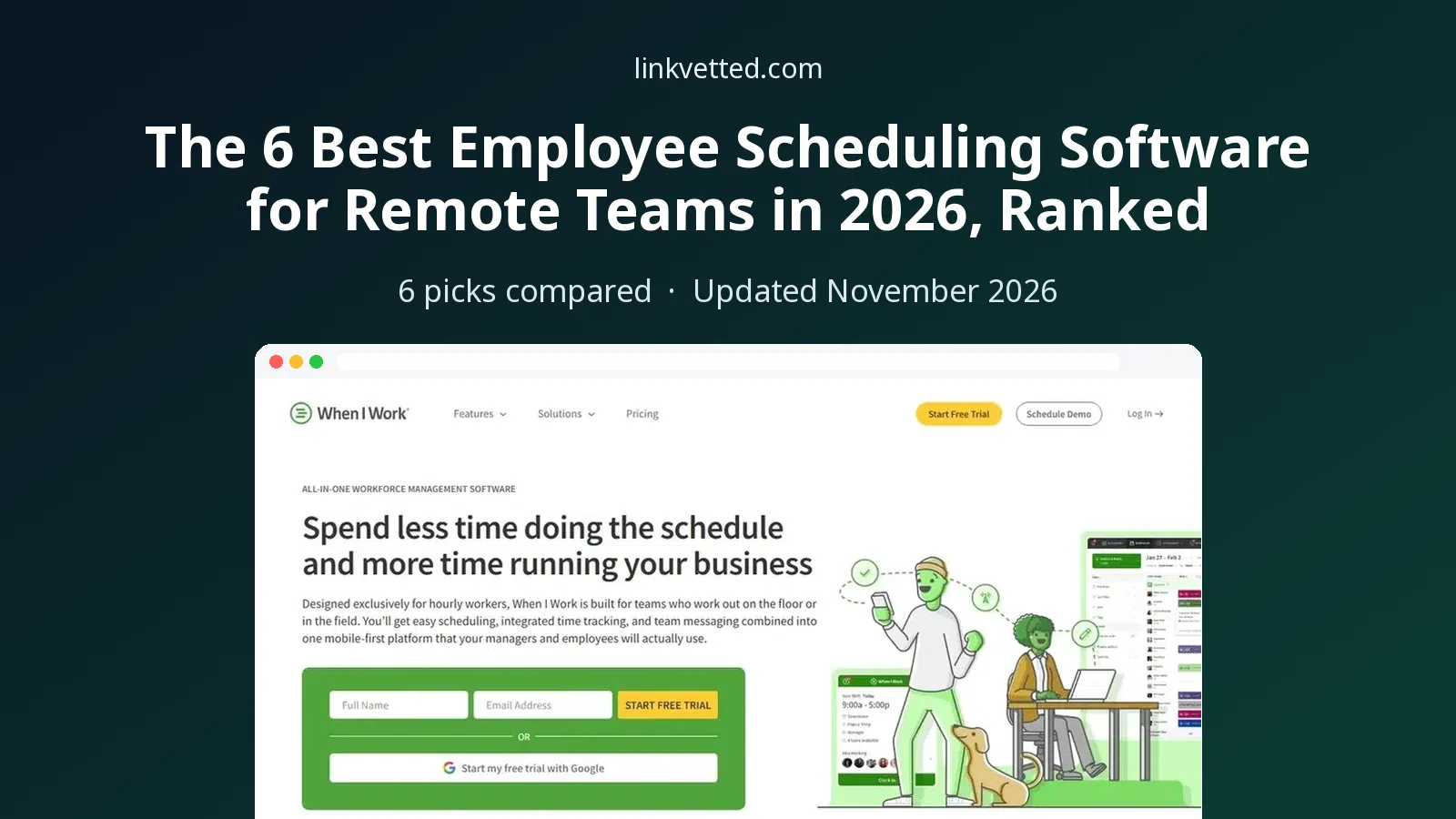
 When I Work
Straightforward shifts, time tracking and messaging
Starts at$2.50 per user per monthVisit wheniwork.comFull review - Also consider
 Shiftboard
Existing customers seeking support
Starts atSee websiteVisit shiftboard.comFull review
Direct answer
Connecteam is the first pick on this list for frontline teams in one app. Listed starting prices: Connecteam from $29 a month, When I Work from $2.50 per user per month and Homebase from $30 per location a month. When I Work is the stronger choice for straightforward shifts, time tracking and messaging, while Shiftboard suits existing customers seeking support. All 6 tools are compared below on price, free plan and limits.
TL;DR:
- Connecteam takes the first slot, best suited to frontline teams in one app.
- Sling fits simple shift planning and communication.
- Connecteam, Homebase, Sling: these are the 3 tools out of 6 that offer a free plan.
- One limit worth knowing about Shiftboard: page concentrates on customer support.
Last checked November 2026. Prices and plan details were read from the vendors' own pages in November 2026; vendors change plans often, so confirm the current price on the vendor site before you buy.
Quick comparison
| Tool | Best for | Starts at | Free plan? | |
|---|---|---|---|---|
| Connecteam | Frontline teams in one app | $29 a month | Yes | Visit |
| When I Work | Straightforward shifts, time tracking and messaging | $2.50 per user per month | Free trial | Visit |
| Shiftboard | Existing customers seeking support | See website | Not stated | Visit |
 Homebase | Hourly teams needing scheduling and payroll | $30 per location a month | Yes | Visit |
 Deputy | Scheduling with forecasting and payroll | $5 per user a month | Free trial | Visit |
 Sling | Simple shift planning and communication | $1.70 per user a month | Yes | Visit |
Tool-by-tool breakdown
Choosing employee scheduling software for remote teams usually comes down to price, fit and limits. This LinkVetted guide sets 6 tools side by side on those three points, with the facts kept short and checkable.
Where Connecteam fits: frontline teams in one app. The wide scope can also mean more setup time.
Best features of Connecteam: Aims to replace scattered tools.
Where it is weaker: Frontline focus may not suit desk-only teams. In daily use, choose it when scheduling, time tracking and communication all have to live in one place for frontline staff. Entry price for Connecteam: $29 per month. Connecteam includes a free tier.
- Designed for frontline teams
- Time tracking and communication together
- Wide scope can take time to configure
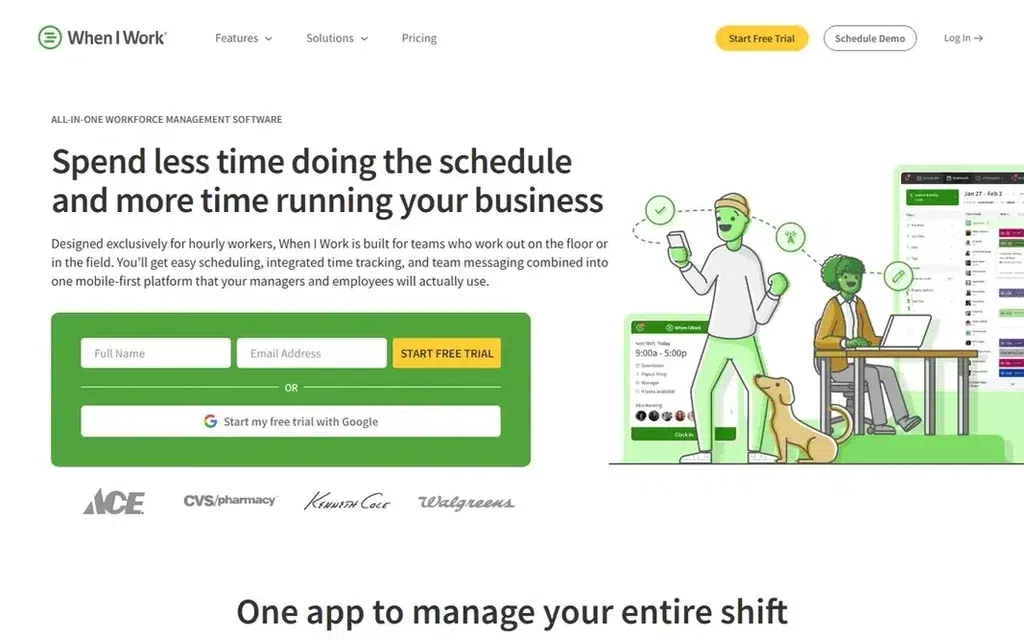
When I Work was built for straightforward shifts, time tracking and messaging. Pick it when straightforward scheduling and team messaging are the priority. In daily use, When I Work centers on scheduling and time tracking.
The main drawbacks: Payroll and HR depth is restricted.
So teams needing deeper payroll or HR functions may want a broader system. For everyday use, organizations with complicated, multi-site compliance needs should compare other choices. When I Work cost at the entry level: $2.50 per user per month. Free access: Free trial.
- Schedule shifts and track time in one app
- Team messaging included
- Most useful for shift-based teams
In short, Shiftboard is for existing customers seeking support. Shiftboard is an employee scheduling system, and its current page concentrates on support, login links and next steps for existing customers following UKG's acquisition of Shiftboard. It is most relevant to organizations already using the product who require account access and guidance.
Drawbacks to consider: Page centres on customer support.
New buyers should confirm current product direction straight with the vendor. In practice, organizations wanting a plainly marketed standalone scheduling tool should look at other choices. Existing customers should use the vendor's support channels for next steps. No starting price is listed for Shiftboard here; confirm pricing on the vendor site. Free options: Not stated.
- Established scheduling background
- Guidance on next steps after acquisition
- New buyers may find restricted product detail
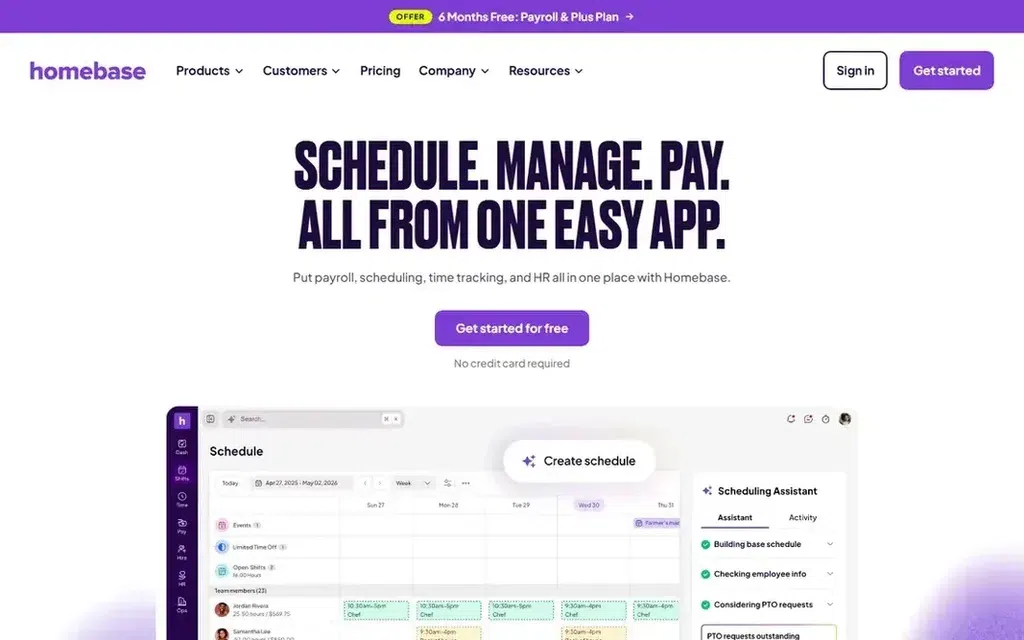
Where Homebase fits: hourly teams needing scheduling and payroll. Beyond that, managers who hire often appreciate having hiring alongside scheduling and time clocks.
Worth adding: Homebase is designed around hourly teams and small firms, so larger or highly specialized operations may outgrow it. As for the details, choose Homebase when scheduling, time tracking and payroll for hourly staff are the central needs. Price to start with Homebase: $30 per location per month. You can start on Homebase without paying.
Main advantages: Scheduling.
Where it falls short: May not suit complicated enterprise scheduling.
- Aimed at hourly teams
- Hiring tools included
- Targeted at hourly and small business teams
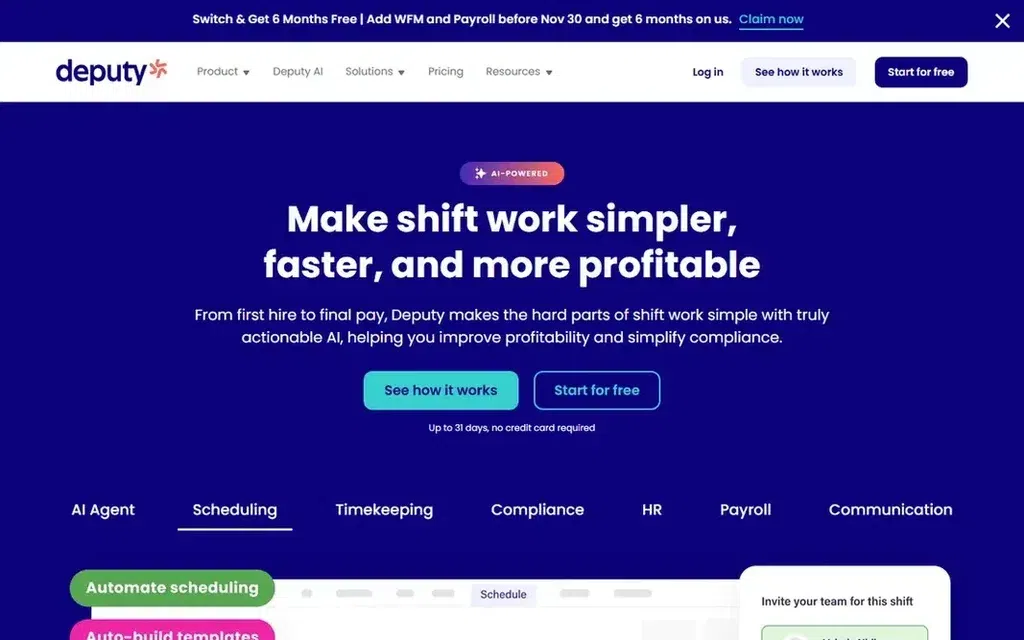
Deputy is designed for scheduling with forecasting and payroll. Deputy is employee scheduling, HR and payroll software with AI labor forecasting built in.
Points against: Payroll features may not fit every region.
Teams that only want entry-level shift planning and messaging might prefer a lighter tool. Managers who coordinate staff across locations tend to benefit most from the combined view. Deputy starts at: $5 per user per month. Free access: Free trial.
- AI labor forecasting built in
- HR and payroll in one platform
- Wide feature set may feel heavy for small teams
Sling serves simple shift planning and communication. Small and mid-size teams commonly find it approachable.
What users get: Straightforward.
Downsides: Fewer adjacent HR and payroll features.
Very complicated scheduling rules can also push teams toward heavier systems. From a buyer's view, Sling is employee shift scheduling and planning software that helps firms handle shifts and communicate with employees. Sling starts at: $1.70 per user per month. Sling includes a free tier.
- Communication with employees built in
- Easy-to-use approach
- Entry-level fit for complicated multi-location needs
How we built this list
The comparison looks at four things: starting price, free access, how well the feature set matches employee scheduling software for remote teams, and the main limit of each tool. Seat minimums, billing terms and add-ons can move the real cost, so the starting prices here are a guide and not a quote. Order on the page follows fit for the typical buyer first, then price transparency and free access. Your own requirements should decide the final pick.
Before you commit
- Ask Shiftboard for a written quote, since no starting price is shown.
- Check what the free option really includes: Connecteam, Homebase and Sling offer a free plan, and usage caps differ.
- Use real work to test the free trial from When I Work and Deputy, rather than a demo project.
- Before choosing Connecteam, weigh its main limit: frontline focus may not suit desk-only teams.
- Find out what support Shiftboard includes on your plan, and whether onboarding help costs extra.
- Make sure When I Work lets you export your data in a format another tool can read.
FAQ
How do I evaluate scheduling tools before buying?
List the shifts, locations and communication needs your team has, then check each vendor's documented features against that list. Confirm how schedule changes are delivered and whether time tracking suits your workflow.
How are the tools for employee scheduling software for remote teams ordered?
Connecteam sits first and Sling last because the order follows typical fit for employee scheduling software for remote teams, then price clarity and free access. It is a judgement call, so read each profile for fit and limits.
Is Connecteam the right pick for everyone comparing employee scheduling software for remote teams?
No single tool suits every team. Connecteam comes first because it fits frontline teams in one app, while When I Work suits simple shifts, time tracking and messaging and Shiftboard suits existing customers seeking support. Match the tool to your own size, budget and workflow before deciding.
Do these tools publish their prices?
Not all of them. Shiftboard publishes no starting price, so expect a quote request for it. The rest, Connecteam included, show a starting price, though seats and billing terms still change the final cost. All 6 picks in this employee scheduling software for remote teams comparison list a starting price, free plan details and the main limits on their cards above.
Which options for employee scheduling software for remote teams have a free plan?
On this list, Connecteam, Homebase and Sling include a free plan. Caps on seats, usage or features are common, so test the free plan against your real workload. Several others offer a trial instead.
Sources
- https://connecteam.com
- https://wheniwork.com
- https://www.shiftboard.com
- https://www.joinhomebase.com
- https://www.deputy.com
- https://getsling.com