Best Mileage Tracking Apps in 2026: 8 Apps Compared
Compare the best mileage tracking apps in 2026, from MileIQ and Everlance to TripLog, Hurdlr, and Driversnote, with free plans, prices, and tax reports.

- Editor's choice
 MileIQ
Simple automatic tracking
Starts atSee websiteVisit mileiq.comFull review - Great alternative
 Everlance
Mileage plus expenses
Starts atSee websiteVisit everlance.comFull review - Also consider
 TripLog
Team reimbursement
Starts atSee websiteVisit triplogmileage.comFull review
TL;DR:
- MileIQ is the simplest automatic tracker, with 40 free drives a month and easy swipe classification.
- Everlance is best when you want mileage plus expenses, receipts, and tax help in one app.
- TripLog and Timeero suit teams that need approvals, reimbursement rules, and admin controls.
- Driversnote and MileageWise suit drivers who need clean, audit ready logs or must rebuild past mileage.
Quick comparison
| Tool | Best for | Starts at | Free plan? | |
|---|---|---|---|---|
| MileIQ | Simple automatic tracking | See website | Yes | Visit |
| Everlance | Mileage plus expenses | See website | Yes | Visit |
| TripLog | Team reimbursement | See website | Yes | Visit |
 Hurdlr | Freelancers and tax estimates | See website | Yes | Visit |
 Driversnote | Accurate, compliant logs | See website | Yes | Visit |
 MileageWise | Rebuilding past logs | See website | No | Visit |
 Zoho Expense | Businesses already on Zoho | See website | Yes | Visit |
 Timeero | Field teams and GPS time | See website | Free trial | Visit |
The best mileage tracking apps
A mileage app should log drives automatically, classify business and personal trips easily, and export a clean report for taxes or reimbursement. These eight cover solo drivers, freelancers, and teams, with free tiers for light use.

MileIQ is our pick for drivers who want tracking to happen in the background. It detects drives automatically, then lets you swipe left or right to mark each trip as business or personal. That simple habit replaces a paper log or a spreadsheet you update at the end of the month, and reports include the date, purpose, and distance that tax and reimbursement forms usually require.
The free plan covers 40 drives a month, which suits light drivers and part time business use. Heavy drivers will need the unlimited plan, and the price should be checked on the current pricing page, since it has changed over time. If you only need mileage, MileIQ simplicity is a strength. If you also need expenses, Everlance may be a better fit.
- Automatic drive detection
- Simple swipe to classify
- Clean reports for taxes and reimbursement
- No expense tracking
- Paid unlimited plan is needed for heavy drivers
- Pricing has risen over time
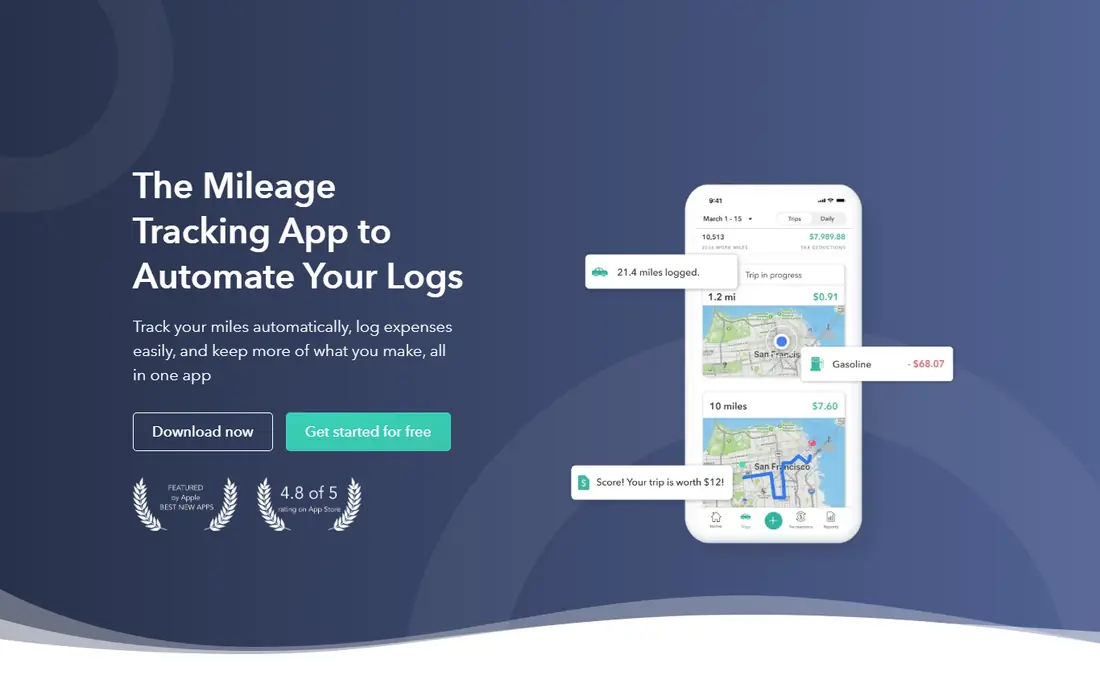
Everlance suits freelancers and gig workers who want mileage and money in one place. It tracks trips automatically, captures receipts, and connects expenses to trips and clients, which makes tax time less painful. Paid plans add bank sync and more detailed tax reporting, so a self employed driver can see deductions building through the year instead of guessing in April.
The free plan allows 30 automatic trips a month, with unlimited manual trips, which works for light use. Drivers who take many business trips will need a paid plan, and the best value depends on whether you use the expense features or only mileage. If you already track expenses elsewhere, MileIQ may be simpler. If you want one app for both, Everlance is hard to beat.
- Automatic trips plus expense and receipt tracking
- Bank sync on paid plans
- Tax reports for freelancers
- Free plan caps automatic trips at 30 a month
- Some tax features need higher plans
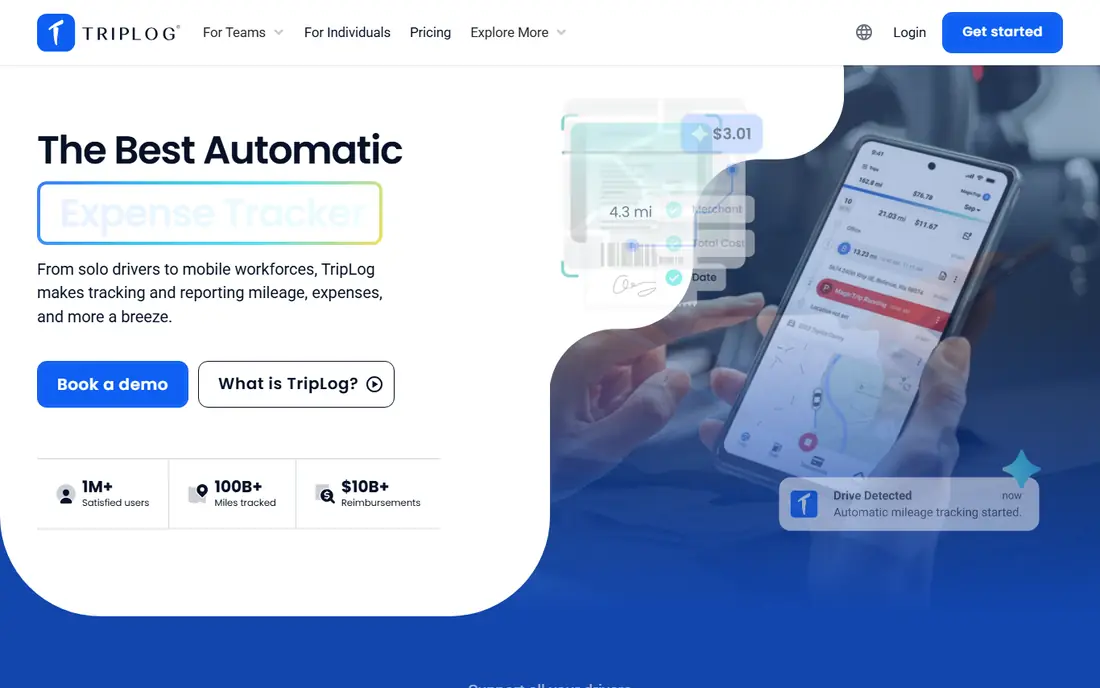
TripLog is built for companies that reimburse employees for driving. Admins can set rates, approval workflows, and policies, while drivers log trips by GPS, manual entry, or scheduled routes. Integrations with accounting tools help finance teams turn approved trips into payments without retyping data.
Solo drivers can use TripLog too, but the interface reflects its team focus, with more settings than a simple swipe app. For a business with several drivers, that structure is exactly what you need to keep claims consistent and audit ready. For one driver, MileIQ or Everlance will feel faster to learn.
- Team plans with approvals and reimbursement rules
- GPS and manual tracking
- Accounting integrations
- Setup takes longer for teams
- Solo drivers may find it more complex than MileIQ
Hurdlr is designed for self employed workers who need a live view of taxes, not just a mileage log at year end. It tracks mileage, income, and expenses, then estimates quarterly taxes based on what you have recorded. Gig drivers, consultants, and freelancers who juggle several income streams often value that running estimate.
The free plan covers manual mileage tracking, while automatic tracking needs a paid plan, so check the current tiers before relying on auto detection. Hurdlr also does more than mileage, which means more setup than a single purpose tracker. If tax estimates are a priority, that extra setup pays off. If you only need a clean mileage log, a simpler app may suit you better.
- Mileage plus income and expense tracking
- Running tax estimates
- Useful for gig and freelance work
- Free plan limits automatic tracking
- Interface covers many features, so setup takes time
Driversnote focuses on accuracy and compliance. It logs trips by GPS, lets you classify them quickly, and produces reports that meet common tax requirements in several countries. An optional iBeacon device can improve accuracy by detecting when you enter and leave your car, which helps drivers who share a car or take short trips that GPS alone might miss.
The free plan covers 15 trips a month, which is enough to test accuracy but not enough for a regular business driver. Paid plans remove that cap, but there is no annual discount in some listings, so check the current price for your region. For drivers who need a defensible log above all else, Driversnote is a strong, focused choice.
- Accurate GPS logs with optional iBeacon
- Clean reports for many countries
- Simple classification
- Free plan covers 15 trips a month
- No expense tracking
- Paid plan is needed for regular drivers
MileageWise is different from most apps on this list. It is best known for helping drivers rebuild mileage logs from past months or years, using calendar, map, and trip data to create a consistent, audit ready record. Drivers who missed months of tracking, or who face a tax review, often turn to it when a simple tracker cannot fill the gap.
It also works for ongoing tracking, but its main strength is reconstruction, and it does not offer a free plan in recent listings. If you track from today onward, MileIQ or Everlance will feel simpler and cheaper to start. If you need to fix a missing log, MileageWise is worth a close look, and you should keep the rebuilt log with your other tax records.
- Tools to reconstruct past mileage logs
- Audit focused reports
- Useful for drivers with missing records
- No free plan in recent listings
- Interface is more functional than modern
- Best for a specific problem
Zoho Expense suits businesses that already use Zoho for accounting, CRM, or other operations. Mileage tracking sits inside expense reports, so a trip becomes part of the same approval and reimbursement flow as hotels, meals, and other costs. That integration saves finance teams from merging separate mileage and expense reports.
Solo drivers who only need mileage will find Zoho Expense heavier than MileIQ or Driversnote. The free tier, for up to three users in some listings, helps small teams test it, but larger teams need a paid plan. If your company already runs on Zoho, adding mileage there is usually smarter than buying a separate tracker.
- Mileage inside a full expense system
- Approvals and accounting links
- Free tier for up to three users in some plans
- Mileage is one feature among many
- Setup is heavier for solo drivers
- Best value inside Zoho
Timeero is built for field teams that need to track both time and mileage. Managers can see where team members are, how long a job took, and how many miles were driven, which helps with scheduling, payroll, and client billing. Field service, sales, and delivery teams often value that combined view more than a mileage only log.
Solo drivers do not need most of Timeero features, and pricing is per user, so costs grow with team size. A free trial lets a manager test GPS accuracy and reporting before committing. For a team that already struggles to separate time, location, and mileage, Timeero brings those records together in one system.
- GPS time tracking plus mileage
- Team locations and job tracking
- Useful for field service and sales teams
- No free plan, only a trial in recent listings
- More than a solo driver needs
- Pricing is per user
How we picked these
We compared official feature pages, pricing pages, and app listings for mileage trackers widely available in the United States in October 2026. We looked for automatic detection accuracy, classification ease, report quality for taxes and reimbursement, team features, and free tier limits. We also included different use cases, from solo drivers to field teams, because the best app for a freelancer is not always the best app for an employer.
How to choose a mileage tracking app
Count your business drives first. If you drive fewer than 30 to 40 business trips a month, a free tier from MileIQ or Everlance may cover you. If you drive more, compare unlimited plan prices and check whether you also need expenses, since a combined app can be cheaper than two separate tools.
Check report details before tax season, not during it. Export a sample report and confirm it includes date, start and end locations, purpose, and distance, and that it matches your tax or employer requirements. Keep exported logs with your tax records, and review trips weekly, while details are fresh. A tracker you check weekly will always be more accurate than one you open in April.
This article is general information, not tax advice. Tax rules for mileage, deductions, and reimbursement vary by situation and change over time, so check current IRS guidance or speak with a tax professional for your specific case.
FAQ
What is the best app for mileage tracking for business?
MileIQ is best for simple business tracking, while TripLog and Timeero suit teams with approvals and reimbursement rules. For a freelancer who also tracks expenses, Everlance is a strong all round choice.
What is the best mileage tracking app for taxes?
MileIQ, Everlance, Driversnote, and MileageWise all produce logs with the date, purpose, locations, and distance that tax records usually require. Keep exported logs with your tax files, and check current IRS rules for your situation.
What is the best free mileage tracking app?
MileIQ free covers 40 drives a month, Everlance free covers 30 automatic trips, and Driversnote free covers 15 trips. Light drivers can often stay on a free tier, while heavy drivers should compare unlimited plans.
How accurate is automatic mileage tracking?
GPS tracking is generally accurate for road trips, but it can log a false trip when you are a passenger or miss part of a trip in areas with poor signal. Review trips weekly, correct errors early, and use an iBeacon or manual check where accuracy matters most.
Can my employer reimburse mileage through an app?
Yes, TripLog is built for employer reimbursement, and Everlance and Zoho Expense also offer business plans. Individual apps work for simple reimbursement where an employee submits a report, but team tools add approvals and policy controls.
Do mileage apps work for gig drivers?
Yes, Everlance and Hurdlr are popular with gig and freelance drivers, thanks to expense tracking and tax estimates. MileIQ also works well if you only need a clean mileage log for deductions or reimbursement.