7 Best Mobile Time Tracking Apps for Work on the Go
Compare 7 best mobile time tracking apps for freelancers, teams, and field work, with prices, free plans, invoicing, and mobile features explained here.

- Editor's choice
 Toggl Track
Simple one tap tracking for freelancers and small teams
Starts atSee websiteVisit toggl.comFull review - Great alternative
 Clockify
Free tracking for teams of any size
Starts atSee websiteVisit clockify.meFull review - Also consider
 Harvest
Freelancers who bill hours and send invoices from tracked time
Starts atSee websiteVisit getharvest.comFull review
TL;DR:
- The best mobile tracker is the one you will start and stop on your phone without thinking, because forgotten timers create useless data.
- Freelancers need billing and invoicing links, while teams need approvals, budgets, and simple reporting more than extra surveillance features.
- A generous free plan helps solo users and small teams, but check user limits, project limits, and export options before you build a workflow on it.
- Offline support, widgets, and reminders matter on mobile, especially for field work, travel, and days with poor signal.
- Avoid tracking tools that monitor staff through screenshots unless your team has a clear policy, consent, and a real business need.
Quick comparison
| Tool | Best for | Starts at | Free plan? | |
|---|---|---|---|---|
| Toggl Track | Simple one tap tracking for freelancers and small teams | See website | Yes | Visit |
| Clockify | Free tracking for teams of any size | See website | Yes | Visit |
| Harvest | Freelancers who bill hours and send invoices from tracked time | See website | Yes | Visit |
 Hubstaff | Field and remote teams that need GPS, scheduling, and payroll links | See website | No | Visit |
 Timely | Automatic capture for people who forget to start timers | See website | No | Visit |
 RescueTime | Automatic insight into where your day actually goes | See website | Yes | Visit |
 TimeCamp | Simple team tracking with invoicing and attendance options | See website | Yes | Visit |
The best mobile time tracking apps
We focused on apps with strong iOS and Android apps in October 2026, not just a mobile website, and that sync timers, projects, and reports across phone and desktop. We included manual timers, automatic capture, and field tools, because a freelancer billing clients and a field team logging site hours need different mobile strengths.
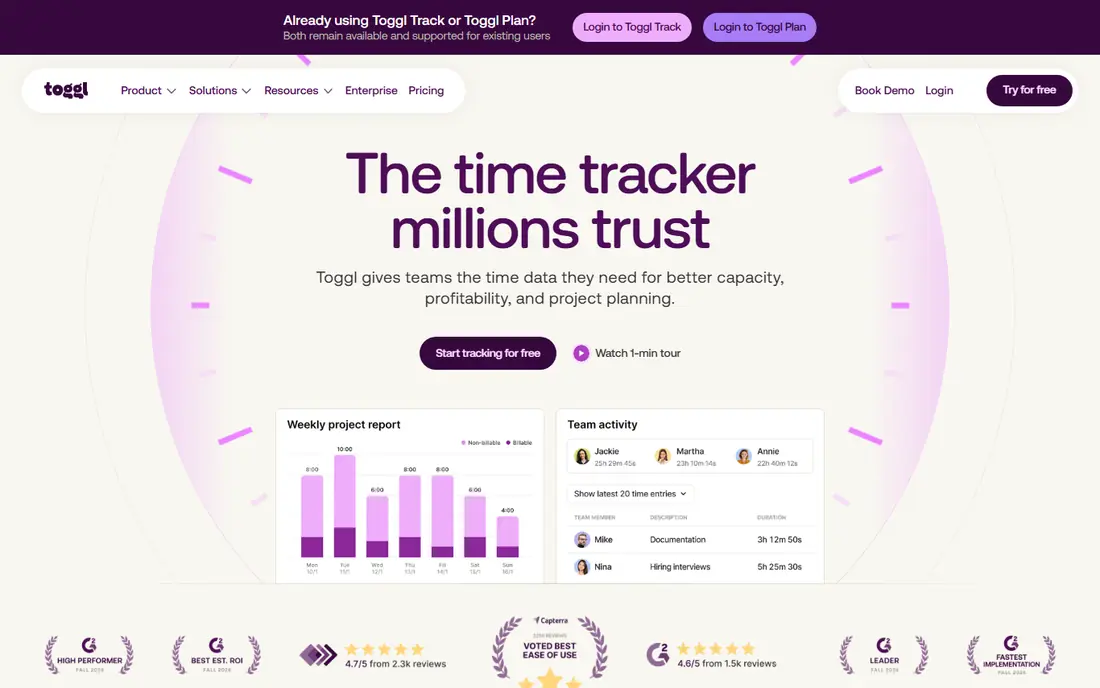
Toggl Track fits freelancers and small teams who want tracking to disappear into the workday. The mobile timer starts with one tap, you pick a project and add a short description, and reports later show time by client, project, or tag. That simplicity is why many solo workers stick with it, because a tracker that needs five taps per task will be abandoned by Friday. The weakness is billing depth on lower tiers. Billable rates, project estimates, and capacity planning sit behind paid plans, and the free plan caps at 5 users, so growing teams must pay for everyone. If you invoice separately or use another invoicing tool, that limit matters less. For clean, private tracking without surveillance features, Toggl Track remains a strong default.
- One tap timer, clean mobile app, reports by client and project, no screenshots, wide integrations
- Free plan limited to 5 users, billable rates and estimates need paid plans, no built in invoicing on free tier
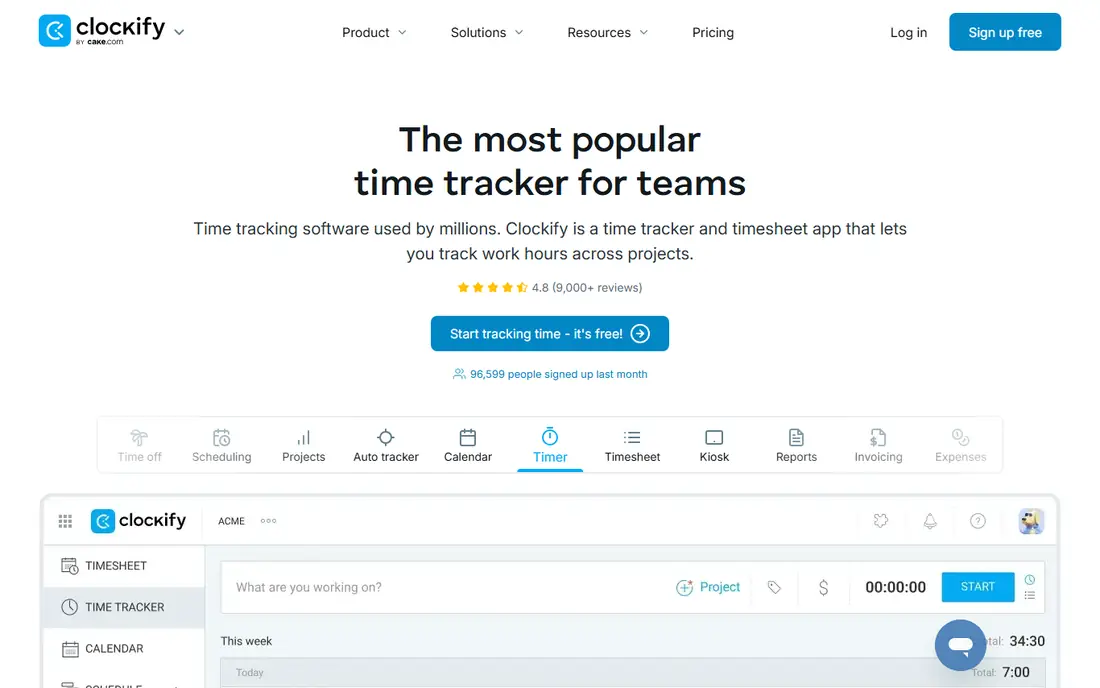
Clockify fits teams that need to track time for many people without paying per seat from day one. The free plan covers unlimited users and projects, with timer, manual entry, and timesheet views, plus mobile apps for on the go logging. That makes it practical for agencies, nonprofits, and small businesses that want everyone tracking, even if only a few people need paid reporting features. The weakness is polish. The interface is functional rather than elegant, and finding a specific report or setting can take a few extra clicks compared with Toggl. Paid plans add approvals, scheduling, and deeper billing features that larger teams will want. If budget is the main constraint, Clockify gives you the most tracking for the least money.
- Free plan for unlimited users, timer and timesheet modes, projects and reports, mobile apps and kiosk mode
- Interface is less polished than Toggl, advanced features need paid plans, setup can feel broad at first
Harvest
Best for: Freelancers who bill hours and send invoices from tracked time
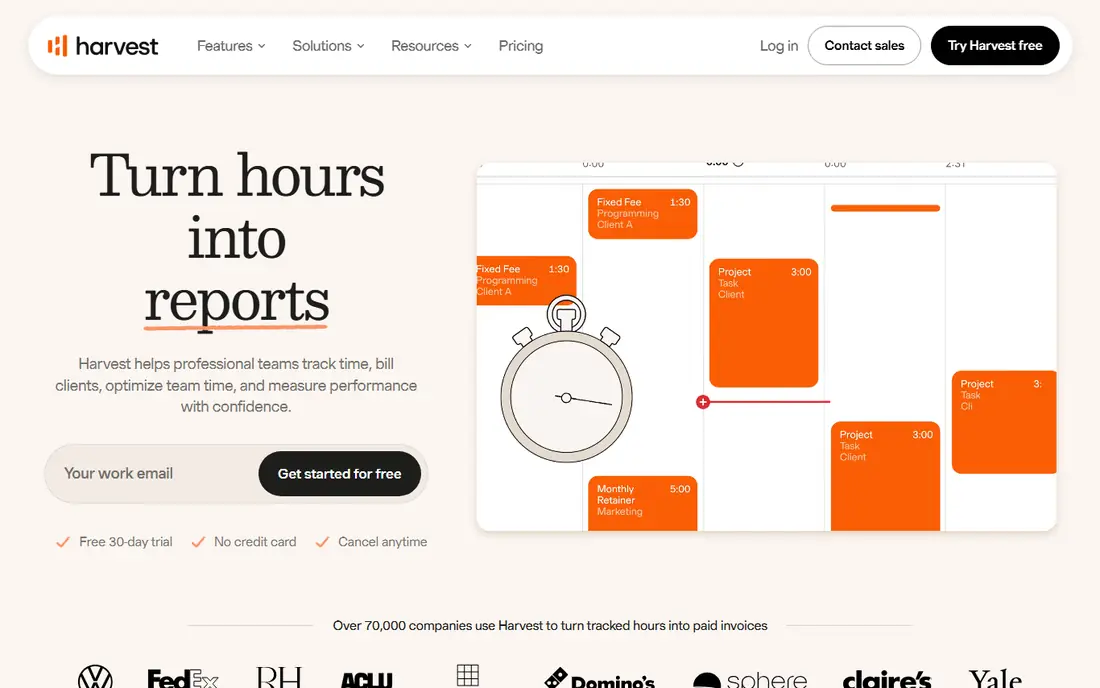
Harvest fits freelancers and small agencies whose main job is turning hours into invoices without extra bookkeeping. You track time on mobile or desktop, add expenses with receipts, and create an invoice directly from tracked time and expenses. Clients can pay through connected payment options, which shortens the gap between finishing work and getting paid. The weakness is the free tier. With only 1 seat and 2 projects, it works as a trial, not as a long term free tool for most freelancers. Paid plans are needed for team use and for more projects, and Harvest focuses on manual tracking rather than automatic capture. If invoicing is your bottleneck, that workflow is worth the cost. If you only need personal productivity insight, a simpler tracker will do.
- Time to invoice workflow, expense tracking, budgets, client payments through Stripe and PayPal, clean reports
- Free tier limited to 1 seat and 2 projects, paid plan needed for real team use, fewer automatic capture features
Hubstaff
Best for: Field and remote teams that need GPS, scheduling, and payroll links
Hubstaff fits field service teams, remote teams, and agencies that need to prove where and when work happened, schedule shifts, and connect hours to payroll. Mobile apps support GPS location on clock in, job tracking, and timesheet approvals, which helps managers who oversee staff across sites. Payroll and payment integrations reduce manual work for teams that pay by the hour. The weakness is trust. Screenshot and activity monitoring features can damage morale if they are turned on without a clear policy, consent, and a business reason. Hubstaff also requires paid plans for serious use, and setup takes more admin time than a simple timer. Use it for scheduling, GPS, and payroll where those features are genuinely needed, and keep monitoring settings minimal and transparent.
- Mobile GPS tracking, scheduling, payroll and payments, screenshots and activity options, timesheet approvals
- Monitoring features raise privacy questions, paid only for full use, setup needs clear team policies
Timely fits consultants, designers, and managers who do varied work across many apps and forget manual timers. It captures app and document activity automatically, then shows a private timeline you review and assign to projects. That review step matters, because you stay in control of what becomes a billable entry, rather than sending raw activity data to a manager. The weakness is cost and habit. Timely has no free plan, only a trial, and you still need a short daily review to keep entries accurate. If you never review the timeline, automatic capture creates a backlog instead of a benefit. For people who lose billable hours to forgotten timers, though, that daily review often pays for itself in recovered time.
- Automatic activity capture, private by design for individual review, project planning, clean timeline view
- No free plan, only a trial, automatic data needs daily review, pricing higher than simple timers
RescueTime fits individuals who want to understand habits, not bill clients. It runs in the background, categorizes apps and websites by productivity, and shows where time leaks into social media, email, or meetings. Goals and alerts help you notice drift during the day, and focus sessions can block distracting sites for a set period. The weakness is billing fit. RescueTime is poor for project based invoicing, because its categories are about productivity, not client projects, and mobile capture is less complete than desktop capture. It also requires interpretation, since a productive score does not tell you whether the work was valuable. Pair it with a manual timer if you need both habit insight and client billing.
- Automatic app and website tracking, productivity scores, goals and alerts, focus sessions
- Not built for client billing, mobile tracking is more limited than desktop, reports need interpretation
TimeCamp fits small teams that want free tracking plus basic invoicing and attendance without buying several tools. The free plan covers unlimited users, with timer, timesheet, and project tracking, and paid plans add billing, budgeting, and deeper reporting. Mobile apps cover the core timer and timesheet tasks for staff on the go. The weakness is polish and depth. The interface feels dated compared with Toggl, and the mobile app is simpler than the desktop version, so managers will still do most reporting on a computer. Advanced approvals and analytics also sit behind paid tiers. For a budget team that needs tracking, invoicing, and attendance in one place, TimeCamp is a practical compromise.
- Free plan for unlimited users, timer and timesheet, invoicing, attendance and billing features
- Interface is dated in places, mobile app is simpler than desktop, advanced reports need paid plans
How we picked these
We checked vendor pricing pages, app store listings, and feature pages in October 2026 for iOS and Android apps, offline behavior, free plan limits, and invoicing or payroll links. We favored apps that sync reliably between phone and desktop, that offer a usable free tier or trial, and that explain monitoring features clearly. We excluded desktop only tools, tools with no current mobile app, and tools that required intrusive device permissions for basic timer use.
What to check before you roll out a tracker
Start with the question the tracker must answer. A freelancer needs to answer how many billable hours went to each client this month. A manager needs to answer whether a project is over budget and who is overloaded. A field team needs to answer who was on site and for how long. Write that question down, then test whether the app report answers it in under a minute on a phone. If the report needs exporting to a spreadsheet and manual cleanup every week, the tool will fail even if the timer itself is good. Test mobile reality, not demo videos. Install the app, start a timer while walking, lock the phone, lose signal for a few minutes, and check whether the entry survives and syncs later. Add a widget or a shortcut if the app supports one, because a timer buried three screens deep will be forgotten. Set reminders for long running timers, and agree on rules for rounding, descriptions, and project names before the team starts, so reports stay comparable across people. Finally, set a privacy and payroll policy in writing if you track a team. Explain what is tracked, what is not tracked, who can see reports, and how hours link to pay. Avoid screenshot monitoring unless you have a specific, documented need and staff consent, and review monitoring settings at least once a year. A tracker should help people get paid fairly and plan better, not create a sense of being watched all day. If staff do not trust the tool, they will find ways around it, and the data will be worse than no data at all.
FAQ
Should I track time manually or automatically? Manual tracking is better for billing, because you assign each entry to a client and project as you work. Automatic tracking is better for habit insight, because it shows where time actually went. Many people use both, with a manual timer for billable work and an automatic tool for personal review.
Do mobile time trackers work offline? Most good mobile trackers let you start and stop timers offline and sync when you regain signal, but reporting and project changes may need a connection. Test offline behavior on your phone before relying on it for field work.
Can a free plan handle a small team? Yes, if the free plan allows enough users and projects for your team. Clockify and TimeCamp offer free plans for unlimited users, while Toggl Track free caps at 5 users and Harvest free caps at 1 seat and 2 projects, so check limits before you commit.
Is time tracking legal for employees? In general, employers can track work hours, but rules vary by state and country, especially for location tracking, screenshots, and off duty time. Get clear consent, track only work time, and check local labor rules or legal advice for your situation.
How do I get my team to actually use a tracker? Keep projects and descriptions simple, use mobile widgets, review timers daily for the first two weeks, and show the team how tracked time leads to fair pay, better estimates, and less overtime. If tracking feels like surveillance, adoption will drop, so keep the focus on planning and pay.
Sources
https://toggl.com https://clockify.me https://getharvest.com https://hubstaff.com https://timelyapp.com https://rescuetime.com https://timecamp.com