Top 5 Mass Reboot Management Tools for 2026 (Prices and Free Plans)
5 products for the best mass reboot management tools, ranked by fit, with starting costs and free tiers. Prices and drawbacks included. See which fits.
- Editor's choice
 ManageEngine Endpoint Central
Unified endpoint management with reboot control
Starts atSee websiteVisit manageengine.comFull review - Great alternative
 NinjaOne
Unified IT operations with reboot control
Starts at$1.50 per device a monthVisit ninjaone.comFull review - Also considerPDQ Deploy & Inventory
Straightforward agentless Windows mass restarts
Starts at$12 per device/yearVisit pdq.comFull review
Direct answer
This list puts ManageEngine Endpoint Central first for unified endpoint management with reboot control. Listed starting prices: NinjaOne from $1.50 per device a month, PDQ Deploy & Inventory from $12 per device/year and Automox from $1 per endpoint a month. NinjaOne is better for unified IT operations with reboot control, and PDQ Deploy & Inventory is better for straightforward agentless Windows mass restarts. Prices, free plans and limits for all 5 tools follow.
TL;DR:
- Number one here is ManageEngine Endpoint Central, a fit for unified endpoint management with reboot control.
- Automox is the lowest-priced starter here at $1 per endpoint per month.
- Microsoft Endpoint Configuration Manager suits deep Microsoft ecosystem reboot orchestration.
- ManageEngine Endpoint Central, Microsoft Endpoint Configuration Manager and the 3 others all need a premium plan or a trial, since no free plan is listed.
- One limit worth knowing about NinjaOne: feature set may overwhelm very small teams.
Last checked November 2026. Prices and plan details were read from the vendors' own pages in November 2026; vendors change plans often, so confirm the current price on the vendor site before you buy.
Quick comparison
| Tool | Best for | Starts at | Free plan? | |
|---|---|---|---|---|
| ManageEngine Endpoint Central | Unified endpoint management with reboot control | See website | Not stated | Visit |
| NinjaOne | Unified IT operations with reboot control | $1.50 per device a month | Free trial | Visit |
| PDQ Deploy & Inventory | Straightforward agentless Windows mass restarts | $12 per device/year | Free trial | Visit |
 Automox | Policy-driven cross-platform reboot automation | $1 per endpoint a month | Not stated | Visit |
| Microsoft Endpoint Configuration Manager | Deep Microsoft ecosystem reboot orchestration | See website | Not stated | Visit |
Our 5 mass reboot management tools
Choosing mass reboot management tools usually comes down to price, fit and limits. This LinkVetted guide sets 5 tools side by side on those three points, with the facts kept short and checkable.
ManageEngine Endpoint Central
Best for: Unified endpoint management with reboot control
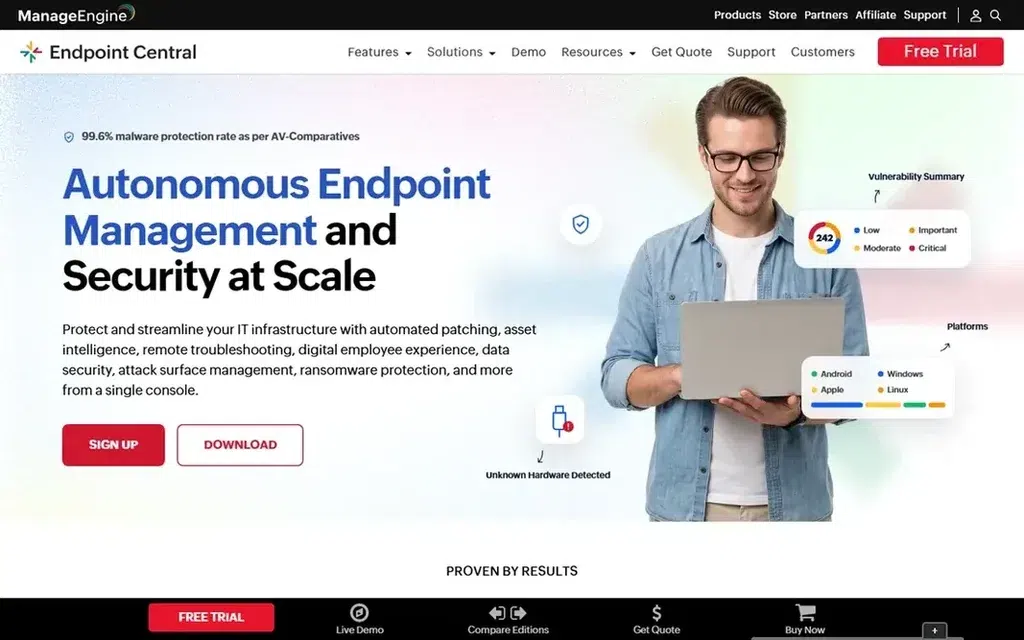
ManageEngine Endpoint Central was built for unified endpoint management with reboot control. ManageEngine Endpoint Central is a unified endpoint management and security option that centrally runs servers, desktops, laptops, and mobile devices.
It suits organizations that want a single console for endpoint administration and reboot scheduling across a mixed device estate. No starting price is listed for ManageEngine Endpoint Central here; confirm pricing on the vendor site. On free options: Not stated.
Limits to weigh: Feature depth can need a ramp-up time.
- Wide feature set in one product
- Mobile devices
- Configuration complexity grows with fleet size
NinjaOne is built with unified IT operations with reboot control in mind. Reboot control is embedded in patching instead of offered as a standalone mass-restart tool.
NinjaOne cost at the entry level: $1.50 per device per month. Free options: Free trial.
Honest limits: Needs setup of policies and roles. Highlights: Aimed at IT teams and MSPs.
- Remote access
- Autonomous patching with restart choices
- Feature set may overwhelm very small teams
PDQ Deploy & Inventory
Best for: Straightforward agentless Windows mass restarts
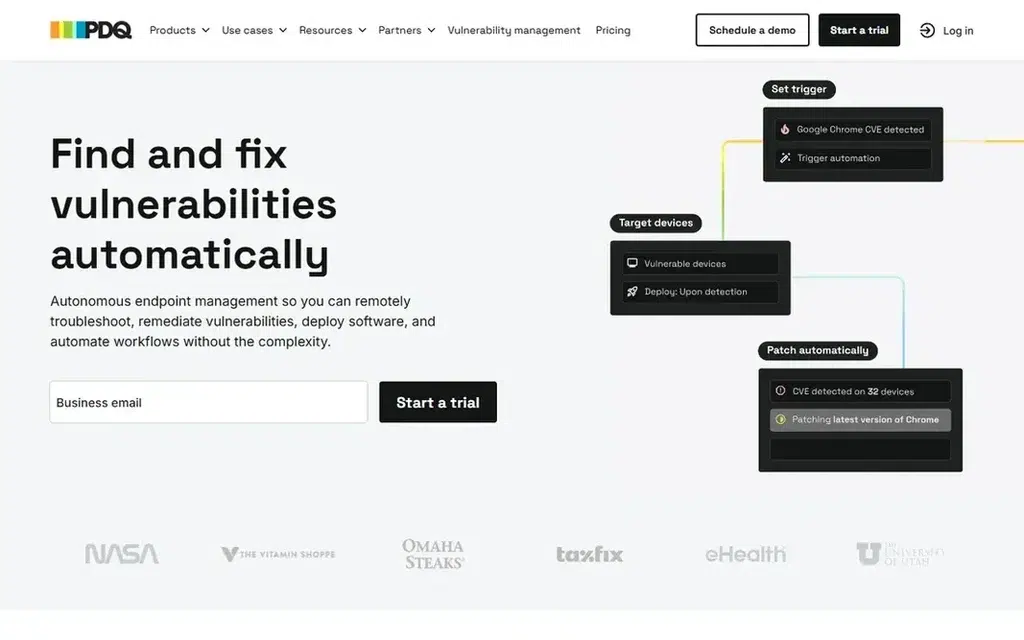
PDQ Deploy & Inventory is built with straightforward agentless Windows mass restarts in mind. PDQ Deploy & Inventory offers software deployment and inventory management for Windows devices, with the capacity to push packages and run restart commands across groups of machines.
Reboot orchestration is less sophisticated than full configuration management products, with fewer built-in policy layers. From a buyer's view, pick a broader endpoint management suite if you need cross-platform control or advanced compliance workflows. On cost, PDQ Deploy & Inventory starts like this: $12 per device/year. As for free access: Free trial.
Points against: Restricted to Windows environments.
- Agentless operation over Windows networks
- Straightforward deployment and inventory
- Less depth for complicated reboot policies
Automox is a good fit for policy-driven cross-platform reboot automation. Automox is built around closing the gap between fast-moving threats and human-speed response, with policy-driven automation to patch and govern Windows, macOS, and Linux endpoints. It can enforce reboot policies as part of patching workflows, helping ensure restarts happen consistently across mixed operating systems.
Watch-outs: Needs endpoint connectivity to the cloud.
From a buyer's view, as a cloud-oriented system, it relies on dependable endpoint connectivity and may not suit isolated networks. Beyond that, deep customization of reboot logic is bounded by the policy model. Starting cost for Automox: $1 per endpoint per month. Free access: Not stated. Main advantages: Policy-driven automation for patching and restarts.
- Handles Windows, macOS
- Linux endpoints
- Less suited to completely offline networks
Microsoft Endpoint Configuration Manager
Best for: Deep Microsoft ecosystem reboot orchestration
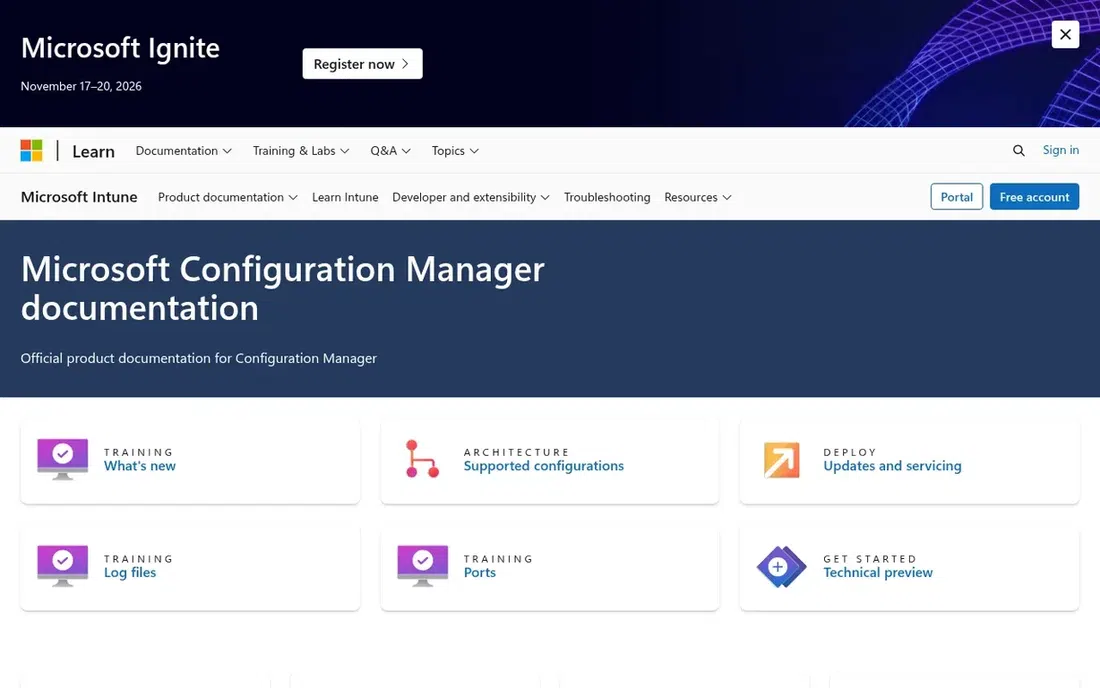
Microsoft Endpoint Configuration Manager serves deep Microsoft ecosystem reboot orchestration. Microsoft Endpoint Configuration Manager is an official Microsoft management system for deploying software, patching, and enforcing compliance across Windows devices. It deals with mass reboots through device collections, maintenance windows, and client settings that define when restarts can occur.
The platform carries significant infrastructure and administrative overhead, and its interface can be daunting for smaller teams. It is primarily Windows-focused, so mixed macOS and Linux fleets may need extra tools. Microsoft Endpoint Configuration Manager does not show a starting price in this comparison, so check the vendor site for current pricing. As for free access: Not stated.
Points against: Complicated setup and continuing administration.
Where Microsoft Endpoint Configuration Manager stands out: managed Windows estates.
- Links up with Windows patching and compliance
- Scales to large
- Heavy infrastructure requirements
How the list was put together
A buyer's checklist
- Ask ManageEngine Endpoint Central and Microsoft Endpoint Configuration Manager for a written quote, since no starting price is shown.
- Run a trial of NinjaOne and PDQ Deploy & Inventory with real work before paying for a year; your own workflow is the best test.
- Read the limits listed for ManageEngine Endpoint Central first: feature depth can need a ramp-up time.
- Run a one or two week pilot of PDQ Deploy & Inventory with the people who will use it every day.
- See whether NinjaOne offers onboarding or training, and whether it is included in the price.
FAQ
Can these tools reboot macOS and Linux devices?
Support varies. Automox explicitly covers Windows, macOS, and Linux endpoints, whereas multiple others are primarily Windows-focused or broader endpoint management suites. Confirm product support on the vendor site before shortlisting.
What is the cheapest option for mass reboot management tools in this list?
On published monthly entry prices, Automox is the lowest here at $1 per endpoint per month. Entry price is only part of the cost, because seats, add-ons and billing terms can change the total. All 5 picks in this mass Reboot management tools comparison list a starting price, free plan details and the main limits on their cards above.
Does any tool for mass reboot management tools here have a free plan?
No tool in this list, ManageEngine Endpoint Central and Microsoft Endpoint Configuration Manager included, has a permanent free plan. NinjaOne, PDQ Deploy & Inventory offer a trial. Trials and quotes are the usual route, so plan a short evaluation period.
Do these tools publish their prices?
Not all of them. ManageEngine Endpoint Central and Microsoft Endpoint Configuration Manager publish no starting price, so expect a quote request for those. The rest, NinjaOne included, show a starting price, though seats and billing terms still change the final cost.
How are the tools for mass reboot management tools ordered?
ManageEngine Endpoint Central sits first and Microsoft Endpoint Configuration Manager last because the order follows typical fit for mass reboot management tools, then price clarity and free access. It is a judgement call, so read each profile for fit and limits.
Do I need an agent on every endpoint for mass reboots?
Some tools, like PDQ Deploy & Inventory, operate agentless over Windows networks, whereas others depend on installed agents or cloud connectivity. Check each vendor's architecture against your network and security requirements.
Sources
- https://www.manageengine.com/products/desktop-central
- https://www.ninjaone.com
- https://www.pdq.com
- https://www.automox.com
- https://learn.microsoft.com/en-us/mem/configmgr