Best Mass Job Application Software in 2026: 8 Tools Compared
Compare the best mass job application software in 2026, with auto-apply tools, pricing, review controls, and the risks to check before you apply at scale.
- Editor's choice
 Tsenta
End-to-end applying on employer sites
Starts at$19 per monthVisit tsenta.comFull review - Great alternative
 JobCopilot
Daily batches of matched applications
Starts atSee websiteVisit jobcopilot.comFull review - Also consider
 LazyApply
High-volume job board applying
Starts at$99 per yearVisit lazyapply.comFull review
TL;DR:
- Tsenta and JobCopilot are the most complete auto-apply options for company career pages, while LazyApply fits high-volume job board applying.
- Review controls matter more than speed, because an application sent with wrong answers or an unreviewed resume can hurt a candidacy.
- Simplify and Jobright are better for job seekers who want faster manual applying and better matching, rather than fully automated submission.
- Check each employer's terms and each platform's rules before using auto-apply, since automated applying can lead to blocked accounts or rejected applications.
Quick comparison
| Tool | Best for | Starts at | Free plan? | |
|---|---|---|---|---|
| Tsenta | End-to-end applying on employer sites | $19 per month | Yes | Visit |
| JobCopilot | Daily batches of matched applications | See website | No | Visit |
| LazyApply | High-volume job board applying | $99 per year | No | Visit |
 AIApply | Auto-apply plus resume and interview tools | $49 per month | Free trial | Visit |
 LoopCV | Scheduled application loops | See website | Yes | Visit |
 Sonara | Hands-off applying with matching | See website | Free trial | Visit |
 Simplify | Free autofill and manual applying | Free | Yes | Visit |
 Jobright | Matching and guided applying | See website | Yes | Visit |
The best mass job application software
Mass job application software ranges from simple autofill extensions to tools that submit full applications on employer career pages. The difference matters. Autofill saves typing but still requires a human to submit, while true auto-apply tools submit on your behalf. The tools below are grouped by how much automation they actually provide.
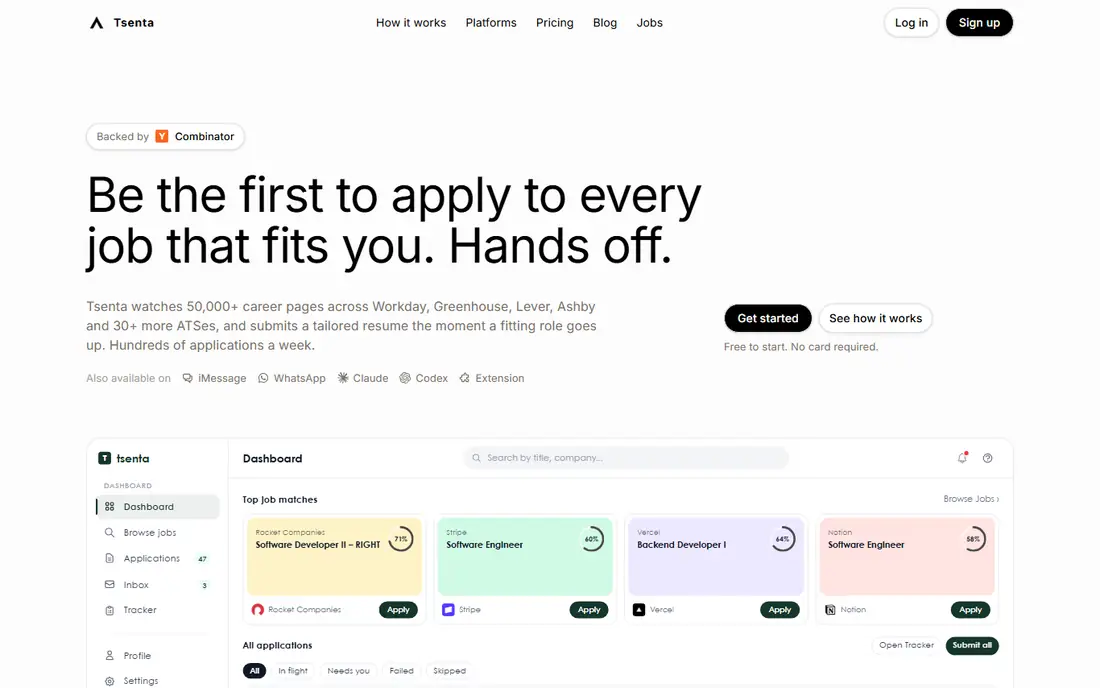
Tsenta is our pick for job seekers who want the full loop handled, from finding a role to submitting the application and tracking replies. It works across employer systems such as Workday, Greenhouse, Lever, and Ashby, which is where many real jobs live. Resume changes are shown for approval, which helps avoid the common auto-apply problem of sending a generic resume to every role.
The tradeoff is trust. Automated submission means the user must check what the tool sends, especially for open-ended questions and salary fields. Tsenta's free tier is useful for testing that process on real jobs before paying. Job seekers should still review target roles carefully, because volume alone does not improve fit.
- Submits full applications across many employer systems
- Tailors resume and cover letter per role
- First 25 applications free
- Newer brand than older job tools
- Coverage varies by employer system and job type
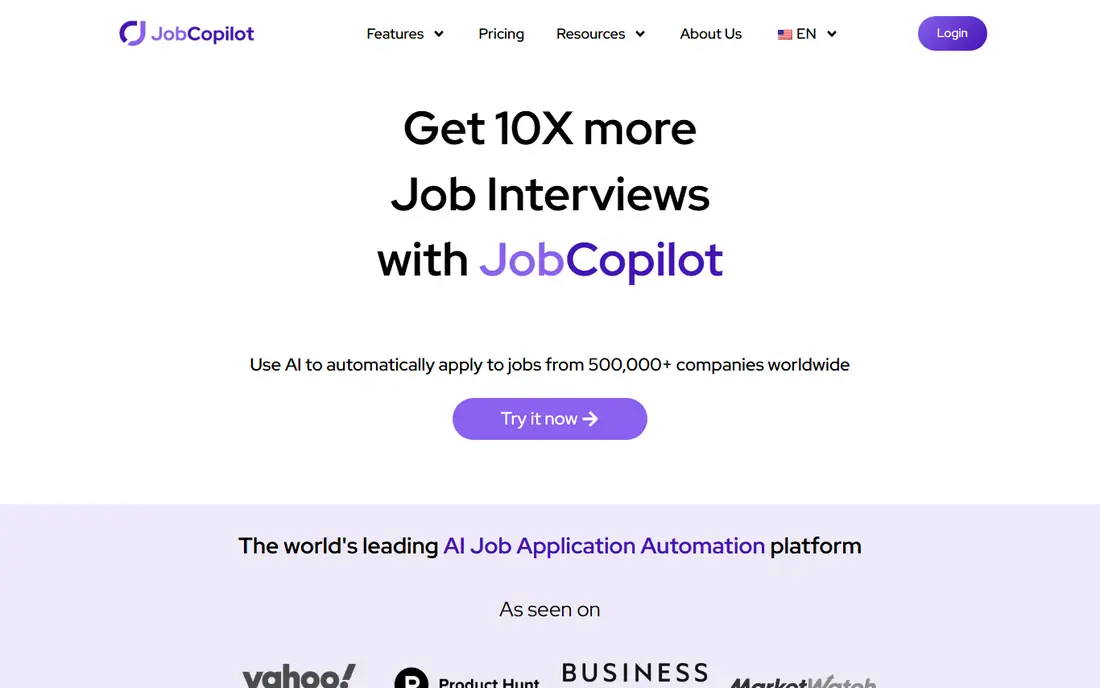
JobCopilot suits job seekers who want a steady daily batch without managing dozens of tabs. The tool matches roles to a profile and applies on company career pages, with options to save applications for review depending on the plan. That daily rhythm can be easier to manage than a large one-time blast.
The catch is the same as with all auto-apply tools. A daily batch only helps if the matches are genuinely relevant, so profile settings, location, salary range, and role titles need careful setup. Job seekers should check results each day, remove poor matches, and keep a record of where applications went.
- Daily matched applications on company career pages
- Saves applications for review on some plans
- Simple daily pricing model
- Less control over each individual application than a manual process
- Pricing is shown as a daily rate
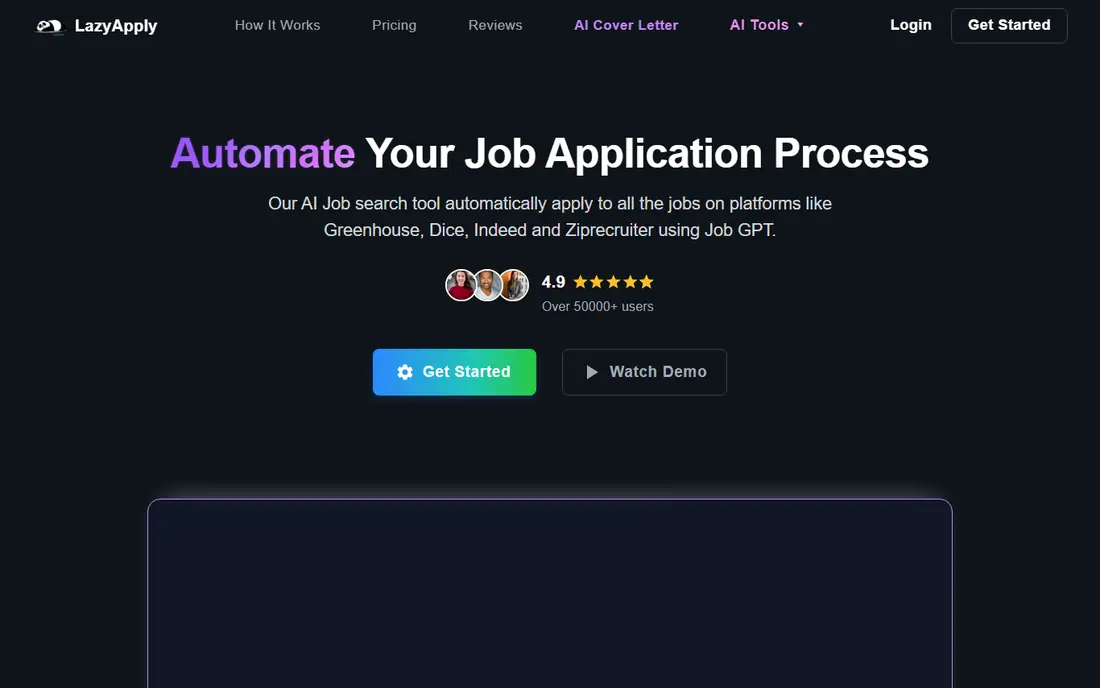
LazyApply is built for volume on job boards. It automates applications on platforms such as LinkedIn, Indeed, and ZipRecruiter, and its annual price is low compared with monthly auto-apply subscriptions. For job seekers whose search lives mainly on boards rather than company career pages, that focus can be efficient.
The limit is tailoring. LazyApply is less focused on rewriting a resume for each role, so applications may look generic to employers that review them closely. It works best when combined with a strong base resume and a clear target role list, rather than as a spray-and-pray tool for every opening.
- High daily application volume on job boards
- Simple annual pricing
- Works on LinkedIn, Indeed, and similar boards
- Same resume sent to many roles
- Thinner coverage of direct company applicant systems
AIApply appeals to job seekers who want one toolkit rather than several separate subscriptions. Alongside auto-apply credits, it offers resume building, cover letter drafting, and interview practice. That combination is useful for a job seeker who needs help with documents as well as submission.
The tradeoff is cost at scale. Credit-based auto-apply can become expensive for very high-volume searches, and the tool does not submit everywhere. Job seekers should confirm which sites are covered, how many credits each application uses, and whether drafts can be reviewed before sending.
- Auto-apply credits plus resume, cover letter, and interview preparation tools
- Broad job search toolkit
- Auto-apply is credit based, so costs rise with volume
- Site coverage should be confirmed before purchase
LoopCV works by running scheduled loops. A job seeker sets search criteria and a resume, and LoopCV applies to matching roles on a schedule. That steady pace can feel less overwhelming than applying to 50 jobs in one sitting, and the free plan lets a user test the concept before paying.
The limit is customization. A loop typically uses one resume, so tailoring per role is limited. LoopCV fits job seekers with a clear, narrow target, such as one role title in one city, better than job seekers applying across very different roles.
- Scheduled loops that apply over time
- Free plan for testing
- Email and board-based outreach
- Less deep employer system coverage than Tsenta or JobCopilot
- Fixed resume per loop
Sonara is designed for job seekers who want to hand over the search and let the system apply to matched roles. The dashboard shows where applications went, which helps with follow-up and interview preparation. For a passive search or a job seeker who is already employed, that hands-off approach can save many hours.
The risk is fit. Hands-off applying only works when matching criteria are tight and the resume is strong for the target roles. Job seekers should review matches regularly, update criteria when irrelevant roles appear, and be ready to answer employer follow-ups promptly.
- Automated matching and applying
- Dashboard to track applications
- Hands-off workflow
- Pricing and plan details should be confirmed at signup
- Less user control than manual applying
Simplify is the safest starting point for most job seekers, because the free autofill extension speeds up forms while leaving submission in human hands. That control matters for roles that require thoughtful answers, work samples, or salary details. The tracker also helps a job seeker remember where they applied and what stage each application reached.
The tradeoff is speed. Simplify will not match the raw volume of a true auto-apply tool, since the user still reviews and submits each form. For competitive roles where quality matters more than quantity, that slower pace is often the better tradeoff.
- Free browser autofill across many company career sites
- Strong job tracker
- User submits each form
- Free autofill does not auto-submit
- Paid autopilot availability is limited
Jobright helps job seekers find roles that match their experience and then apply with guidance, rather than blasting every opening. That focus on matching can improve response rates, because applications go to roles where the candidate is a plausible fit. The free tier is useful for testing match quality before paying.
The limit is automation depth. Jobright is not the best pick for a job seeker whose only goal is maximum submission volume. It fits better as a companion to a manual or semi-automated search, where better targeting matters more than raw numbers.
- Strong job matching
- Guided application workflow
- Useful for discovering roles that fit a profile
- More of a discovery and guided tool than a full auto-submit agent
- Paid features vary by plan
How we picked these
We compared official product pages, pricing pages, and feature descriptions for tools that help job seekers apply to many jobs in October 2026. We favored tools with clear statements about where they apply, whether submission is automatic, and whether users can review applications. We excluded pure resume builders and pure job trackers without application automation or autofill, except where autofill is a core part of the mass application workflow.
How to use mass applying without hurting your search
Volume is not a strategy on its own. Employers and applicant tracking systems can spot generic applications, and some platforms restrict or block accounts that use automation. Before using any auto-apply tool, read the terms of the job board and the employer's career site, and never let a tool invent answers about experience, authorization to work, or salary history.
A safer approach is to set a daily limit, review a sample of applications each day, and keep a spreadsheet or tracker of roles, dates, and responses. Tailor the resume for the top roles by hand, even if lower-priority roles go through automation. If interview requests start coming from roles that are a poor fit, tighten the criteria rather than increasing volume.
FAQ
What is mass job application software?
Mass job application software helps job seekers apply to many jobs faster than manual applying. Some tools only autofill forms, while others submit full applications on employer career pages or job boards. The level of automation, review control, and site coverage varies widely, so check what a tool actually does before buying.
Is auto-apply software allowed by employers?
It depends on the employer and the platform. Some employers and job boards prohibit automated applying or bot use, and accounts can be restricted or applications rejected. Always read the terms for each site, use review controls where available, and avoid tools that submit false information or bypass employer questions.
How many jobs should I apply to per day?
There is no single right number, because fit matters more than volume. A focused search of 5 to 15 well-matched applications per day often beats 100 generic applications. Use mass applying tools to save time on routine forms, and spend the saved time tailoring applications for the best roles.
Does mass applying improve my chances of getting hired?
It can increase the number of applications, but it does not guarantee more interviews if the applications are poorly matched. Matching, resume quality, and follow-up matter more than raw volume. Track response rates by tool and by role type, and stop using a setting that produces no replies.
What should I check before an auto-apply tool sends an application?
Check the resume version, the answers to screening questions, salary expectations, location, and work authorization details. Confirm that the role matches the target title, level, and location. If a tool does not allow review, start with a small test batch and inspect the confirmation emails or employer receipts.