Top 6 Malware Analysis Tools for Remote Teams for 2026 (Prices and Free Plans)
Best malware analysis tools for remote teams: 6 contenders ranked by fit, with entry costs and free tiers. Read the caveats before you buy. Quick to scan.
- Editor's choice
 Any.Run
Interactive malware sandbox analysis
Starts atSee websiteVisit any.runFull review - Great alternative
 Recorded Future
Live threat intelligence
Starts atSee websiteVisit recordedfuture.comFull review - Also consider
 Cuckoo Sandbox
Open-source automatic malware analysis
Starts atSee websiteVisit cuckoosandbox.orgFull review
Direct answer
Start with Any.Run if you need interactive malware sandbox analysis. Listed starting prices: CrowdStrike Falcon from $7.99 per device a month. Alternatives: Recorded Future for live threat intelligence, and Cuckoo Sandbox for open-source automatic malware analysis. The other 3 tools in the list cover narrower or pricier cases.
TL;DR:
- The list opens with Any.Run, aimed at interactive malware sandbox analysis.
- For threat intelligence and automatic detection, FireEye Malware Analysis is worth a look.
- The lowest published monthly entry price here is $7.99 per device per month, from CrowdStrike Falcon.
- Neither Any.Run nor FireEye Malware Analysis, nor any of the other 4 tools, has a permanent free plan; trials and quotes are the norm.
Last checked November 2026. Prices and plan details were read from the vendors' own pages in November 2026; vendors change plans often, so confirm the current price on the vendor site before you buy.
Quick comparison
| Tool | Best for | Starts at | Free plan? | |
|---|---|---|---|---|
| Any.Run | Interactive malware sandbox analysis | See website | Not stated | Visit |
| Recorded Future | Live threat intelligence | See website | Not stated | Visit |
| Cuckoo Sandbox | Open-source automatic malware analysis | See website | Not stated | Visit |
| Intezer Analyze | AI-powered alert investigation | See website | Not stated | Visit |
 CrowdStrike Falcon | Integrated endpoint protection and analysis | $7.99 per device a month | Free trial | Visit |
| FireEye Malware Analysis | Threat intelligence and automatic detection | See website | Not stated | Visit |
The 6 tools in detail
Short on time? The summary and table above give the quick view of 6 malware analysis tools for remote teams, and the profiles that follow give the detail behind each entry.
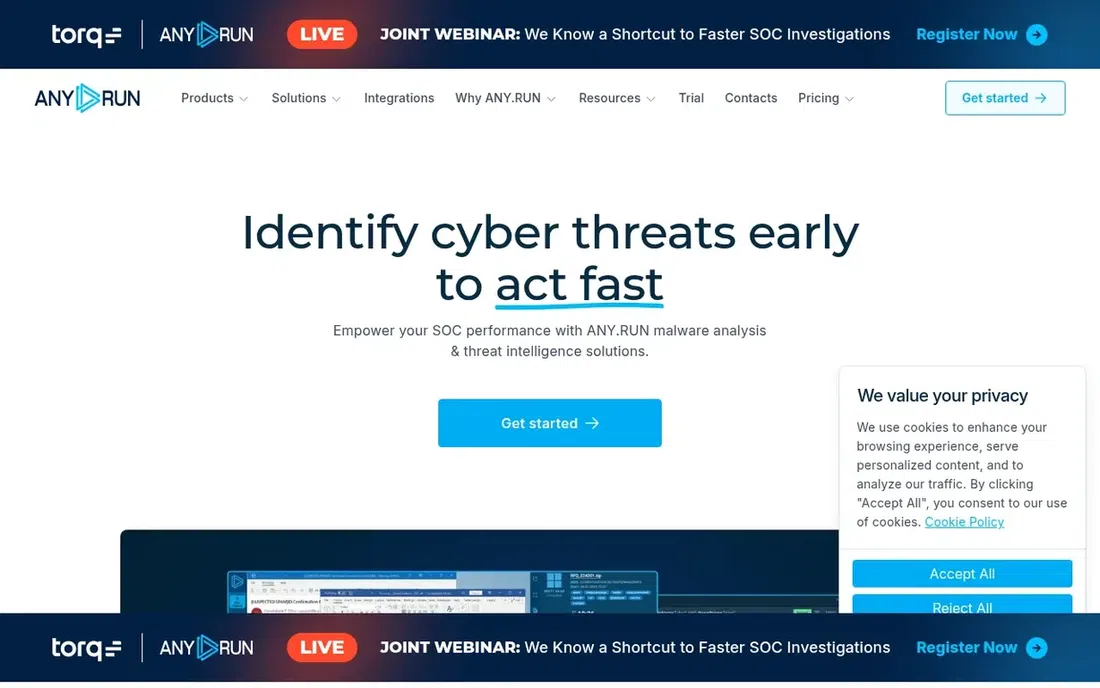
Any.Run makes the most sense for interactive malware sandbox analysis. Any.Run is an interactive online malware sandbox that permits security teams to analyze suspicious activities in live. Worth adding: any.Run centres on sandbox analysis and may not handle broader endpoint protection or threat intelligence.
Drawbacks to consider: May need technical skills.
More specifically, as a cloud-based service, it makes it possible for remote teams to collaborate on malware analysis without local infrastructure. It is well suited to analysts who require practical, interactive investigation of malware behavior. This comparison lists no price for Any.Run; ask the vendor. On free options: Not stated.
- Cloud-based service
- Live analysis
- Restricted to sandbox analysis
Pick Recorded Future if this describes you: real-time threat intelligence. It makes it possible for proactive security by supplying context on emerging threats. Teams looking for direct sandbox analysis should pair it with a tool like Any.Run.
More specifically, Recorded Future concentrates on threat intelligence instead of practical malware analysis. It is most valuable when integrated with other security tools. This comparison lists no price for Recorded Future; ask the vendor. Free options: Not stated.
The main drawbacks: Intelligence-focused, not full analysis.
- Actionable insights
- Prioritizes threats
- Needs integration for full value
Cuckoo Sandbox targets open-source automated malware analysis. Cuckoo Sandbox is an open-source automatic malware analysis system that permits teams to run and analyze files in a controlled environment. It is widely known for its adaptability and customization options, making it a good match for remote teams with technical expertise who prefer self-hosted options.
Best features of Cuckoo Sandbox: Configurable.
Downsides: Restricted official support.
Cuckoo needs significant setup and continuing maintenance, and official support is restricted. It may not be well suited to teams without dedicated IT resources. For a managed cloud-based alternative, consider Any.Run or other hosted sandboxes. Cuckoo Sandbox does not show a starting price in this comparison, so check the vendor site for current pricing. As for free access: Not stated.
- Automatic analysis
- Open-source
- Needs setup and maintenance
Intezer Analyze
Best for: AI-powered alert investigation
Intezer Analyze targets AI-powered alert investigation. It is built for remote teams needing efficient alert triage and malware analysis, using AI to accelerate investigations.
On top of that, for deep manual analysis, consider Any.Run or Cuckoo Sandbox. Intezer centres on alert investigation and may not offer the full interactive sandbox experience of dedicated tools. No starting price is listed for Intezer Analyze here; confirm pricing on the vendor site. As for free access: Not stated.
Where it falls short: Focused on alert triage.
- AI SOC with forensic depth
- Quick investigation
- May not replace full sandbox
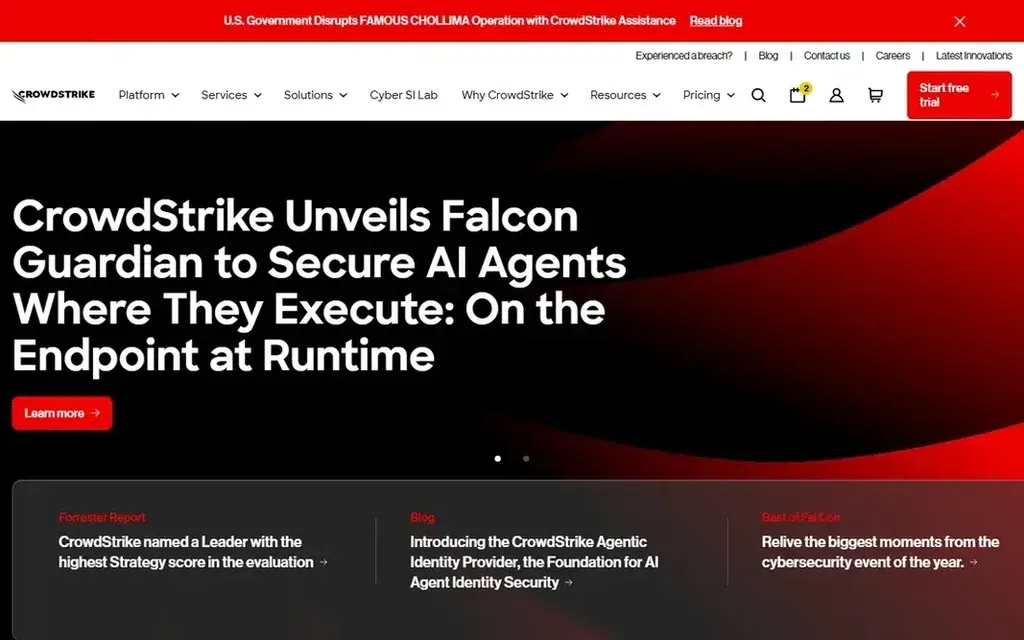
CrowdStrike Falcon works best for integrated endpoint protection and analysis. CrowdStrike Falcon is a cloud-native cybersecurity product that stops breaches using AI-native technology. It guards endpoints, cloud workloads, identities, and data, making it right for remote teams needing thorough security.
Limits to weigh: May require training.
The system is built for organizations seeking an integrated approach to threat detection and response. Smaller teams might prefer more specialized tools. In daily use, Falcon's wide feature set may be overwhelming for teams without dedicated security staff. Starting cost for CrowdStrike Falcon: $7.99 per device per month. Free access: Free trial.
- AI-native cybersecurity
- Cloud-native product
- Can be complicated for small teams
FireEye Malware Analysis
Best for: Threat intelligence and automatic detection
Think of FireEye Malware Analysis for threat intelligence and automatic detection. Teams seeking more straightforward, focused tools might consider Any.Run or Cuckoo Sandbox.
Beyond that, FireEye Malware Analysis, now part of Trellix, provides operational threat intelligence and automatic AI-powered threat detection and response. Check the vendor site for FireEye Malware Analysis pricing; none is listed in this comparison. Trial and free access: Not stated.
The main drawbacks: May be expensive for small teams.
- Operational threat intelligence
- AI-powered detection
- Enterprise-focused
How these tools were picked
Each tool was reviewed on what its vendor publishes: price, plan limits, core features and stated drawbacks. We did not run hands-on tests. Plan names, prices and limits change often. Treat the figures here as a starting point and verify them with the vendor. The order reflects how well each tool fits the most common buying scenario for malware analysis tools for remote teams, then price clarity, then free plan access. It is a starting point, not a verdict.
Questions to settle before buying
- Confirm the entry price on the vendor page. For Any.Run, Recorded Future, Cuckoo Sandbox and others that means a quote rather than a fixed price.
- Take the trial from CrowdStrike Falcon and push a live task through it before you pay.
- Before choosing Any.Run, weigh its main limit: restricted to sandbox analysis.
- Involve the people who will use Intezer Analyze daily; a short pilot beats a long feature checklist.
- Read the plan comparison for CrowdStrike Falcon carefully; key features often start on a higher tier.
FAQ
Is Any.Run the right pick for everyone comparing malware analysis tools for remote teams?
No single tool suits every team. Any.Run comes first because it fits interactive malware sandbox analysis, while Recorded Future suits real-time threat intelligence and Cuckoo Sandbox suits open-source automated malware analysis. Match the tool to your own size, budget and workflow before deciding.
Do these tools publish their prices?
Not all of them. Any.Run, Recorded Future, Cuckoo Sandbox and others publish no starting price, so expect a quote request for those. The rest, CrowdStrike Falcon included, show a starting price, though seats and billing terms still change the final cost.
Are these tools suitable for small security teams?
Some tools like Any.Run and Cuckoo Sandbox are more accessible for small teams, though Cuckoo needs technical setup. Enterprise-focused tools like FireEye and Cortex XDR may be more complicated and better suited for bigger teams with dedicated SOC staff.
Does any tool for malware analysis tools for remote teams here have a free plan?
No tool in this list, Any.Run and FireEye Malware Analysis included, has a permanent free plan. CrowdStrike Falcon offer a trial. Trials and quotes are the usual route, so plan a short evaluation period.
How are the tools for malware analysis tools for remote teams ordered?
Any.Run sits first and FireEye Malware Analysis last because the order follows typical fit for malware analysis tools for remote teams, then price clarity and free access. It is a judgement call, so read each profile for fit and limits.
Sources
- https://any.run
- https://www.recordedfuture.com
- https://cuckoosandbox.org
- https://www.intezer.com
- https://www.crowdstrike.com
- https://www.fireeye.com