Best Anti Malware Software in 2026: 9 Tools Compared
Compare the best anti malware software in 2026, with detection, renewal pricing, free plans, and which tool protects devices without slowing them down.
- Editor's choice
 Bitdefender
Best all around protection
Starts at$29.99 per yearVisit bitdefender.comFull review - Great alternative
 Malwarebytes
Cleaning infected devices
Starts at$44.99 per yearVisit malwarebytes.comFull review - Also consider
 Norton 360
Families wanting identity protection
Starts at$49.99 per yearVisit us.norton.comFull review
TL;DR:
- Bitdefender is our pick for most households because it pairs strong lab detection scores with a light system impact.
- Malwarebytes is the best cleanup tool when a device is already infected, while Microsoft Defender is a solid free baseline on Windows.
- First year prices often rise sharply at renewal, so check the renewal price before you buy a multi device plan.
- No anti malware tool replaces safe habits, such as avoiding suspicious downloads, keeping software updated, and using strong passwords.
Quick comparison
| Tool | Best for | Starts at | Free plan? | |
|---|---|---|---|---|
| Bitdefender | Best all around protection | $29.99 per year | Free trial | Visit |
| Malwarebytes | Cleaning infected devices | $44.99 per year | Yes | Visit |
| Norton 360 | Families wanting identity protection | $49.99 per year | Free trial | Visit |
 McAfee | Households with many devices | $49.99 per year | Free trial | Visit |
 Microsoft Defender | Free Windows baseline | Free | Yes | Visit |
 Avast One | Capable free tier | Free | Yes | Visit |
 ESET | Lightweight protection for gamers | $29.99 per year | Free trial | Visit |
 Kaspersky | Strong detection for privacy focused users | $39.99 per year | Free trial | Visit |
 Sophos Home | Simple protection for up to 10 devices | $44.99 per year | Free trial | Visit |
The best anti malware software
Anti malware software should block threats, clean infections, and stay out of your way. These tools differ in detection, extras, device limits, and renewal pricing.
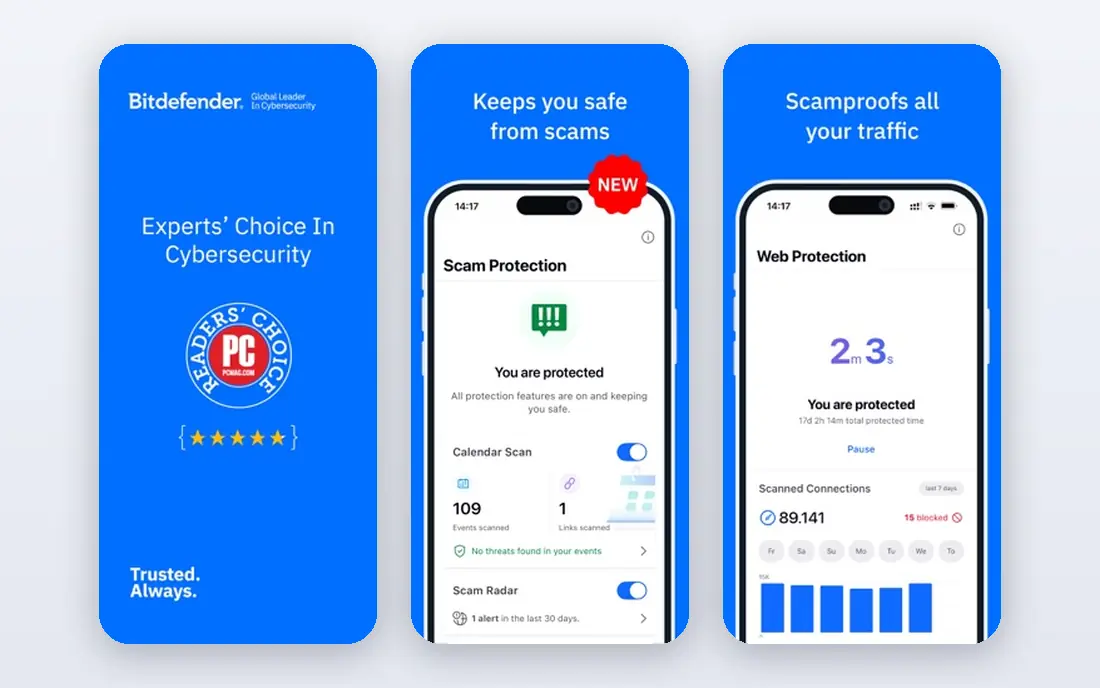
Bitdefender is the reference point for many comparisons because it combines high detection rates with low system impact. Recent 2026 comparisons list first year pricing from 29.99 dollars for some plans, with Total Security at 59.99 dollars first year for five devices in other listings, so check the plan and device count that matches your household. It includes ransomware protection, web protection, and a password manager on higher tiers.
The main catches are upsells and renewal pricing. The bundled VPN caps daily data on lower tiers, and the renewal price is higher than the first year price in many cases. If you want strong protection and can set a renewal reminder, Bitdefender is still our top pick for most users.
- Strong independent lab scores
- Light on system resources
- Covers Windows, Mac, Android, and iOS
- Bundled VPN is limited on lower tiers
- First year price rises at renewal

Malwarebytes started as a cleanup tool, and it remains the tool many technicians reach for when a device is already infected. The free version scans and removes malware on demand, while the paid version adds real time protection, web protection, and ransomware protection. Paid pricing is listed at 44.99 dollars per year for one device in recent comparisons, with multi device plans above that.
Malwarebytes is less of a full suite than Norton 360 or Bitdefender Total Security, since it focuses on malware rather than VPN, backup, and identity extras. If your main worry is malware and you want a simple, effective tool, it is a strong choice, and it can run alongside other security tools in some setups.
- Excellent malware removal
- Simple interface
- Free scanner for on demand checks
- Free version lacks real time protection
- Fewer suite extras than Norton or Bitdefender
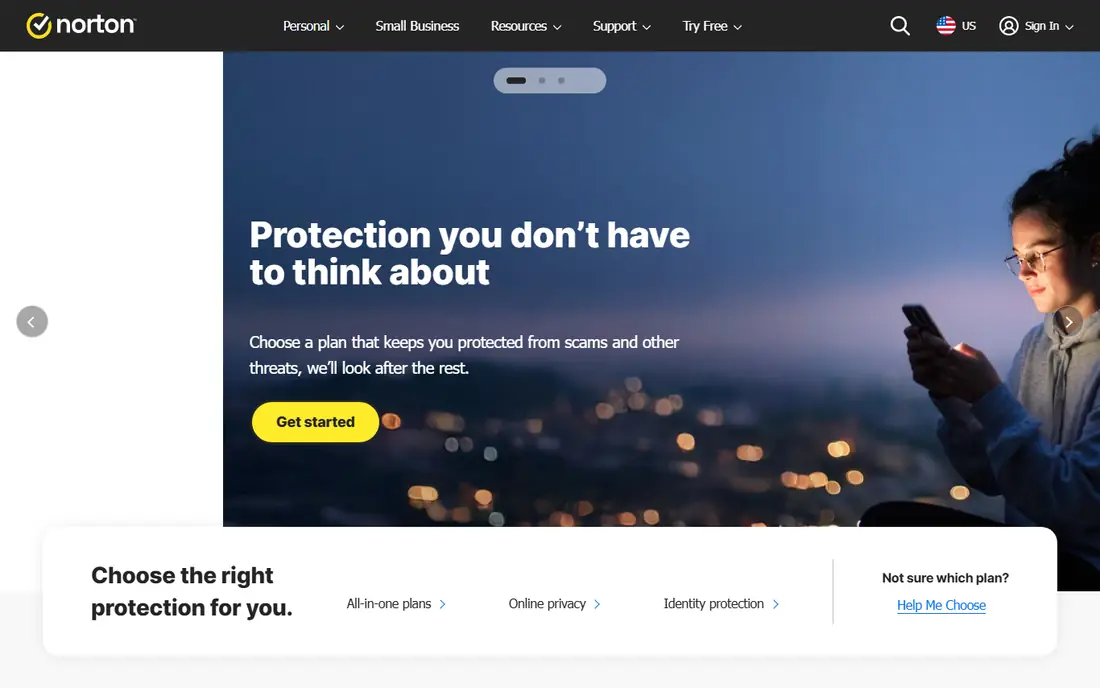
Norton 360 bundles antivirus with a VPN, cloud backup, password manager, parental controls, and dark web monitoring, with LifeLock identity protection on higher tiers. Deluxe is listed at 49.99 dollars first year for five devices in recent comparisons, rising to 124.99 dollars at renewal, so the first year price is not the long term price. For families worried about identity theft as well as malware, that bundle can be good value in year one.
Norton has more features than many users need, and the interface can feel busy if you only want malware protection. Set a calendar reminder before renewal, compare the renewal price with Bitdefender and McAfee, and only keep the extras you actually use.
- Antivirus plus VPN, backup, and identity monitoring
- LifeLock integration on some plans
- Parental controls
- Renewal price rises sharply
- Suite can feel heavy with many features
McAfee suits households with many phones, laptops, and tablets because its higher plans cover unlimited devices, which removes the need to count devices or buy extra seats. Recent comparisons list first year pricing from 49.99 dollars for unlimited device plans, with identity monitoring, VPN, and scam protection included. That makes it easy to protect a whole family under one subscription.
McAfee renewal pricing varies by plan and region, so confirm the renewal rate before you buy. If you only have one or two devices, a cheaper single device plan from Bitdefender or Malwarebytes may be better value. For a large household, McAfee unlimited coverage is hard to beat.
- Unlimited device plans for large households
- VPN and identity monitoring included
- Scam protection
- Renewal pricing varies
- Suite features can overlap with tools you already own
Microsoft Defender, built into Windows 10 and 11 as Windows Security, gives every Windows user a solid baseline at no extra cost. It includes real time protection, firewall, ransomware controls, and SmartScreen, and recent lab tests place its detection near paid tools for common malware. For a careful user who keeps Windows updated and avoids risky downloads, Defender alone is often enough.
Defender does not manage Mac, Android, or iOS devices in the same way, and it lacks the VPN, identity monitoring, and parental extras of paid suites. If you want one dashboard for all devices or identity protection, add a paid suite. If you only use Windows and want zero extra cost, Defender is a sensible default.
- Built into Windows at no extra cost
- Strong detection in recent lab tests
- Low system impact
- No cross device management
- No VPN, password manager, or identity extras
Avast One offers a free tier that covers basic antivirus, web protection, and Wi-Fi security, which makes it a practical step up from no protection for budget users. Paid plans start at 49.99 dollars first year in recent comparisons and add VPN, cleanup, and additional privacy tools. It covers Windows, Mac, Android, and iOS, so one plan can cover a mixed device household.
The free tier will prompt you to upgrade, and paid renewal prices are higher than first year prices, so check both before you commit. If you want a free tool with more features than Defender on a non Windows device, Avast One is worth trying. If you want a paid suite, compare its renewal price with Bitdefender first.
- Generous free tier
- Web and Wi-Fi protection
- Paid plans add VPN and cleanup tools
- Paid renewal prices rise
- Free tier includes prompts to upgrade
ESET is known for a small footprint and strong detection, which makes it popular with gamers and users on older computers. Recent comparisons list first year pricing from 29.99 dollars, with a 30 day trial available. Gamer mode reduces interruptions during full screen play, and banking protection adds a safer browser mode for financial sites.
ESET has fewer bundled extras than Norton or McAfee, such as VPN and identity monitoring on lower tiers, and its interface is more technical. If your priority is protection without slowing your machine, ESET is a strong pick. If you want a full suite with many extras, Bitdefender or Norton may fit better.
- Low system impact
- Gamer mode
- Strong detection for a small footprint
- Fewer consumer extras than Norton
- Interface is more technical than some rivals
Kaspersky offers strong malware detection, web protection, and privacy tools at a competitive first year price, listed at 39.99 dollars in recent comparisons. Its interface is clear, and it covers Windows, Mac, Android, and iOS, with higher tiers adding VPN and password management. For users who prioritize detection and price, it remains a capable option.
Some buyers have concerns about Kaspersky based on region, employer policy, or government guidance, and availability varies by country. Check your local rules and employer policy before buying, and if you have any doubt, choose Bitdefender, ESET, or Microsoft Defender instead, since those offer similar protection without that question.
- Strong detection and web protection
- Privacy tools
- Good value on first year plans
- Availability and trust questions vary by region and buyer
- Check current local guidance
Sophos Home Premium covers up to 10 devices for around 44.99 dollars in recent first year listings, rising to about 59.99 dollars at renewal, which makes it good value for a multi device household that wants simple protection. It includes web filtering, ransomware protection, and remote management for family devices, with a clean interface that does not overwhelm.
Sophos Home has fewer consumer extras than Norton 360, such as backup and identity monitoring, and its free tier is more limited than Avast. If you want simple, multi device protection from a business grade engine, Sophos Home is a solid choice. If you want identity extras, Norton or McAfee may fit better.
- Covers up to 10 devices on Premium
- Simple management
- Strong business grade engine
- Fewer consumer extras
- Renewal price is higher than first year in some listings
How we picked these
We compared official pricing pages, independent lab results cited in 2026 comparisons, and renewal pricing, and we favored tools with documented detection, clear device limits, and real free or trial options. We included a free baseline, a cleanup specialist, and full suites because households buy anti malware for different reasons.
How to avoid the renewal price trap
Check the renewal price on the vendor checkout page before you buy, not just the first year offer, and set a reminder a month before renewal. Many suites rise by 50 dollars or more in year two, so a tool that looks cheapest in year one may not be cheapest over three years. Compare three year totals for the device count you actually need.
Keep protection simple and current
Install one real time antivirus, keep your operating system and browser updated, and turn on automatic updates for your security tool. Avoid running two real time antivirus products at once, since that can cause conflicts and slowdowns, and use Malwarebytes free scanner only as an on demand second check if needed.
FAQ
What is the best anti malware software for most people?
Bitdefender is the best all around pick for most households because it combines strong detection with low system impact. Microsoft Defender is a good free baseline on Windows, and Malwarebytes is best for cleaning a device that is already infected.
Do I need paid anti malware if I have Microsoft Defender?
Not always. Defender gives Windows users strong baseline protection at no cost. Paid tools add cross device coverage, VPN, identity monitoring, backup, and parental controls, which matter more for mixed device households and families.
Why do antivirus prices rise at renewal?
Vendors offer a discounted first year to attract new customers, then charge a higher renewal rate. Always check the renewal price at checkout, compare three year totals, and set a reminder before renewal so you can switch if the price no longer fits.
Can anti malware remove all infections?
Most tools remove common malware, but some infections need specialist help, a clean reinstall, or a password reset for affected accounts. If a device still behaves strangely after a full scan, seek professional help and change passwords from a clean device.
Is free anti malware safe to use?
Free tools from known vendors such as Microsoft, Avast, and Malwarebytes are safe for basic protection, but they usually lack real time protection or full suite features. Use a free tool from a known vendor, not a random download that claims to clean your device.
How many devices should my plan cover?
Count every phone, laptop, tablet, and desktop you want protected, including family devices. Unlimited plans from McAfee suit large households, while five device plans from Bitdefender and Norton suit most families, and single device plans suit solo users.