Best Android Antivirus Apps in 2026: 9 Apps Compared
Compare the best Android antivirus apps for malware scanning, scam protection, and privacy, with free plans, pricing, and honest trade-offs for users in 2026.

- Editor's choice
 Bitdefender Mobile Security
Strong protection with minimal battery drain
Starts at$14.99 per yearVisit bitdefender.comFull review - Great alternative
 Norton 360 for Mobile
All-in-one protection with VPN and identity tools
Starts at$14.99 per yearVisit us.norton.comFull review - Also consider
 Avast Mobile Security
Best free Android antivirus
Starts atFreeVisit avast.comFull review
TL;DR:
- Bitdefender Mobile Security offers the best balance of detection, low battery impact, and price for most Android users.
- Avast and AVG provide strong free protection, with paid upgrades for VPN, app lock, and extra privacy tools.
- Norton 360 and McAfee suit users who want a bundle, including VPN, identity monitoring, and family controls.
- Google Play Protect already scans apps by default, so a third-party app is most useful for scam links, sideloaded apps, and risky Wi-Fi.
- A security app cannot replace safe habits, so stick to Google Play, check permissions, and keep Android updated.
Quick comparison
| Tool | Best for | Starts at | Free plan? | |
|---|---|---|---|---|
| Bitdefender Mobile Security | Strong protection with minimal battery drain | $14.99 per year | Yes | Visit |
| Norton 360 for Mobile | All-in-one protection with VPN and identity tools | $14.99 per year | Free trial | Visit |
| Avast Mobile Security | Best free Android antivirus | Free | Yes | Visit |
 AVG AntiVirus | Simple free protection with a clean interface | Free | Yes | Visit |
 McAfee Mobile Security | Scam calls, texts, and identity protection | $29.99 per year | Free trial | Visit |
 Malwarebytes for Android | Privacy-focused scanning with a clean interface | $39.99 per year | Yes | Visit |
 ESET Mobile Security | Lightweight protection for older phones | $14.99 per year | Yes | Visit |
 Trend Micro Mobile Security | Family controls and web protection | See website | Free trial | Visit |
 Avira Security | Free protection with a free VPN allowance | Free | Yes | Visit |
The best Android antivirus apps
We compared these apps on malware detection, battery impact, scam and web protection, extra tools, and price, using vendor pages, independent lab summaries, and October 2026 Android antivirus comparisons.
Bitdefender Mobile Security
Best for: Strong protection with minimal battery drain

Bitdefender Mobile Security is our pick for most Android users. It scans apps in real time, checks web links for phishing, and includes app lock and anti-theft tools, all with a small performance footprint. Independent lab results in 2026 consistently place it near the top for detection, which matters more than any extra feature list.
The free plan covers basic scanning, while the paid plan at $14.99 per year adds web protection and fuller features. If you want a quiet app that protects without slowing your phone, Bitdefender is the safest first choice.
- High detection scores in independent tests
- Light on battery and performance
- Web protection, app lock, and anti-theft included
- Free plan is more limited than Avast
- VPN data is capped on the mobile plan
- Parental controls are not included
Norton 360 for Mobile
Best for: All-in-one protection with VPN and identity tools
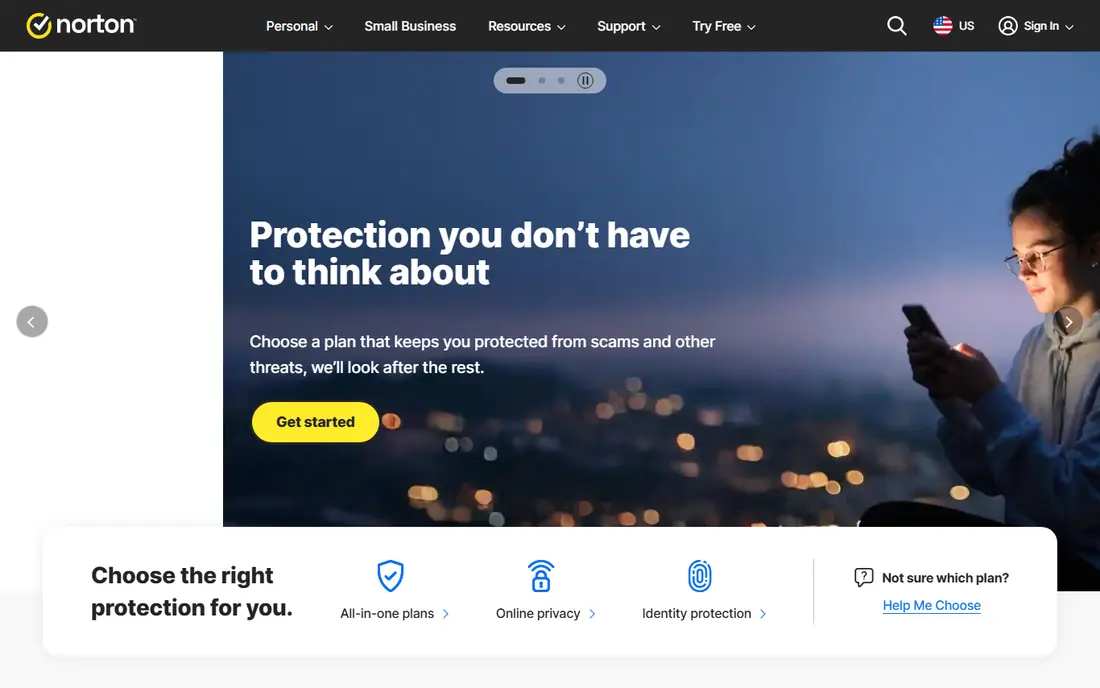
Norton 360 for Mobile bundles antivirus with a VPN, dark web monitoring, Wi-Fi security checks, and SMS filtering, which suits users who want one subscription for several risks. Detection scores are high, and the app stays quiet unless a network or message looks risky. Family plans add parental controls for households with children.
The downside is cost and plan complexity. Pricing varies by tier, and the cheapest mobile-only plan is less generous than the full 360 bundle. If you already use Norton on a computer, the mobile app is a natural addition, but Bitdefender is cheaper for phone-only protection.
- Strong detection
- Unlimited VPN on higher plans
- Dark web monitoring and Wi-Fi scanning
- Family controls on family plans
- No free plan, only a trial
- App lock is not included
- Price varies by plan and device count
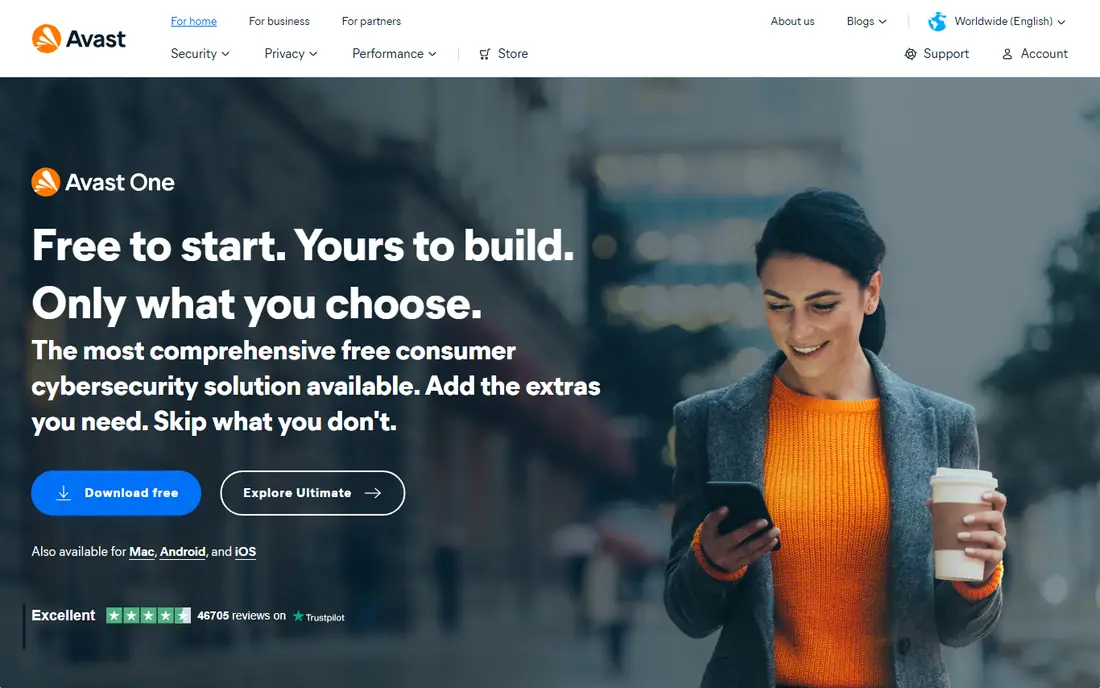
Avast Mobile Security offers real-time malware scanning at no cost, which makes it the best free option for users who do not want to pay. It also includes a Wi-Fi scanner, junk cleaner, call blocker, and photo vault, giving free users more tools than most rivals. Paid plans add a VPN, app lock, and ad-free use.
The free experience includes ads and frequent upgrade prompts, which some users find annoying. If you can tolerate those prompts, Avast gives strong free protection, and the paid upgrade is worth it only if you want the VPN and app lock as well.
- Real-time scanning free, supported by ads
- Wi-Fi scanner, junk cleaner, and photo vault
- App lock on paid plans
- Free plan includes ads and upsells
- VPN requires a paid upgrade
- Interface pushes premium features
AVG AntiVirus, from the same company as Avast, offers a similar free package with a simpler feel. Free users get malware scanning, performance tools, and basic web protection, while paid plans add app lock, camera trap anti-theft, and a VPN in the Ultimate bundle. The interface is straightforward, which suits users who want protection without learning a complex app.
As with Avast, free use includes ads, and the best features require payment. Choose AVG if you prefer its interface to Avast, since core protection is similar, and check the paid plan that matches the extras you actually want.
- Free real-time scanning
- Easy interface
- App lock, anti-theft, and Wi-Fi checks on paid plans
- Free plan includes ads
- VPN is limited to higher bundles
- Detection is strong but not always top-ranked
McAfee Mobile Security stands out for scam protection, with a Text Scam Detector that flags risky messages and links before you tap them. Premium plans add a VPN, identity monitoring, and safe browsing, which suits users who get many spam calls and texts. Anti-theft and Wi-Fi scanning cover the usual mobile risks as well.
The price starts at $29.99 per year for mobile plans, which is higher than Bitdefender, and there is no free tier, only a trial. If scam texts are your main worry, McAfee is worth the premium, but for pure malware scanning, cheaper options do the same job.
- Text Scam Detector checks incoming messages
- VPN and identity monitoring on premium plans
- Anti-theft and Wi-Fi checks
- Trial only, no free plan
- Price is higher than Bitdefender or Avast
- Interface can feel busy
Malwarebytes for Android
Best for: Privacy-focused scanning with a clean interface
Malwarebytes for Android appeals to privacy-focused users. Its privacy audit shows which apps access sensitive permissions, such as location and contacts, and its scanner is simple to run and understand. The app is light on battery, and the interface avoids the upsell clutter found in some free antivirus apps.
The catch is that real-time protection sits behind the paid plan, starting at $39.99 per year, while the free plan covers on-demand scans only. If you want a privacy audit and a clean scanner and are willing to pay, Malwarebytes is a good choice, but Bitdefender gives more for less money.
- Clean, simple interface
- Privacy audit shows app permissions
- Low battery impact
- Ransomware and phishing protection on paid plans
- Real-time protection requires the paid plan
- Price is higher than Bitdefender
- No app lock or VPN included
ESET Mobile Security is a good fit for older or low-end Android phones, since it uses very little battery and processing power. It covers real-time scanning, anti-phishing, app lock, and anti-theft, with a clean interface that does not overwhelm new users. Paid plans start at $14.99 per year, matching Bitdefender on price.
ESET lacks a VPN and the broader identity bundle that Norton and McAfee offer, so users who want those extras should look elsewhere. For straightforward, light protection, especially on a phone with limited resources, ESET is a strong, quiet option.
- Very low performance impact
- Strong detection
- Anti-theft, app lock, and phishing protection
- Simple interface
- Free plan is basic
- VPN is not included
- Fewer bundle extras than Norton or McAfee
Trend Micro Mobile Security focuses on web safety, fraud blocking, and family controls, which suits households that share devices or manage a child's phone. It checks links, blocks scam sites, and includes parental controls on Premium suites, plus anti-theft and privacy scanning. Detection scores in independent tests are strong.
Pricing varies by suite, so check the vendor site for the plan that includes the family features you need, and note that the free option is a 30-day trial rather than a permanent free tier. For family use, Trend Micro is a solid pick, while solo users may prefer Bitdefender or Avast.
- Web and social network protection
- Parental controls on higher suites
- Fraud and scam blocking
- Anti-theft included
- No free plan, only a 30-day trial
- Pricing varies by suite
- Interface is less simple than Bitdefender
Avira Security offers free antivirus scanning plus a free VPN with a small daily allowance, which is useful for occasional public Wi-Fi use. The app also includes privacy tools, app lock on paid plans, and a clean interface that is easy for new users. Paid plans start higher than Bitdefender, so compare the full plan before upgrading.
The free VPN cap means Avira will not replace a full VPN subscription for heavy use. For free protection with a taste of VPN coverage, Avira is a practical choice, and its simplicity makes it a good option for family members who need basic security.
- Free antivirus and privacy tools
- Free VPN with a daily data allowance
- Simple setup and clean interface
- Free VPN data is capped at 100 MB per day
- Paid plans are pricier than Bitdefender
- Fewer extras than Norton
How we picked these
We compared vendor pages, independent lab summaries from AV-TEST and AV-Comparatives, and October 2026 Android antivirus comparisons, keeping only apps that exist and work today on Android. We favored apps with strong detection, low battery impact, and a real free tier or trial, and we noted where a feature requires a paid plan.
Do you need a third-party antivirus on Android
Google Play Protect scans apps by default and watches app behavior after installation, which covers the basics for users who stick to Google Play and keep Android updated. A third-party app adds value if you sideload apps, tap many links in messages, use public Wi-Fi often, or want scam, phishing, and identity checks in one place.
Safe habits that matter more than any app
Install apps only from Google Play or a verified developer site, and check permissions before installing, since a simple app should not need location, contacts, and microphone access. Keep Android and apps updated, use a lock screen with a PIN or biometric, and avoid tapping links in unexpected texts, even if the sender looks familiar.
FAQ
Is Google Play Protect enough on Android?
For many users, yes, if you stick to Google Play, keep Android updated, and avoid risky links and sideloaded apps. A third-party antivirus adds stronger scam, phishing, and web protection, which helps if you install apps from outside Google Play or receive many suspicious messages.
What is the best free Android antivirus app?
Avast Mobile Security offers the strongest free real-time scanning, followed by AVG AntiVirus and Avira Security, both of which include free scanning and basic privacy tools. Bitdefender also offers a free plan, though its fullest features require the paid plan at $14.99 per year.
Does antivirus slow down an Android phone?
Top apps such as Bitdefender and ESET have minimal battery and performance impact in independent tests, while heavier suites with VPN and constant background checks may use more battery. If your phone feels slow after installing an app, try a lighter option and check battery use in Android settings.
Can antivirus remove malware already on my phone?
Yes, most apps here can scan, quarantine, and remove known malware, though some infections may require a factory reset if system files are affected. Run a full scan, remove suspicious apps, change passwords for key accounts, and update Android before reinstalling apps from Google Play.
Should I pay for Android antivirus, or is free enough?
Free protection is enough for careful users who stick to Google Play and use Play Protect alongside a free scanner. Paid plans are worth it if you want real-time protection, VPN, app lock, identity monitoring, or family controls in one app, with Bitdefender at $14.99 per year offering good value.
Sources
- https://www.bitdefender.com/solutions/mobile-security-android.html
- https://us.norton.com/products/norton-360-for-mobile
- https://www.avast.com/free-mobile-security
- https://www.avg.com/en-us/antivirus-for-android
- https://www.mcafee.com/en-us/antivirus/mobile.html
- https://www.malwarebytes.com/android
- https://www.eset.com/us/home/mobile-security-android
- https://www.trendmicro.com/en_us/forHome/products/mobile-security.html
- https://www.avira.com/en/free-antivirus-android