Choosing Antivirus & Internet Security Software in 2026: 6 Options Compared
Searching for the best antivirus & internet security software? Here are 6 options with prices and free plans. Read the caveats before you buy. Clear verdicts.
- Editor's choice
 Avast Premium Security
Accessible protection with VPN choice
Starts atPricing on requestVisit avast.comFull review - Great alternative
 Kaspersky Plus
Premium protection for home and business
Starts atPricing on requestVisit kaspersky.comFull review - Also consider
 McAfee Total Protection
Identity theft and privacy coverage
Starts atPricing on requestVisit mcafee.comFull review
Direct answer
If you need accessible protection with VPN choice, Avast Premium Security is the first tool to look at here. Look at Kaspersky Plus for Premium protection for home and business, and at McAfee Total Protection for identity theft and privacy coverage. Details and limits for the rest of the 6 tools are below. None of these vendors publish plan prices, so pricing is on request for every option.
TL;DR:
- This list starts with Avast Premium Security, which is built for accessible protection with VPN choice.
- Norton 360 is the one to check for all-in-one protection with scam defense.
- None of the 6 tools, from Avast Premium Security to Norton 360, has a free plan, so budget for a subscription or use a trial.
- Before buying Kaspersky Plus, weigh this: regional availability can vary.
- No starting price is shown for any of the 6 tools, Avast Premium Security and Norton 360 included, so plan time for sales calls.
Last checked November 2026. Pricing on request: vendors did not publish plan prices when this guide was last checked (November 2026), so ask each vendor for a written quote.
Quick comparison
| Tool | Best for | Starts at | Free plan? | |
|---|---|---|---|---|
| Avast Premium Security | Accessible protection with VPN choice | Pricing on request | Not stated | Visit |
| Kaspersky Plus | Premium protection for home and business | Pricing on request | Not stated | Visit |
| McAfee Total Protection | Identity theft and privacy coverage | Pricing on request | Not stated | Visit |
 ESET Home Security | Cross-platform device coverage | Pricing on request | Free trial | Visit |
 Bitdefender Total Security | Threat prevention and detection focus | Pricing on request | Not stated | Visit |
 Norton 360 | All-in-one protection with scam defense | Pricing on request | Not stated | Visit |
Antivirus & Internet Security Software, one by one
LinkVetted put together this guide to antivirus & internet security software for readers who want a clear shortlist without reading every vendor page. It compares 6 tools on starting price, free plans, who each one suits and where each one falls short.
Avast Premium Security was built for accessible protection with VPN choice. The product's wide system support makes it a practical pick for mixed households that want a familiar name.
Beyond that, Avast Premium Security builds on the vendor's antivirus offerings for PC, Mac and Android, with VPN protection available alongside. No starting price is listed for Avast Premium Security here; confirm pricing on the vendor site. As for free access: Not stated.
Where Avast Premium Security stands out: Approachable for mainstream users. Limits to weigh: Upsell prompts can appear.
- VPN available alongside security
- Antivirus for PC
- Premium features vary by system
Kaspersky Plus makes the most sense for Premium protection for home and business. Kaspersky Plus is part of a lineup positioned as premium protection against cyber threats for both home and business users.
Points against: Suite features vary by edition.
Also, users who want a more straightforward, single-purpose antivirus may find the suite more than they need, and those centred on identity protection might look at McAfee. As for the details, the vendor's next-generation security framing makes it a candidate for users comparing established names in the antivirus market. No starting price is listed for Kaspersky Plus here; confirm pricing on the vendor site. Free access: Not stated.
- Next-generation security focus
- Handles home and business needs
- Regional availability can vary
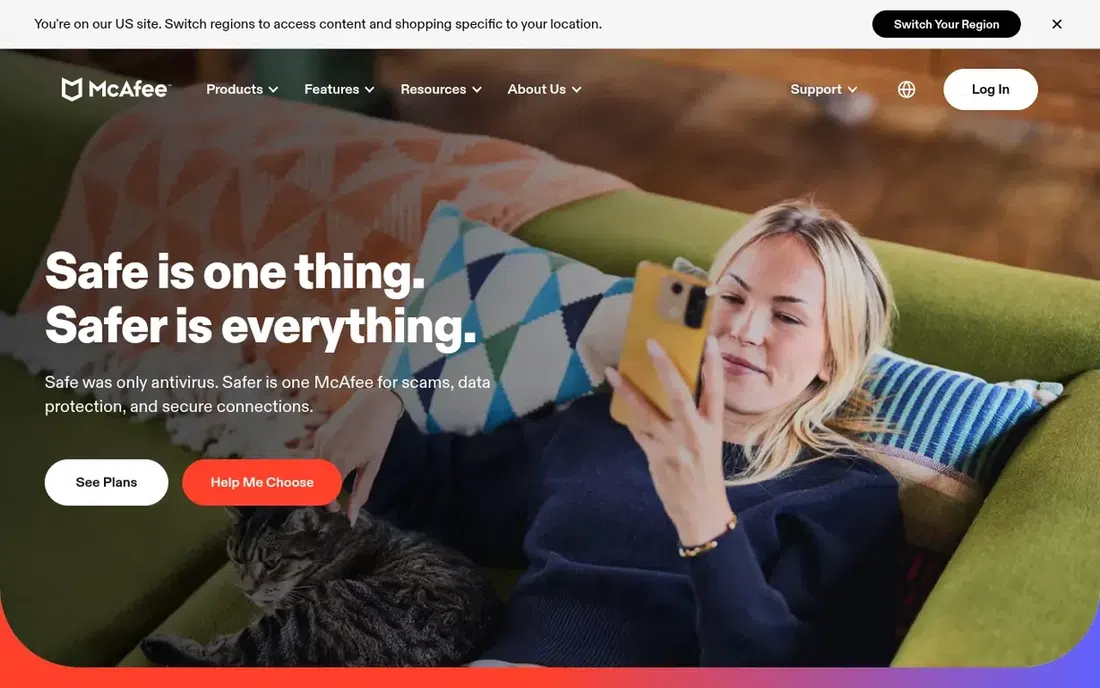
For identity theft and privacy coverage, McAfee Total Protection is a natural candidate. Anyone wanting a focused malware scanner without identity extras might look at a leaner suite instead, whereas those prioritizing detection may weigh Bitdefender.
Beyond that, McAfee Total Protection is positioned as an all-in-one identity theft and privacy option alongside antivirus, targeted at keeping personal information private and guarding against scams. Pricing for McAfee Total Protection is not stated here, so ask the vendor for current figures. Free plan details: Not stated.
Points against: Resource use varies by device.
- Family-oriented security
- Scam protection features
- Can feel bundled and complicated
ESET Home Security was built for cross-platform device coverage. ESET Home Security covers devices across Windows, Android, Mac and Linux, making it a fit for mixed-device households.
Honest limits: Extras vary by package.
The interface and feature mix may feel less refined for casual users, and included extras vary by package. The lineup also extends to business options, which can appeal to people who want consistency between home and work devices. Pricing for ESET Home Security is not stated here, so ask the vendor for current figures. On free options: Free trial.
- Home and business choices
- Supports Windows, Android
- Interface less consumer-friendly for some
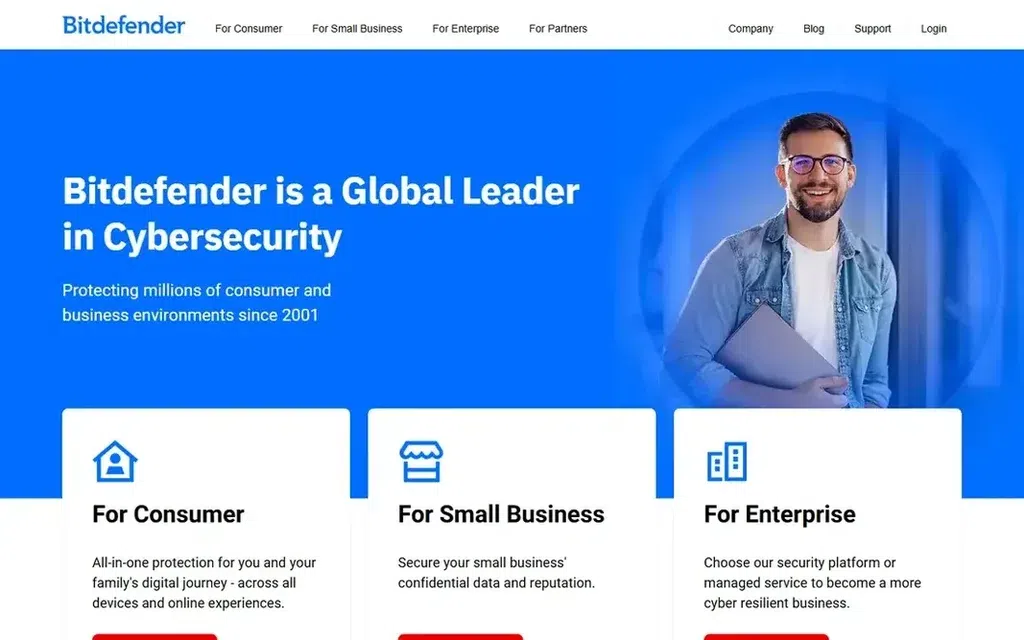
Bitdefender Total Security works best for threat prevention and detection focus. Users who primarily want a straightforward set-and-forget scanner may find it more elaborate than needed, and families wanting identity tools front and center might prefer McAfee or Norton.
Downsides: Feature set can be dense.
- Emphasis on threat prevention and detection
- Established security vendor
- Advanced controls need learning
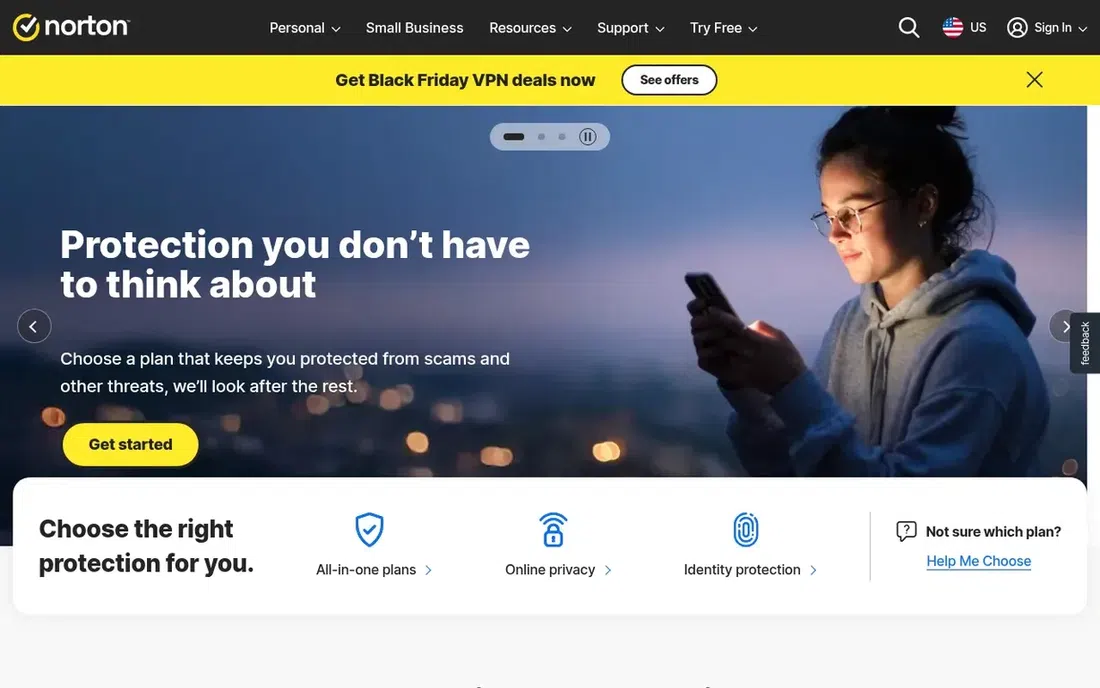
Norton 360 targets all-in-one protection with scam defense. Norton 360 is a wide security suite that pairs antivirus with privacy, identity and advanced scam protection, including AI-based scam detection. Beyond that, the emphasis on scam protection makes it a reasonable fit for people who spend lots of time online and want layered safeguards in a single product.
Also, the suite packs in plenty of features, which can make the interface busy and the setup feel heavier than a simple antivirus. Users who only need core malware scanning may find it more than necessary, and those wanting a lean, minimal tool might prefer a more straightforward choice like ESET. Pricing for Norton 360 is not stated here, so ask the vendor for current figures. Trial and free access: Not stated.
Downsides: Full suite costs more than basics.
- Antivirus plus privacy and identity tools
- Scam detection features included
- Feature-heavy interface can overwhelm
How these tools were picked
For each of the 6 tools we noted price, free plan or trial, fit for antivirus & internet security software and the main limit, using vendor pages and documentation. Figures are shown as the vendors publish them. Billing terms, seat minimums and add-ons can change the real cost. The ranking is editorial: typical fit first, then clear pricing, then free access. If your needs are unusual, read the profiles rather than relying on position.
What to check before you buy
- Confirm the entry price with every vendor: no tool from Avast Premium Security to Norton 360 shows a fixed starting price.
- Take the trial from ESET Home Security and push a live task through it before you pay.
- Before choosing Avast Premium Security, weigh its main limit: upsell prompts can appear.
- Look at which plan of McAfee Total Protection unlocks the features you need; entry tiers are often cut down.
- Let daily users try ESET Home Security on real work; their feedback beats any feature checklist.
FAQ
Does any tool for antivirus & internet security software here have a free plan?
No tool in this list, Avast Premium Security and Norton 360 included, has a permanent free plan. ESET Home Security offer a trial. Trials and quotes are the usual route, so plan a short evaluation period.
Is Avast Premium Security the right pick for everyone comparing antivirus & internet security software?
No single tool suits every team. Avast Premium Security comes first because it fits accessible protection with VPN option, while Kaspersky Plus suits Premium protection for home and business and McAfee Total Protection suits identity theft and privacy coverage. Match the tool to your own size, budget and workflow before deciding.
Can I try these options before paying?
Often, yes. ESET Home Security offers a free trial. Use your own data and a real task during the test, and check what the free tier or trial limits before you rely on it. Prices, free plan details and limits for all 6 tools in this Antivirus & internet security software roundup sit on the individual cards above.
Do I need identity protection in a security suite?
Suites like Norton 360 and McAfee Total Protection emphasize identity and privacy features, whereas detection-focused choices like Bitdefender keep the emphasis on malware defense.
Can one suite protect several devices and systems?
Numerous suites handle multiple devices and several operating systems. ESET Home Security explicitly supports Windows, Android, Mac and Linux, and Avast provides antivirus for PC, Mac and Android. Check the vendor's coverage details before choosing.
Do these tools publish their prices?
No. None of the tools, from Avast Premium Security to Norton 360, shows a fixed starting price here, so budget time for quotes.
Sources
- https://www.avast.com
- https://www.kaspersky.com
- https://www.mcafee.com
- https://www.eset.com
- https://www.bitdefender.com
- https://us.norton.com