7 Strong Antivirus Computer Software Options in 2026
7 products for the best Antivirus computer software, ranked by fit, with starting costs and free tiers. Each pick comes with its main catch. Prices checked.
- Editor's choice
 Trend Micro Maximum Security
Ransomware protection and scam defense
Starts at$74.95/year (5 devices, first year; listed against $104.95)Visit trendmicro.comFull review - Great alternative
 Avast One
Buyers who want a genuinely capable free level
Starts at$49.08/year (Premium Security, 1 PC, first year; regular $77.99)Visit avast.comFull review - Also consider
 Sophos Home Premium
Managing every family or office PC from one dashboard
Starts at$59.99/year (up to 10 PCs and Macs, list price)Visit sophos.comFull review
Direct answer
This list puts Trend Micro Maximum Security first for ransomware protection and scam defense. For a different need, Avast One covers buyers who want a genuinely capable free level and Sophos Home Premium covers managing every family or office PC from one dashboard. The full list of 7 tools follows, with prices and free plan facts.
TL;DR:
- This list starts with Trend Micro Maximum Security, which is built for ransomware protection and scam defense.
- ESET Home Security suits older PCs and anyone who hates bloat.
- Only 2 of the 7 tools have a free plan (Avast One, Malwarebytes Premium Security), so check the caps.
- The main caution on Avast One: troubled history on user-data privacy.
Quick comparison
| Tool | Best for | Starts at | Free plan? | |
|---|---|---|---|---|
| Trend Micro Maximum Security | Ransomware protection and scam defense | $74.95/year (5 devices, first year; listed against $104.95) | No | Visit |
| Avast One | Buyers who want a genuinely capable free level | $49.08/year (Premium Security, 1 PC, first year; regular $77.99) | Yes | Visit |
| Sophos Home Premium | Managing every family or office PC from one dashboard | $59.99/year (up to 10 PCs and Macs, list price) | Free trial (30 days) | Visit |
 Bitdefender Total Security | Teams comparing choices in this category | $59.99/year (Individual, up to 5 devices, first year) | Free trial (30 days) | Visit |
 Webroot Antivirus | Featherweight protection that never slows you down | $34.99/year (Essentials, 1 device, first year; listed against $49.99) | Free trial | Visit |
 Malwarebytes Premium Security | Cleaning a PC that is already infected | $44.99/year (Standard, 1 device) | Yes | Visit |
 ESET Home Security | Older PCs and anyone who hates bloat | $39.99/year (NOD32 Antivirus, 1 device); Home Security tiers cost more | Free trial (30 days) | Visit |
Antivirus Computer Software, one by one
LinkVetted compared 7 tools for Antivirus computer software. The goal is a practical shortlist: published prices, free plan facts, best-fit use cases and honest limits for every entry.
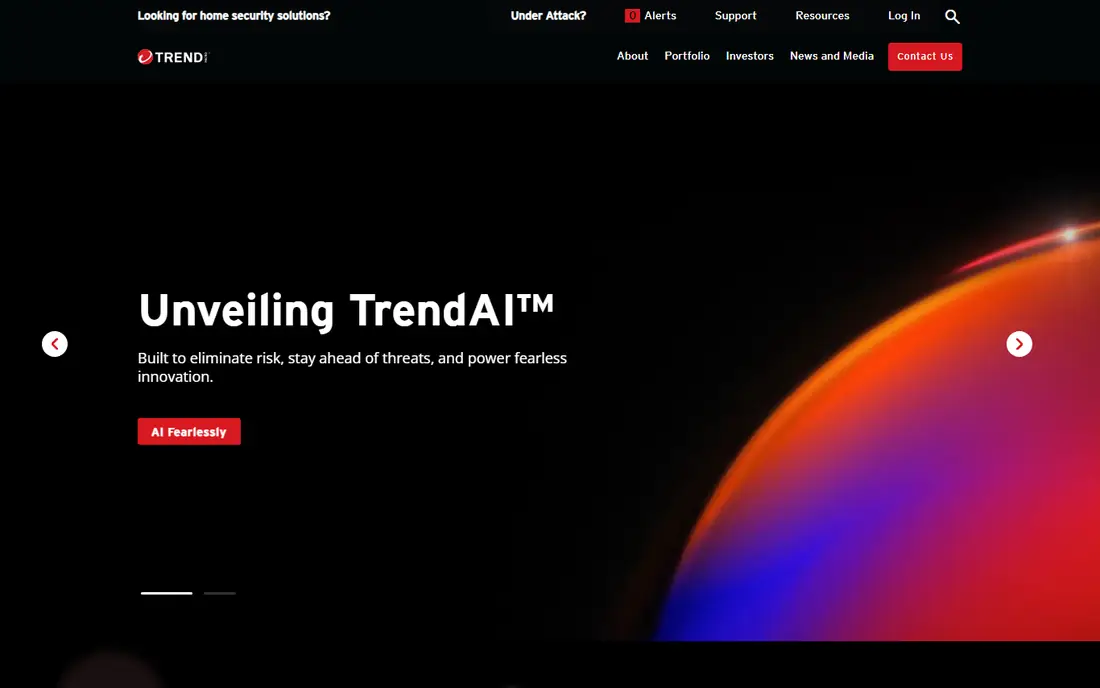
In short, Trend Micro Maximum Security is for ransomware protection and scam defense. Folder Shield marks folders off-limits so ransomware cannot encrypt them even if it gets in, and Pay Guard opens banking sites in an isolated browser that blocks keyloggers. Also, the $74.95 first-year price (shown against $104.95) includes five devices.
Watch-outs: No identity theft insurance in the bundle.
The email scam filter is decent at catching the fake invoice and shipping emails that target small firms. For everyday use, the honest weakness is value at renewal: Trend Micro says the subscription renews at the then-current price, which it does not publish on the page. Starting cost for Trend Micro Maximum Security: $74.95/year. Trend Micro Maximum Security does not include a free plan.
- Folder Shield blocks ransomware from touching protected files
- Pay Guard hardens online banking
- Five-device limit is stingy next to unlimited-device rivals
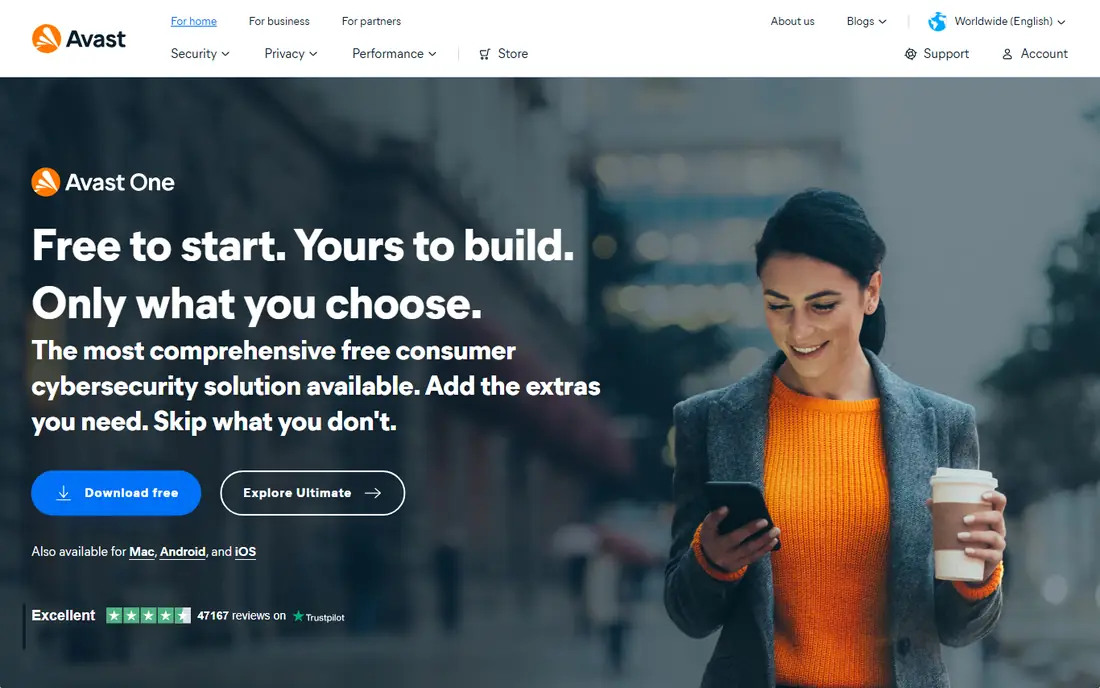
Choose Avast One for buyers who want a genuinely capable free level. You get live scanning, a Wi-Fi network inspector that flags weak router passwords, and ransomware behavior monitoring without paying anything.
For a freelancer or a two-person shop watching every dollar, the free level covers the basics honestly. Beyond that, two caveats belong in any fair review. On cost, Avast One starts like this: $49.08/year. A free plan is available with Avast One.
Watch-outs: Troubled history on user-data privacy.
- Premium One layers on VPN
- Free level bundles live antivirus and Wi-Fi inspector
- Free version displays upsell prompts
Sophos Home Premium
Best for: Managing every family or office PC from one dashboard
For managing every family or office PC from one dashboard, Sophos Home Premium is a natural candidate. The free trial runs 30 days on up to 3 computers. Beyond that, there is no password manager, no VPN and no identity monitoring.
Limits to weigh: Interface assumes some technical comfort; only a 30-day trial for 3 devices.
The console assumes you know what a web-filtering category is. In practice, from a browser you can check each device's status, run scans, block malicious websites and push web-filtering rules to your kids' laptops without touching them. Beyond that, Premium lists at $59.99 per year for up to 10 Windows and Mac computers, and phones and tablets do not count against that limit. On cost, Sophos Home Premium starts like this: $59.99/year. Free options: Free trial (30 days).
- 30-day money-back guarantee
- Business-grade malware engine with web filtering
- Fewer consumer extras like a password manager
Bitdefender Total Security serves teams comparing choices in this category. You get a firewall, anti-phishing, webcam protection and a password manager. It is one of the lightest suites here, so scans run quietly on older office machines.
What Bitdefender Total Security does well: Consistently top marks from AV-TEST and SE Labs.
As for the details, you can try the full suite free for 30 days without a card, and Bitdefender Antivirus Free spans entry-level live protection on Windows at no cost. From a buyer's view, two things to know before checkout. The included VPN is metered at 200 MB per device per day, which handles email but not much else. Entry price for Bitdefender Total Security: $59.99/year. Trial and free access: Free trial (30 days). What to check first: Built-in VPN capped at 200 MB per device per day; The product page does not display the renewal price.
- Light on system resources
- Family plan spans up to 25 devices for $79.99 in year one
- Only that it may be higher
Webroot Antivirus is aimed squarely at featherweight protection that never slows you down. Rather than downloading a giant virus-definition database, it checks suspicious files against a cloud database in live, which keeps the install tiny and full scans short. Its entry product is now sold as Webroot Essentials, at $34.99 for the first year on one device (shown against $49.99), the cheapest premium starting price here.
That minimalism cuts both ways. Worth adding: Webroot fits a secondary machine or a user who wants antivirus to be invisible. Also, there is no VPN, no password manager and no identity monitoring on the entry plan. As for the details, since verdicts come from the cloud, a laptop with no internet connection gets thinner protection than a traditional suite would provide. The starting price for Webroot Antivirus: $34.99/year. On free options: Free trial.
Drawbacks to consider: Single-device pricing gets costly across a household.
- Tiny install with scans measured in seconds
- Cloud-based definitions mean no bulky updates
- Weaker protection when offline since analysis happens in the cloud
Malwarebytes Premium Security
Best for: Cleaning a PC that is already infected
Pick Malwarebytes Premium Security if this describes you: cleaning a PC that is already infected. Ask any IT technician what they install on a machine that is already misbehaving and Malwarebytes comes up constantly. From a buyer's view, standard costs $44.99 per year for a single device, and the 10-device Family plan begins at $119.99.
As for the details, think of Malwarebytes as the cleanup specialist, and pair it with another product if you need full multi-device coverage. Worth adding: Malwarebytes gives you a 60-day money-back guarantee on all annual plans. The per-device pricing is the weak spot. The premium plans add live protection and the Browser Guard extension that blocks tech-support scam pages. Entry price for Malwarebytes Premium Security: $44.99/year. Malwarebytes Premium Security includes a free tier.
Where it is weaker: No built-in firewall.
- 60-day money-back guarantee with 24/7 human support
- Browser Guard blocks tech-support scams
- Weaker prevention scores in some lab tests
ESET Home Security is aimed squarely at older PCs and anyone who hates bloat. The cheapest way in is NOD32 Antivirus at $39.99 a year for one Windows or Mac computer. For everyday use, what you provide up is polish: the dashboard looks dated, and the lower levels skip extras that Norton and Bitdefender bundle.
As for the details, ESET has spent three decades building a reputation on one idea: protection that stays out of the way. Its scanner uses noticeably less RAM and CPU than most rivals, and for a small business running older desktops that cannot be replaced this year, that lightness is a real feature. A 30-day free trial with no card makes it simple to test on your slowest machine first. In practice, Home Security Essential, Premium and Ultimate add banking protection, a firewall and a network inspector, priced in the cart by device count. Entry price for ESET Home Security: $39.99/year. Trial and free access: Free trial (30 days).
Strengths: Solid phishing and banking protection.
Limits to weigh: US prices for the Home Security levels only appear in the cart.
- Famously small system footprint
- Gamer mode silences notifications during full-screen work
- Business plans are a separate product line
Selection criteria
Pricing pages, product documentation and feature lists were the main sources, and every entry carries at least one honest drawback. Prices and plan limits come from vendor pages and can change, so confirm them on the vendor site before you buy. Order on the page follows fit for the typical buyer first, then price transparency and free access. Your own requirements should decide the final pick.
A buyer's checklist
- Check the current price for Trend Micro Maximum Security, ESET Home Security and the rest on each vendor page, since seats and billing terms change the total.
- Check what the free option really includes: Avast One and Malwarebytes Premium Security offer a free plan, and usage caps differ.
- Use real work to test the free trial from Sophos Home Premium, Bitdefender Total Security, Webroot Antivirus and ESET Home Security, rather than a demo project.
- Before choosing Trend Micro Maximum Security, weigh its main limit: five-device limit is stingy next to unlimited-device rivals.
- Before you load data into Webroot Antivirus, check what an export looks like and who can run it.
- Check the support hours and onboarding help Avast One offers; smaller vendors vary a lot here.
FAQ
How are the tools for Antivirus computer software ordered?
The order follows typical fit for Antivirus computer software, with Trend Micro Maximum Security first and ESET Home Security last, then price clarity and free access. It is editorial judgement, not a score, so another team could rank the tools differently.
Why is the renewal price so much higher than what I premium?
Vendors assume some buyers will forget about auto-renewal and pay full price in year two. Note the renewal price before you buy, disable auto-renewal at once, and shop for a new discounted license before the subscription lapses.
Can I try these options before paying?
Often, yes. Avast One and Malwarebytes Premium Security have a free plan and Sophos Home Premium, Bitdefender Total Security, Webroot Antivirus and ESET Home Security offer a free trial. Use your own data and a real task during the test, and check what the free tier or trial limits before you rely on it.
Which options for Antivirus computer software have a free plan?
Avast One and Malwarebytes Premium Security offer a free plan in this list. Free plans usually cap users, projects or features, so check the limits on the vendor page. Several others offer a trial instead.
Can I use a free antivirus for my small business?
Typically not under the license terms. Free home products for example Avast Free Antivirus are meant for personal use. Once you have employees, buy a business product with proper licensing and a management console.
Does antivirus slow down my computer?
Modern suites are far lighter than the reputation recommends, but full scans still use CPU. Schedule full scans for lunch or overnight, keep live protection on during work hours, and test any trial on your slowest machine before buying for the entire office.