Best Computer Backup Service in 2026: 8 Services Compared
Compare the best computer backup service options, from unlimited Backblaze and IDrive to business-ready CrashPlan, Acronis, and Carbonite plans in 2026.
- Editor's choice
 Backblaze
One computer, unlimited backup
Starts at$9 per monthVisit backblaze.comFull review - Great alternative
 IDrive
Multi-device households
Starts at$11.99 per monthVisit idrive.comFull review - Also consider
 Carbonite
Simple set-and-forget backup
Starts at$6 per monthVisit carbonite.comFull review
TL;DR:
- Backblaze is the simplest unlimited backup for one computer, at $9 a month.
- IDrive suits households with many devices, since one storage pool covers unlimited devices.
- Carbonite suits users who want set-and-forget unlimited backup at a low annual price.
- Acronis adds security tools and full disk imaging for users who want backup plus protection in one product.
- CrashPlan and business plans suit small companies that need per-user endpoint backup with admin controls.
Quick comparison
| Tool | Best for | Starts at | Free plan? | |
|---|---|---|---|---|
| Backblaze | One computer, unlimited backup | $9 per month | No | Visit |
| IDrive | Multi-device households | $11.99 per month | Yes | Visit |
| Carbonite | Simple set-and-forget backup | $6 per month | No | Visit |
 Acronis Cyber Protect Home Office | Backup plus security | $49.99 per year | Yes | Visit |
 CrashPlan | Small business endpoints | $8 per user per month | No | Visit |
 SpiderOak One Backup | Privacy-focused backup | See website | Free trial | Visit |
 Arq Backup | Bring-your-own-storage backup | See website | Free trial | Visit |
 pCloud Backup | Backup with lifetime storage options | See website | Yes | Visit |
The best computer backup services
A backup service copies your files to the cloud automatically, so a failed drive, stolen laptop, or ransomware attack does not mean lost photos and documents. Sync services such as Dropbox and Google Drive are useful, but they are not the same as backup, since deleted or changed files can sync away. These eight services focus on real backup.
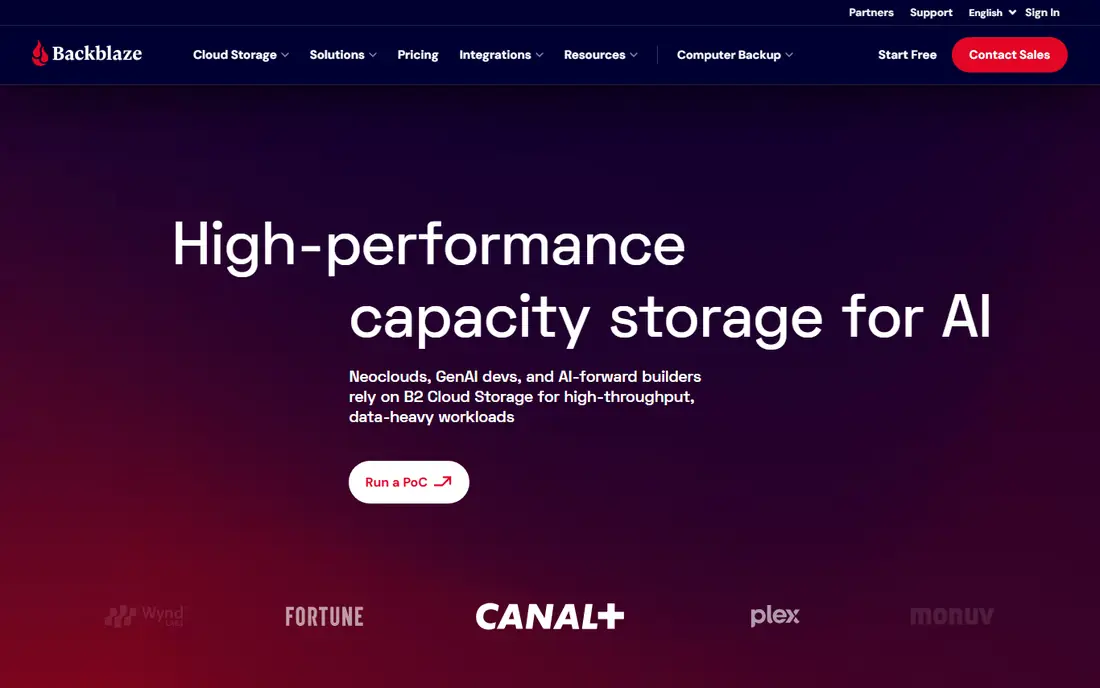
Backblaze is the easiest backup to recommend for a single computer. You install it, it backs up your files continuously, and there is no storage cap to manage. Pricing is $9 a month, $99 a year, or $189 for two years for unlimited storage for one computer, and external drives are included when attached. Restore by mail ships a drive with your data, with a refund if you return it within 30 days.
The limits are clear. One license covers one computer, so a household with three machines needs three licenses or a different service. Mobile backup is not included. For one main computer with a large photo or video library, Backblaze simplicity is hard to beat.
- Unlimited storage for one computer
- Automatic backup of external drives
- Restore by mail with a USB drive option
- One license covers one computer only
- No mobile backup
- Restore by mail fees apply if you do not return the drive
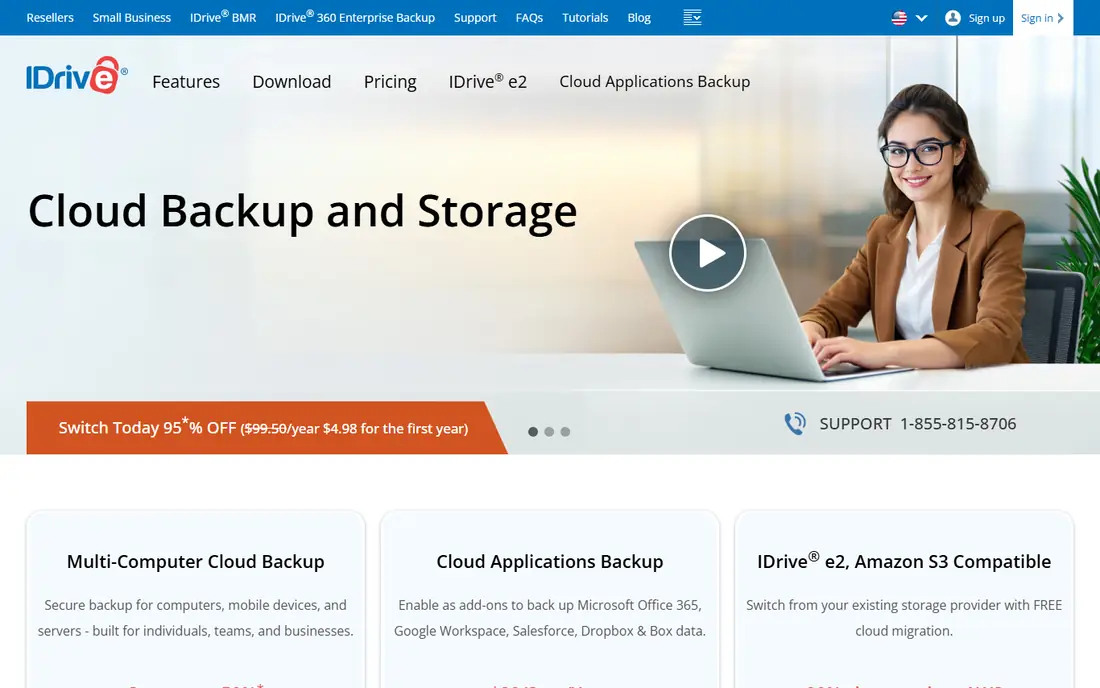
IDrive suits households and small offices with many devices. One plan covers PCs, Macs, phones, and tablets from a shared storage pool, with entry plans around 5 TB. Published comparisons list $11.99 a month for 5 TB, with lower first-year promotional pricing, and a free 10 GB plan for testing. IDrive Express ships a physical drive for large initial backups or full restores.
The fixed cap is the trade-off against Backblaze unlimited model. A household with terabytes of video may hit the cap, while a typical family with documents and photos will not. Check renewal pricing before signing, since first-year discounts are steep and renewal rates are higher.
- One storage pool for unlimited devices
- 10 GB free plan
- Physical Express backup and restore by mail
- Fixed storage cap rather than unlimited
- First-year discounts can hide renewal pricing
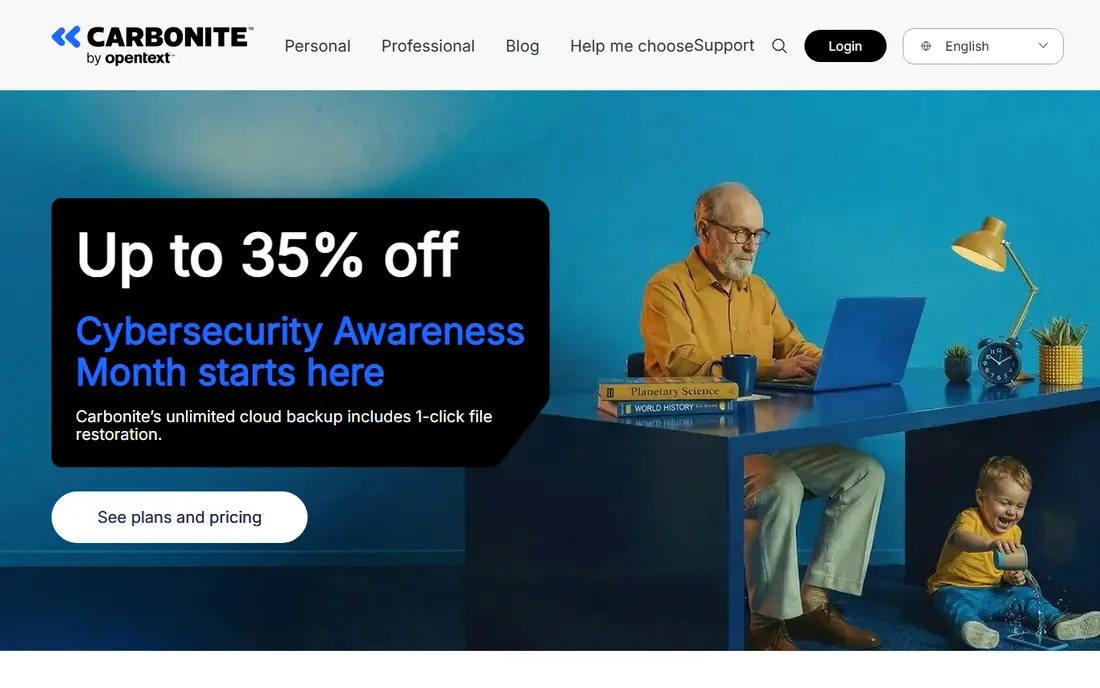
Carbonite offers unlimited cloud backup for one computer with a basic plan reported at $6 a month, and higher tiers add external drive backup and automatic video backup. Setup is simple, and the service runs in the background without much user action, which suits people who want backup they never think about.
Basic plan limits matter. External drives and video backup sit on higher tiers, so check what your plan covers before assuming everything is backed up. Carbonite also leans on annual billing, which is cheaper per month but less flexible. For a single computer with standard documents and photos, it is a low-cost, simple choice.
- Unlimited backup for one computer
- Simple setup
- Courier recovery cheaper than some rivals
- Basic plan limits external drive and video backup
- No monthly billing on some plans
Acronis Cyber Protect Home Office, formerly True Image, combines backup with cybersecurity. It offers full disk imaging, so you can restore a whole system rather than just files, plus file and folder backup, local backup to an external drive, and cloud backup. Entry pricing is reported from $49.99 a year, with a free trial or limited free tier depending on the offer.
The added security tools make Acronis heavier than Backblaze or Carbonite, and older machines may feel the load during scans. Cloud storage is also tiered, not unlimited, so large libraries need a higher tier. For users who want imaging plus protection in one product, Acronis is the strongest pick here.
- Full disk imaging plus file backup
- Built-in antivirus and ransomware protection
- Local and cloud backup options
- Software can feel heavy on older machines
- Cloud storage is tiered rather than unlimited
CrashPlan focuses on endpoint backup for small businesses, with per-user pricing reported around $8 a month, or $88 a year, for unlimited backup. Admin controls help IT managers deploy, monitor, and restore endpoints across a team, and version history helps recover earlier file versions after accidental changes or ransomware.
Home users with one computer will find Backblaze or Carbonite simpler and cheaper. CrashPlan value shows for teams that need central management, compliance support, and consistent endpoint coverage. Check server and Microsoft 365 add-on pricing separately, since those are priced differently from endpoint plans.
- Unlimited endpoint backup per user
- Admin controls for small businesses
- Version history for file recovery
- Higher resource use during scans reported by some users
- Less suited to single home users
SpiderOak One Backup is built around privacy, with zero-knowledge encryption meaning the company cannot read your backed-up files. It supports Windows, Mac, and Linux, offers version history, and lets you control sharing from backed-up folders. A free trial lets you test speed and restore before paying.
Storage tiers and pricing are less generous than IDrive or Backblaze for large libraries, and the interface feels more technical than consumer rivals. For users who rank privacy above lowest price, and who want cross-platform backup with strong encryption, SpiderOak earns a place on this list.
- Zero-knowledge encryption with private keys
- Cross-platform support
- Version history and file sharing controls
- Pricing and storage tiers are less generous than IDrive
- Interface is less polished than rivals
Arq Backup takes a different approach. Instead of bundling storage, it backs up to storage you choose, such as Backblaze B2, Wasabi, or other S3-compatible services, plus local drives. That gives control over cost and location, with strong encryption and deduplication to reduce storage use. A free trial is available for testing.
The trade-off is complexity and separate bills. You pay Arq plus your storage provider, and setup needs more steps than Backblaze. For technical users who already use cloud storage, or who want to keep backup data in a specific region, Arq flexibility is worth the extra setup.
- Use your own cloud storage such as Backblaze B2 or Wasabi
- Strong encryption
- Versioned backups with deduplication
- You pay for storage separately
- Setup is more technical than all-in-one services
pCloud is primarily a cloud storage service, but its backup feature backs up folders from your computer to your pCloud account, with version history. It offers a 10 GB free plan, monthly plans, and lifetime plans that appeal to users who dislike subscriptions. That mix suits people who want storage and backup together.
Pure backup features such as system imaging and endpoint management are thinner than Acronis or CrashPlan. Lifetime plans also need careful math, since they pay off only over several years. For users who already like pCloud storage, adding backup is convenient, but dedicated backup users should compare first.
- Backup plus cloud storage in one account
- Lifetime plan options
- 10 GB free plan
- Backup is an add-on to a storage service, not a pure backup tool
- Lifetime pricing needs careful math
How we picked these
We compared official pricing pages, storage models, device limits, encryption, and restore options for established backup services. We favored services with automatic continuous backup, version history, and a clear restore path, including restore by mail where offered. We included both consumer and small business options, and we noted where pricing is promotional or storage is tiered rather than unlimited.
How to choose a computer backup service
Start by counting devices and data. One computer with a large library suits unlimited Backblaze or Carbonite, while a household with many devices suits IDrive pooled storage. A business with many endpoints suits CrashPlan per-user plans. Estimate your data size honestly, including external drives, before choosing a capped plan.
Next, test a restore before you need one. Restore a single file, then a folder, and check how long it takes and whether version history works. A backup you have never restored is only a hope, not a plan. Keep a local copy as well if you can, since the 3-2-1 rule, three copies, two media types, one offsite, still protects against the widest range of failures.
Finally, check encryption and retention. Private key options give stronger privacy but mean lost keys can mean lost backups, so store keys safely. Check how long deleted files and old versions are kept, since short retention can leave you without a good version after ransomware or accidental deletion.
FAQ
What is the best free computer backup software?
IDrive offers a 10 GB free plan, and pCloud offers 10 GB free storage with backup features, while Acronis offers a trial or limited free tier. Free plans suit small document sets, but most photo and video libraries need a paid plan. Windows and Mac also include free local backup tools, which pair well with a cloud service.
What is the best online backup service for personal use?
Backblaze is the best online backup service for one computer, thanks to unlimited storage and simple setup. IDrive is better for households with many devices. Choose Backblaze for a single large library, and IDrive if you need to cover phones, laptops, and desktops from one plan.
Is cloud backup better than an external hard drive?
Cloud backup protects against theft, fire, and flood in a way a single external drive at home does not, while a local drive restores faster and works without internet. The safest approach uses both, with cloud backup offsite and a local drive for fast restores. That combination covers the widest range of failures.
How much does computer backup cost?
Consumer backup ranges from about $6 a month for Carbonite basic to $9 a month for Backblaze unlimited, with IDrive around $11.99 a month for 5 TB and Acronis from $49.99 a year. Business endpoint backup such as CrashPlan runs around $8 per user a month. Annual billing usually lowers the monthly cost.
Does backup protect against ransomware?
Backup helps, but only if versions are kept and the backup itself is not encrypted or deleted by the attack. Choose a service with version history, check retention periods, and keep an offline or separate copy for critical files. Acronis also adds ransomware protection tools, but no backup replaces careful security habits.
What is the difference between backup and cloud storage?
Backup copies your whole computer or chosen folders automatically and keeps versions, so you can restore after loss or damage. Cloud storage syncs chosen folders for access and sharing, and a deleted file can sync away if you are not careful. Use backup for protection, and storage for access and sharing.