Choosing Computer Malware Analysis in 2026: 6 Options Compared
6 options for the best computer malware analysis, with entry costs, free tiers and the buyer each one serves. Prices and drawbacks included. See which fits.
- Editor's choice
 Cuckoo Sandbox
Open source automatic malware analysis
Starts atSee websiteVisit cuckoosandbox.orgFull review - Great alternativePalo Alto Networks WildFire
Integration with enterprise network security
Starts atSee websiteVisit paloaltonetworks.comFull review - Also considerFortinet FortiSandbox
Sandboxing within a wide security fabric
Starts atSee websiteVisit fortinet.comFull review
Direct answer
If you need open source automated malware analysis, Cuckoo Sandbox is the first tool to look at here. Listed starting prices: CrowdStrike Falcon Sandbox from $7.99 per device a month. Look at Palo Alto Networks WildFire for integration with enterprise network security, and at Fortinet FortiSandbox for Sandboxing within a broad security fabric. Prices, free plans and limits for all 6 tools follow.
TL;DR:
- Cuckoo Sandbox is the opening pick, best for open source automatic malware analysis.
- FireEye Malware Analysis is the one to check for threat-intelligence-led detection and response.
- The lowest published monthly entry price here is $7.99 per device per month, from CrowdStrike Falcon Sandbox.
- What to know about CrowdStrike Falcon Sandbox first: best value likely within the wider CrowdStrike ecosystem.
Last checked November 2026. Prices and plan details were read from the vendors' own pages in November 2026; vendors change plans often, so confirm the current price on the vendor site before you buy.
Quick comparison
| Tool | Best for | Starts at | Free plan? | |
|---|---|---|---|---|
| Cuckoo Sandbox | Open source automatic malware analysis | See website | Not stated | Visit |
| Palo Alto Networks WildFire | Integration with enterprise network security | See website | Not stated | Visit |
| Fortinet FortiSandbox | Sandboxing within a wide security fabric | See website | Not stated | Visit |
| CrowdStrike Falcon Sandbox | Cloud-native analysis inside a wide security system | $7.99 per device a month | Free trial | Visit |
| CAPE Sandbox | Documented open source configuration analysis | See website | Not stated | Visit |
| FireEye Malware Analysis | Threat-intelligence-led detection and response | See website | Not stated | Visit |
Computer Malware Analysis profiles
If you are comparing computer malware analysis, this page covers 6 tools in one place: what each is best for, what it costs to start, whether it has a free plan, and the main limit to know about.
Think of Cuckoo Sandbox for open source automatic malware analysis. Cuckoo Sandbox is a well-known open source automatic malware analysis system that lets teams run suspicious files in an isolated environment and review behavior reports.
Limits to weigh: Project maintenance and support can be a concern.
Check the vendor site for Cuckoo Sandbox pricing; none is listed in this comparison. As for free access: Not stated.
- Long-standing community recognition
- Widely known open source sandbox
- Needs setup and operational effort
Palo Alto Networks WildFire
Best for: Integration with enterprise network security
For integration with enterprise network security, Palo Alto Networks WildFire is a natural candidate. Palo Alto Networks WildFire is part of a cybersecurity portfolio the vendor describes as protecting networks, cloud workloads and hybrid workforces with Zero Trust principles.
Its value is greatest for organizations already standardized on Palo Alto Networks products. Teams outside that ecosystem, or those needing only ad hoc file analysis, may find a standalone sandbox more straightforward and more economical to operate. No starting price is listed for Palo Alto Networks WildFire here; confirm pricing on the vendor site. As for free access: Not stated.
What to check first: Enterprise scope may exceed small-team needs.
Upsides: Includes network.
- Suits a wide enterprise security product
- Cloud and workforce protection
- Most handy inside the Palo Alto ecosystem
Fortinet FortiSandbox
Best for: Sandboxing within a wide security fabric
Fortinet FortiSandbox works best for Sandboxing within a broad security fabric. Fortinet FortiSandbox belongs to Fortinet's security portfolio, which the vendor says secures the whole digital attack surface from data center to home office.
Teams seeking a neutral, standalone analysis tool or a self-hosted open source choice should compare alternatives before committing to a system purchase. Pricing for Fortinet FortiSandbox is not stated here, so ask the vendor for current figures. Free options: Not stated.
Where it is weaker: Best fit within Fortinet deployments.
- Part of a broad security portfolio
- Handles data center to home office messaging
- Wide system scope may be complicated
CrowdStrike Falcon Sandbox
Best for: Cloud-native analysis inside a wide security system
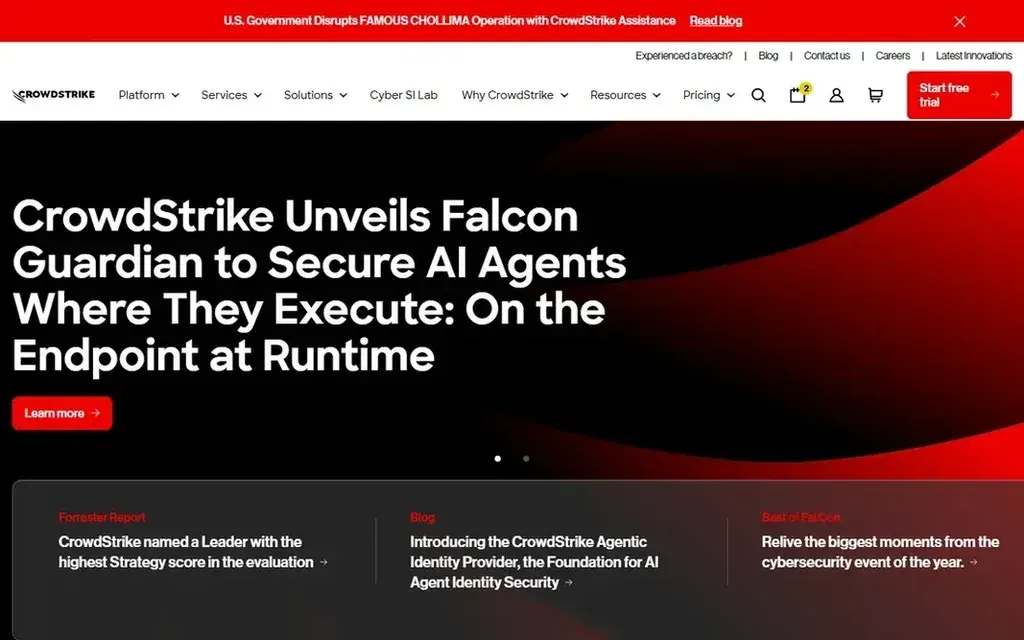
CrowdStrike Falcon Sandbox targets cloud-native analysis inside a wide security system. Organizations outside the CrowdStrike ecosystem should weigh whether integration benefits justify adopting the wider product, and compare with standalone choices first.
Where it shines: platform-oriented design.
In practice, CrowdStrike Falcon Sandbox is part of CrowdStrike's cloud-native cybersecurity system, which the vendor describes as protecting endpoints, cloud workloads, identities and data. Entry price for CrowdStrike Falcon Sandbox: $7.99 per device per month. Free options: Free trial.
Where it falls short: Best value likely within the wider CrowdStrike ecosystem.
- Cloud-native
- Ties malware analysis to endpoint and workload protection
- Less appealing if you want a standalone open source tool
CAPE Sandbox
Best for: Documented open source configuration analysis
CAPE Sandbox works best for documented open source configuration analysis. As a self-hosted project, CAPE needs engineering effort for deployment, updates and tuning.
Drawbacks to consider: Setup and upkeep fall on your team.
It suits security teams and researchers comfortable running and maintaining their own analysis infrastructure. Pricing for CAPE Sandbox is not stated here, so ask the vendor for current figures. On free options: Not stated.
- Pitched at automatic malware configuration extraction
- Open source and self-hostable
- Documentation-first project instead of a managed service
FireEye Malware Analysis
Best for: Threat-intelligence-led detection and response
Where FireEye Malware Analysis fits: threat-intelligence-led detection and response. Smaller teams or those wanting a straightforward isolated sandbox should compare simpler, more focused choices before adopting a full enterprise portfolio.
Where it is weaker: Brand now presented under Trellix.
No starting price is listed for FireEye Malware Analysis here; confirm pricing on the vendor site. Free plan details: Not stated.
- Enterprise-oriented security portfolio
- Operational threat intelligence focus
- May be more than small teams need
How we chose
For each of the 6 tools we noted price, free plan or trial, fit for computer malware analysis and the main limit, using vendor pages and documentation. Plan names, prices and limits change often. Treat the figures here as a starting point and verify them with the vendor. Tools are placed by general fit for computer malware analysis, with price clarity and free access as tie-breakers. A different team can reasonably rank them differently.
Questions to settle before buying
- Get a written quote from Cuckoo Sandbox, Palo Alto Networks WildFire, Fortinet FortiSandbox and others; the list shows no starting price for them.
- Use real work to test the free trial from CrowdStrike Falcon Sandbox, rather than a demo project.
- Read the limits listed for Cuckoo Sandbox first: project maintenance and support can be a concern.
- Read the plan comparison for Palo Alto Networks WildFire carefully; key features often start on a higher tier.
- Involve the people who will use CrowdStrike Falcon Sandbox daily; a short pilot beats a long feature checklist.
FAQ
Does any tool for computer malware analysis here have a free plan?
A permanent free plan is not offered by Cuckoo Sandbox, FireEye Malware Analysis or the other tools here. CrowdStrike Falcon Sandbox offer a trial. Plan a short evaluation period instead.
How are the tools for computer malware analysis ordered?
The order follows typical fit for computer malware analysis, with Cuckoo Sandbox first and FireEye Malware Analysis last, then price clarity and free access. It is editorial judgement, not a score, so another team could rank the tools differently.
Do these tools publish their prices?
Not all of them. Cuckoo Sandbox, Palo Alto Networks WildFire, Fortinet FortiSandbox and others publish no starting price, so expect a quote request for those. The rest, CrowdStrike Falcon Sandbox included, show a starting price, though seats and billing terms still change the final cost.
Is open source malware analysis practical for smaller teams?
It can be, but open source sandboxes need setup, maintenance and tuning that hosted services deal with for you. Smaller teams with restricted security engineering time commonly prefer managed or cloud-based tools for that reason.
What is the cheapest option for computer malware analysis in this list?
On published monthly entry prices, CrowdStrike Falcon Sandbox is the lowest here at $7.99 per device per month. Entry price is only part of the cost, because seats, add-ons and billing terms can change the total.
What is a malware sandbox used for?
A malware sandbox runs suspicious files or links in an isolated environment and records their behavior so analysts can judge whether they are malicious. It helps teams investigate threats without exposing production systems.
Sources
- https://cuckoosandbox.org
- https://www.paloaltonetworks.com
- https://www.fortinet.com
- https://www.crowdstrike.com
- https://capev2.readthedocs.io
- https://www.fireeye.com