Top Sandboxing Software for Cybersecurity in 2026: 8 Tools Compared
We compared top sandboxing software for cybersecurity, from interactive cloud sandboxes to self-hosted tools, with pricing, privacy and safety notes for teams.

- Editor's choice
 ANY.RUN
Interactive cloud analysis
Starts atSee websiteVisit any.runFull review - Great alternative
 VMRay
Evasion-resistant deep analysis
Starts atSee websiteVisit vmray.comFull review - Also consider
 Joe Sandbox
Cross-platform deep analysis
Starts atSee websiteVisit joesecurity.orgFull review
TL;DR:
- ANY.RUN is the best interactive cloud sandbox for analysts who need to drive a sample live and watch its behaviour in real time.
- VMRay and Joe Sandbox suit high-risk teams that need strong evasion resistance and detailed reports for incident response.
- Hybrid Analysis and Cuckoo Sandbox suit budget-conscious teams, with free community or open source options that need more setup.
- Only detonate samples you own or are authorised to analyse, and use private or self-hosted options for sensitive files.
Quick comparison
| Tool | Best for | Starts at | Free plan? | |
|---|---|---|---|---|
| ANY.RUN | Interactive cloud analysis | See website | Yes | Visit |
| VMRay | Evasion-resistant deep analysis | See website | No | Visit |
| Joe Sandbox | Cross-platform deep analysis | See website | Free trial | Visit |
 Hybrid Analysis | Free community sandbox | Free | Yes | Visit |
 Palo Alto WildFire | Inline cloud enforcement | See website | No | Visit |
 Cisco Secure Malware Analytics | Enterprise threat analysis | See website | No | Visit |
 Cuckoo Sandbox | Free self-hosted analysis | Free | Yes | Visit |
 Hatching Triage | Modern self-hosted sandbox | See website | Yes | Visit |
The best sandboxing software for cybersecurity
A malware sandbox runs a suspicious file in an isolated environment and records what it does, such as files created, network connections and system changes. We compared cloud, on-premises and open source options by interactivity, evasion resistance, privacy and integration.
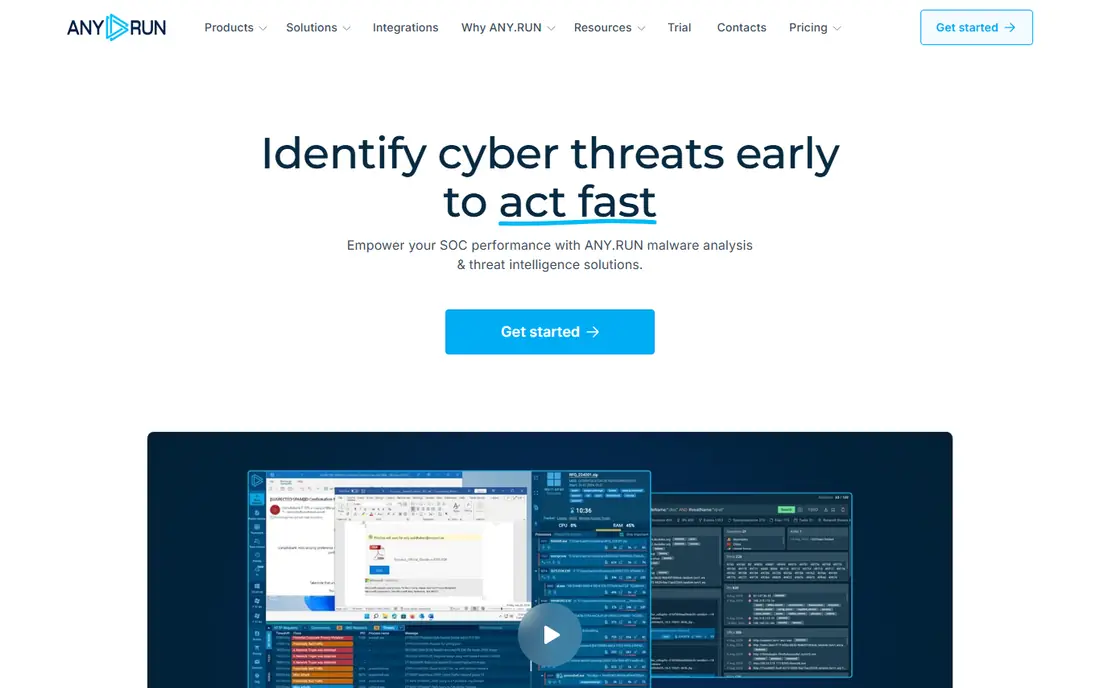
ANY.RUN is an interactive cloud sandbox that lets analysts drive a sample in real time, rather than waiting for an automated report. You can click, type, open files and watch processes, network traffic and dropped files as they happen. That live control helps analysts trigger behaviour that automated runs miss, such as malware that waits for user interaction.
A free tier lets you test the workflow, but public submissions can be visible to the community, so sensitive samples need a private paid plan. Pricing is tiered on the vendor site, with team and enterprise options. For SOC and DFIR teams that triage many samples a day, ANY.RUN speed and interactivity make it a strong first pick.
- Live interactive analysis
- Windows, Linux and Android support
- Clear behaviour reports
- Public submissions may be visible
- Private analysis needs a paid plan
VMRay is built for teams that face advanced malware designed to detect sandboxes and hide. Its hypervisor-based monitoring watches behaviour from outside the guest system, which makes it harder for malware to spot the analysis environment. Reports are detailed enough for incident response, with behaviour, network indicators and file artefacts in one place.
That depth comes at enterprise cost, with quoted pricing and a sales process. VMRay is less interactive than ANY.RUN, since samples run in a queue and return a report, rather than a live desktop you drive. For high-risk sectors, government and large enterprises, that trade is worth it. For quick triage, pair it with a faster interactive tool.
- Strong evasion resistance
- Hypervisor-based monitoring
- Detailed incident-grade reports
- Enterprise pricing
- Queue-based rather than fully interactive
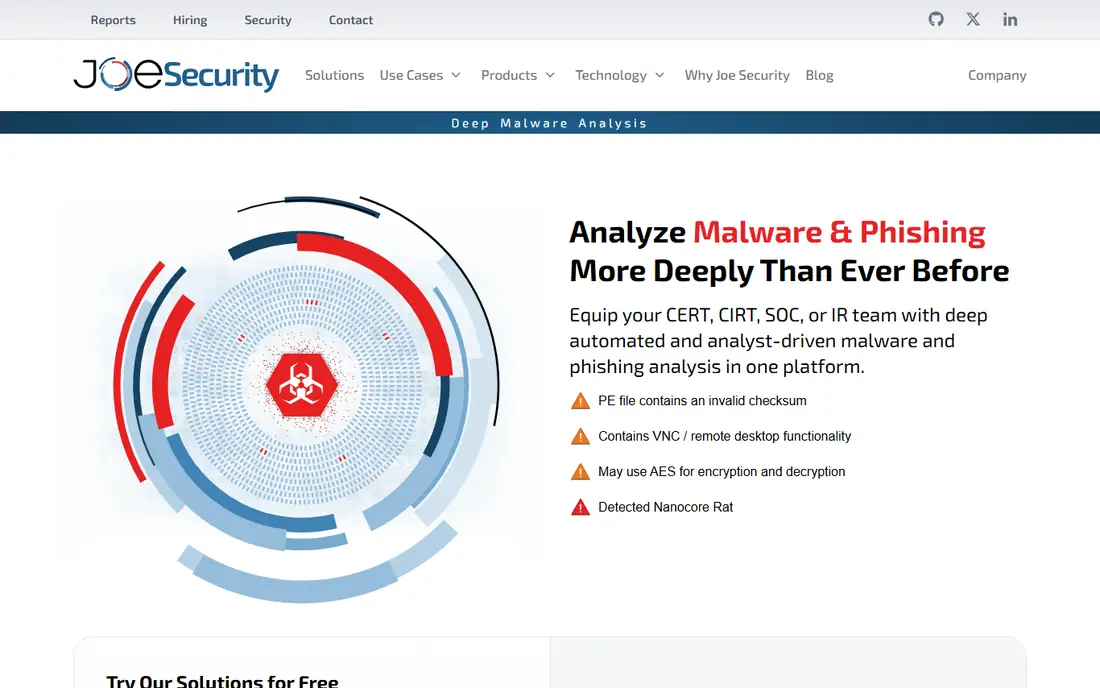
Joe Sandbox, from Joe Security, analyses files across Windows, macOS, Linux and Android, with a focus on deep behaviour and evasion resistance. Its reports cover process activity, network traffic, screenshots and indicators, and deployment options include cloud and on-premises for firms with data residency rules. That cross-platform range suits teams that receive samples for many operating systems.
Pricing is tiered, with a trial to test the platform. Joe Sandbox needs more setup than a simple cloud upload, especially for on-premises deployment, but that control suits regulated firms. For a team that needs deep analysis across platforms without building its own sandbox, Joe Sandbox is a strong enterprise pick.
- Cross-platform analysis
- Strong evasion resistance
- Cloud and on-premises options
- Pricing is tiered and quoted in part
- Setup needs planning
Hybrid Analysis, powered by CrowdStrike Falcon Sandbox technology, is a free community sandbox that gives a solid automated report for a submitted file or URL. It shows behaviour, network activity and threat context, and its public library lets analysts search for samples others have already analysed. That shared knowledge can save time on common malware families.
The key limit is privacy: submissions are public by default, so never upload sensitive, customer or internal files. For public samples and learning, Hybrid Analysis is an excellent free starting point. For private work, use a paid private tier or a self-hosted tool below, and treat any public sandbox as a public disclosure.
- Free to use
- Community reports
- Falcon intelligence context
- Public by default
- Less interactive than ANY.RUN
Palo Alto WildFire is a cloud-based malware analysis service that works inline with Palo Alto firewalls and endpoint products. Unknown files are detonated in the cloud, and verdicts feed back into blocking and policy across the estate. That inline loop is its main advantage: analysis does not sit in a separate tool, it directly protects the network.
WildFire is less suited as a standalone analyst sandbox, since its strength is automation and enforcement inside a Palo Alto environment. Pricing sits inside Palo Alto subscriptions, so check the relevant product bundle. For a Palo Alto shop, WildFire is the natural sandbox choice. For a mixed-vendor shop, a standalone sandbox such as ANY.RUN or Joe Sandbox may fit better.
- Inline blocking in Palo Alto networks
- Large threat corpus
- Automated verdicts
- Best inside a Palo Alto estate
- Less analyst interactivity
Cisco Secure Malware Analytics, formerly Threat Grid, gives enterprise teams deep file analysis with search, correlation and threat intelligence context. Analysts can search past samples, compare behaviour, and link indicators across incidents, which helps large SOC teams that handle high volumes. Integration with Cisco security products feeds verdicts into wider detection and response.
Pricing is quoted as part of Cisco security licensing, and the platform suits larger teams with Cisco estates. Smaller teams may find the scope and cost heavier than needed. For a Cisco-heavy enterprise that needs analysis plus correlation at scale, Secure Malware Analytics is a strong pick. For quick interactive triage, ANY.RUN remains faster.
- Deep static and dynamic analysis
- Strong search and correlation
- Cisco integrations
- Enterprise pricing
- Best inside a Cisco security estate
Cuckoo Sandbox is the classic open source automated malware analysis system, and it remains a useful free option for teams that can run it themselves. It detonates files under Windows, Linux, macOS and Android virtual environments and produces a detailed report on behaviour. Being self-hosted, it keeps sensitive samples inside your own infrastructure, which matters for regulated work.
The cost is labour. Cuckoo needs virtualisation setup, guest images, maintenance and tuning, and support comes from the community rather than a vendor SLA. For a skilled team with time to maintain it, Cuckoo gives full control at no licence cost. For a team that needs a supported, always-on service, a commercial cloud sandbox will be a better use of time.
- Free and open source
- Highly modular
- Self-hosted for privacy
- Needs virtualisation skill and maintenance
- Community support only
Hatching Triage is a modern sandbox with cloud and self-hosted options, covering Windows, Linux, macOS and Android with interactive analysis. Its interface feels current compared with older open source tools, and its reports include behaviour, indicators and artefacts that analysts can act on. A free public tier lets you test the workflow before you commit.
Self-hosting gives privacy control, but it also needs operational effort for updates, guest images and capacity. Paid plans add private analysis, team features and higher volumes. For a team that wants a modern sandbox with a private deployment option, Triage is a strong middle ground between free open source tools and large enterprise platforms.
- Modern interface
- Multi-platform analysis
- Self-hosted option for sensitive samples
- Self-hosting needs operational effort
- Paid plans for private and team use
How we picked these
We compared official product pages, pricing pages and documentation for tools live in October 2026. We favoured tools with clear sandboxing behaviour, active maintenance, and honest pricing, including free and open source options where they are the best fit. We mixed interactive cloud tools, deep enterprise tools, inline enforcement and self-hosted options, since different teams need different trade-offs.
We also weighted privacy heavily. A sandbox submission can disclose that you hold a sample, its content and its source, so public-by-default tools are not safe for sensitive work. Use private tiers or self-hosted deployment for internal, customer or incident samples, and check data residency terms before you upload.
How to choose the right sandbox
Start with volume and sensitivity. If you triage many public samples a day, an interactive cloud tool such as ANY.RUN will save the most time. If you handle advanced or sensitive samples, a deep tool such as VMRay or Joe Sandbox, or a self-hosted option such as Triage or Cuckoo, will be safer. If you already run Palo Alto or Cisco estates, their inline services add protection without a new workflow.
Next, test evasion resistance and integration. Run a set of known evasive samples, check whether the sandbox catches behaviour, and confirm that reports export to your SIEM, SOAR or ticketing system. Check retention, sharing and deletion terms, and confirm who can see submissions on each plan. Finally, train analysts on safe handling: never detonate a sample on a production machine, never upload sensitive files to a public sandbox, and treat every sandbox report as evidence that needs corroboration.
FAQ
What is top sandboxing software for cybersecurity for a small SOC?
ANY.RUN is a strong small SOC pick, thanks to interactive analysis and a free tier for testing. Hybrid Analysis covers free automated reports for public samples. For sensitive samples, use a private ANY.RUN plan or a self-hosted tool such as Triage, rather than a public submission.
Are free sandboxes safe for sensitive files?
No, not by default. Free community sandboxes such as Hybrid Analysis are public, so submissions can be seen by others. Use private paid tiers or self-hosted sandboxes for sensitive, customer or incident samples, and check the vendor data handling terms before you upload anything confidential.
What is the difference between a sandbox and antivirus?
Antivirus blocks known and suspicious files on an endpoint, while a sandbox detonates an unknown file in isolation to observe its behaviour. Sandboxes give analysts detailed behaviour reports for investigation, while antivirus gives fast protection on user machines. Most security stacks use both.
Can malware detect a sandbox?
Yes, advanced malware can look for virtualisation artefacts, timing clues and sandbox tools, then hide its behaviour. Evasion-resistant tools such as VMRay and Joe Sandbox use hypervisor monitoring and other techniques to reduce that risk, but no sandbox is perfect. Combine sandbox results with static analysis and threat intelligence for high-risk samples.
Do I need a sandbox if I already use endpoint protection?
For many small firms, endpoint protection plus a free community sandbox for occasional samples is enough. Larger SOC, DFIR and threat intelligence teams benefit from a dedicated sandbox for triage, incident response and research, since it gives behaviour detail that endpoint alerts alone do not provide.