Best Legal Document Assembly Software in 2026: Prices, Free Plans and 5 Picks
Best legal document assembly software in 2026: 5 tools with starting prices, free plans and limits. Compare costs and catches in one place. See the full list.
- Editor's choiceXpressDox
Word-based template document assembly
Starts atSee websiteVisit xpressdox.comFull review - Great alternativeDocumate
Businesses automating client intake documents
Starts at$83 a monthVisit documate.orgFull review - Also consider
 Gavel
Automation plus AI contract review
Starts at$83 per monthVisit gavel.ioFull review
Direct answer
XpressDox comes first here, mainly for Word-based template document assembly. Listed starting prices: Documate from $83 a month and Gavel from $83 per month. Documate is better for businesses automating client intake documents, and Gavel is better for automation plus AI contract review. All 5 tools are compared below on price, free plan and limits.
TL;DR:
- The list opens with XpressDox, aimed at Word-based template document assembly.
- What to know about XpressDox first: template design takes learning.
- Woodpecker is the one to check for outbound outreach, not document assembly.
- Neither XpressDox nor Woodpecker, nor any of the other 3 tools, has a permanent free plan; trials and quotes are the norm.
Last checked November 2026. Prices and plan details were read from the vendors' own pages in November 2026; vendors change plans often, so confirm the current price on the vendor site before you buy.
Quick comparison
| Tool | Best for | Starts at | Free plan? | |
|---|---|---|---|---|
| XpressDox | Word-based template document assembly | See website | Not stated | Visit |
| Documate | Businesses automating client intake documents | $83 a month | Free trial | Visit |
| Gavel | Automation plus AI contract review | $83 per month | Free trial | Visit |
 Docassemble | Open-source guided interviews and assembly | See website | Not stated | Visit |
 Woodpecker | Outbound outreach, not document assembly | See website | Free trial | Visit |
Legal Document Assembly Software compared in detail
Choosing legal document assembly software usually comes down to price, fit and limits. This LinkVetted guide sets 5 tools side by side on those three points, with the facts kept short and checkable.
XpressDox
Best for: Word-based template document assembly
XpressDox targets Word-based template document assembly. It suits legal teams already working in Word that want to standardize clause libraries and routine drafting without abandoning familiar tools.
Honest limits: Fit relies on Word-centric workflows.
More specifically, designing solid templates involves a ramp-up time, and the approach fits Word-centric practices better than teams wanting browser-first interview experiences. Pricing for XpressDox is not stated here, so ask the vendor for current figures. Free plan details: Not stated.
- Widely used for legal drafting
- Built around Microsoft Word
- Template design takes learning
Documate
Best for: Businesses automating client intake documents
Documate is a good fit for businesses automating client intake documents. Smaller practices with occasional drafting needs may find simpler template tools sufficient; confirm the current product details on the vendor site.
Beyond that, Documate is presented as legal document automation and AI contract review software, turning intake into complete documents and supporting review and redlining in Word. Its feature set overlaps closely with similar legal automation products, so compare workflows carefully instead of assuming differences. Price to start with Documate: $83 per month. Free access: Free trial.
Watch-outs: Commercial offering.
- Works with Word documents
- AI contract review and redlining
- Overlap with similar tools to weigh
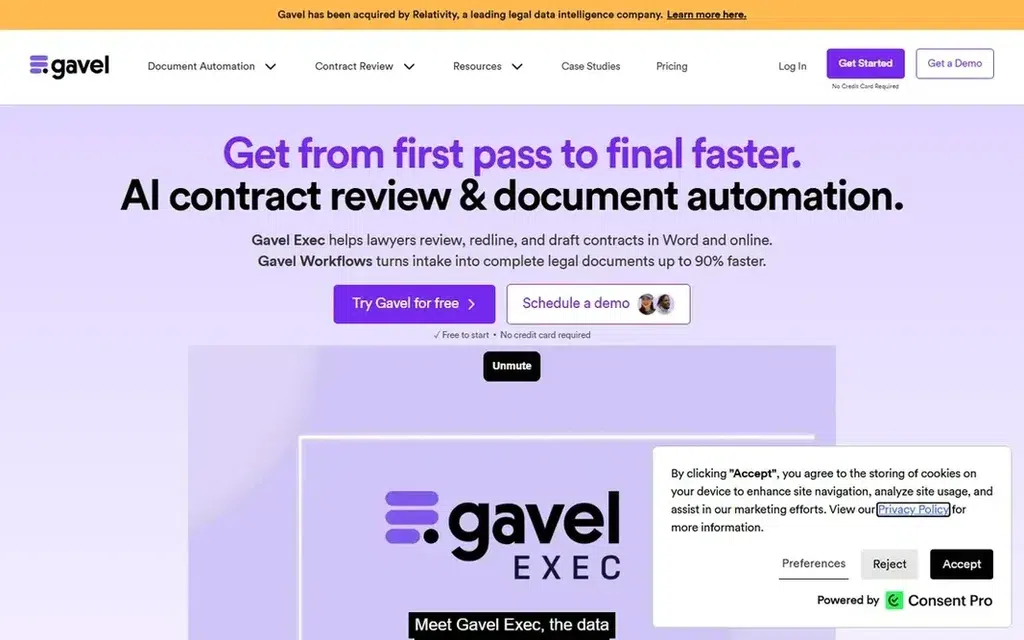
For automation plus AI contract review, Gavel is a natural candidate. Gavel supplies legal document automation and AI contract review, turning client intake into complete documents and supporting review and redlining in Word.
As a commercial system, it may exceed the needs or budget of very small practices that only need straightforward template merging. In practice, consider lighter template tools if review features are unnecessary, and confirm current capabilities on the vendor site before committing. The starting price for Gavel: $83 per month. Free options: Free trial.
Trade-offs to know: May be more than small teams need.
- Legal-focused automation
- Turns intake into complete documents
- Commercial product
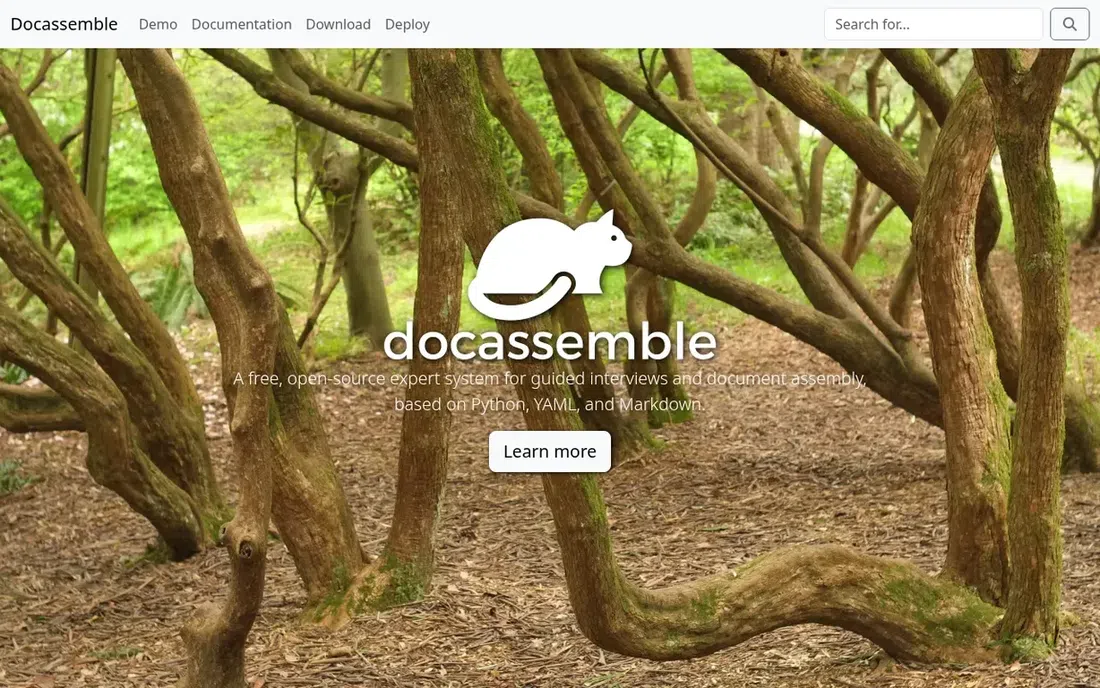
Docassemble targets open-source guided interviews and assembly. Teams comfortable editing code can tailor interviews deeply and host the system themselves.
In daily use, the tradeoff is a steeper ramp-up time: non-technical users may find the setup and authoring model demanding compared to point-and-click tools. Check the vendor site for Docassemble pricing; none is listed in this comparison. On free options: Not stated.
Points against: Needs technical setup.
Reasons to shortlist it: YAML and Markdown based.
- Guided interview flow
- Free and open source
- Less refined for non-coders
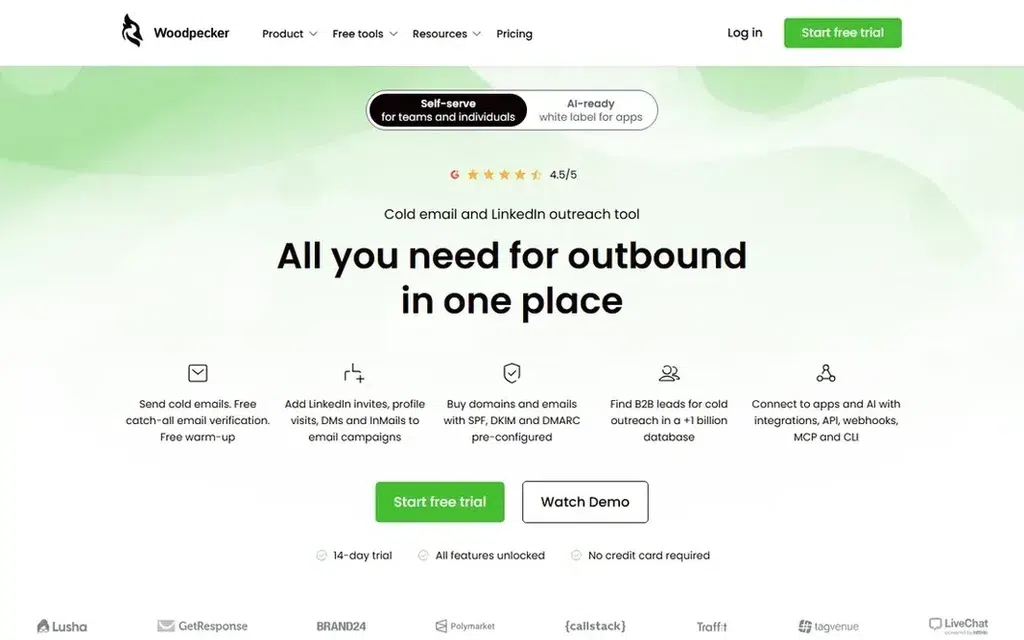
Woodpecker is a good fit for outbound outreach, not document assembly. Pick it only if your need is client or prospect outreach; for document generation, choose a dedicated assembly tool instead.
Worth adding: Woodpecker is a cold email and LinkedIn outreach system for companies running outbound campaigns. It appears in searches around legal software but does not assemble legal documents. Pricing for Woodpecker is not stated here, so ask the vendor for current figures. Free access: Free trial.
Trade-offs to know: No assembly or template logic.
- Cold email and LinkedIn outreach
- Suited to outbound sales teams
- Not a legal document tool
How we chose
Each tool was reviewed on what its vendor publishes: price, plan limits, core features and stated drawbacks. We did not run hands-on tests. Where a vendor does not publish a price, the entry says quote. Where a price depends on seats or billing term, the entry says so. The order reflects how well each tool fits the most common buying scenario for legal document assembly software, then price clarity, then free plan access. It is a starting point, not a verdict.
Before you commit
- Ask XpressDox, Docassemble and Woodpecker for a written quote, since no starting price is shown.
- Use real work to test the free trial from Documate, Gavel and Woodpecker, rather than a demo project.
- Read the limits listed for XpressDox first: template design takes learning.
- Check whether the features you need in Docassemble sit on the entry plan or only on higher tiers.
- List the apps you already depend on and check that XpressDox supports each one on the plan you would buy.
FAQ
Can I try these options before paying?
Often, yes. Documate, Gavel and Woodpecker offer a free trial. Use your own data and a real task during the test, and check what the free tier or trial limits before you rely on it.
Is XpressDox the right pick for everyone comparing legal document assembly software?
No single tool suits every team. XpressDox comes first because it fits Word-based template document assembly, while Documate suits firms automating client intake documents and Gavel suits automation plus AI contract review. Match the tool to your own size, budget and workflow before deciding.
How do Word-based tools differ from guided interview tools?
Word-based tools like XpressDox build documents from Microsoft Word templates and question sets, fitting practices already working in Word. Guided interview tools focus on step-by-step client intake that produces documents.
What is the cheapest option for legal document assembly software in this list?
On published monthly entry prices, Documate is the lowest here at $83 per month. Entry price is only part of the cost, because seats, add-ons and billing terms can change the total.
How are the tools for legal document assembly software ordered?
The order follows typical fit for legal document assembly software, with XpressDox first and Woodpecker last, then price clarity and free access. It is editorial judgement, not a score, so another team could rank the tools differently.
Sources
- https://www.xpressdox.com
- https://www.documate.org
- https://www.gavel.io
- https://docassemble.org
- https://www.woodpecker.co