6 KPI for Software Development Worth Shortlisting in 2026
6 options for the best kpi for software development, with entry costs, free tiers and the buyer each one serves. Short verdicts, no fluff. Choose faster.

- Editor's choice
 GitHub
Code-level signals and collaboration metrics
Starts at$4 per user a monthVisit github.comFull review - Great alternative
 GitLab
Lifecycle orchestration with governance context
Starts at$29 per user a monthVisit about.gitlab.comFull review - Also consider
 Jira
Planning and delivery tracking in one place
Starts atSee websiteVisit atlassian.comFull review
Direct answer
GitHub leads the list, best for code-level signals and collaboration metrics. Listed starting prices: GitHub from $4 per user a month, GitLab from $29 per user a month and Datadog from $8 per committer a month. If your case is different, GitLab suits lifecycle orchestration with governance context and Jira suits planning and delivery tracking in one place. All 6 tools are compared below on price, free plan and limits.
TL;DR:
- Top of the list is GitHub, which targets code-level signals and collaboration metrics.
- Starting prices begin at $4 per user per month with GitHub.
- A free plan is available from 4 of the 6 tools: GitHub, GitLab, Linear, New Relic.
- New Relic is the one to check for telemetry correlation and root cause analysis.
Last checked November 2026. Prices and plan details were read from the vendors' own pages in November 2026; vendors change plans often, so confirm the current price on the vendor site before you buy.
Quick comparison
| Tool | Best for | Starts at | Free plan? | |
|---|---|---|---|---|
| GitHub | Code-level signals and collaboration metrics | $4 per user a month | Yes | Visit |
| GitLab | Lifecycle orchestration with governance context | $29 per user a month | Yes | Visit |
| Jira | Planning and delivery tracking in one place | See website | Not stated | Visit |
 Datadog | Runtime metrics and cloud monitoring | $8 per committer a month | Free trial | Visit |
 Linear | Quick product planning and issue tracking | $10 per user a month | Yes | Visit |
 New Relic | Telemetry correlation and root cause analysis | $10 per user per month | Yes | Visit |
Our 6 picks for kpi for software development
LinkVetted compared 6 tools for kpi for software development. The goal is a practical shortlist: published prices, free plan facts, best-fit use cases and honest limits for every entry.
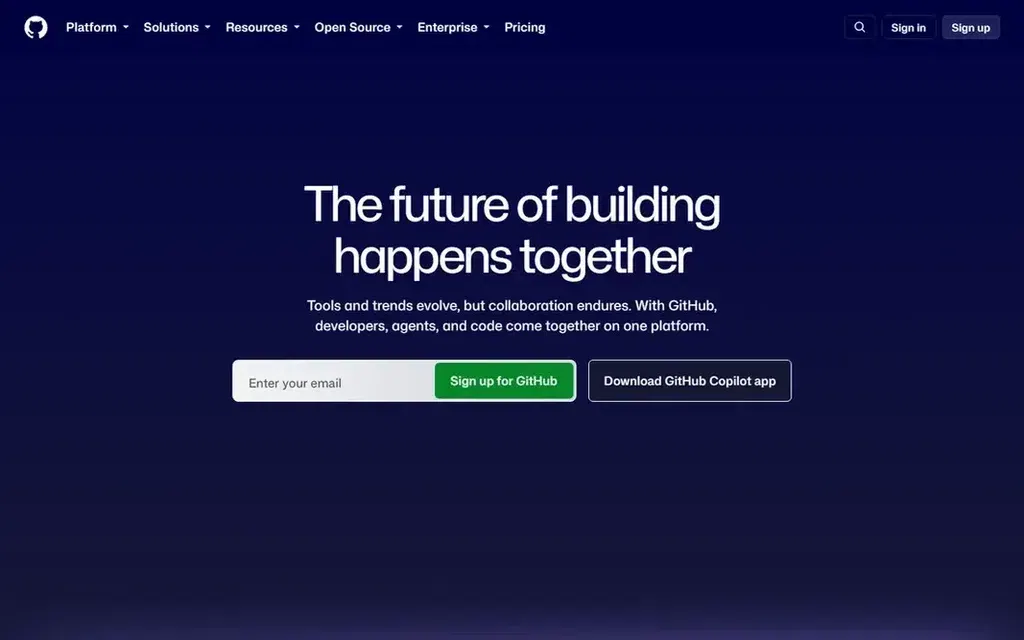
Where GitHub fits: code-level signals and collaboration metrics. GitHub is a widely adopted developer system where code, reviews and open source collaboration happen.
Honest limits: Restricted built-in product planning views.
GitHub is not a full product planning suite, so roadmap and sprint KPIs typically need another tool alongside it. From a buyer's view, raw activity data also needs interpretation before it becomes a meaningful indicator. The starting price for GitHub: $4 per user per month. GitHub has a free plan.
- AI-powered developer tooling
- Central home for code and reviews
- Insights need interpretation for KPI use
For lifecycle orchestration with governance context, GitLab is a natural candidate. GitLab describes itself as an intelligent orchestration product with context and governance across the software lifecycle.
More specifically, if your needs are narrow, a lighter planning tool or a focused observability service may be more straightforward. GitLab pricing: $29 per user per month. GitLab has a free plan.
Honest limits: Feature breadth brings complexity.
- Supports agentic software engineering
- Handles the whole software lifecycle
- Configuration choices affect metric consistency
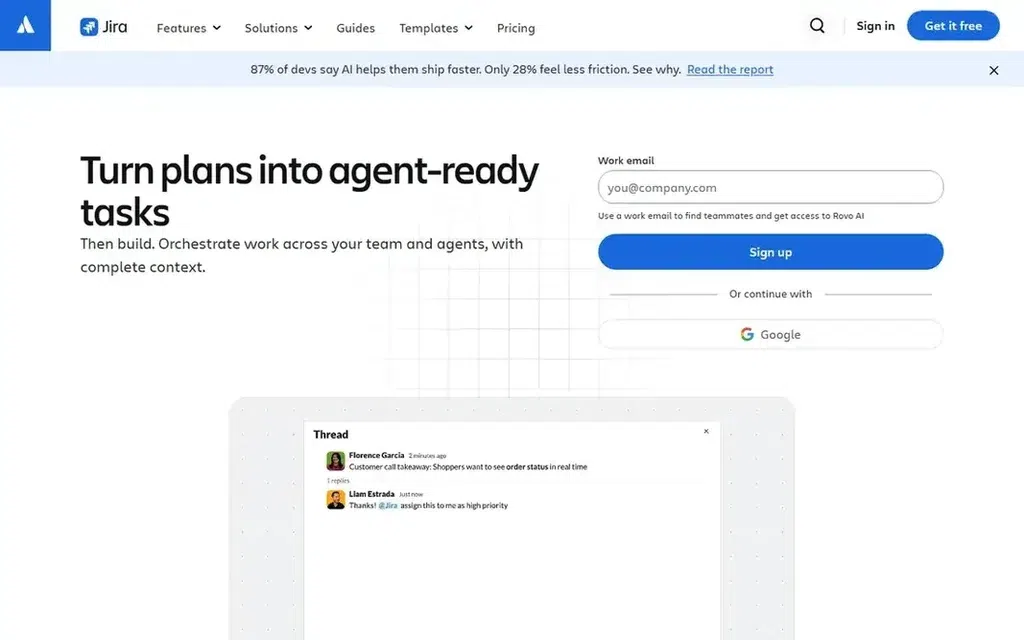
Where Jira fits: planning and delivery tracking in one place. Smaller teams may find the configuration overhead outweighs the benefit.
Trade-offs to know: Reporting depth relies on configuration.
In practice, Jira is a project management system designed for planning and tracking work at scale, with AI agents that help orchestrate projects. Also, if you primarily need code and pipeline metrics, a developer product or observability tool may be the better primary source. No starting price is listed for Jira here; confirm pricing on the vendor site. On free options: Not stated.
- AI agents assist with planning and tracking
- Tracks work from backlog to release
- Can feel heavy for small teams
Think of Datadog for Runtime metrics and cloud monitoring. It suits teams that want to measure how software behaves in production instead of only how work moves through a backlog.
Points against: Not a planning or issue tracking tool.
Datadog does not handle planning or development workflow, so delivery KPIs still need a project management source. Price to start with Datadog: $8 per committer per month. Trial and free access: Free trial.
- Collects metrics from apps and services
- Monitoring across the stack in one place
- Value relies on decent instrumentation
For quick product planning and issue tracking, Linear is a natural candidate. Linear is a system for product development, purpose-built for planning and building products with AI agents.
It hands teams a simplified place to capture issues and cycles, which makes it a clean source for flow-oriented KPIs like work in progress and cycle completion. It also does not include runtime monitoring. What you pay to start with Linear: $10 per user per month. Linear has a free plan.
Watch-outs: Narrower reporting than large suites.
- Focused issue tracking
- Clean
- Less suited to enterprise portfolio views
New Relic was built for telemetry correlation and root cause analysis. New Relic is an AI-powered observability platform that correlates telemetry across your entire stack to isolate root causes and cut mean time to resolution. That makes it a relevant source for reliability and performance KPIs, particularly where teams want to track how rapidly incidents are understood and resolved.
What to check first: Not a workflow or planning system.
Like any observability tool, it relies on instrumentation quality and disciplined telemetry practices, and it does not track planning or code workflow. Teams without production monitoring needs may find it unnecessary. The starting price for New Relic: $10 per user per month. New Relic includes a free tier.
- AI-powered observability
- Correlates telemetry across the stack
- Needs instrumentation to be handy
Our selection method
Selection started from tools commonly considered for kpi for software development, then narrowed to 6 that have clear pricing information or a clear quote process. Plan names, prices and limits change often. Treat the figures here as a starting point and verify them with the vendor. We ordered the tools by general fit, then by how clearly pricing is shown, then by free access. A buyer with unusual needs may reorder them.
Things to verify first
- Confirm the entry price on the vendor page. For Jira that means a quote rather than a fixed price.
- Read the fine print on the free plans from GitHub, GitLab, Linear and New Relic; seat, project and feature caps differ.
- Take the trial from Datadog and push a live task through it before you pay.
- Before choosing GitHub, weigh its main limit: restricted built-in product planning views.
- Run a one or two week pilot of GitLab with the people who will use it every day.
- Test how quickly Linear answers a pre-sales question; it hints at how support will feel later.
FAQ
Where does Linear fit among these choices?
Linear is a focused product development system that fits teams wanting simplified planning and issue tracking. It is a clean source for flow-oriented KPIs but gives you narrower reporting than bigger suites, so organizations needing deep portfolio analytics may combine it with another tool.
How are the tools for kpi for software development ordered?
The order follows typical fit for kpi for software development, with GitHub first and New Relic last, then price clarity and free access. It is editorial judgement, not a score, so another team could rank the tools differently.
Do these tools publish their prices?
Not all of them. Jira publishes no starting price, so expect a quote request for it. The rest, GitHub included, show a starting price, though seats and billing terms still change the final cost. Each of the 6 options in this KPI for software development guide has its own card above with the price, free plan and limits.
Is GitHub the right pick for everyone comparing kpi for software development?
No single tool suits every team. GitHub comes first because it fits code-level signals and collaboration metrics, while GitLab suits lifecycle orchestration with governance context and Jira suits planning and delivery tracking in one place. Match the tool to your own size, budget and workflow before deciding.
Can I try these tools before paying?
Often, yes. GitHub, GitLab, Linear and New Relic have a free plan and Datadog offers a free trial. Use your own data and a real task during the test, and check what the free tier or trial limits before you rely on it.
Sources
- https://github.com
- https://about.gitlab.com
- https://www.atlassian.com/software/jira
- https://www.datadoghq.com
- https://linear.app
- https://newrelic.com