Choosing Job Costing Software for Specialty Subcontractors in 2026: 6 Options Compared
6 best job costing software for specialty subcontractors, compared on pricing, free plans and best-fit use. Plain-spoken summaries throughout. Easy to scan.
- Editor's choice
 ComputerEase
Live costing and billing speed
Starts atSee websiteVisit computerease.comFull review - Great alternative
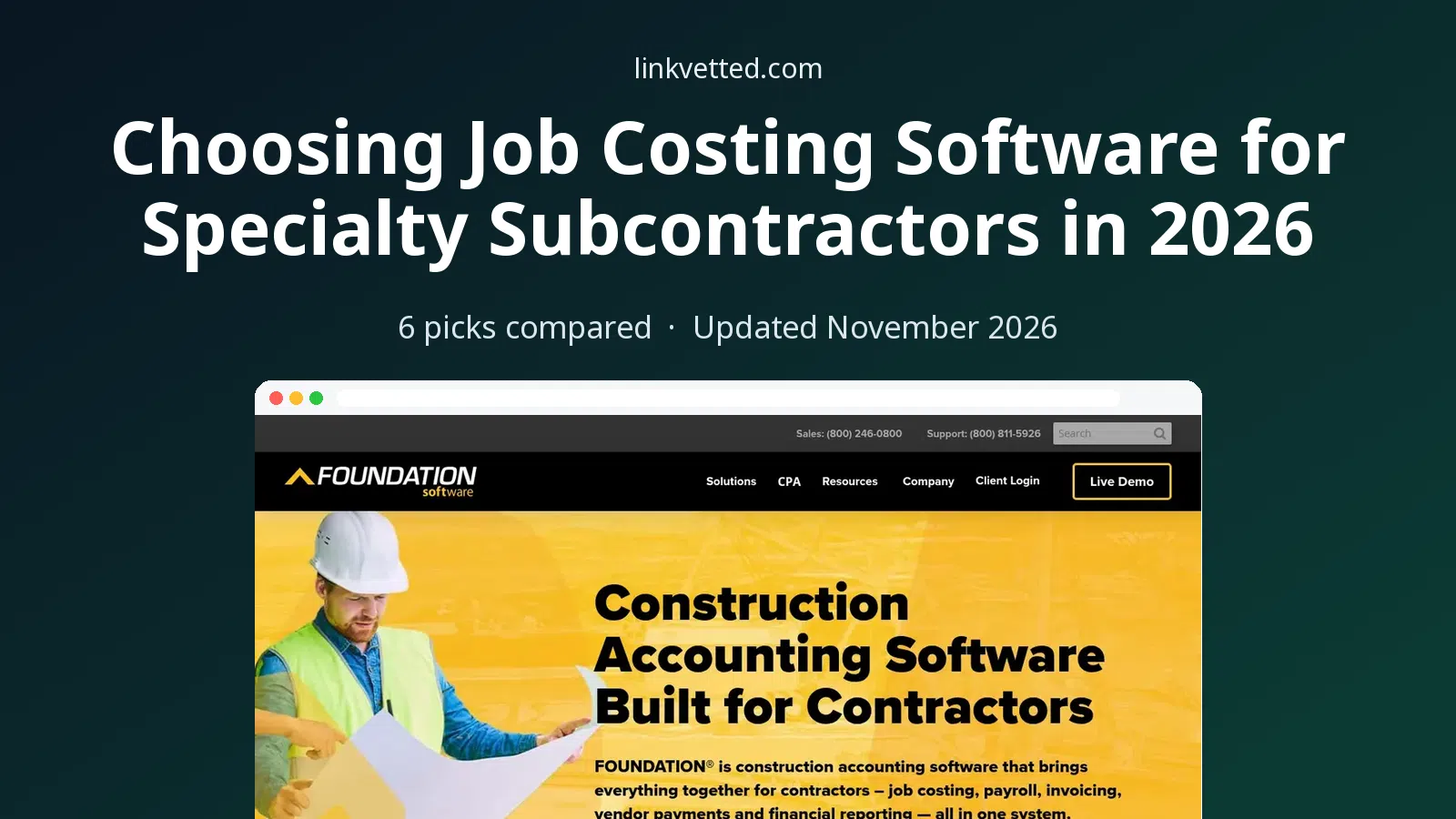
 Foundation Software
Contractor accounting and payroll
Starts atSee websiteVisit foundationsoft.comFull review - Also consider
 Knowify
Small trade contractors bidding and invoicing
Starts at$19 per unit a monthVisit knowify.comFull review
Direct answer
For live costing and billing speed, ComputerEase is where this list starts. Listed starting prices: Knowify from $19 per unit a month. If your case is different, Foundation Software suits contractor accounting and payroll and Knowify suits small trade contractors bidding and invoicing. Prices, free plans and limits for all 6 tools follow.
TL;DR:
- This list starts with ComputerEase, which is built for live costing and billing speed.
- Procore is the one to check for field-to-office project visibility.
- Foundation Software comes with a trade-off: accounting-first focus may suit some trades less.
- The cheapest monthly starting price in the list is $19 per unit per month, offered by Knowify.
- None of the 6 tools, from ComputerEase to Procore, has a free plan, so budget for a subscription or use a trial.
Last checked November 2026. Prices and plan details were read from the vendors' own pages in November 2026; vendors change plans often, so confirm the current price on the vendor site before you buy.
Quick comparison
| Tool | Best for | Starts at | Free plan? | |
|---|---|---|---|---|
| ComputerEase | Live costing and billing speed | See website | Not stated | Visit |
| Foundation Software | Contractor accounting and payroll | See website | Not stated | Visit |
| Knowify | Small trade contractors bidding and invoicing | $19 per unit a month | Free trial | Visit |
 Viewpoint Vista | ERP-grade job costing and accounting | See website | Not stated | Visit |
 CMiC | Simplified accounting, projects and people | See website | Not stated | Visit |
 Procore | Field-to-office project visibility | See website | Not stated | Visit |
Job Costing Software for Specialty Subcontractors compared in detail
Short on time? The summary and table above give the quick view of 6 job costing software for specialty subcontractors, and the profiles that follow give the detail behind each entry.
Where ComputerEase fits: live costing and billing speed. Specialty subcontractors who want to protect margins through timely cost visibility and quicker invoicing are the core audience.
Subcontractors needing deep field workflows should weigh broader choices like Procore. No starting price is listed for ComputerEase here; confirm pricing on the vendor site. Free plan details: Not stated.
Points against: Accounting-centric scope.
- Live job costing
- Payroll and tax compliance support
- Field features are secondary

Foundation Software was built for contractor accounting and payroll. It suits businesses whose back office is the hub of job costing and who want payroll and financial reporting in one place.
On top of that, since the product is anchored in accounting, teams that want deep field operations or project management in the same tool may have to look at broader systems. This comparison lists no price for Foundation Software; ask the vendor. Free access: Not stated.
Where it is weaker: Accounting-first focus may suit some trades less.
- Positioned for managing jobs from anywhere
- Designed around contractor job accounting
- Field workflow depth varies by setup
Think of Knowify for small trade contractors bidding and invoicing. It suits smaller specialty subcontractors who want bidding, job tracking and invoicing in one trade-focused tool without a full ERP rollout.
What to check first: Deeper ERP functions are restricted.
As a trade-focused system, it gives you less of the deep accounting and enterprise structure found in systems such as Viewpoint Vista or CMiC. Knowify starts at: $19 per unit per month. Free access: Free trial.
- Handles bidding
- Takes care of commercial and residential work
- Less suited to large multi-department businesses

Viewpoint Vista is built with ERP-grade job costing and accounting in mind. For specialty subcontractors with multiple crews, cost codes and back-office workflows, it gives you a structured way to keep job costs and financials connected.
It suits established subcontractors who want a single system instead of separate accounting and project tools. No starting price is listed for Viewpoint Vista here; confirm pricing on the vendor site. Trial and free access: Not stated.
What to check first: Setup and administration demand real effort.
- Resource planning and project collaboration
- Part of the Trimble Construction One suite
- Wide ERP scope can be heavy for small businesses
In short, CMiC is for simplified accounting, projects and people. CMiC is construction management software that brings accounting, projects and people together in one simplified product.
Drawbacks to consider: Enterprise orientation may overwhelm small businesses.
From a buyer's view, specialty subcontractors with expanding operations and several departments may see value in that consolidation. Check the vendor site for CMiC pricing; none is listed in this comparison. Free plan details: Not stated.
- Single product for accounting and projects
- Also spans people management
- Implementation needs planning
Procore was built for field-to-office project visibility. It frequently works alongside a separate accounting system instead of replacing it.
Subcontractors wanting costing and books together should compare Foundation Software or ComputerEase. Check the vendor site for Procore pricing; none is listed in this comparison. Free access: Not stated.
Watch-outs: Job costing depth relies on integrations.
- Capable project management orientation
- Links the site and the office
- Accounting may live in another system
How the list was put together
The comparison looks at four things: starting price, free access, how well the feature set matches job costing software for specialty subcontractors, and the main limit of each tool. Seat minimums, billing terms and add-ons can move the real cost, so the starting prices here are a guide and not a quote. The order reflects how well each tool fits the most common buying scenario for job costing software for specialty subcontractors, then price clarity, then free plan access. It is a starting point, not a verdict.
Pre-purchase checklist
- Confirm the entry price on the vendor page. For ComputerEase, Foundation Software, Viewpoint Vista and others that means a quote rather than a fixed price.
- Take the trial from Knowify and push a live task through it before you pay.
- Before choosing ComputerEase, weigh its main limit: accounting-centric scope.
- Ask the daily users to test Procore on a live task before you roll it out to everyone.
- Check the integration list for ComputerEase against the tools you run today, and note which ones need a higher plan.
FAQ
How are the tools for job costing software for specialty subcontractors ordered?
ComputerEase sits first and Procore last because the order follows typical fit for job costing software for specialty subcontractors, then price clarity and free access. It is a judgement call, so read each profile for fit and limits.
Can I try these tools before paying?
Often, yes. Knowify offers a free trial. Use your own data and a real task during the test, and check what the free tier or trial limits before you rely on it. Prices, free plan details and limits for all 6 tools in this job costing software for specialty subcontractors roundup sit on the individual cards above.
What should specialty subcontractors look for in job costing software?
Prioritize job costing that links straight to payroll, billing and the general ledger, since labor is normally the largest cost on subcontractor jobs. Field visibility is a bonus but should not replace solid accounting integration.
What is the cheapest option for job costing software for specialty subcontractors in this list?
On published monthly entry prices, Knowify is the lowest here at $19 per unit per month. Entry price is only part of the cost, because seats, add-ons and billing terms can change the total. Each of the 6 options in this job costing software for specialty subcontractors guide has its own card above with the price, free plan and limits.
Is ComputerEase the right pick for everyone comparing job costing software for specialty subcontractors?
No single tool suits every team. ComputerEase comes first because it fits real-time costing and billing speed, while Foundation Software suits contractor accounting and payroll and Knowify suits small trade contractors bidding and invoicing. Match the tool to your own size, budget and workflow before deciding.
Sources
- https://www.computerease.com
- https://www.foundationsoft.com
- https://www.knowify.com
- https://www.viewpoint.com/products/vista
- https://www.cmicglobal.com
- https://www.procore.com