Best Food Costing Software in 2026: 8 Tools Compared
We compared the best food costing software for restaurants, covering recipe costs, invoice automation, and inventory, to help you protect menu margins daily.
- Editor's choice
 meez
Recipe-first culinary teams
Starts at$19 per monthVisit getmeez.comFull review - Great alternative
 Restaurant365
Multi-location back office
Starts atSee websiteVisit restaurant365.comFull review - Also consider
 MarginEdge
Invoice and cost automation
Starts at$350 per location per monthVisit marginedge.comFull review
TL;DR:
- Recipe-first tools suit kitchens that need accurate plate costs, while invoice-first tools suit operators whose costs drift through purchasing.
- Multi-location groups need one shared ingredient library, or each site will cost the same dish differently.
- The best food cost software connects invoices, inventory counts, and sales, so variances can be traced to a supplier line or a portion change.
- Start with one or two high-volume dishes and clean ingredient data before rolling costing out across a full menu.
Quick comparison
| Tool | Best for | Starts at | Free plan? | |
|---|---|---|---|---|
| meez | Recipe-first culinary teams | $19 per month | Yes | Visit |
| Restaurant365 | Multi-location back office | See website | No | Visit |
| MarginEdge | Invoice and cost automation | $350 per location per month | No | Visit |
 MarketMan | Inventory and purchasing control | $199 per month | No | Visit |
 Apicbase | Multi-unit menu profitability | See website | No | Visit |
 WISK | Bars and beverage-heavy sites | $249 per month | No | Visit |
 CrunchTime | Enterprise restaurant groups | See website | No | Visit |
 ReciProfity | Budget recipe costing | $65 per month | No | Visit |
The best food costing software
We compared official pricing pages, feature pages, and public reviews for tools that calculate recipe and menu costs from real ingredient prices. Every tool here connects costing to recipes, inventory, or invoices in some form, not just a standalone calculator. The best food cost app for a given restaurant depends on whether the cost problem starts in the kitchen or in purchasing.
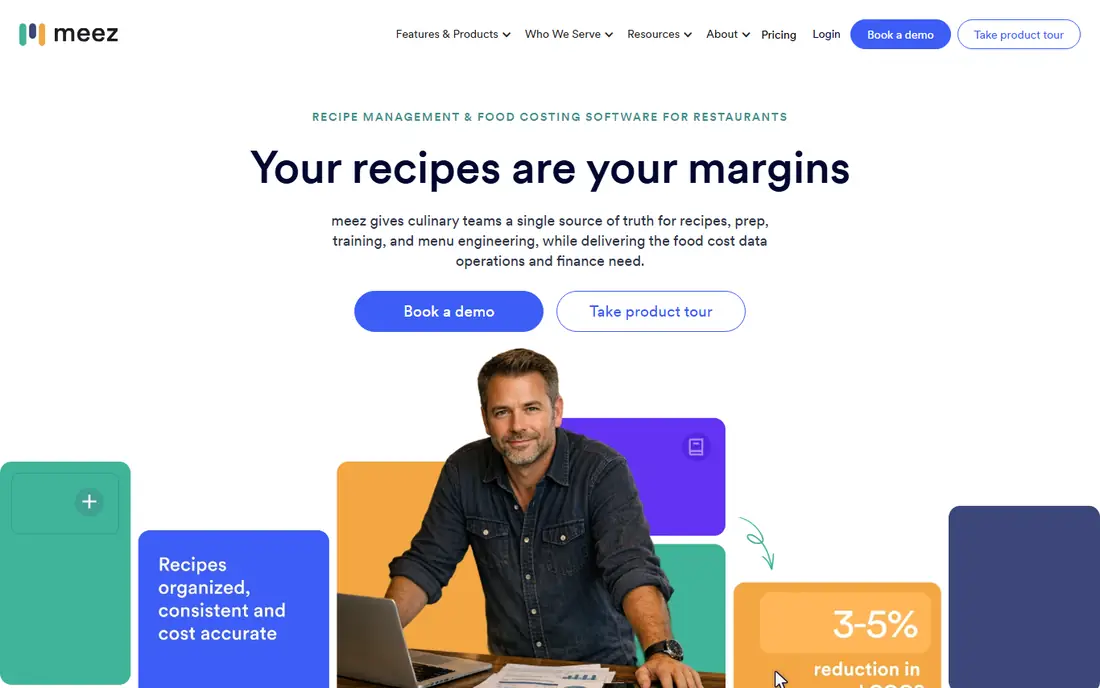
meez is the pick for a culinary team whose food cost problem starts with recipes rather than the ledger. The platform treats the recipe as the source of truth, then layers costing, scaling, prep, and training on top, so a portion change or an ingredient swap updates plate cost right away. That live link matters because menu prices set from a spreadsheet in January can quietly lose money by March as supplier prices move.
The free tier and low starting price make meez easy to trial with a small recipe set. The honest limit is scope: meez is not a full accounting or payroll platform, so a multi-unit group may still need separate back-office software. For a single restaurant or a small group that needs clean recipes and trustworthy plate costs first, meez is the best starting point on this list.
- Recipes as the single source of truth
- Live costing as prices change
- Allergen and nutrition data attached to recipes
- Smaller back-office scope than full accounting platforms
- Advanced plans cost more per month
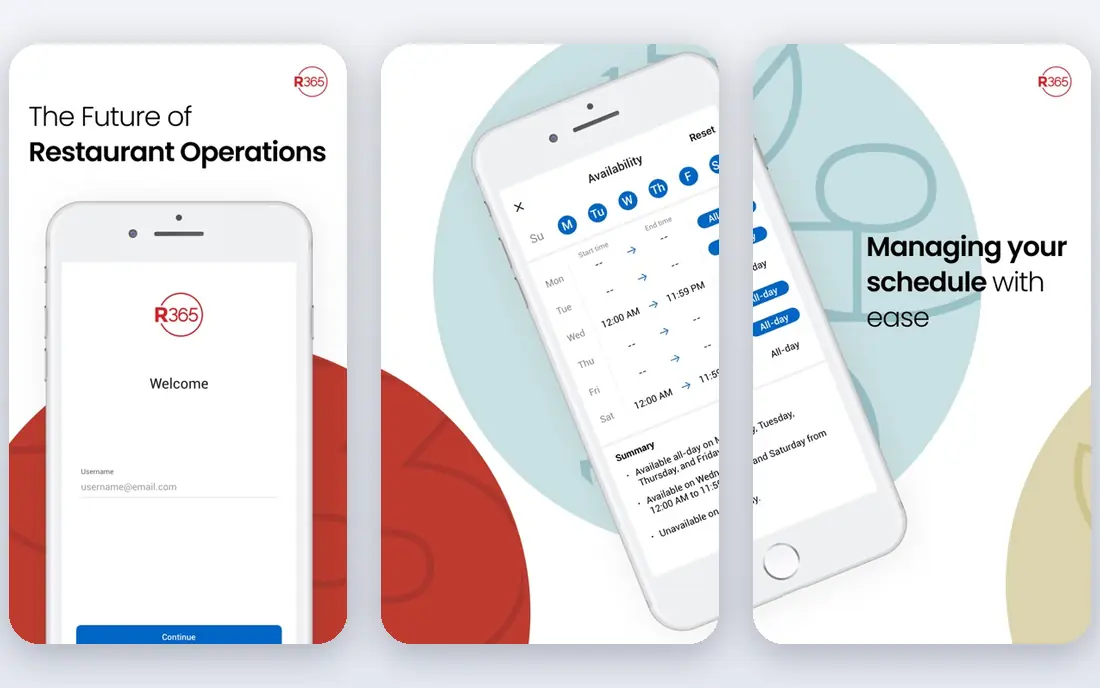
Restaurant365 suits a growing group that wants costing inside a wider back office, not as a separate tool. It combines accounting, inventory, workforce scheduling, and food cost reporting, so a variance on one menu item can be checked against purchases, counts, and sales without exporting data between systems. For operators running several locations, shared reporting across sites is the main value, since it exposes which kitchens follow recipes and which do not.
The trade-off is size and cost. Pricing is quoted per operation and typically runs into hundreds of dollars per location per month, which is hard to justify for a single small restaurant. Implementation also needs staff time for setup and training. A group with three or more sites that already feels spreadsheet pain will get the most from it. A single cafe should start with a cheaper recipe tool first.
- Accounting, inventory, scheduling, and costing in one platform
- Strong multi-location reporting
- POS integrations
- Quote-based pricing can be costly for single sites
- Implementation takes real time and training
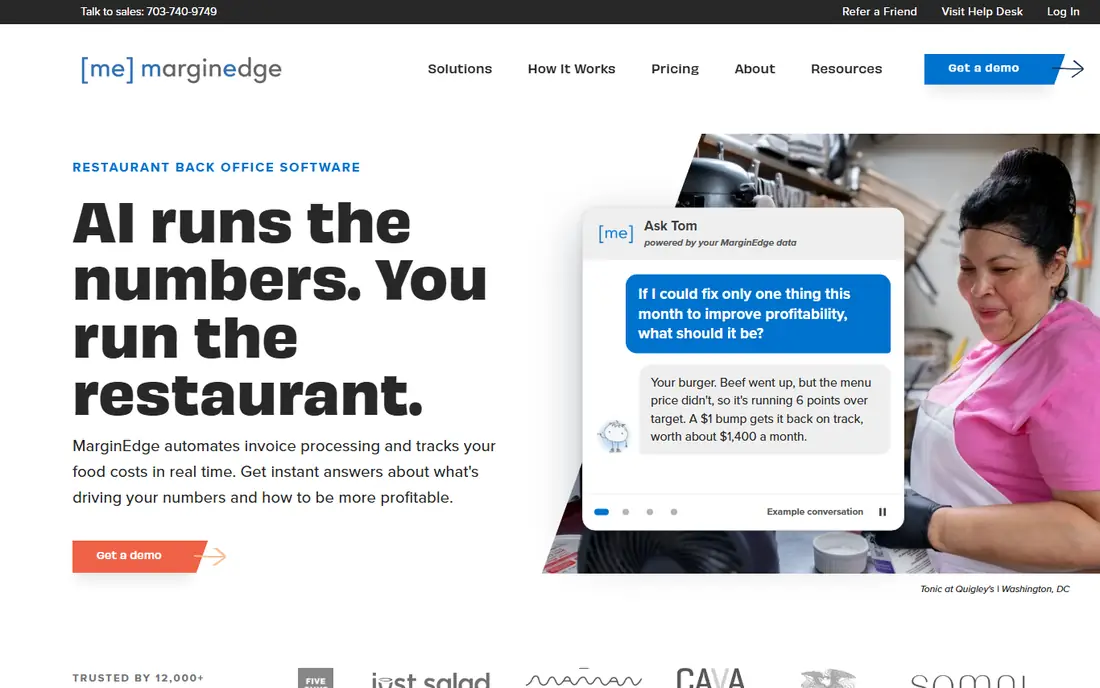
MarginEdge is the pick for operators whose food costs drift because invoices pile up and prices change unnoticed. The platform processes supplier invoices automatically and syncs with point-of-sale and accounting systems, so ingredient costs stay current without manual entry. Its variance reporting traces cost swings back to recipe components and portion logic, which helps a manager see whether a problem is a supplier price rise, a portion slip, or a counting error.
The price is the main consideration. At several hundred dollars per location per month, MarginEdge suits restaurants and groups that already track food cost closely and will act on the reports. An operator who will not review variance weekly will pay for automation without getting the benefit. Pair it with a weekly cost review habit, and it earns its fee by catching problems early.
- Automated invoice processing
- POS and accounting sync
- Ingredient-level variance reporting
- Price per location adds up for large groups
- Needs clean POS and accounting setup to shine
MarketMan fits operators who want disciplined purchasing linked to costing. Purchase orders, supplier ordering, vendor price tracking, and inventory counts feed recipe costs, so a cheaper supplier or a price change shows up in menu margins quickly. The mobile inventory app helps staff count accurately, which is where many costing systems fail in practice, since a bad count produces a bad variance report.
The honest catch is setup effort. MarketMan rewards operators who build clean supplier catalogs and count on schedule, and it can feel heavy for a tiny kitchen that just needs plate costs. For a restaurant or small group with real purchasing volume, though, the control over orders and supplier prices is worth the learning curve, and the starting price sits below several enterprise rivals.
- Purchase orders, supplier price tracking, and COGS reporting
- Mobile inventory app
- Recipe cost analysis
- Learning curve for full purchasing workflows
- Pricing rises with locations and features
Apicbase suits multi-unit foodservice groups that need one central recipe and cost library across sites. Central control prevents the common problem where each kitchen keeps its own recipe version and its own costs, which makes group menu pricing guesswork. Batch-level costing and yield comparisons help production kitchens see how much a recipe actually yields versus what it should yield, which is a frequent source of hidden cost.
For a single restaurant, Apicbase is likely more system than needed, and quote-based pricing makes cost comparison harder. A group planning menu rollouts across sites, or a food production business with central kitchens, will get more from it. Ask for a demo using your own recipes and supplier prices, since generic demos hide data setup work.
- Centralized back of house for multi-site groups
- Batch-level recipe costing
- Yield and usage comparisons
- Quote-based pricing
- More system than a single restaurant needs
WISK is the pick for bars and restaurants where drinks drive a large share of margin. Beverage inventory is notoriously hard to track, since bottles, kegs, and pours do not behave like counted food portions, and WISK is built around that problem. It pairs bar inventory with food recipe costing, invoice capture, and sales data, so an operator can see pour cost and food cost in one place rather than two systems.
Food-only kitchens may find WISK heavier than needed, since much of its strength sits in beverage workflows. But for a bar, pub, or restaurant with a serious drinks program, accurate pour costing often pays for the software quickly, because small over-pours across hundreds of drinks add up to real money each month.
- Bar and food inventory with recipe costing
- Strong beverage tracking
- Invoice and sales integrations
- Beverage focus may matter less for food-only kitchens
- Starting price is mid-range
CrunchTime is the enterprise choice for large restaurant chains that need food cost control across many sites. It offers inventory forecasting, recipe costing, labor planning, and analytics, with integrations to a large number of point-of-sale and accounting systems. Chains use it to standardize costs, forecast orders, and compare locations on the same measures, which is hard to do with spreadsheets at that scale.
Small operators should skip it. CrunchTime is built for groups with dedicated operations teams, and its complexity and custom pricing reflect that. For a chain or a fast-growing group that has outgrown mid-market tools, though, it is one of the most proven platforms in the category, with a long record in large restaurant brands.
- Deep inventory analytics and forecasting
- Recipe and menu costing at scale
- Many POS integrations
- Enterprise pricing and complexity
- Overkill for small operations
ReciProfity suits a budget-conscious restaurant that needs trustworthy recipe costs without paying for a full back-office platform. At a low monthly starting price, it covers recipe costing linked to inventory, so ingredient price changes flow into plate costs. For a single restaurant moving off spreadsheets, that is often the only feature that matters at first, and a simple tool that staff actually use beats a powerful tool that sits idle.
The limit is automation depth. ReciProfity does less invoice processing and purchasing automation than MarginEdge or MarketMan, so an operator with heavy invoice volume may still do manual work. But for a small kitchen that wants clean plate costs, menu margin visibility, and a price that does not strain the budget, it is a strong value pick.
- Low entry price for recipe costing and inventory
- Instant recipe costing tied to inventory
- Simple setup
- Narrower automation than invoice-first rivals
- Fewer enterprise integrations
How we picked these
We compared official pricing and feature pages, plus public reviews, for tools that link recipes to real ingredient costs. We favored tools with live cost updates, inventory or invoice connections, and a track record with restaurants, not generic accounting software. We did not run a restaurant kitchen on any tool, so findings rest on vendor pages, pricing pages, and public reviews. Where a vendor does not publish a price, we list See website rather than guessing.
How to get food costing right
Start with data hygiene, not software features. List every ingredient with a consistent unit, a current supplier price, and a yield factor for items that lose weight in prep, such as trimmed meat or peeled produce. A costing tool can only be as accurate as this data, and most early failures come from mixed units, such as costing a recipe in ounces while invoices arrive in cases. Spend a week cleaning the top 20 ingredients before judging any tool.
Then build a weekly routine. Count high-value items on schedule, review variance on best-selling dishes, and update menu prices or portions when costs move beyond a set threshold. Software helps by surfacing the variance, but a person still has to act on it. Finally, test any tool with your own recipes and a real invoice during a trial. A demo with sample data always looks good, while your data reveals setup work, missing suppliers, and unit problems before you pay.
Menu pricing basics
Price a dish from its plate cost, target food cost percentage, and sales mix, not from what rivals charge alone. A dish with a low margin can still earn its place if it sells in high volume or brings guests who order drinks, while a high-margin dish that barely sells does little for profit. Review the full menu quarterly, and change prices or portions in small steps rather than rare large jumps that surprise regular guests.
FAQ
What is the best food costing software?
The best choice depends on the operation. meez suits recipe-first kitchens, MarginEdge suits invoice-heavy operators, MarketMan suits purchasing control, and Restaurant365 suits multi-location groups. A single restaurant on a budget should start with meez or ReciProfity, while a chain should look at Restaurant365 or CrunchTime.
What is the best food cost software for a small restaurant?
A small restaurant usually needs recipe costing linked to current ingredient prices, without enterprise back-office cost. meez and ReciProfity both cover that at a modest monthly price, and meez offers a free tier for a trial. Pick the one whose recipe workflow your kitchen team finds easier during a trial week.
How do you calculate food cost percentage?
Divide the cost of food used in a period by food sales in the same period, then multiply by 100. For a single dish, divide plate cost by menu price and multiply by 100. Accurate results need clean inventory counts and current ingredient prices, which is why costing software links recipes, invoices, and sales together.
What is a food costing app?
A food costing app calculates what each recipe and menu item costs based on ingredient prices, portion sizes, and yields. The best food costing app updates costs when supplier prices change and connects to inventory counts or invoices, so plate costs stay current instead of going stale in a spreadsheet.
Does food costing software replace an accountant?
No. Costing software improves operational decisions about menus, portions, and purchasing, but accounting, tax, and financial reporting still need proper bookkeeping. Tools such as Restaurant365 blur the line by including accounting features, yet most restaurants still work with an accountant or bookkeeper for financial statements.
How much does food costing software cost?
Entry-level recipe tools start around $19 to $65 per month, mid-market inventory and invoice tools often run $199 to $350 per location per month, and enterprise platforms are quote-based. Total cost depends on locations, users, and modules, so ask for a quote based on your actual site count before comparing.