Best Job Apps in 2026: 8 Apps Compared
Looking for the best job apps? We compared 8 leading apps for job listings, alerts, applications and salary data to help you find work faster. Read on.
- Editor's choice
 Indeed
Largest job listings
Starts atFreeVisit indeed.comFull review - Great alternative
 LinkedIn
Professional roles and networking
Starts atFreeVisit linkedin.comFull review - Also consider
 Glassdoor
Salaries and company reviews
Starts atFreeVisit glassdoor.comFull review
TL;DR:
- Indeed has the largest listing volume for most job seekers, while LinkedIn is strongest for professional roles and networking.
- Glassdoor adds salary data and company reviews that help you judge a listing before you apply.
- Handshake is the best pick for students and recent graduates, with employers who specifically want early-career hires.
- Applying through an app is only the first step: tailoring your resume to each posting still matters more than application volume.
Quick comparison
| Tool | Best for | Starts at | Free plan? | |
|---|---|---|---|---|
| Indeed | Largest job listings | Free | Yes | Visit |
| LinkedIn | Professional roles and networking | Free | Yes | Visit |
| Glassdoor | Salaries and company reviews | Free | Yes | Visit |
 ZipRecruiter | Fast matches and alerts | Free | Yes | Visit |
 Monster | General job search | Free | Yes | Visit |
 CareerBuilder | Career advice and listings | Free | Yes | Visit |
 Handshake | Students and graduates | Free | Yes | Visit |
 SimplyHired | Simple salary and listing search | Free | Yes | Visit |
The best job apps
We compared official feature pages, app store listings and public reviews to find job apps that are still active in 2026, cover a wide range of roles, and let job seekers search and apply without paying.
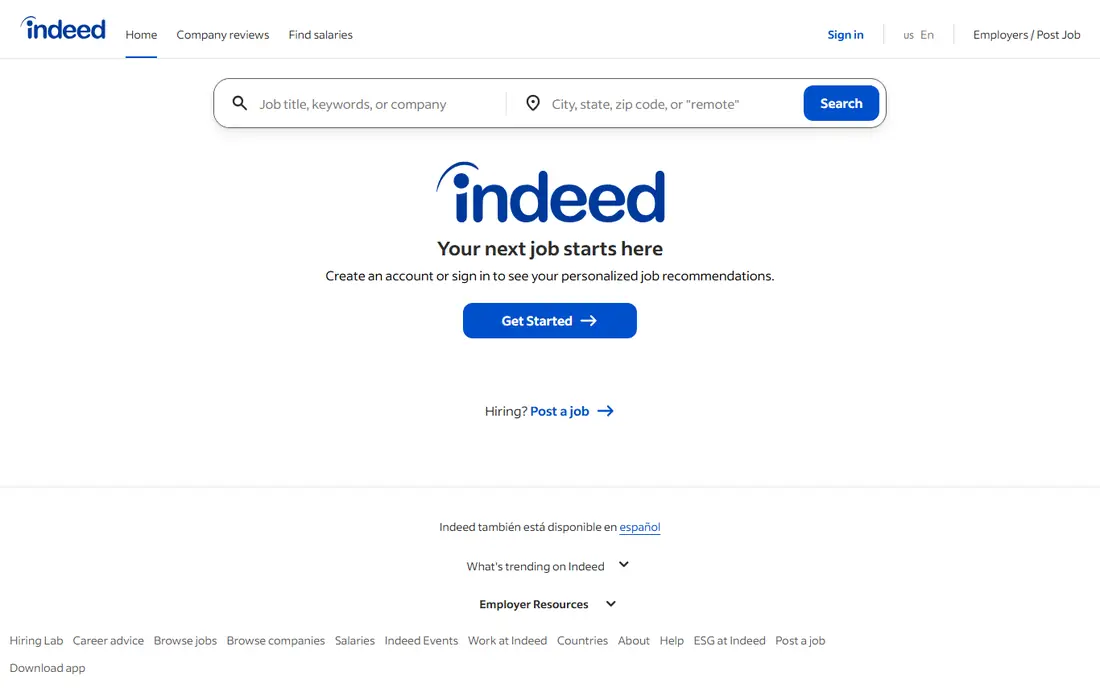
Indeed remains the biggest job board for most US job seekers, pulling listings from company sites and other boards into one search. You can filter by salary, location, job type and date posted, set alerts for new matches, and apply with a saved resume and profile. Company reviews and salary estimates sit alongside many listings. The size is also the drawback. You will see duplicate postings, older listings and roles that are only loosely related to your search. Use tight filters and check the posting date before applying. For sheer volume and coverage across industries, though, no other app here matches Indeed.
- Huge number of listings
- Easy job alerts
- One profile for many applications
- Listing quality varies
- Some postings are duplicated or out of date
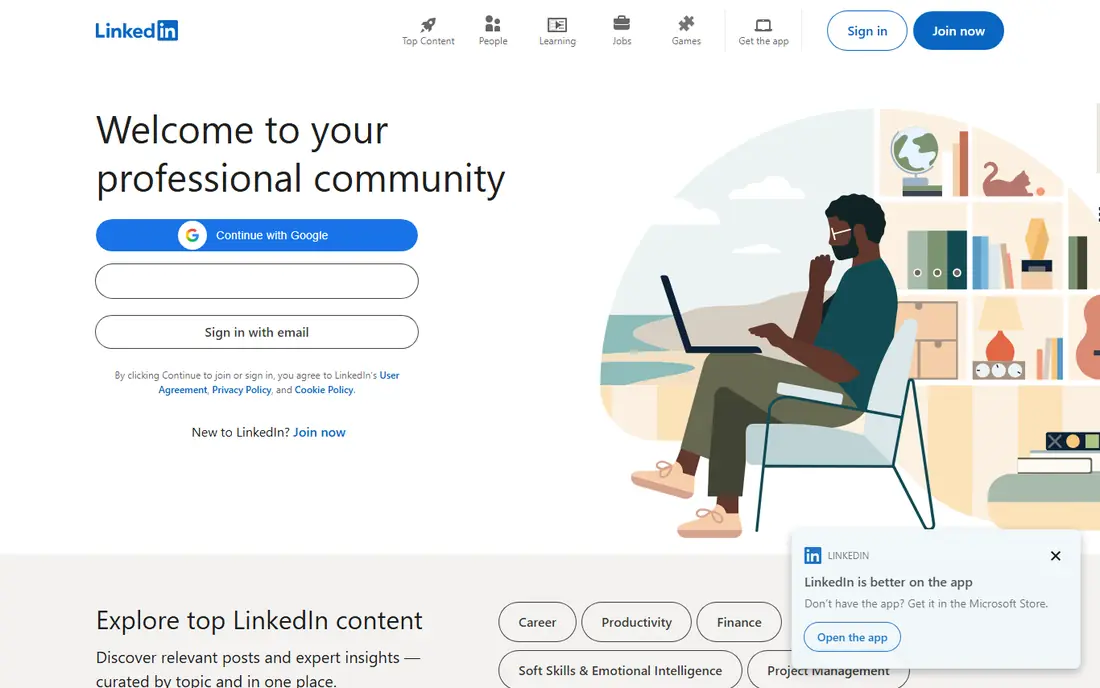
LinkedIn works as both a job board and a professional network, and that combination is its edge. Recruiters search profiles directly, so a complete profile can bring opportunities you never applied for. Job search filters cover experience level, remote work and company size, and many listings support Easy Apply. The free version covers job search and applications well. Premium adds features such as applicant insights and InMail credits, but it is not required to find work. LinkedIn is less useful for hourly or trade roles than Indeed, but for office, tech, sales and management roles it is usually the first place to look alongside Indeed.
- Strong for professional and white-collar roles
- Networking and recruiter visibility
- Easy Apply on many listings
- Feed can distract from searching
- Premium features are paid

Glassdoor is best used as a research tool that also lists jobs. Before you apply, you can read employee reviews, see reported salaries for a role, and read interview reports that describe the questions asked. That context helps you judge whether a salary offer is fair and whether a workplace culture fits you. Job listings are fewer than on Indeed, and reviews should be read with care, since unhappy employees are more likely to post. Used together, though, Glassdoor plus Indeed is a strong pair: find the role on Indeed, then check the pay and culture on Glassdoor before you apply.
- Salary data and interview reviews
- Company ratings from employees
- Job listings alongside research
- Some reviews are dated or one-sided
- Job volume is smaller than Indeed
ZipRecruiter focuses on speed. Its matching system sends you roles that fit your profile, and its mobile apply flow is one of the quickest here. You can see when an employer has viewed your application, which removes some of the silence that makes job hunting stressful. Matches are not always precise, so you will still need to filter by location, salary and role type. ZipRecruiter is a good second app to run alongside Indeed: it surfaces roles quickly and its alerts help you apply early, which can matter for popular postings.
- Quick matching to new listings
- Mobile-friendly apply flow
- Alerts when employers view your application
- Match quality varies
- Employers pay to post, so some roles appear on several boards
Monster is one of the oldest job boards, and it still covers a broad range of industries, from entry-level roles to management. Its resume builder and career advice articles help if you are updating a resume after a long gap. Job alerts and saved searches work as expected. The app feels less modern than Indeed or LinkedIn, and its listing volume is smaller than it once was. Even so, Monster sometimes carries roles that do not appear elsewhere, so it is worth a weekly check, especially for general and mid-level roles.
- Long-running board with broad listings
- Resume tools and career advice
- Easy alerts
- Interface feels older than rivals
- Listing volume has fallen behind Indeed and LinkedIn
CareerBuilder pairs job listings with career resources such as resume tips, salary information and hiring trend articles. That extra context helps if you are changing fields or returning to work and want to know which roles are growing. Search filters cover the usual location, salary and job type options. As with other aggregators, some listings will also appear on Indeed, and the mobile app is less smooth than the leaders here. CareerBuilder works best as a backup board and a research source rather than your only job app.
- Broad listings
- Resume and career resources
- Salary and job market data on some listings
- Some listings are aggregated from other boards
- Mobile experience is less polished
Handshake is built for students and recent graduates, and it shows. Employers post internships, part-time roles and entry-level jobs specifically for early-career candidates, and the app recommends roles based on your major, interests and location. Many universities partner with Handshake, which gives students access to campus recruiting events. If you have years of experience, Handshake will feel narrow, and some features work best with a university email. For a student or recent graduate, though, it is the most focused job app here, and it is free.
- Employers hiring early-career talent
- Internships and entry-level roles
- Personalized recommendations
- Limited value once you have several years of experience
- Requires a student or alumni connection for full use
SimplyHired keeps job search simple. You search by title and location, see salary estimates on many listings, and browse without creating an account. That low friction makes it a good quick-check tool when you want a salary range for a role or a second source for listings. The feature set is thinner than Indeed or LinkedIn: fewer application tools, fewer alerts and less company research. Use SimplyHired for fast salary checks and extra listings, and use Indeed or LinkedIn as your main application hub.
- Clean search
- Salary estimates on many listings
- No account needed to browse
- Smaller feature set than Indeed
- Some listings link out to other boards to apply
How we picked these
We compared official feature pages, app store listings and public reviews for job apps that are still active in 2026 and free for job seekers. We favored apps with broad coverage, working alerts, and a clear apply flow, and we included one specialist for students because early-career job search has different needs. We left out apps that charge job seekers to apply or that only serve a single employer.
How to use job apps well
Set up alerts on two apps, not ten, so you see new roles quickly without drowning in emails. Keep one master resume, then adjust the top lines and skills for each role to match the posting, since generic applications get ignored more often. Track where you applied and when, and follow up once if a posting has a contact. Also check the employer directly. Some companies prefer applications through their own careers page, and a listing on an app may be older than the same role on the company site. A quick check takes a minute and avoids applying for a filled role. Prepare for interviews while you wait, too. Research the company, practice answers to common questions, and prepare two or three questions of your own about the team and the role. If you get a rejection, ask politely for feedback when a contact is available, and keep applying. Most job searches take weeks, and steady, tailored applications beat a single burst of generic ones.
FAQ
What are the best apps to find jobs?
Indeed and LinkedIn are the best starting pair for most job seekers: Indeed for volume and LinkedIn for professional roles and recruiter visibility. Add Glassdoor for salary research before you accept an offer.
What is the best job app for students?
Handshake is the best job app for students and recent graduates, because employers post internships and entry-level roles there specifically for early-career candidates.
What job apps are the best for remote work?
Indeed and LinkedIn both have remote filters that work well, and ZipRecruiter also flags remote roles. Always confirm remote status in the posting, since some listings use "remote" loosely.
Is it better to apply on a job app or a company website?
Applying through the company website can be slightly better when the listing is also on an app, since it goes straight into their system. Use the app to find roles, then apply on the company site when that option is clear.
Are job apps free for job seekers?
Yes, all the apps here are free for job seekers to search and apply. Employers pay to post or promote listings, and some apps sell optional premium features, but you do not need to pay to apply.