IT Risk Assessment Software in 2026: The 5 Best Options Side by Side
5 products for the best IT risk assessment software, ranked by fit, with starting costs and free tiers. Each tool gets a one-line verdict. Full profiles inside.
- Editor's choice
 LogicGate Risk Cloud
Customizable enterprise and external risk
Starts atSee websiteVisit logicgate.comFull review - Great alternativeMetricStream Enterprise Risk Management
Enterprise-wide GRC automation
Starts atSee websiteVisit metricstream.comFull review - Also consider
 Secureframe
Compliance automation with expert guidance
Starts at$7,500 a yearVisit secureframe.comFull review
Direct answer
For customizable enterprise and external risk, LogicGate Risk Cloud is where this list starts. Listed starting prices: Secureframe from $7,500 a year. For a different need, MetricStream Enterprise Risk Management covers Enterprise-wide GRC automation and Secureframe covers Compliance automation with expert guidance. The other 2 tools in the list cover narrower or pricier cases.
TL;DR:
- Number one here is LogicGate Risk Cloud, a fit for customizable enterprise and external risk.
- Expect to ask for a quote from LogicGate Risk Cloud, MetricStream Enterprise Risk Management, Vanta and ServiceNow Governance, Risk, and Compliance; the other tools show a starting price.
- ServiceNow Governance, Risk, and Compliance is the one to check for Risk workflows inside a wide product.
- None of the 5 tools, from LogicGate Risk Cloud to ServiceNow Governance, Risk, and Compliance, has a free plan, so budget for a subscription or use a trial.
- Before buying Secureframe, weigh this: may be less suited to large enterprise risk programs.
Last checked November 2026. Prices and plan details were read from the vendors' own pages in November 2026; vendors change plans often, so confirm the current price on the vendor site before you buy.
Quick comparison
| Tool | Best for | Starts at | Free plan? | |
|---|---|---|---|---|
| LogicGate Risk Cloud | Customizable enterprise and external risk | See website | Not stated | Visit |
| MetricStream Enterprise Risk Management | Enterprise-wide GRC automation | See website | Not stated | Visit |
| Secureframe | Compliance automation with expert guidance | $7,500 a year | Not stated | Visit |
 Vanta | Automatic compliance and continuous monitoring | See website | Not stated | Visit |
| ServiceNow Governance, Risk, and Compliance | Risk workflows inside a wide system | See website | Not stated | Visit |
Tool-by-tool breakdown
LinkVetted put together this guide to IT risk assessment software for readers who want a clear shortlist without reading every vendor page. It compares 5 tools on starting price, free plans, who each one suits and where each one falls short.
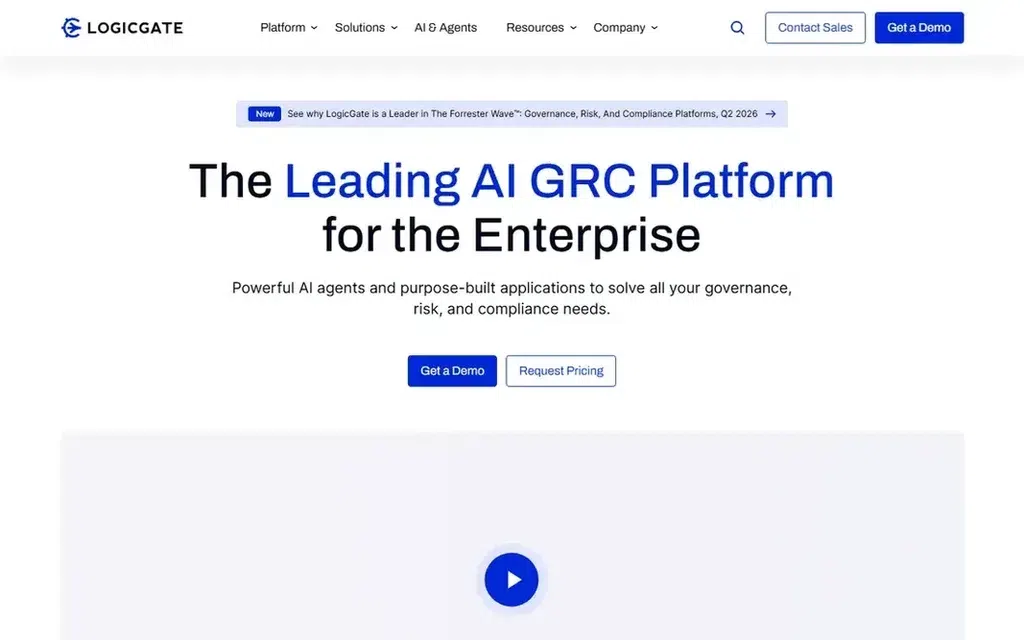
LogicGate Risk Cloud was built for customizable enterprise and external risk. LogicGate Risk Cloud is an AI-powered GRC product with a large library of applications spanning enterprise risk, external risk, cyber risk, and compliance management. Also, the configurability that makes it adaptable can also mean more setup and administration effort.
Worth adding: teams that want to configure workflows to their own methodology instead of accept a fixed template will find it appealing. Worth adding: smaller IT teams without dedicated GRC staff may prefer a lighter compliance-focused tool, and buyers should confirm which applications map to their specific risk program. This comparison lists no price for LogicGate Risk Cloud; ask the vendor. As for free access: Not stated.
Watch-outs: Wide configuration can take effort to set up.
- Cyber risk
- AI-assisted GRC system
- May be more than small teams need
MetricStream Enterprise Risk Management
Best for: Enterprise-wide GRC automation
MetricStream Enterprise Risk Management serves Enterprise-wide GRC automation. As an enterprise system, it can demand meaningful planning and administration before it gives value. Beyond that, Risk and compliance leaders in regulated or complicated environments are the primary audience.
Drawbacks to consider: Enterprise scope may be heavy for small teams.
In daily use, MetricStream Enterprise Risk Management is GRC software geared toward simplifying and automating governance, risk, and compliance programs across an enterprise. Its homepage emphasizes thinking, advising, and acting on GRC, which fits organizations building a structured, cross-functional risk program. This comparison lists no price for MetricStream Enterprise Risk Management; ask the vendor. As for free access: Not stated.
- Aimed at cross-industry use
- Includes risk management and compliance
- Program setup takes planning
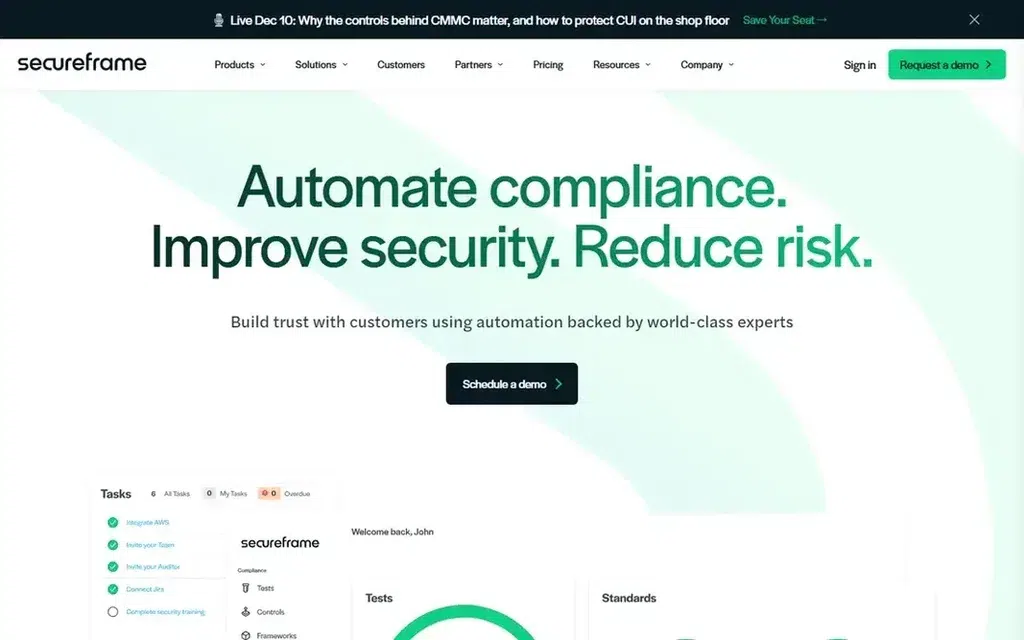
Choose Secureframe for Compliance automation with expert guidance. Consider it when compliance readiness and customer trust are the primary drivers, and look elsewhere for heavy operational risk modeling.
Secureframe presents itself as a way to get compliant, mitigate risk, and build customer trust through automation backed by experts. What you pay to start with Secureframe: $7,500 per year. Free options: Not stated.
Watch-outs: May be less suited to large enterprise risk programs.
- Suited to fast-moving security teams
- Focus on trust and risk mitigation
- Depth relies on the frameworks you need
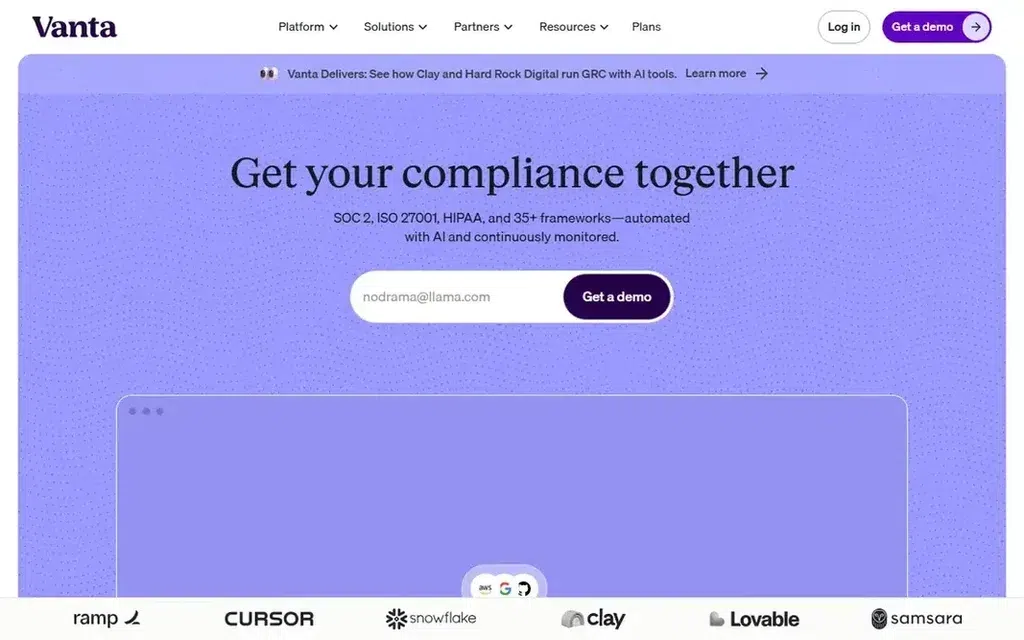
Pick Vanta if this describes you: automatic compliance and continuous monitoring. Vanta is a compliance automation system that also supports security monitoring and risk visibility.
Since Vanta leans toward compliance automation, organizations with complicated enterprise risk registers or external risk programs may find it less deep than dedicated GRC suites. Beyond that, teams that require wide operational risk modeling across plenty of departments should compare it against fuller GRC products before committing. Check the vendor site for Vanta pricing; none is listed in this comparison. Free plan details: Not stated.
Drawbacks to consider: Framework coverage varies by need.
- Automates security monitoring workflows
- Aims to shorten certification timelines
- Compliance focus may feel narrow for deep enterprise risk programs
ServiceNow Governance, Risk, and Compliance
Best for: Risk workflows inside a wide system
ServiceNow Governance, Risk, and Compliance makes the most sense for Risk workflows inside a wide system. ServiceNow Governance, Risk, and Compliance brings risk and compliance workflows into the broader ServiceNow AI platform, which numerous enterprises already use for IT and employee workflows.
Points against: Can need significant configuration.
From a buyer's view, teams without ServiceNow in place may find a standalone risk tool quicker to adopt, so weigh integration benefits against setup effort. Check the vendor site for ServiceNow Governance, Risk, and Compliance pricing; none is listed in this comparison. Free options: Not stated.
- Links risk to wider enterprise workflows
- Suited to organizations already standardized on it
- Value relies on system adoption
Selection criteria
For each of the 5 tools we noted price, free plan or trial, fit for IT risk assessment software and the main limit, using vendor pages and documentation. Figures are shown as the vendors publish them. Billing terms, seat minimums and add-ons can change the real cost. The order reflects how well each tool fits the most common buying scenario for IT risk assessment software, then price clarity, then free plan access. It is a starting point, not a verdict.
Before you commit
- Confirm the entry price on the vendor page. For LogicGate Risk Cloud, MetricStream Enterprise Risk Management, Vanta and ServiceNow Governance, Risk, and Compliance that means a quote rather than a fixed price.
- Before choosing LogicGate Risk Cloud, weigh its main limit: wide configuration can take effort to set up.
- Add up seats, add-ons and usage charges for LogicGate Risk Cloud before comparing it with cheaper entries.
- Read the plan comparison for Secureframe carefully; key features often start on a higher tier.
- Let daily users try Vanta on real work; their feedback beats any feature checklist.
FAQ
How are the tools for IT risk assessment software ordered?
LogicGate Risk Cloud sits first and ServiceNow Governance, Risk, and Compliance last because the order follows typical fit for IT risk assessment software, then price clarity and free access. It is a judgement call, so read each profile for fit and limits.
What should IT risk assessment software include?
Look for risk identification and scoring, control mapping, evidence collection, and reporting that stakeholders can act on. Confirm which frameworks and workflows the vendor documents.
Can I try these options before paying?
Not by default. None of the tools, from LogicGate Risk Cloud to ServiceNow Governance, Risk, and Compliance, lists a free plan or a free trial here, so ask each vendor for a demo before committing.
Is LogicGate Risk Cloud the right pick for everyone comparing IT risk assessment software?
No single tool suits every team. LogicGate Risk Cloud comes first because it fits configurable enterprise and third-party risk, while MetricStream Enterprise Risk Management suits Enterprise-wide GRC automation and Secureframe suits Compliance automation with expert guidance. Match the tool to your own size, budget and workflow before deciding.
Does any tool for IT risk assessment software here have a free plan?
A permanent free plan is not offered by LogicGate Risk Cloud, ServiceNow Governance, Risk, and Compliance or the other tools here. Plan a short evaluation period instead.
How do I evaluate a tool before buying?
Request a demonstration concentrated on your own risk scenarios and ask how evidence and audit trails are produced. Check vendor documentation for stated limits, and validate that the modules you need are included in what you would deploy.
Sources
- https://www.logicgate.com
- https://www.metricstream.com
- https://secureframe.com
- https://www.vanta.com
- https://www.servicenow.com