Best Risk Assessment Software in 2026: 7 Tools Compared
We compared the best risk assessment software and best risk assessment tools for risk registers, controls, vendor risk, audits, and pricing for buyers.
- Editor's choice
 LogicGate
Configurable risk programs
Starts atSee websiteVisit logicgate.comFull review - Great alternative
 Drata
Automated evidence collection
Starts atSee websiteVisit drata.comFull review - Also consider
 Vanta
Fast SOC 2 and trust center
Starts atSee websiteVisit vanta.comFull review
TL;DR:
- Risk assessment software falls into two groups: full governance platforms and compliance automation tools that collect evidence for audits.
- LogicGate and MetricStream suit large, complex programs, while Drata and Vanta suit teams that need SOC 2 or ISO 27001 evidence fast.
- Almost all enterprise risk pricing is quote based, so demo with your real risk register in hand.
- None of these tools replaces judgment. A risk score is a starting point, not a decision.
Quick comparison
| Tool | Best for | Starts at | Free plan? | |
|---|---|---|---|---|
| LogicGate | Configurable risk programs | See website | No | Visit |
| Drata | Automated evidence collection | See website | No | Visit |
| Vanta | Fast SOC 2 and trust center | See website | No | Visit |
 MetricStream | Large enterprise GRC | See website | No | Visit |
 Riskonnect | Integrated risk and claims | See website | No | Visit |
 Onspring | Mid market GRC | See website | No | Visit |
 6clicks | Small teams and AI assisted GRC | See website | Free trial | Visit |
The best risk assessment software
We picked tools that help teams record risks, link them to controls, assess vendors, and prepare for audits. The order moves from flexible enterprise platforms to faster compliance tools.
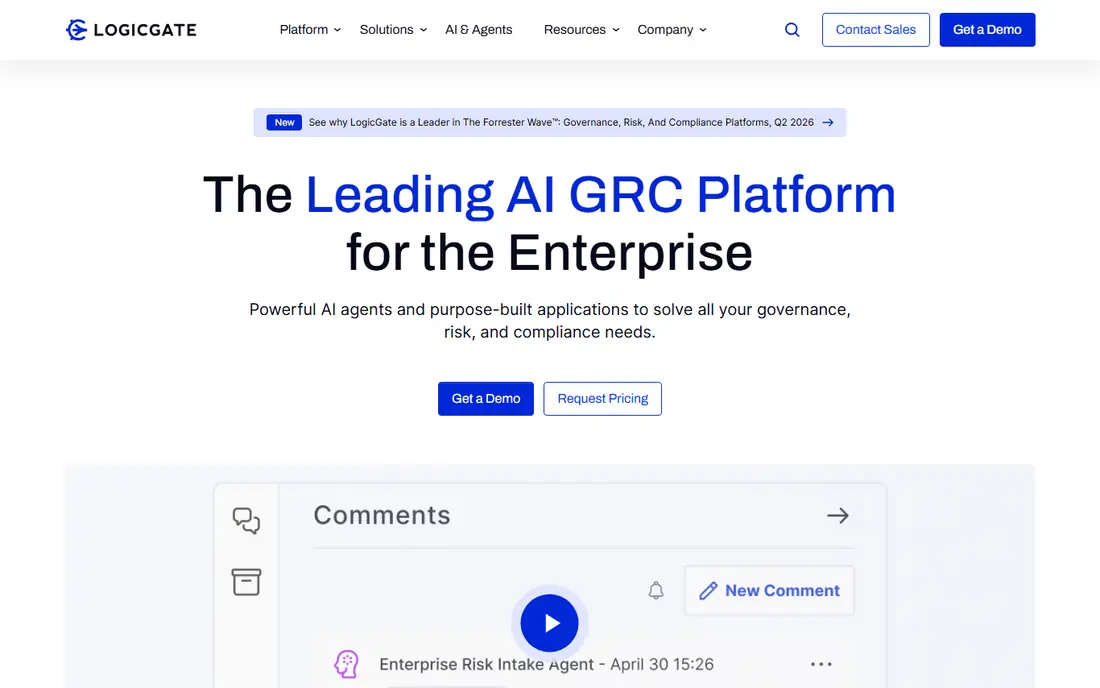
LogicGate Risk Cloud suits teams that want to shape their own risk program without waiting for developers. Its no code builder lets business users create risk registers, assessments, questionnaires, and workflows, with prebuilt apps for enterprise risk, third party risk, audit, and compliance. That flexibility matters because risk programs differ widely. A bank, a software company, and a hospital may all assess risk, but they do not assess the same risks in the same way.
The trade off is that flexibility needs ownership. A team that does not define risk scoring, review cycles, and owners will end up with a large register that no one trusts. Pricing is quote based, so ask for a price tied to your user count, modules, and implementation help. We would shortlist LogicGate when you need a configurable platform that non technical risk owners can run, and when you have a clear risk framework to put into it.
- No code builder for risk workflows
- Prebuilt apps for risk, audit, and compliance
- Flexible reporting
- Quote based pricing
- Standalone reporting can feel thin for some teams
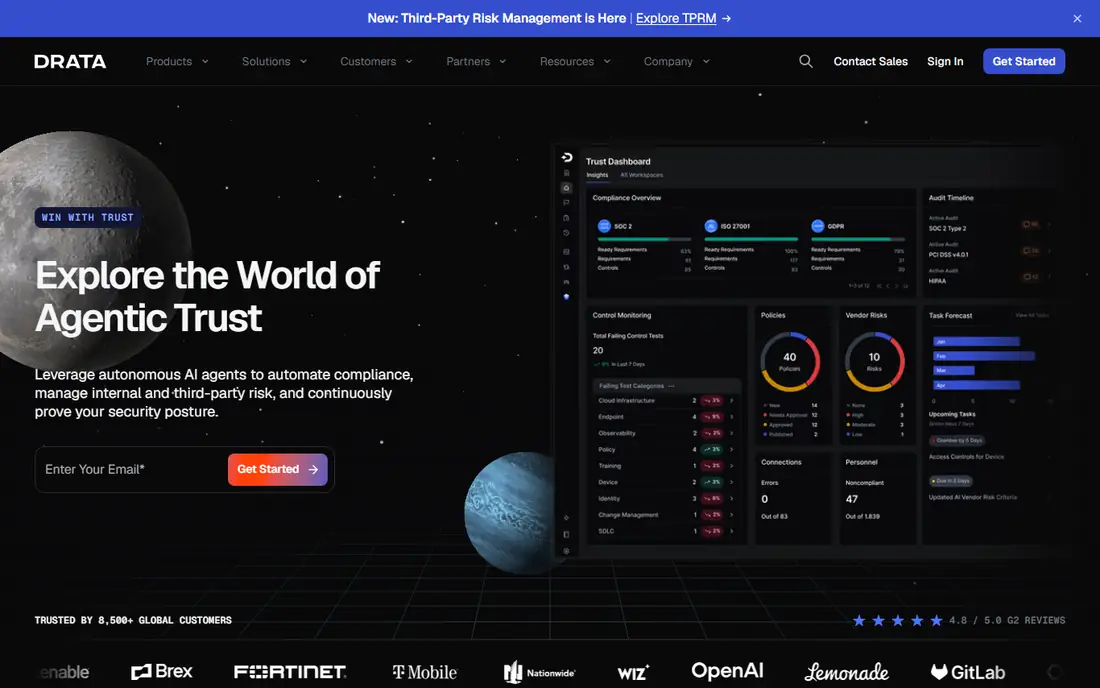
Drata is the compliance automation pick for teams that need SOC 2, ISO 27001, or HIPAA evidence without building a full governance program from scratch. It connects to your tools, checks controls on a schedule, and flags gaps with guidance on how to fix them. That automation saves weeks of manual evidence gathering, especially for software companies selling to enterprise customers that ask for a SOC 2 report before signing. Drata also works with a network of audit firms, so the platform and the audit can move in step.
The limit is scope. Drata is strongest for control based compliance, less so for broad enterprise risk modeling or claims. Pricing is quote based and can grow with frameworks and modules, so get a quote for every framework you plan to add in the next year, not just the first one. We would pick Drata when audit readiness is the main driver, and when your team wants daily control checks rather than a yearly spreadsheet review.
- Automated control monitoring
- Many integrations
- Audit firm network for SOC 2 and ISO work
- Quote based pricing
- Custom frameworks can be an add on
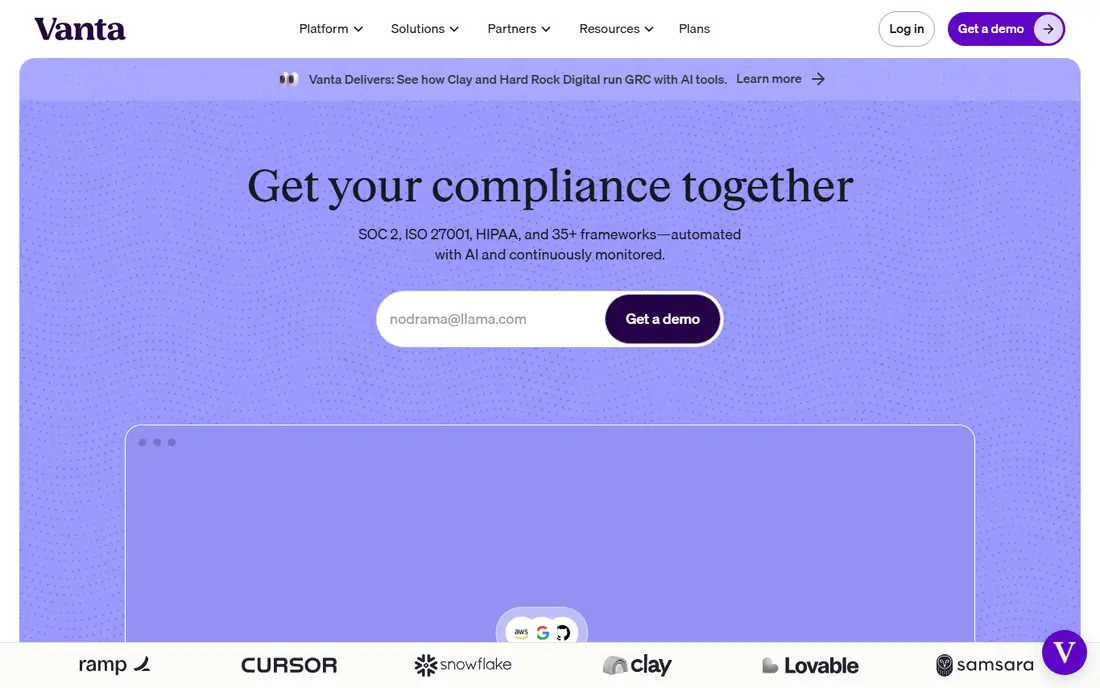
Vanta suits startups and growth companies that need to prove security to customers fast. It automates evidence collection across hundreds of integrations, runs frequent control tests, and provides a Trust Center where customers can review security documents without a long email exchange. That Trust Center alone can shorten enterprise sales cycles, because security questionnaires often stall deals. Vanta also offers vendor risk management, so you can vet your own suppliers in the same platform.
The catch is cost at scale. Vanta pricing is quote based, and multi framework, multi module coverage can grow well beyond the entry price. One framework per tier on some plans also means you should check exactly what your quote covers. We would choose Vanta when customer trust and sales speed are the main goals, and when you want the widest integration library in this group.
- Large integration library
- Trust Center for customer security reviews
- Vendor risk tools
- Quote based enterprise pricing
- Costs can grow with modules and frameworks
MetricStream is built for large, regulated organizations with complex risk and compliance programs. It offers deep libraries for risk, audit, compliance, and third party risk, with analytics that help a central risk team see patterns across business units. Banks, insurers, and large manufacturers often need that depth, because their risk programs span many regulations, entities, and reporting lines. For that buyer, a lighter tool would force too many workarounds.
The trade off is effort. MetricStream is an enterprise platform, and setup, data migration, and training will take longer than with LogicGate or Onspring. Smaller teams should not shortlist it unless they have a clear enterprise need and staff to run it. We would pick MetricStream when program complexity, regulation, and scale are the main problems, and when the team can commit to a proper implementation.
- Deep enterprise risk and compliance libraries
- Strong analytics
- Suited to regulated industries
- Quote based pricing
- Heavier setup than mid market tools
Riskonnect suits organizations that need risk, claims, and operational risk in one system. Insurers, healthcare systems, and large operators often manage incidents, claims, and risks as linked events, not as separate spreadsheets. Riskonnect lets teams record an incident, link it to a risk and a claim, and report across all three, which gives a clearer picture than three separate tools. That integration is its main advantage over narrower risk registers.
The downside is breadth. If you only need a risk register and vendor assessments, Riskonnect may be more platform than you need, with a longer setup to match. Pricing is quote based, so scope the modules you will actually use in year one. We would shortlist Riskonnect when claims and operational risk are part of the same program, and when integrated reporting will save real reporting time each quarter.
- Covers enterprise risk, claims, and operational risk
- Good for insurers and large operators
- Integrated reporting
- Quote based pricing
- Broad platform can feel heavy for a single risk use case
Onspring is a practical mid market choice for teams that want configurable governance without enterprise weight. It covers risk, audit, compliance, and vendor management, with workflows that business users can adjust. That makes it a good fit for a growing company that has outgrown spreadsheets but does not need a full enterprise GRC suite yet. Support quality is often cited as a plus, which matters when a small risk team needs help during an audit cycle.
The limit is scale and footprint. Onspring has a smaller public presence than MetricStream or LogicGate, so ask for references in your industry and test the reporting views with your own risk data. Pricing is quote based, so compare total cost including implementation. We would pick Onspring when you need a configurable mid market platform, want responsive support, and plan to grow the program over time.
- Configurable without heavy coding
- Good for audit, risk, and vendor programs
- US based support
- Quote based pricing
- Smaller vendor footprint than the largest GRC platforms
6clicks suits smaller teams that want usable governance without a long implementation. It covers risk registers, assessments, vendor risk, and compliance in a cleaner interface than many enterprise platforms, and its AI features help draft assessments, map controls, and summarize risk data. For a small risk or compliance team, that assistance can save hours on routine drafting, as long as a human reviews the output before it is used in a report or an audit.
The catch is depth and trust. AI drafts are a starting point, not a final answer, and very large enterprise programs may need deeper libraries and controls than 6clicks offers. The trial helps here, because you can test the interface with your real risks before paying. We would choose 6clicks when ease of use and speed matter most, and when the team will still apply human judgment to every risk decision.
- Easier to learn than enterprise GRC
- AI assisted risk and compliance help
- Trial for testing fit
- Less depth for very large enterprise programs
- AI output still needs human review
How we picked these
We compared official product pages, pricing pages, and public documentation for risk and governance tools, and we favored tools still sold in 2026. We looked for risk registers, control mapping, vendor risk, audit support, and reporting, and we noted where pricing was quote based instead of publishing a guess. We did not claim hands on testing in a regulated audit, and we did not treat a compliance automation tool as a full enterprise risk platform.
What to check before you buy risk software
Start with your risk framework, not a vendor demo. Write down how you score likelihood and impact, who owns each risk, how often reviews happen, and what reports your board or auditors actually read. A tool that cannot model your scoring and reporting will force workarounds from day one.
Vendor risk and evidence
Test vendor assessments and evidence collection with real vendors and real controls. Send a questionnaire to a real supplier, link a control to evidence, and produce a report you could show an auditor. If any step needs a spreadsheet outside the tool, note it, because that gap will grow as your program grows.
Ownership and review habit
Name risk owners and set review dates before launch. Risk software fails when registers go stale, not when features are missing. A monthly review habit, a named owner for each top risk, and a clear escalation path matter more than extra dashboards.
FAQ
What are the best risk assessment tools for a small business?
6clicks and Onspring are good starting points for smaller teams, because they are easier to learn than enterprise platforms. Drata or Vanta suit small software companies that need SOC 2 evidence fast. Avoid large enterprise GRC until your program size justifies it.
How much does risk assessment software cost?
Most enterprise risk tools use quote based pricing, so expect a sales process. Compliance automation tools also vary by framework and module count. Always ask for a total quote that covers users, frameworks, implementation, and support for year one.
What is the difference between risk assessment and GRC software?
Risk assessment is one part of governance, risk, and compliance software. GRC platforms also cover audit management, compliance tracking, policy management, and vendor risk. Many tools on this list do both, but they differ in depth for each area.
Do I need risk software if I already use spreadsheets?
Spreadsheets work for a small register, but they break down when risks, controls, vendors, and audits grow. Software helps with ownership, review dates, evidence links, and reporting, and it reduces the chance that a risk update gets lost in an old file version.
Can AI replace a risk manager?
No. AI can draft assessments, map controls, and summarize data, but a human must review scoring, context, and decisions. Risk judgments involve business context, regulation, and trade offs that a tool cannot make alone.