IT Management Software for Freelancers in 2026: The 5 Best Options Side by Side
Best IT management software for freelancers in 2026: 5 tools with starting prices, free plans and limits. Short, factual notes on every option. Compare quickly.
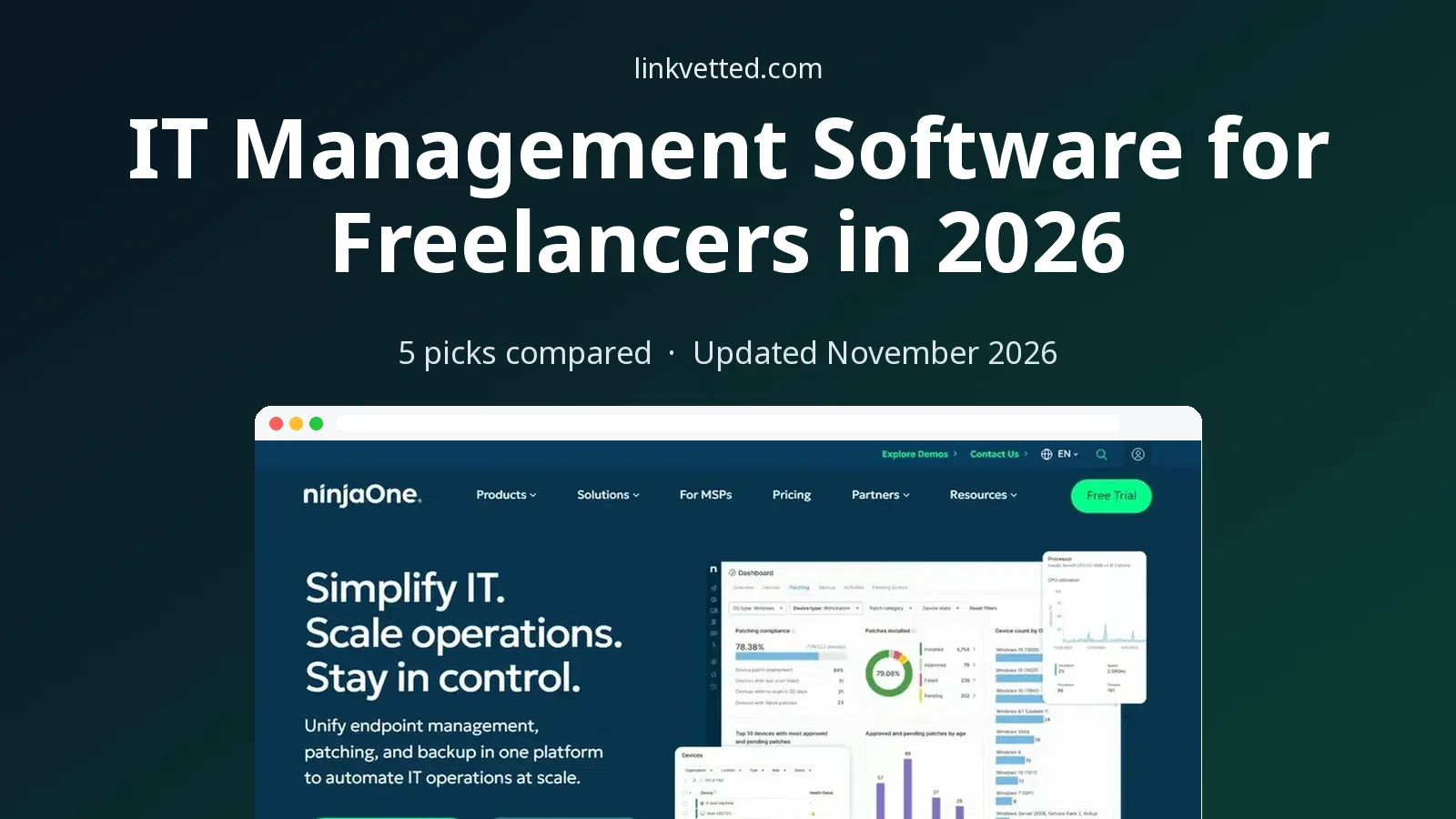
- Editor's choiceN-able N-central
Endpoint management at bigger scale
Starts atSee websiteVisit n-able.comFull review - Great alternativeDatto RMM
Cloud-based remote endpoint management
Starts atSee websiteVisit datto.comFull review - Also consider
 NinjaOne
Unified endpoint operations in one console
Starts at$1.50 per device a monthVisit ninjaone.comFull review
Direct answer
If you need endpoint management at bigger scale, N-able N-central is the first tool to look at here. Listed starting prices: NinjaOne from $1.50 per device a month. Alternatives: Datto RMM for cloud-based remote endpoint management, and NinjaOne for unified endpoint operations in one console. All 5 tools are compared below on price, free plan and limits.
TL;DR:
- N-able N-central sits first on this list: endpoint management at bigger scale.
- SuperOps fits AI-assisted autonomous endpoint management.
- A fair warning about Datto RMM: overlaps with related RMM products.
- The cheapest monthly starting price in the list is $1.50 per device per month, offered by NinjaOne.
Last checked November 2026. Prices and plan details were read from the vendors' own pages in November 2026; vendors change plans often, so confirm the current price on the vendor site before you buy.
Quick comparison
| Tool | Best for | Starts at | Free plan? | |
|---|---|---|---|---|
| N-able N-central | Endpoint management at bigger scale | See website | Not stated | Visit |
| Datto RMM | Cloud-based remote endpoint management | See website | Not stated | Visit |
| NinjaOne | Unified endpoint operations in one console | $1.50 per device a month | Free trial | Visit |
 Action1 | Autonomous patching and vulnerability remediation | See website | Yes | Visit |
| SuperOps | AI-assisted autonomous endpoint management | See website | Yes | Visit |
Every option for IT management software for freelancers explained
Choosing IT management software for freelancers usually comes down to price, fit and limits. This LinkVetted guide sets 5 tools side by side on those three points, with the facts kept short and checkable.
N-able N-central
Best for: Endpoint management at bigger scale
N-able N-central is built with endpoint management at bigger scale in mind. The product assumes you want depth in monitoring and management instead of a minimal patch tool. From a buyer's view, scale-oriented design can mean more configuration and more concepts to learn than a small freelance practice needs.
In practice, evaluate whether your client environments are genuinely complicated before choosing it. As for the details, N-able N-central is described as unified endpoint management with advanced RMM capabilities, built to secure endpoints and automate IT operations at scale. It targets complicated environments, which fits a freelancer whose clients have layered networks, mixed devices or compliance expectations. Also, if you run a handful of straightforward devices, the product may be more than required. N-able N-central shows no starting price here, so confirm the cost on the vendor site. Trial and free access: Not stated.
The main drawbacks: Aimed at complicated, bigger setups.
- Unified endpoint management with RMM
- Aimed at complicated environments
- May be heavy for simple fleets
Datto RMM
Best for: Cloud-based remote endpoint management
Datto RMM targets cloud-based remote endpoint management. Datto RMM is remote monitoring and management software that lets IT providers run, monitor and secure endpoints from the cloud. It is a reasonable fit when monitoring and security oversight are central to the service you offer.
Drawbacks to consider: Overlaps with related RMM products.
Onboarding also takes time. If your main need is patch deployment instead of full monitoring, a patch-focused system may be a quicker route. Check the vendor site for Datto RMM pricing; none is listed in this comparison. On free options: Not stated.
- Monitoring and security in one place
- Cloud-based endpoint management
- Needs onboarding time
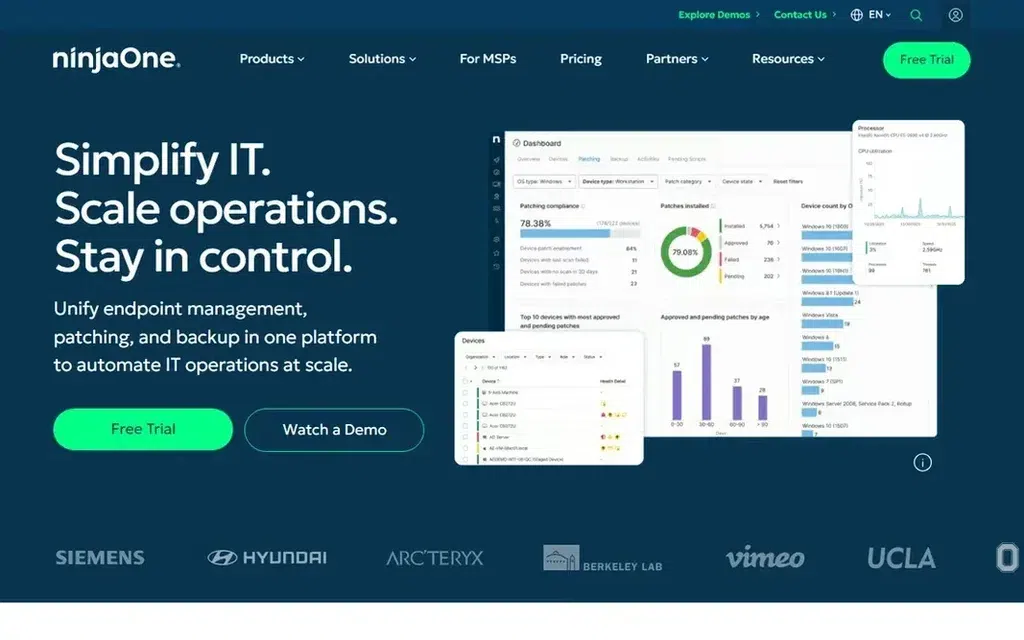
NinjaOne works best for unified endpoint operations in one console. NinjaOne presents itself as a unified IT operations system handling endpoint management, autonomous patching, backup and remote access. From a buyer's view, the product's breadth is also its central caution: a freelancer with a small, straightforward fleet may find more capability than needed.
Honest limits: Wide feature set may exceed solo needs.
Beyond that, for a freelancer handling multiple client devices, that consolidation means fewer separate tools to learn and maintain. From a buyer's view, if your work is largely patch deployment, a narrower patching tool may be more straightforward to operate. NinjaOne starts at: $1.50 per device per month. Free plan details: Free trial.
- Merges patching
- Aimed at IT teams and MSPs
- Setup needs planning
Where Action1 fits: autonomous patching and vulnerability remediation. Choose a broader product if endpoint oversight beyond patching is essential. On top of that, the product is patch-centric, so freelancers who also need wide monitoring, backup or remote access may need extra tools.
It is best treated as a specialist component instead of a complete operations suite. More specifically, a freelancer whose clients primarily need updates applied dependably and vulnerabilities closed will find the scope clear and the cross-platform coverage practical for mixed device fleets. Action1 shows no starting price here, so confirm the cost on the vendor site. You can start on Action1 without paying.
The main drawbacks: Less suited to deep monitoring needs.
- Cloud-native patch deployment
- MacOS and Linux
- Narrower than full RMM suites
SuperOps
Best for: AI-assisted autonomous endpoint management
SuperOps is a good fit for AI-assisted autonomous endpoint management. SuperOps describes itself as an autonomous endpoint management product for IT teams and MSPs, with AI agents that patch, fix and secure devices. If you prefer explicit control over every action, a more manual RMM or patching tool may feel safer.
Downsides: Autonomy needs careful oversight.
Also, a freelancer juggling several clients may value that hands-off approach for routine maintenance. Also, autonomous remediation deserves careful review, since automatic fixes should align with each client's expectations. This comparison lists no price for SuperOps; ask the vendor. A free plan is available with SuperOps.
- Made for IT teams and MSPs
- AI agents manage patching and fixes
- Newer approach to evaluate closely
Selection criteria
For each of the 5 tools we noted price, free plan or trial, fit for IT management software for freelancers and the main limit, using vendor pages and documentation. Where a price is missing, the vendor does not list one publicly or ties it to a quote. Always confirm before budgeting. Tools are placed by general fit for IT management software for freelancers, with price clarity and free access as tie-breakers. A different team can reasonably rank them differently.
Before you commit
- Confirm the entry price on the vendor page. For N-able N-central, Datto RMM, Action1 and SuperOps that means a quote rather than a fixed price.
- Check what the free option really includes: Action1 and SuperOps offer a free plan, and usage caps differ.
- Use real work to test the free trial from NinjaOne, rather than a demo project.
- Before choosing N-able N-central, weigh its main limit: targeted at complicated, bigger setups.
- Confirm you can export your data from N-able N-central, so leaving later does not mean losing records.
- Test the integrations you rely on with Datto RMM before committing; some connectors sit on upper tiers.
FAQ
How are the tools for IT management software for freelancers ordered?
N-able N-central sits first and SuperOps last because the order follows typical fit for IT management software for freelancers, then price clarity and free access. It is a judgement call, so read each profile for fit and limits.
How should I evaluate autonomous features like AI agents?
Ask how the product takes care of exceptions, approvals and reporting for automatic fixes. Confirm that automatic actions match each client's expectations. Autonomy is most handy when you can still review what changed.
Can I try these tools before paying?
Often, yes. Action1 and SuperOps have a free plan and NinjaOne offers a free trial. Use your own data and a real task during the test, and check what the free tier or trial limits before you rely on it.
Can these systems manage mixed Windows, macOS and Linux fleets?
Coverage varies by product, so check the supported operating systems for each tool you shortlist. For others, confirm product support on the vendor site before committing.
Which IT management tool is best for a freelancer just starting out?
For most readers this guide would start with N-able N-central, built for endpoint management at bigger scale. Datto RMM is the alternative for cloud-based remote endpoint management, and NinjaOne for unified endpoint operations in one console. The right answer depends on budget and workflow.
Which options for IT management software for freelancers have a free plan?
On this list, Action1 and SuperOps include a free plan. Caps on seats, usage or features are common, so test the free plan against your real workload. One other tool offers a trial instead.
Sources
- https://www.n-able.com/products/n-central
- https://www.datto.com/products/rmm
- https://www.ninjaone.com
- https://www.action1.com
- https://superops.com