IT Management Software for Auto Repair Shops in 2026: The 6 Best Options Side by Side
Searching for the best IT management software for auto repair shops? Here are 6 options with prices and free plans. Short verdicts, no fluff. Straight answers.
- Editor's choiceN-able N-central
Complicated environments needing scale
Starts atSee websiteVisit n-able.comFull review - Great alternativeKaseya VSA
Automatic monitoring and remediation at scale
Starts atSee websiteVisit kaseya.comFull review - Also considerConnectWise Automate
Automating repetitive technical work
Starts atSee websiteVisit connectwise.comFull review
Direct answer
Our first pick is N-able N-central, best for complicated environments needing scale. Listed starting prices: NinjaOne from $1.50 per device a month. Kaseya VSA is the stronger choice for automated monitoring and remediation at scale, while ConnectWise Automate suits automating repetitive technical work. The full list of 6 tools follows, with prices and free plan facts.
TL;DR:
- This list starts with N-able N-central, which is built for complicated environments needing scale.
- The main caution on NinjaOne: wide feature set can take time to learn.
- The lowest published monthly entry price here is $1.50 per device per month, from NinjaOne.
- A permanent free plan is missing from all 6 tools, N-able N-central and LogMeIn Central included; plan for a trial or a premium start.
- For secure endpoint management and deployment, LogMeIn Central is worth a look.
Last checked November 2026. Prices and plan details were read from the vendors' own pages in November 2026; vendors change plans often, so confirm the current price on the vendor site before you buy.
Quick comparison
| Tool | Best for | Starts at | Free plan? | |
|---|---|---|---|---|
| N-able N-central | Complicated environments needing scale | See website | Not stated | Visit |
| Kaseya VSA | Automatic monitoring and remediation at scale | See website | Not stated | Visit |
| ConnectWise Automate | Automating repetitive technical work | See website | Not stated | Visit |
 NinjaOne | All-in-one endpoint management and support | $1.50 per device a month | Free trial | Visit |
 GoTo Resolve | Expanding shops wanting more straightforward IT management | See website | Free trial | Visit |
| LogMeIn Central | Secure endpoint management and deployment | See website | Free trial | Visit |
IT Management Software for Auto Repair Shops profiles
Choosing IT management software for auto repair shops usually comes down to price, fit and limits. This LinkVetted guide sets 6 tools side by side on those three points, with the facts kept short and checkable.
N-able N-central
Best for: Complicated environments needing scale
N-able N-central is designed for complicated environments needing scale. Pick N-central when device count and environment complexity are both rising and centralized control matters.
The main drawbacks: Needs technical administration.
A multi-bay shop with an expanding mix of computers, network gear and connected equipment can use it to keep devices patched and monitored from one place. Pricing for N-able N-central is not stated here, so ask the vendor for current figures. Trial and free access: Not stated.
- Unified endpoint management with RMM
- Designed for complex environments
- Scale focus may overwhelm small shops
Kaseya VSA
Best for: Automatic monitoring and remediation at scale
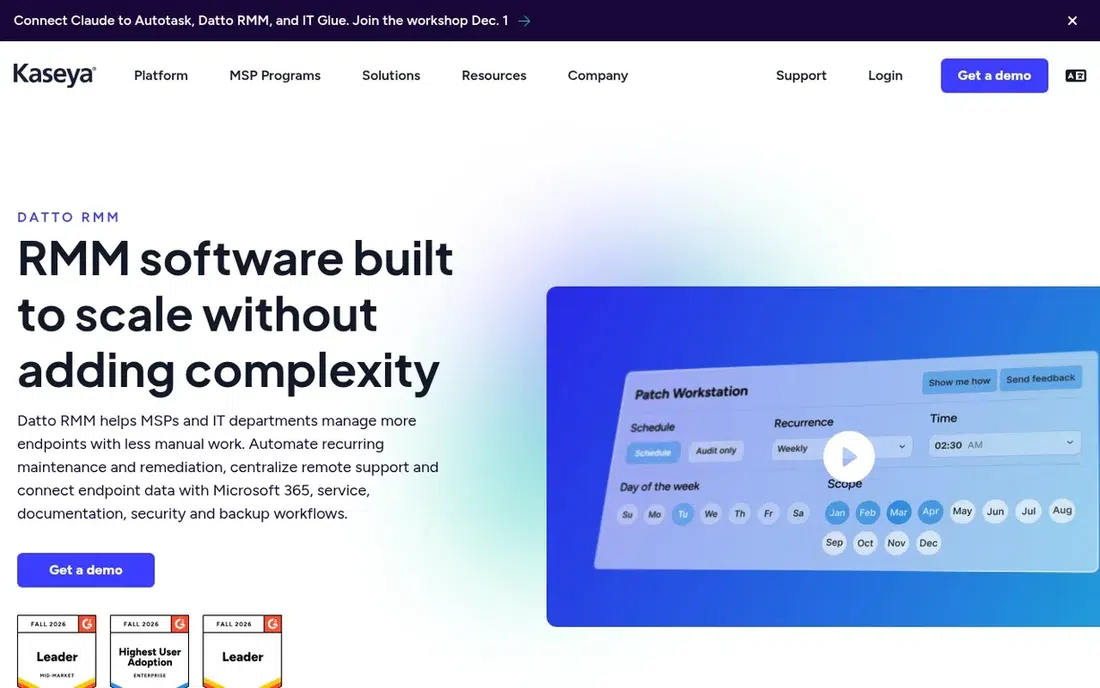
Pick Kaseya VSA if this describes you: automatic monitoring and remediation at scale. In an auto repair setting, that means the shop's computers and diagnostic machines can be watched automatically and typical issues fixed without a technician walking to each device.
The main drawbacks: Interface can feel dense for newcomers.
From a buyer's view, Kaseya VSA is presented as remote monitoring and management software, with the vendor page emphasizing automatic monitoring, patching, remediation and remote support whereas connecting IT workflows. Choose Kaseya VSA when automatic remediation across devices is the priority. Kaseya VSA shows no starting price here, so confirm the cost on the vendor site. Free plan details: Not stated.
Best features of Kaseya VSA: Remote support included.
- Links IT workflows across endpoints
- Automates monitoring
- Feature depth assumes technical users
ConnectWise Automate
Best for: Automating repetitive technical work
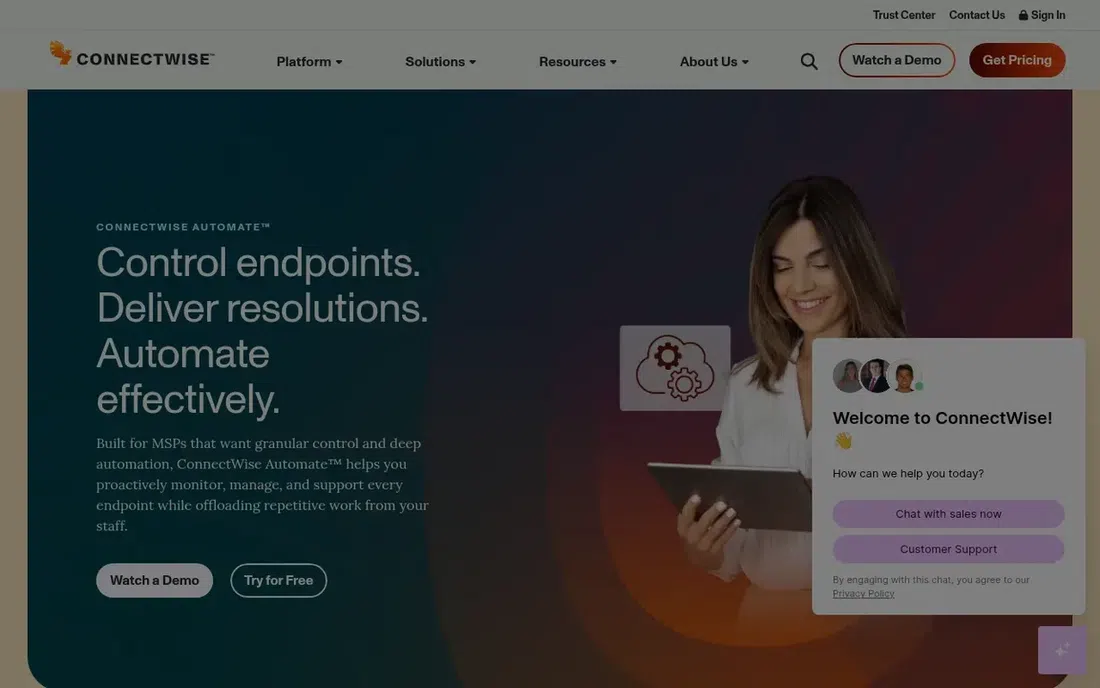
Choose ConnectWise Automate for automating repetitive technical work. ConnectWise Automate is described as feature-rich remote monitoring and management software that automates the technical work and boosts efficiency for IT teams. From a buyer's view, for an auto repair business, the appeal is offloading routine chores like patching and scripted fixes so staff can stay concentrated on vehicles and customers.
Drawbacks to consider: Better suited to technical operators.
From a buyer's view, the automation-first design means the tool rewards configuration effort. A shop without technical support may not extract its value rapidly. It is less about straightforward remote control and more about orchestrated management. ConnectWise Automate does not show a starting price in this comparison, so check the vendor site for current pricing. As for free access: Not stated.
- Automates technical tasks across endpoints
- Pitched at improving IT team efficiency
- Automation setup needs planning
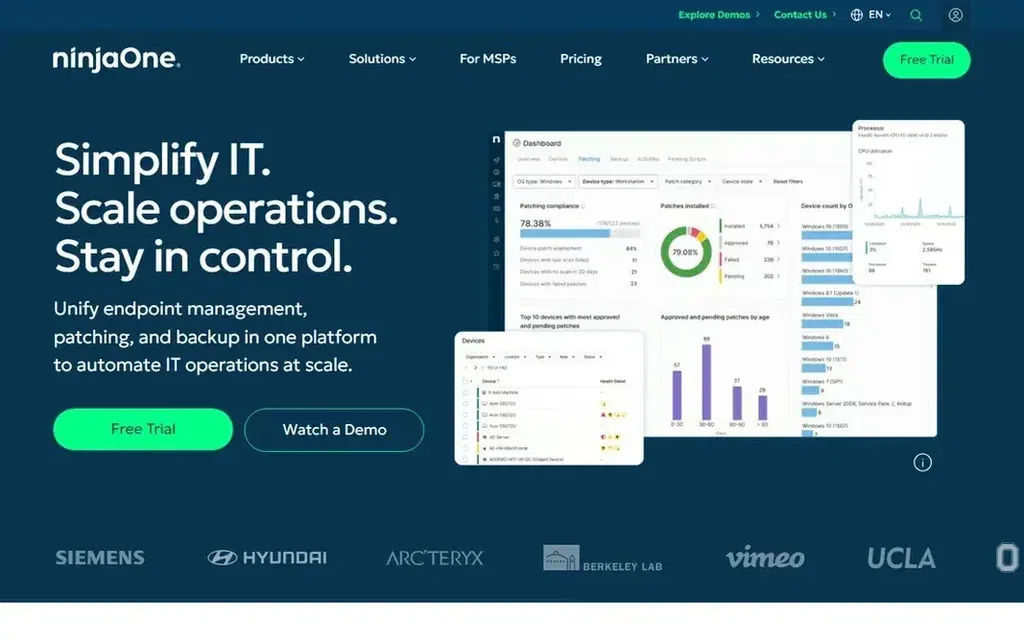
In short, NinjaOne is for all-in-one endpoint management and support. For an auto repair shop with multiple workstations, diagnostic laptops and a front-desk system, that combination means one console for monitoring devices and applying updates. It is positioned for IT teams and managed service providers.
Where NinjaOne stands out: patching and backup.
The main drawbacks: May exceed the needs of very small shops.
Beyond that, otherwise, NinjaOne is a sensible default for consolidating endpoint work. For everyday use, NinjaOne presents itself as a unified IT operations system handling endpoint management, autonomous patching, backup and remote access. NinjaOne pricing: $1.50 per device per month. Free options: Free trial.
- Suited to managed service providers and IT teams
- Unified endpoint management
- Wide feature set can take time to learn
GoTo Resolve is aimed squarely at expanding shops wanting more straightforward IT management. GoTo Resolve is presented as IT management software matching the needs of expanding organizations, with unified endpoint management as its focus.
On top of that, an auto repair shop adding locations or devices can use it to watch its IT landscape without adopting a heavy remote monitoring system. On top of that, consider the more automation-focused products when device counts climb and routine fixes have to run themselves. Pricing for GoTo Resolve is not stated here, so ask the vendor for current figures. Trial and free access: Free trial.
The main drawbacks: Less depth than dedicated RMM systems.
- Endpoint management for expanding organizations
- Suits smaller teams
- Advanced automation is restricted
LogMeIn Central
Best for: Secure endpoint management and deployment
LogMeIn Central is built with secure endpoint management and deployment in mind. The tool concentrates on access and management instead of the deep automatic remediation found in the RMM suites above, so shops needing scripted fixes across plenty of devices may want more.
LogMeIn Central does not show a starting price in this comparison, so check the vendor site for current pricing. Free plan details: Free trial.
Limits to weigh: Narrower automation than full RMM suites.
- Endpoint management and software deployment
- Focus on secure operations
- Advanced reporting is restricted
How we chose
Questions to settle before buying
- Get a written quote from N-able N-central, Kaseya VSA, ConnectWise Automate and others; the list shows no starting price for them.
- Run a trial of NinjaOne, GoTo Resolve and LogMeIn Central with real work before paying for a year; your own workflow is the best test.
- Before choosing N-able N-central, weigh its main limit: scale focus may overwhelm small shops.
- Confirm that NinjaOne connects to the apps your team already uses, on the plan you would actually buy.
- Test how quickly GoTo Resolve answers a pre-sales question; it hints at how support will feel later.
FAQ
What is the cheapest option for IT management software for auto repair shops in this list?
On published monthly entry prices, NinjaOne is the lowest here at $1.50 per device per month. Entry price is only part of the cost, because seats, add-ons and billing terms can change the total. For the full picture, the cards above cover all 6 entries of this IT management software for auto repair shops list, including price, free plan and limits.
Is N-able N-central the right pick for everyone comparing IT management software for auto repair shops?
No single tool suits every team. N-able N-central comes first because it fits complex environments needing scale, while Kaseya VSA suits automated monitoring and remediation at scale and ConnectWise Automate suits automating repetitive technical work. Match the tool to your own size, budget and workflow before deciding.
Can I try these tools before paying?
Often, yes. NinjaOne, GoTo Resolve and LogMeIn Central offer a free trial. Use your own data and a real task during the test, and check what the free tier or trial limits before you rely on it.
How are the tools for IT management software for auto repair shops ordered?
The order follows typical fit for IT management software for auto repair shops, with N-able N-central first and LogMeIn Central last, then price clarity and free access. It is editorial judgement, not a score, so another team could rank the tools differently.
What is the difference between RMM and endpoint management?
Remote monitoring and management tools focus on watching devices and automating fixes across numerous endpoints. Endpoint management spans securing and controlling devices, including software deployment and access.
Sources
- https://www.n-able.com/products/n-central
- https://www.kaseya.com/products/vsa
- https://www.connectwise.com/platform/automate
- https://www.ninjaone.com
- https://www.goto.com/it-management/resolve
- https://www.logmein.com/central