Best Vulnerability Assessment Tools in 2026: 8 Tools Compared
We compared scanning depth, prioritisation, patching and price to find the best vulnerability assessment tool for small teams and enterprises in 2026.
- Editor's choice
 Tenable Nessus
Industry standard network scanning
Starts at$4,790 per yearVisit tenable.comFull review - Great alternative
 Qualys VMDR
Enterprise continuous monitoring
Starts at$2,195 per yearVisit qualys.comFull review - Also consider
 Rapid7 InsightVM
Risk based prioritisation at scale
Starts atSee websiteVisit rapid7.comFull review
TL;DR:
- Tenable Nessus Professional remains the reference scanner for depth, with a free Essentials tier for small environments.
- Qualys VMDR and Rapid7 InsightVM suit larger teams that need continuous monitoring, asset data and remediation tracking.
- Intruder and Detectify suit teams that want cloud scanning without running scanner infrastructure.
- ManageEngine Vulnerability Manager Plus and Greenbone OpenVAS are the budget paths, with patching and free options respectively.
- A scanner only finds issues. The buying question is whether your team can prioritise and fix findings fast enough.
Quick comparison
| Tool | Best for | Starts at | Free plan? | |
|---|---|---|---|---|
| Tenable Nessus | Industry standard network scanning | $4,790 per year | Yes | Visit |
| Qualys VMDR | Enterprise continuous monitoring | $2,195 per year | No | Visit |
| Rapid7 InsightVM | Risk based prioritisation at scale | See website | No | Visit |
 Intruder | Continuous cloud scanning for smaller teams | See website | No | Visit |
 ManageEngine Vulnerability Manager Plus | Scanning plus patching on a budget | $695 per unit per year | Yes | Visit |
 Detectify | Web app and attack surface monitoring | See website | No | Visit |
 Acunetix by Invicti | Deep web application scanning | See website | No | Visit |
 Greenbone OpenVAS | Free open source network scanning | Free | Yes | Visit |
The best vulnerability assessment tools
We compared official product pages, pricing information and public buyer guidance, and kept tools that scan live systems today, not just report on code or cloud settings alone. Note: scanning your own systems is normal security work. Scanning systems you do not own or have permission to test is not, and can be unlawful.
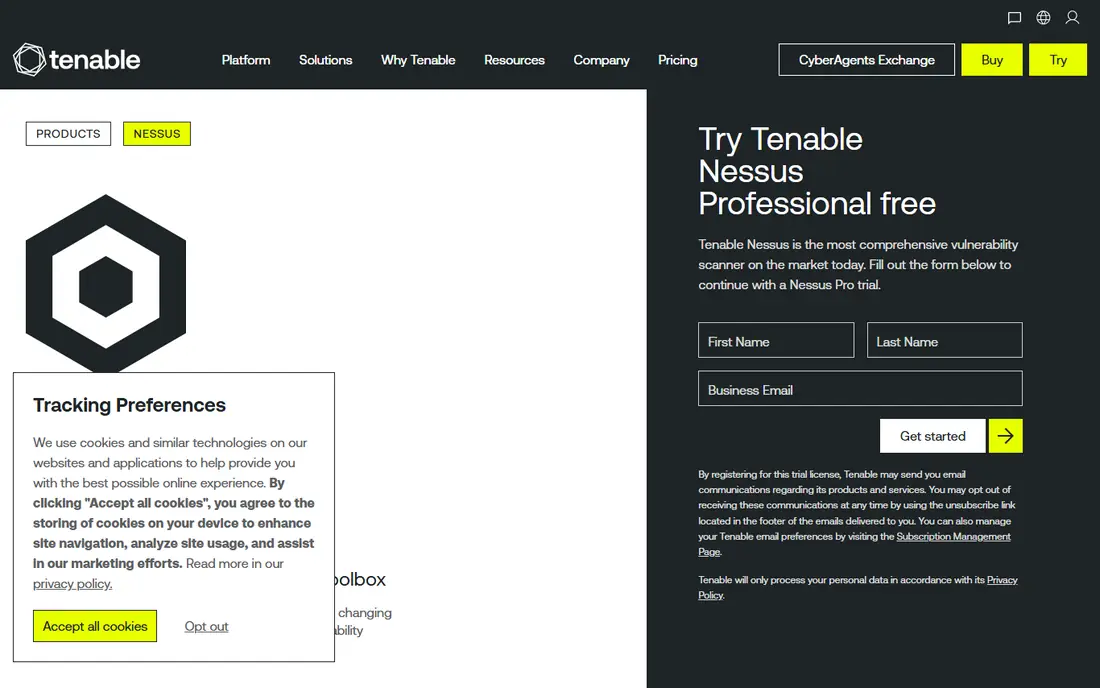
Nessus is the scanner most security professionals learn first, and that familiarity is part of its value. Its plugin library covers a huge range of network services, operating systems and misconfigurations, and results are presented in a form other tools and auditors recognise. For a consultant or a small security team, one Nessus Professional licence covers a lot of ground. The price is the honest barrier. Professional is listed at $4,790 per year, which is a lot for a very small business, though Essentials is free for up to 16 IPs and suits a home lab or a tiny network. Larger teams often move to Tenable Vulnerability Management for workflow and reporting, which is priced separately.
- Very deep plugin library
- Nessus Essentials free for up to 16 IPs
- Widely understood by security teams
- Professional tier is a significant annual cost
- Reporting and workflow need other tools at larger scale
Qualys VMDR suits an organisation that needs vulnerability data tied to asset inventory and patching, not just a scan report. Its cloud platform collects asset data, runs continuous scans, prioritises by risk and feeds patch workflows, which helps a security team show progress over time rather than just listing findings. Compliance reporting is also a strength for regulated industries. Complexity is the trade off. Module choices, asset counts and add ons change the price, with starting figures around $2,195 per year reported for smaller scopes, and enterprise deals priced by quote. A small team that only needs occasional scans will find Qualys heavier than Nessus or Intruder.
- Cloud platform for scanning, asset inventory and patching workflows
- Strong compliance reporting
- Continuous monitoring
- Pricing varies by assets and modules
- Setup and module choices can be complex
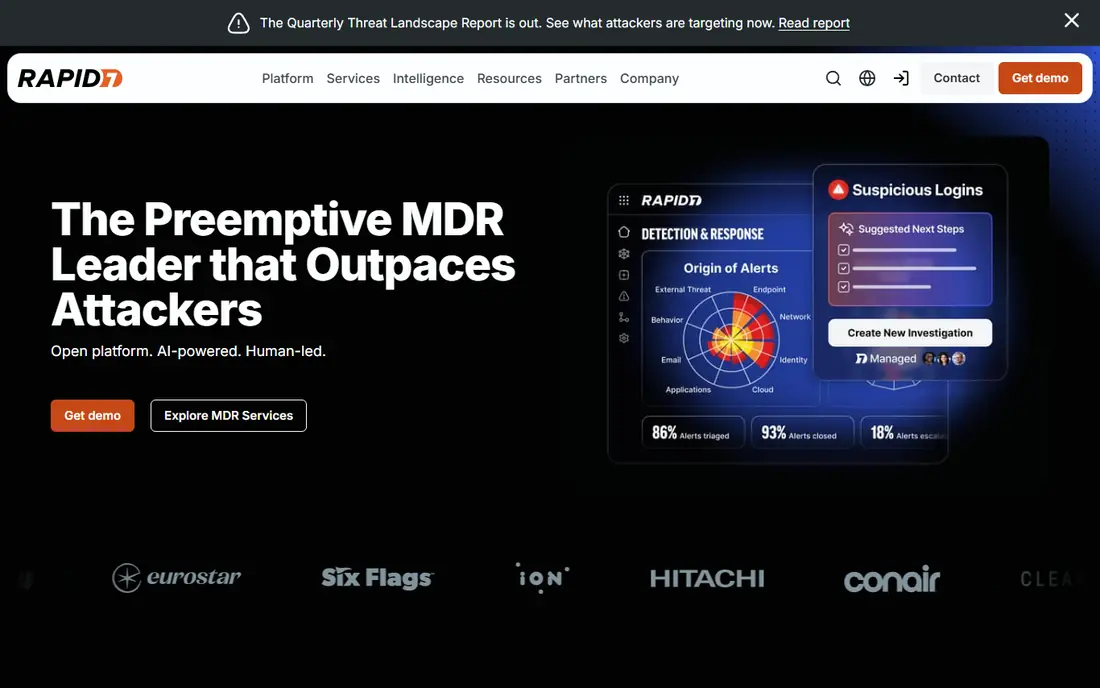
Rapid7 InsightVM is built for teams that already have too many findings and need to decide what to fix first. It prioritises vulnerabilities using risk scores, exploit availability and asset importance, and tracks remediation progress against goals. Live dashboards make it easier to show leaders whether risk is falling, not just how many scans ran. Pricing is by quote and scales with assets, so a small network may find it expensive compared with Nessus or ManageEngine. The case for InsightVM grows with asset count and with the need to prove remediation progress to auditors or executives, where its dashboards and tracking justify the cost.
- Risk based prioritisation with real attacker context
- Live dashboards
- Remediation tracking and goals
- Quote based pricing
- Best value at larger asset counts
Intruder is the easiest route to continuous scanning for a smaller team. Because it runs in the cloud, there is no scanner to install, patch and maintain, and scans run on a schedule with clear reports that a non specialist can follow. That low friction is why many small SaaS companies and agencies choose it. Depth is the limit. For a complex internal network with many segmented systems, a local Nessus or Qualys deployment will usually see more. Intruder is strongest for internet facing systems, cloud infrastructure and web apps, where continuous external scanning matters most.
- Cloud based, so no scanner infrastructure to run
- Continuous scanning and clear reports
- Free trial
- Less depth than Nessus for complex internal networks
- Pricing depends on targets and plan
ManageEngine Vulnerability Manager Plus
Best for: Scanning plus patching on a budget
ManageEngine Vulnerability Manager Plus appeals to IT teams that want to find and fix in one place. It scans for vulnerabilities and missing patches, then deploys patches for operating systems and common third party apps, which closes the gap between a report and a fix. Pricing starts at $695 per unit per year, with a free edition for limited use. The interface is more traditional admin console than modern cloud dashboard, and some reporting features need higher tiers. For an IT team already using ManageEngine tools, or a Windows heavy environment that needs patching as well as scanning, those trade offs are acceptable and the price is attractive.
- Scanning and patch deployment in one tool
- Free edition for smaller use
- On premises option
- Interface is more admin focused than modern cloud tools
- Some advanced features need higher tiers
Detectify focuses on what attackers see from the internet: web apps, subdomains and exposed services. It scans continuously, watches for new subdomains and changes, and flags web vulnerabilities with severity ratings a web team can act on. That external view complements an internal network scanner rather than replacing it. A team that only needs internal network scanning should not buy Detectify alone. Its value shows for companies with many web properties, where a forgotten subdomain or an outdated web app is a real risk. Pricing is quote based for many plans, with a Standard tier reported around 2,500 euros per year, so check the current vendor page for your site count.
- Continuous web app scanning
- Attack surface monitoring for subdomains and changes
- Clear severity ratings
- Not a full internal network scanner
- Pricing is higher for small sites
Acunetix, now part of Invicti, is a specialist web application scanner. It crawls modern web apps, tests authenticated areas and reports vulnerabilities with evidence a developer can reproduce, which makes fixing faster than a vague warning. Teams that run custom web apps, portals or APIs will get more depth here than from a general network scanner. The scope is narrow by design. Acunetix does not scan internal networks, servers or endpoints in the way Nessus does, so most buyers pair it with a network scanner. Pricing is by quote, so budget it as a web security addition, not as a single tool for all vulnerability work.
- Deep automated web app scanning
- Good for complex authenticated apps
- Detailed vulnerability evidence
- Quote based pricing
- Web only, so network scanning needs another tool
Greenbone OpenVAS, formerly OpenVAS, is the free open source path to network scanning. The community edition costs nothing for the licence, includes a large feed of network vulnerability tests, and can be self hosted for full control over scan data. For a skilled admin, a student lab or a charity with no security budget, that is a genuine option. Skill is the price. Installation, feed updates, scan tuning and false positive review all take time, and reporting is less polished than paid tools. If your team has the admin skill and the time, OpenVAS works well. If not, a paid cloud scanner will usually cost less in staff time than it costs in licence fees.
- Free community edition
- Large network vulnerability test feed
- Self hosted control
- Setup and tuning take real admin skill
- Interface and reporting are less polished
How we picked these
We compared official product pages and public pricing guidance, and kept tools that perform live vulnerability assessment in October 2026 across networks, web apps or both. We included enterprise platforms, cloud scanners, a patching tool and a free open source option, because a solo admin and a regulated enterprise do not need the same tool. Prices marked See website are quote based or vary too much by assets to state fairly.
How to choose and use a scanner safely
Scan only what you own or have permission to test
Get written permission for every target, including cloud accounts and third party hosted systems. Unauthorised scanning can breach contracts and, in some places, the law, even when the intent is defensive.
Prioritise by exploitability, not just severity
A critical score on an isolated internal system matters less than a medium flaw on an internet facing system with a public exploit. Use risk scores, asset exposure and exploit availability together, and fix internet facing issues first.
Close the loop with patching and retesting
A scan report is not a fix. Assign owners, set deadlines, deploy patches, then rescan to confirm the issue is gone. Tools with patching or remediation tracking help here, but the process matters more than the feature list.
FAQ
What is the best vulnerability assessment tool?
Tenable Nessus is our pick for general network scanning depth, Qualys VMDR and Rapid7 InsightVM for enterprise continuous monitoring, and Intruder for smaller teams that want cloud scanning without infrastructure.
Is there a free vulnerability scanner?
Yes, Nessus Essentials is free for up to 16 IPs, and Greenbone OpenVAS community edition is free and open source. Both need skill to run well, and OpenVAS in particular needs admin time for setup and tuning.
How often should we scan?
Internet facing systems should be scanned continuously or at least weekly, and internal systems monthly or after major changes. A one off annual scan leaves long gaps where new vulnerabilities go unseen.
Do vulnerability scanners replace penetration testing?
No, scanners find known vulnerabilities and misconfigurations at scale, while penetration testing probes how those flaws chain together in a real attack. Most mature programmes use both, with scanning frequent and testing periodic.
Can I scan a website I do not own?
No, unless you have written permission from the owner. Scanning without permission can breach terms and law, so stick to your own systems and authorised test targets.