Choosing IT Management Software for Photographers in 2026: 5 Options Compared
Best IT management software for photographers in 2026: 5 contenders with entry costs and free tiers. Plus the drawbacks of each tool. Quick comparison inside.
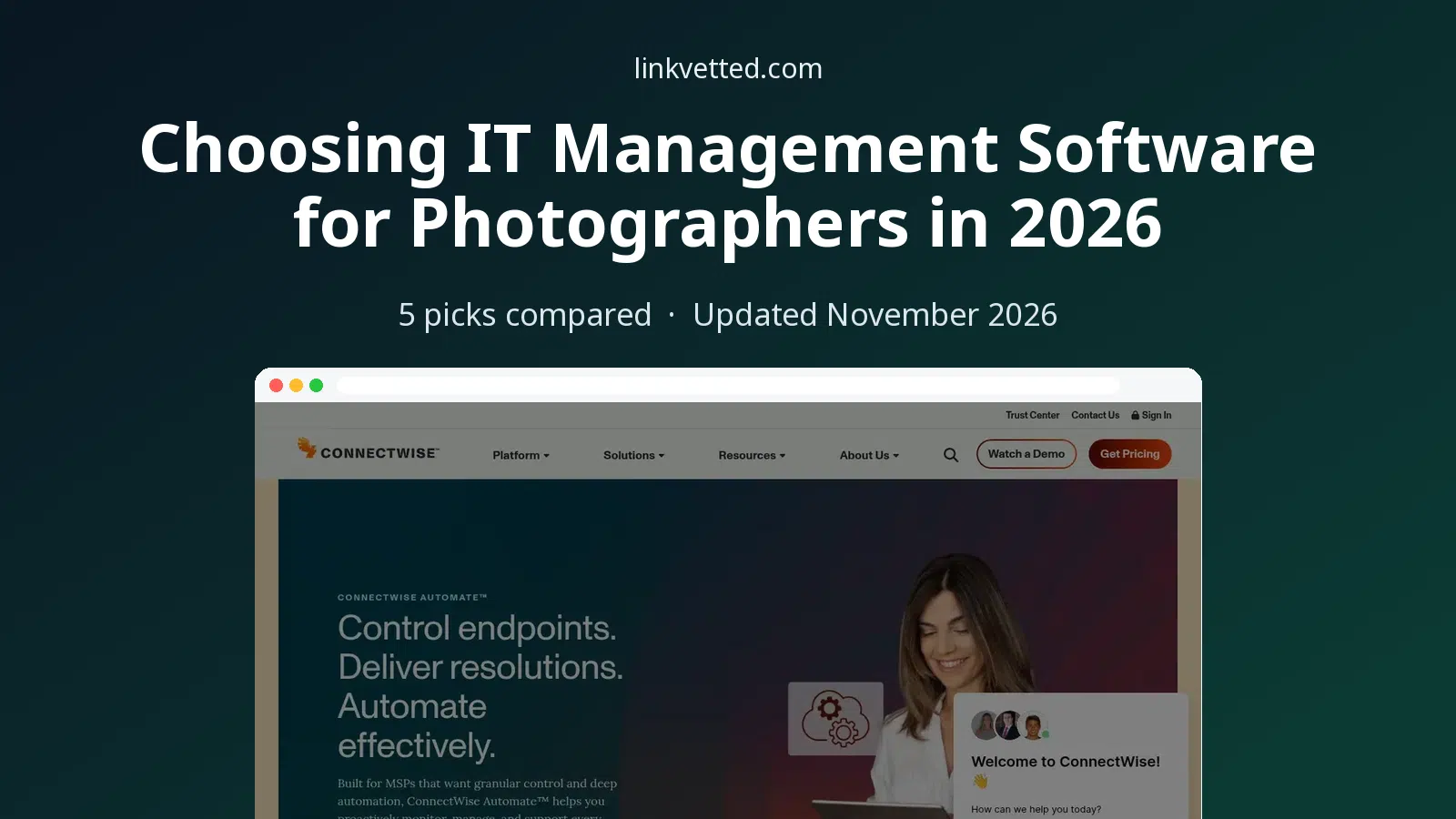
- Editor's choiceConnectWise Automate
Automating repetitive technical work
Starts atSee websiteVisit connectwise.comFull review - Great alternativeKaseya VSA
Remote monitoring with automatic remediation
Starts atSee websiteVisit kaseya.comFull review - Also consider
 NinjaOne
Unified endpoint management and backup
Starts at$1.50 per device a monthVisit ninjaone.comFull review
Direct answer
ConnectWise Automate leads the list, best for automating repetitive technical work. Listed starting prices: NinjaOne from $1.50 per device a month. Alternatives: Kaseya VSA for remote monitoring with automatic remediation, and NinjaOne for unified endpoint management and backup. The other 2 tools in the list cover narrower or pricier cases.
TL;DR:
- ConnectWise Automate takes the first slot, best suited to automating repetitive technical work.
- Action1 is the only tool of the 5 with a free plan.
- N-able N-central is the one to check for Endpoint management at scale.
- The main caution on ConnectWise Automate: oriented toward IT service teams.
Last checked November 2026. Prices and plan details were read from the vendors' own pages in November 2026; vendors change plans often, so confirm the current price on the vendor site before you buy.
Quick comparison
| Tool | Best for | Starts at | Free plan? | |
|---|---|---|---|---|
| ConnectWise Automate | Automating repetitive technical work | See website | Not stated | Visit |
| Kaseya VSA | Remote monitoring with automatic remediation | See website | Not stated | Visit |
| NinjaOne | Unified endpoint management and backup | $1.50 per device a month | Free trial | Visit |
 Action1 | Cloud-native patch and vulnerability remediation | See website | Yes | Visit |
| N-able N-central | Endpoint management at scale | See website | Not stated | Visit |
IT Management Software for Photographers compared in detail
Choosing IT management software for photographers usually comes down to price, fit and limits. This LinkVetted guide sets 5 tools side by side on those three points, with the facts kept short and checkable.
ConnectWise Automate
Best for: Automating repetitive technical work

In short, ConnectWise Automate is for automating repetitive technical work. ConnectWise Automate is RMM software that automates technical work to boost an IT team's efficiency. In practice, for a photography business with recurring maintenance chores across workstations and servers, automation can cut manual checks.
Its focus on IT team efficiency means solo creatives may not need its depth. Also, pick ConnectWise Automate when automatic, repeatable IT operations across an expanding device fleet matter more than simplicity. No starting price is listed for ConnectWise Automate here; confirm pricing on the vendor site. Free access: Not stated.
Watch-outs: Requires planning to deploy well.
- Suited to managed IT environments
- Built to boost team efficiency
- Oriented toward IT service teams
Kaseya VSA
Best for: Remote monitoring with automatic remediation
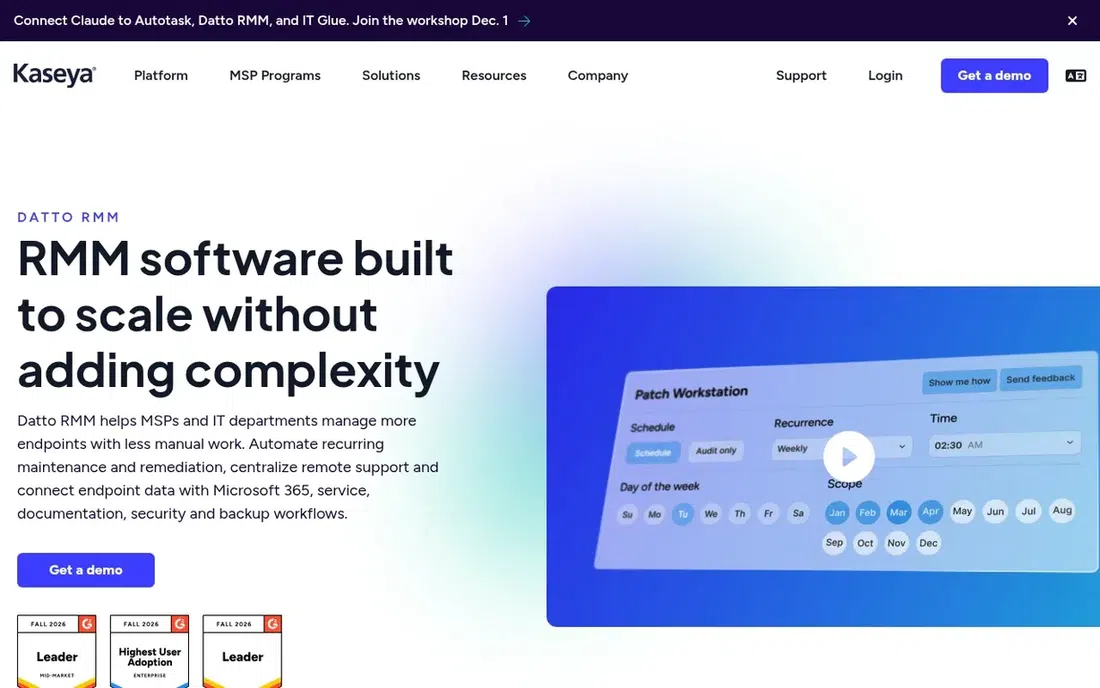
Kaseya VSA works best for remote monitoring with automatic remediation. A single-computer studio will likely find it overbuilt.
As for the details, Kaseya VSA is remote monitoring and management software that automates monitoring, patching, remediation, and remote support whereas connecting IT workflows. On top of that, the system is designed around managed service workflows, so the ramp-up time is steeper than a straightforward patch tool. No starting price is listed for Kaseya VSA here; confirm pricing on the vendor site. Free access: Not stated.
Where it falls short: Feature depth can be complex to configure.
- Links IT workflows in one place
- Automates monitoring, patching, remediation
- Pitched at IT professionals instead of creatives
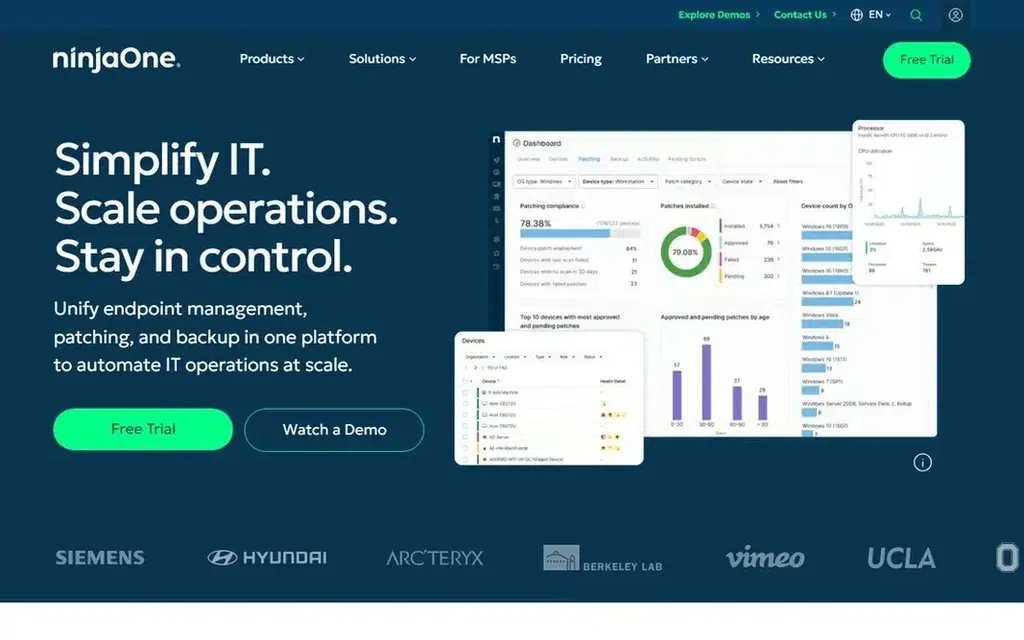
NinjaOne works best for unified endpoint management and backup. NinjaOne presents itself as a unified IT operations system handling endpoint management, autonomous patching, backup, and remote access. For a photographer with multiple editing machines and a studio server, that combination means one console for keeping systems current and reachable.
In practice, smaller setups may find a narrower patching tool simpler to adopt. Worth adding: choose NinjaOne when you want endpoint management, backup, and remote access under one roof instead of separate utilities. On top of that, since it is made for professional IT operations, the system carries more capability than a solo photographer may use day to day. NinjaOne pricing: $1.50 per device per month. On free options: Free trial.
Limits to weigh: Wide feature set may exceed a small studio's needs.
- Remote access
- Single product for endpoint operations
- Setup needs some technical familiarity
Action1 is built with cloud-native patch and vulnerability remediation in mind. Action1 provides autonomous patch management and vulnerability remediation for Windows, macOS, and Linux endpoints, deploying pre-tested operating system and external patches from one cloud-native system.
The main drawbacks: Narrower scope than full RMM suites.
In daily use, choose Action1 when keeping operating systems and external applications patched is the primary concern and simplicity is valued. For everyday use, a photographer running a mix of editing machines on different operating systems can keep them current from a single place. No starting price is listed for Action1 here; confirm pricing on the vendor site. A free plan is available with Action1.
- Includes Windows, macOS, Linux
- Cloud-native with pre-tested patches
- Less emphasis on broader IT operations
N-able N-central
Best for: Endpoint management at scale
N-able N-central targets Endpoint management at scale. N-able N-central gives unified endpoint management with advanced RMM capabilities for complicated environments.
For everyday use, the emphasis on scale and complicated environments means a small studio may pay in complexity for capability it will not use. This comparison lists no price for N-able N-central; ask the vendor. As for free access: Not stated.
Watch-outs: Needs technical setup and oversight.
- Unified endpoint management with RMM
- Designed for complicated environments
- Scale focus may overwhelm small studios
How we built this list
A buyer's checklist
- Ask ConnectWise Automate, Kaseya VSA, Action1 and N-able N-central for a written quote, since no starting price is shown.
- Look at the free plan from Action1 closely: its caps decide whether it is usable for real work.
- Take the trial from NinjaOne and push a live task through it before you pay.
- Read the limits listed for ConnectWise Automate first: oriented toward IT service teams.
- Ask whether NinjaOne integrates with your current software, and whether that comes standard or as an add-on.
- Work out what Action1 costs with your real seat count, add-ons and usage, not just the entry price.
FAQ
What is the difference between RMM and endpoint management?
RMM tools focus on remote monitoring, patching, and support across plenty of endpoints, frequently for IT service providers. Multiple tools here blend both approaches.
Which options for IT management software for photographers have a free plan?
Action1 is the only tool in this list with a free plan. Free plans usually cap users, projects or features, so check the limits on the vendor page. One other tool offers a trial instead. All 5 picks in this IT management software for photographers comparison list a starting price, free plan details and the main limits on their cards above.
How are the tools for IT management software for photographers ordered?
The order follows typical fit for IT management software for photographers, with ConnectWise Automate first and N-able N-central last, then price clarity and free access. It is editorial judgement, not a score, so another team could rank the tools differently.
Should I choose a full product or a focused patching tool?
A full system fits studios with several locations, servers, and an IT partner, since it merges monitoring, patching, backup, and remote access. Match the scope to your actual device count and support model.
Is ConnectWise Automate the right pick for everyone comparing IT management software for photographers?
No single tool suits every team. ConnectWise Automate comes first because it fits automating repetitive technical work, while Kaseya VSA suits remote monitoring with automated remediation and NinjaOne suits unified endpoint management and backup. Match the tool to your own size, budget and workflow before deciding.
Does a photographer really need IT management software?
Once a studio has multiple editing workstations, a file server, and staff devices, keeping them patched and monitored manually becomes error prone. IT management software centralizes patching, monitoring, and remote support. From a buyer's view, a single-computer setup may only need entry-level patch management.
Sources
- https://www.connectwise.com/platform/automate
- https://www.kaseya.com/products/vsa
- https://www.ninjaone.com
- https://www.action1.com
- https://www.n-able.com/products/n-central