Choosing IT Compliance Software in 2026: 6 Options Compared
Compare 6 picks for the best IT compliance software, with prices, free plans and who each fits. Strengths and weak spots are spelled out. Budget notes included.
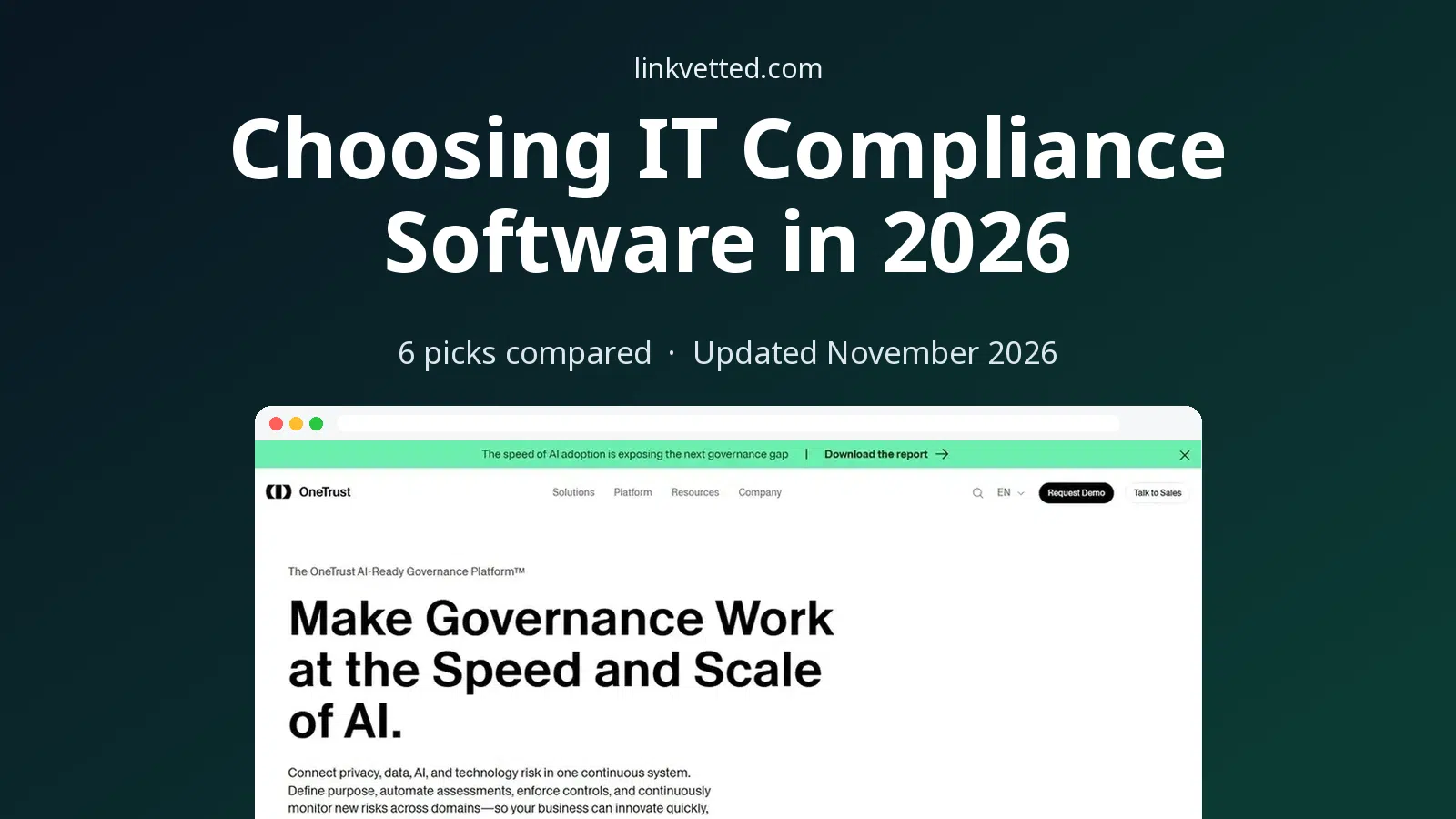
- Editor's choice
 LogicGate
Enterprise risk and compliance programs
Starts atSee websiteVisit logicgate.comFull review - Great alternative
 ServiceNow
Compliance within enterprise workflows
Starts atSee websiteVisit servicenow.comFull review - Also consider
 OneTrust
Privacy, consent and AI governance
Starts atSee websiteVisit onetrust.comFull review
Direct answer
If you need enterprise risk and compliance programs, LogicGate is the first tool to look at here. Listed starting prices: Secureframe from $7,500 a year. For a different need, ServiceNow covers compliance within enterprise workflows and OneTrust covers privacy, consent and AI governance. All 6 tools are compared below on price, free plan and limits.
TL;DR:
- LogicGate takes the first slot, best suited to enterprise risk and compliance programs.
- LogicGate, ServiceNow, OneTrust and others: pricing is by quote only, so plan time for a sales conversation.
- LogicGate, Vanta and the 4 others all need a premium plan or a trial, since no free plan is listed.
- The main caution on OneTrust: broader scope than security only.
Last checked November 2026. Prices and plan details were read from the vendors' own pages in November 2026; vendors change plans often, so confirm the current price on the vendor site before you buy.
Quick comparison
| Tool | Best for | Starts at | Free plan? | |
|---|---|---|---|---|
| LogicGate | Enterprise risk and compliance programs | See website | Not stated | Visit |
| ServiceNow | Compliance within enterprise workflows | See website | Not stated | Visit |
| OneTrust | Privacy, consent and AI governance | See website | Not stated | Visit |
 Secureframe | Compliance automation with expert guidance | $7,500 a year | Not stated | Visit |
 AuditBoard | Connected audit and risk intelligence | See website | Not stated | Visit |
 Vanta | Automatic security compliance and monitoring | See website | Not stated | Visit |
IT Compliance Software profiles
LinkVetted compared 6 tools for IT compliance software. The goal is a practical shortlist: published prices, free plan facts, best-fit use cases and honest limits for every entry.
LogicGate is built with enterprise risk and compliance programs in mind. LogicGate describes itself as an AI-powered GRC product with numerous applications for enterprise risk, external risk, cyber risk and compliance management. For everyday use, teams with maturing governance programs frequently value that breadth.
Where it is weaker: May be heavy for small teams.
Choose LogicGate when enterprise risk, vendor risk and compliance must live in one coordinated product. From a buyer's view, the breadth of LogicGate can mean more setup and administration than a small team needs. Beyond that, businesses focused only on security certification may prefer a lighter automation tool. LogicGate does not show a starting price in this comparison, so check the vendor site for current pricing. Free plan details: Not stated.
- Handles external and cyber risk
- Numerous applications for risk areas
- Enterprise-oriented complexity
ServiceNow is aimed squarely at compliance within enterprise workflows. ServiceNow is a broad system rather than a dedicated compliance automation product, so specialized certification workflows may need configuration or add-on modules.
Check the vendor site for ServiceNow pricing; none is listed in this comparison. As for free access: Not stated.
The main drawbacks: Compliance is one part of it.
- Wide enterprise workflow product
- Can link compliance to operations
- Very wide product scope
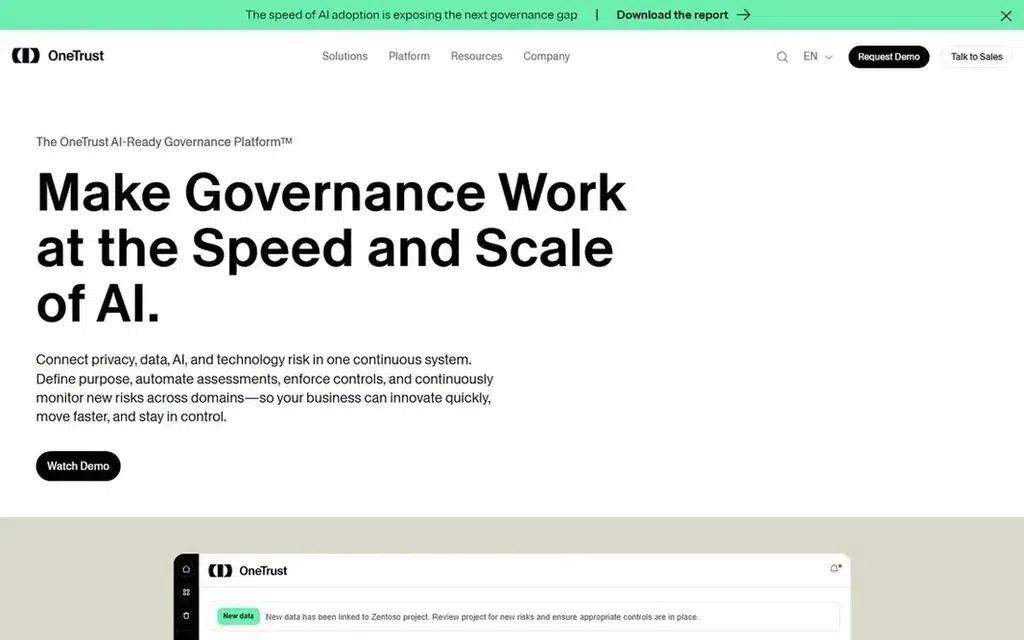
Choose OneTrust for privacy, consent and AI governance. OneTrust helps businesses handle privacy, consent and AI governance whereas automating compliance and reducing risk. OneTrust leans toward privacy and governance instead of security certification automation.
Where it is weaker: Broader scope than security only.
In practice, consider OneTrust when privacy, consent management and responsible AI are central to your compliance program. As for the details, the product is positioned around building trust and supporting innovation, which suits mid-sized and large firms with dedicated privacy and legal teams. OneTrust shows no starting price here, so confirm the cost on the vendor site. Free access: Not stated.
- Solid privacy and consent focus
- Automates compliance and risk work
- May be more than small teams need
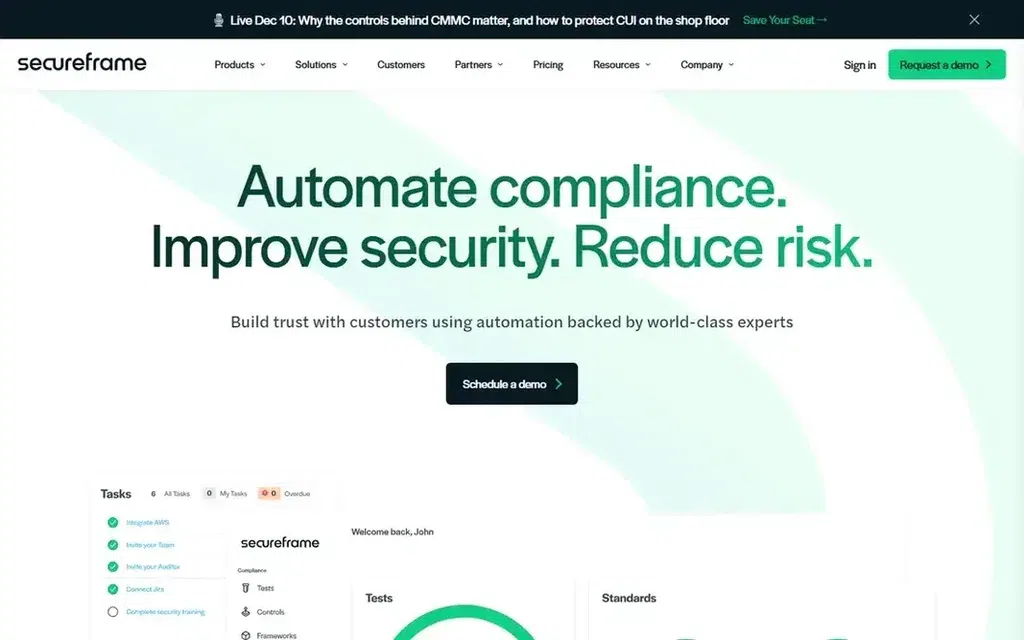
Secureframe targets compliance automation with expert guidance. On top of that, the emphasis on customer trust makes it a natural fit for sales-driven organizations that require to answer security questionnaires and demonstrate compliance.
Organizations needing deep audit, operational risk or external risk modules may prefer a broader system. Check that your target frameworks are covered before committing, and pick Secureframe when guided automation is the priority. Price to start with Secureframe: $7,500 per year. Free access: Not stated.
Drawbacks to consider: Less suited to deep GRC scope.
- Supports risk mitigation
- Automation backed by experts
- Framework fit should be checked
Pick AuditBoard if this describes you: connected audit and risk intelligence. AuditBoard, presented on its site as Optro, describes a GRC intelligence system that acts as a trusted system of record and powers action on risk. Consider it when audit, risk and compliance must share one connected system of record.
More specifically, implementation generally needs planning across departments. As for the details, AuditBoard is oriented toward established audit and risk functions, so small teams or pure security-certification projects may find it more than needed. Check the vendor site for AuditBoard pricing; none is listed in this comparison. Trial and free access: Not stated.
What to check first: Geared toward bigger functions.
- Links risk and audit work
- System of record for GRC
- Setup may need planning
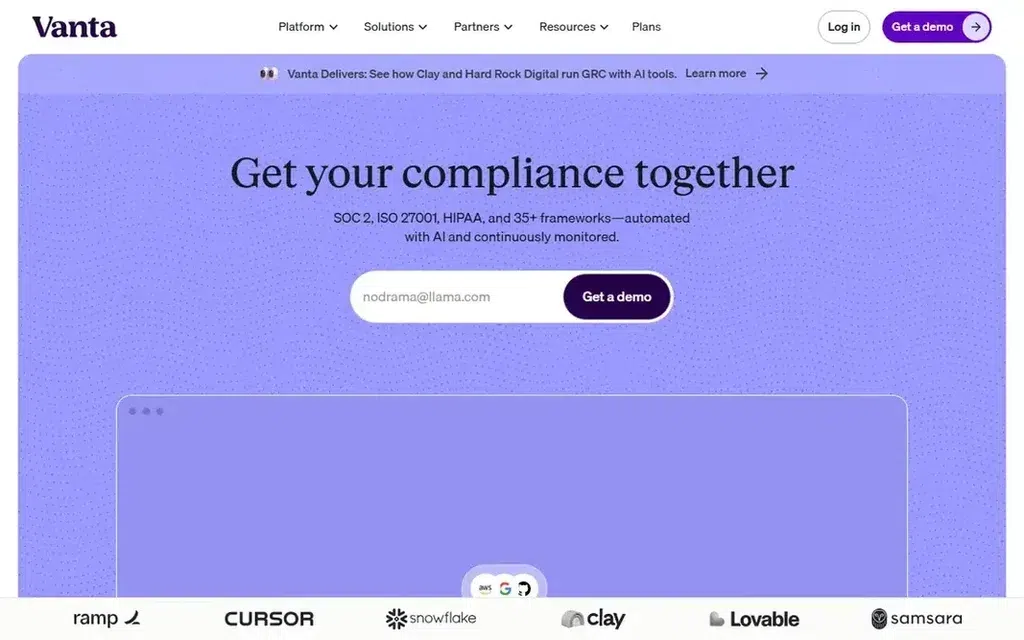
Pick Vanta if this describes you: automatic security compliance and monitoring. Its homepage emphasizes automating security monitoring so certification takes weeks instead of months.
From a buyer's view, because Vanta centers on security certification and monitoring, organizations with broad enterprise risk, external risk or audit management needs may want a broader GRC system. Vanta does not show a starting price in this comparison, so check the vendor site for current pricing. On free options: Not stated.
Where it falls short: Wide governance needs may need more.
- Automates security monitoring
- Aims to shorten certification timelines
- Security-focused scope
Selection criteria
The comparison looks at four things: starting price, free access, how well the feature set matches IT compliance software, and the main limit of each tool. Figures are shown as the vendors publish them. Billing terms, seat minimums and add-ons can change the real cost. We ordered the tools by general fit, then by how clearly pricing is shown, then by free access. A buyer with unusual needs may reorder them.
Pre-purchase checklist
- Get a written quote from LogicGate, ServiceNow, OneTrust and others; the list shows no starting price for them.
- Before choosing LogicGate, weigh its main limit: enterprise-oriented complexity.
- Run a one or two week pilot of Vanta with the people who will use it every day.
- Check whether AuditBoard bills monthly or annually, and what cancelling early costs.
- Check whether the features you need in ServiceNow sit on the entry plan or only on higher tiers.
FAQ
How are the tools for IT compliance software ordered?
LogicGate sits first and Vanta last because the order follows typical fit for IT compliance software, then price clarity and free access. It is a judgement call, so read each profile for fit and limits.
Is LogicGate the right pick for everyone comparing IT compliance software?
No single tool suits every team. LogicGate comes first because it fits enterprise risk and compliance programs, while ServiceNow suits compliance within enterprise workflows and OneTrust suits privacy, consent and AI governance. Match the tool to your own size, budget and workflow before deciding.
Do these tools publish their prices?
Not all of them. LogicGate, ServiceNow, OneTrust and others publish no starting price, so expect a quote request for those. The rest, Secureframe included, show a starting price, though seats and billing terms still change the final cost.
Can I try these options before paying?
Not by default. None of the tools, from LogicGate to Vanta, lists a free plan or a free trial here, so ask each vendor for a demo before committing. Each of the 6 options in this IT compliance software guide has its own card above with the price, free plan and limits.
Sources
- https://www.logicgate.com
- https://www.servicenow.com
- https://www.onetrust.com
- https://secureframe.com
- https://www.auditboard.com
- https://www.vanta.com