Best Co-Managed IT Services in 2026: 8 Providers Compared
best co managed it services for companies with an in-house team that needs backup, security, and after-hours cover, compared for 2026 today for US firms.
- Editor's choice
 Ntiva
Mid-market teams needing national cover
Starts atSee websiteVisit ntiva.comFull review - Great alternative
 Dataprise
Teams that want clear plan tiers
Starts at$102 per user per monthVisit dataprise.comFull review - Also consider
 CMIT Solutions
Small businesses wanting local help
Starts atSee websiteVisit cmitsolutions.comFull review
TL;DR:
- Co-managed IT keeps your internal team in charge while a partner covers nights, security, and specialist gaps.
- Ntiva and Dataprise suit mid-market companies that need national coverage and a clear tier structure.
- Dataprise publishes starting prices from 102 dollars per user per month, which helps with early budgeting.
- The best fit depends on who handles strategy, who handles tickets, and who owns security monitoring.
- Ask for a written split of duties before you sign, so nothing falls between two teams.
Quick comparison
| Tool | Best for | Starts at | Free plan? | |
|---|---|---|---|---|
| Ntiva | Mid-market teams needing national cover | See website | No | Visit |
| Dataprise | Teams that want clear plan tiers | $102 per user per month | No | Visit |
| CMIT Solutions | Small businesses wanting local help | See website | No | Visit |
 VC3 | Local government and SMB teams | See website | No | Visit |
 Integris | Regulated industry teams | See website | No | Visit |
 Corsica Technologies | Security led co-managed cover | See website | No | Visit |
 Securafy | Mid-market security and compliance | See website | No | Visit |
 Thrive | Hybrid cloud and growing teams | See website | No | Visit |
The best co-managed IT services
Co-managed IT is a shared model. Your staff keep day to day control and knowledge of the business, while an outside provider adds help desk capacity, security monitoring, and senior advice. We compared coverage, security services, compliance support, and pricing transparency.
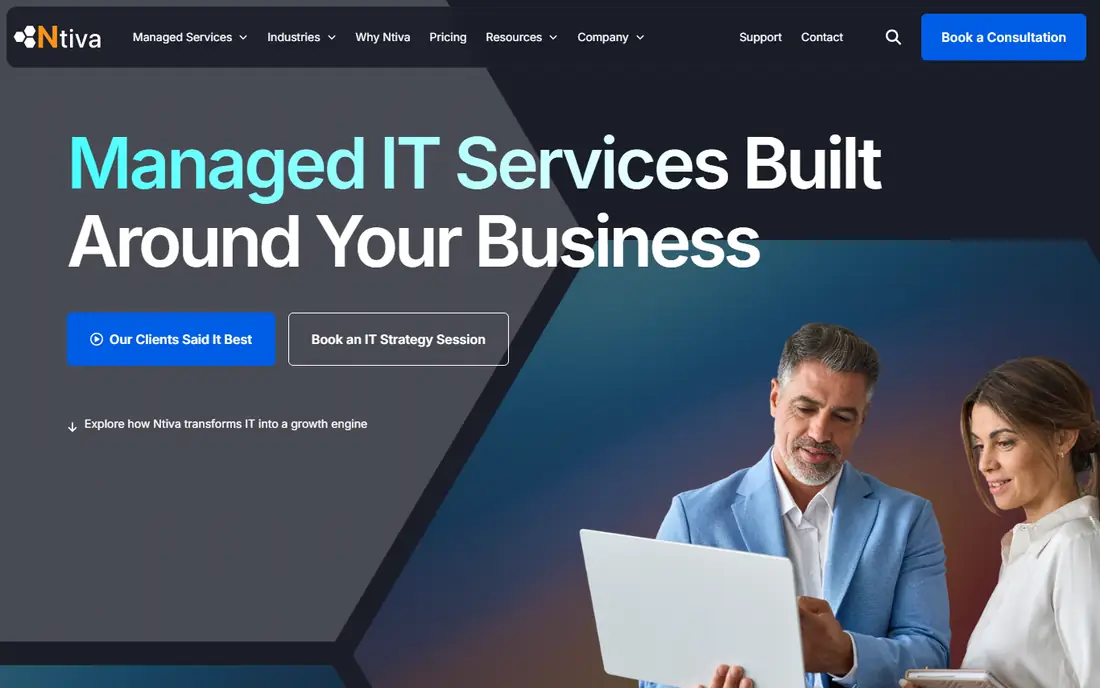
Ntiva works with companies that already have IT staff but need depth they cannot hire quickly. Its model pairs a dedicated team with monitoring, help desk backup, and security services, so internal staff can focus on projects instead of tickets. Local support pods give clients a named team rather than a generic queue, which matters when an outage hits during business hours.
The main drawback is pricing transparency. Ntiva does not publish a flat per user rate, so budgeting starts with a scoping call. That is normal for this market, but it means you should ask for a clear breakdown by user, device, and security add-on. For mid-market firms with several sites, Ntiva offers a breadth that smaller local firms may struggle to match.
- National coverage with local support pods
- 24/7 monitoring
- Security and cloud services in one partner
- Pricing requires a quote
- Larger scope may be more than a very small team needs
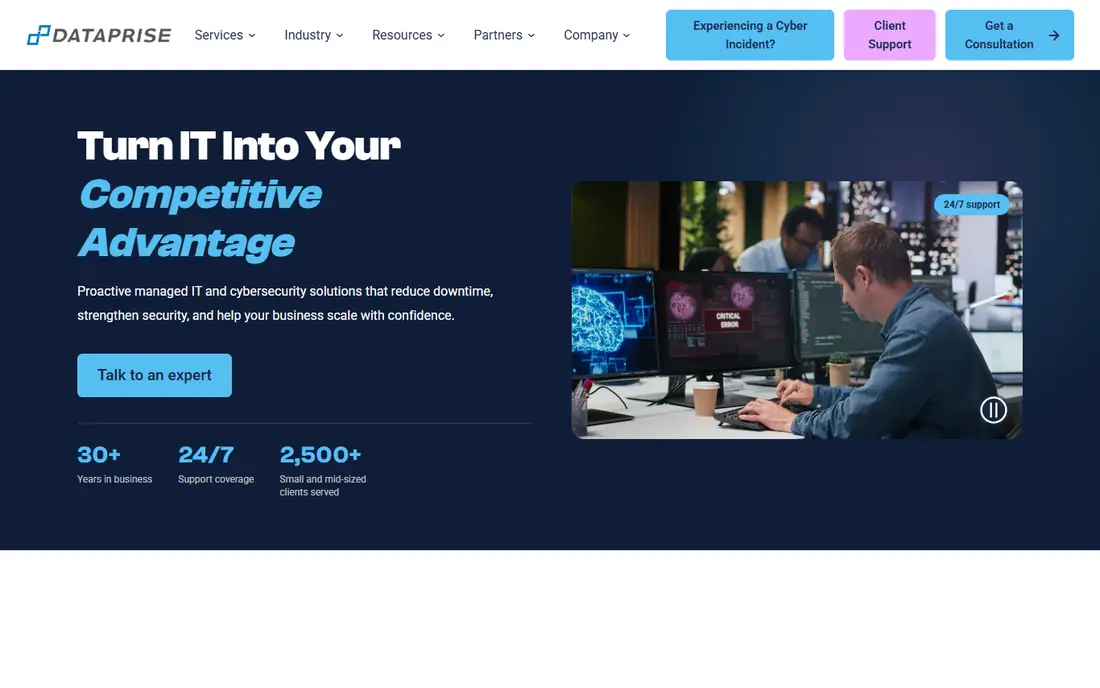
Dataprise stands out in this list because it publishes starting prices for 2026. Its IT Foundation plan starts at 102 dollars per user per month, Fortify starts at 158 dollars, and Comply starts at 210 dollars. That clarity helps a finance team compare options before a sales call. The company also states that it works in co-managed arrangements alongside an internal team, rather than only as a full replacement.
The trade-off is that the higher tiers add cost quickly, and a company with strict compliance needs may land on the top tier. Dataprise suits growing firms that want enterprise style support without building a large internal security team. Ask which services sit in each tier, since backup, compliance reporting, and cloud work can sit in different bundles.
- Published starting prices
- Co-managed model stated openly
- 24/7 network operations center
- Higher tiers rise sharply
- Compliance tier may exceed small team budgets
CMIT Solutions uses a franchise model, so clients get a local owner who knows the area while drawing on a national network for tools and standards. That mix suits small businesses that want a person they can call, not only a remote help desk. Services cover managed support, security, cloud, and backup, with co-managed options for firms that keep an internal lead.
Because each location is independently run, experience can vary. Check references from clients of similar size in your city, and confirm who covers after-hours tickets. Pricing is by quote, so compare the scope line by line with other bids. For SMBs that value local presence, CMIT is a sensible shortlist pick.
- Local franchise owners
- Nationwide network
- Practical SMB focus
- Service depth can vary by location
- Pricing is quoted, not published
VC3 has served local government and small to mid-sized businesses since the mid 1990s. That history shows in its process driven approach to patching, monitoring, and documentation, which helps when staff change or auditors ask for records. Co-managed work lets an internal IT lead keep control of local decisions while VC3 covers monitoring, backup, and specialist tasks.
Private companies outside its core sectors should still ask about relevant experience, since public sector workflows differ from, say, a fast growing SaaS firm. Pricing is quoted after scoping, so request a duty split in writing. For towns, counties, and SMBs that need steady, documented support, VC3 is worth a conversation.
- Long history with public sector clients
- Managed and co-managed options
- Strong process focus
- Public sector focus may not suit every private firm
- Pricing requires a quote
Integris organizes its work around regulated sectors such as healthcare, financial services, and manufacturing. That focus helps when a co-managed partner must understand HIPAA, PCI, or other controls, not just fix laptops. Its teams provide monitoring, security operations, and virtual CIO guidance, so an internal IT manager gains senior advice without hiring a full executive team.
The cost reflects that depth, and onboarding asks for detailed access and policy work. That is a good sign for security, but it means the first weeks take effort from your side too. Companies in regulated work that need a partner who can speak compliance as well as technology should put Integris on the list.
- Industry aligned practices
- Security and compliance depth
- Co-managed model for internal teams
- May be priced above basic help desk options
- Onboarding can be detailed
Corsica Technologies pairs managed IT with cybersecurity and data work, which suits firms that want one partner for both operations and protection. Its co-managed model is built for internal teams that need a security operations center, threat response, and compliance help without handing over the whole IT function. Flat rate positioning also helps owners who dislike surprise invoices.
The firm is not as large as national rivals, so multi-state firms should confirm coverage in each location. Pricing is by quote, so ask what is included in the flat rate and what counts as a project. For mid-market companies where security is the main gap, Corsica offers a focused option.
- Bundled cybersecurity
- Predictable flat rate positioning
- Data integration skills
- Smaller national footprint than the largest MSPs
- Pricing by quote
Securafy positions itself as a co-managed specialist rather than a general outsourcer. Its core pitch is 24/7 security operations center monitoring paired with compliance support for mid-market firms. That is useful when an internal team handles daily support well but cannot staff nights or keep up with threat alerts and audit evidence.
The limit is breadth. A company that also needs heavy help desk, cloud migration, and application support may need a second partner or a broader MSP. Securafy fits best as a security layer on top of a capable internal team. Ask how alerts are triaged, who responds at night, and how evidence is handed over for audits.
- 24/7 SOC monitoring focus
- Compliance support
- Co-managed specialist positioning
- Narrower general IT breadth than full MSPs
- Pricing by quote
Thrive, formerly Thrive Networks and related brands, provides managed IT, cloud, and security services for mid-market and larger firms. Its hybrid cloud strength helps teams that run some systems on site and some in public cloud, a common mix that can be hard to monitor with one toolset. Thrive can act as a full provider or support an internal team on specific areas.
Because Thrive serves a broad range, co-managed scope must be defined carefully. Confirm which tickets go to Thrive, which stay internal, and how escalation works. Pricing is by quote, so compare the same scope across vendors. For firms modernizing infrastructure while keeping internal staff, Thrive is a credible option.
- Hybrid cloud management
- National reach
- Managed security services
- Co-managed fit varies by engagement
- Pricing by quote
How we picked these
We compared providers that state a co-managed model, serve US businesses, and publish enough service detail to judge coverage. We checked security monitoring, help desk scope, compliance support, and pricing transparency from vendor sites and 2026 industry guides. We favored firms with a clear duty split and 24/7 cover, and we left out pure break-fix shops with no ongoing monitoring.
What to check before you choose
Start by listing what your internal team does well and where it strains. Common gaps are night cover, security monitoring, cloud skills, and compliance paperwork. A good co-managed partner fills those gaps without taking over work your team wants to keep. Put that split in the contract, with response times, ticket ownership, and escalation paths.
Next, check security in detail. Ask who monitors alerts, how incidents are handled, and what reports you receive each month. Ask for client references in your industry and of similar size. Finally, compare total cost on the same scope. A low per user quote that excludes security monitoring is not cheaper than a higher quote that includes it. Run a 90 day trial scope if the vendor allows it, and review ticket data before you renew.
FAQ
What is co-managed IT?
Co-managed IT is a shared support model where your internal IT staff keep their roles and a partner provider adds capacity, tools, and specialist skills. The partner may cover help desk overflow, night monitoring, security, or cloud work. The split is agreed in advance, so both sides know who owns each task.
How is it different from fully managed IT?
Fully managed IT hands most or all IT operations to an outside firm, often with no internal IT lead. Co-managed IT keeps internal staff in charge of strategy and daily business knowledge, while the partner fills gaps. It suits firms that have IT talent but cannot cover every shift or skill alone.
How much does co-managed IT cost?
Costs vary by users, devices, sites, and security scope. Dataprise publishes starting prices from 102 dollars per user per month for its base tier, while most others quote after scoping. Always compare the same services, since security monitoring and compliance reporting can change the total sharply.
Who owns security in a co-managed model?
Both sides share it, so the contract must state it plainly. Common splits give the partner 24/7 monitoring and alert triage, while internal staff own policy decisions and business systems. Ask for incident response steps, reporting cadence, and audit evidence duties before signing.
Can a small business use co-managed IT?
Yes, if it has at least one internal IT person or a tech savvy operations lead. Very small firms with no internal IT often do better with fully managed IT. Co-managed work pays off when internal knowledge is valuable and the gaps are specific, such as nights, security, or cloud skills.