Best Code Security Tools for Cloud in 2026: 8 Platforms Compared
We compared the best code security tools for cloud on SAST, dependency scanning, secrets detection, and cloud integration for modern development teams.
- Editor's choice
 Snyk
Developer first security across code and cloud
Starts at$25 per monthVisit snyk.ioFull review - Great alternative
 SonarQube Cloud
Quality gates plus security
Starts at$30 per monthVisit sonarsource.comFull review - Also consider
 Semgrep
Custom rules and fast scans
Starts at$35 per monthVisit semgrep.devFull review
TL;DR:
- The best code to cloud security platforms cover code, dependencies, containers, and infrastructure as code in one workflow.
- Developer friendly tools with fast pull request scans get fixed more often than slow tools that run only at release time.
- Free tiers from Snyk, SonarQube, and Semgrep give small teams a real starting point before paid plans.
- Per developer pricing can rise fast, so teams should count contributing developers, not only full time staff.
Quick comparison
| Tool | Best for | Starts at | Free plan? | |
|---|---|---|---|---|
| Snyk | Developer first security across code and cloud | $25 per month | Yes | Visit |
| SonarQube Cloud | Quality gates plus security | $30 per month | Yes | Visit |
| Semgrep | Custom rules and fast scans | $35 per month | Yes | Visit |
 Checkmarx | Enterprise AppSec programs | See website | No | Visit |
 Veracode | Audit ready security programs | See website | No | Visit |
 GitHub Advanced Security | GitHub native scanning | See website | No | Visit |
 Sonatype | Blocking bad components early | See website | Free trial | Visit |
 Socket | Catching malicious packages | See website | Yes | Visit |
The best code security tools for cloud
We chose tools that scan code before it reaches the cloud, check dependencies and containers, and fit into pull requests and CI pipelines. Each one below covers a different mix of speed, depth, and compliance needs.
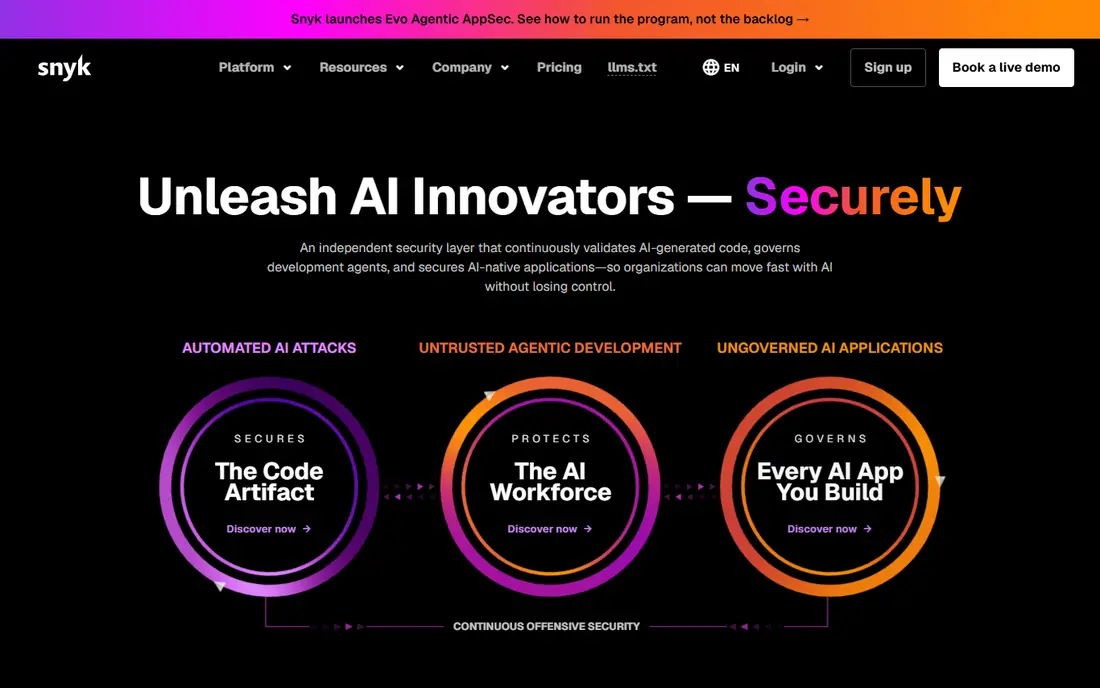
Snyk is our pick for teams that want security inside the developer workflow rather than as a separate audit step. It scans open source dependencies, code, containers, and infrastructure as code, and it surfaces fixes directly in pull requests. That placement matters, because a developer is far more likely to fix a vulnerability while working on the code than weeks later.
The free tier covers small projects with monthly test limits, while Team starts at 25 dollars per developer per month. Larger teams should watch the per developer meter and tune policies early, or alert volume can overwhelm the team. For cloud native teams that ship often, Snyk remains the most complete developer led option.
- Broad IDE and pull request integrations
- Fix pull requests
- Covers code, dependencies, containers, and IaC
- Per developer pricing adds up at scale
- Alert noise needs tuning
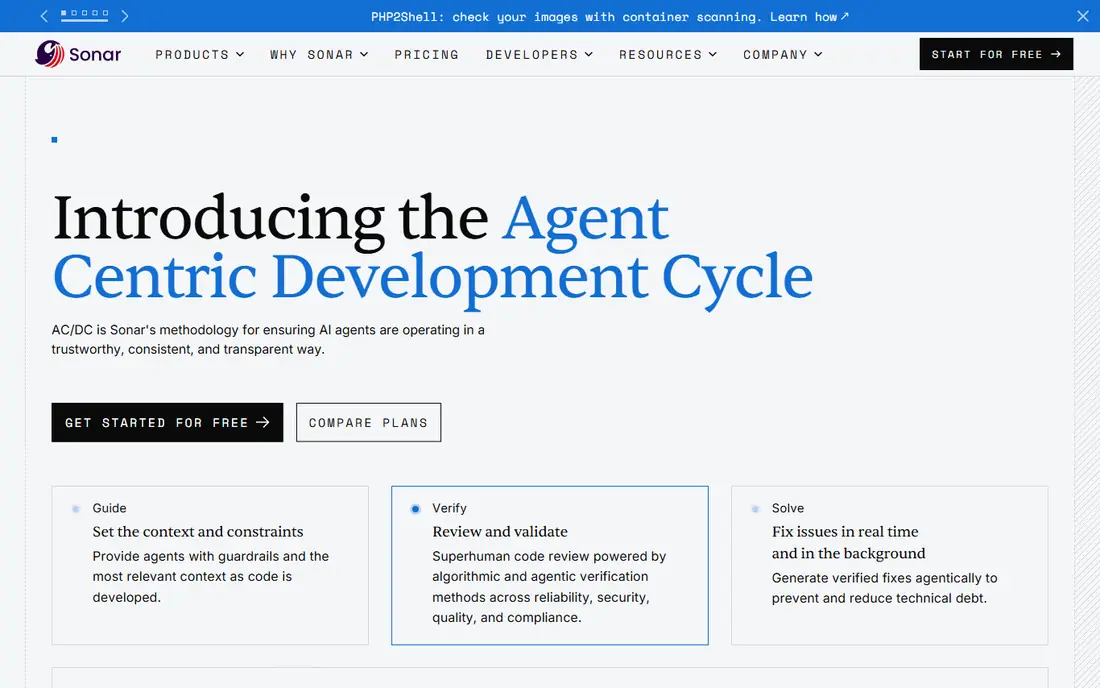
SonarQube Cloud suits teams that want one gate for both code quality and security before merge. It checks for bugs, code smells, and security hotspots, and it can block a pull request that fails a quality gate. That shared gate helps teams that already care about maintainability, not only about vulnerabilities.
SonarQube is less focused on supply chain risks than Snyk or Sonatype, so many teams pair it with a dependency scanner. Its Community Build gives small teams a free self hosted start, while Cloud Developer plans start near 30 dollars per month. For teams that want quality and security in one report, it is a solid default.
- Combines code quality and security gates
- Self hosted community option
- Clear pull request feedback
- Less deep on dependency and container scanning than Snyk
- Enterprise features need higher plans
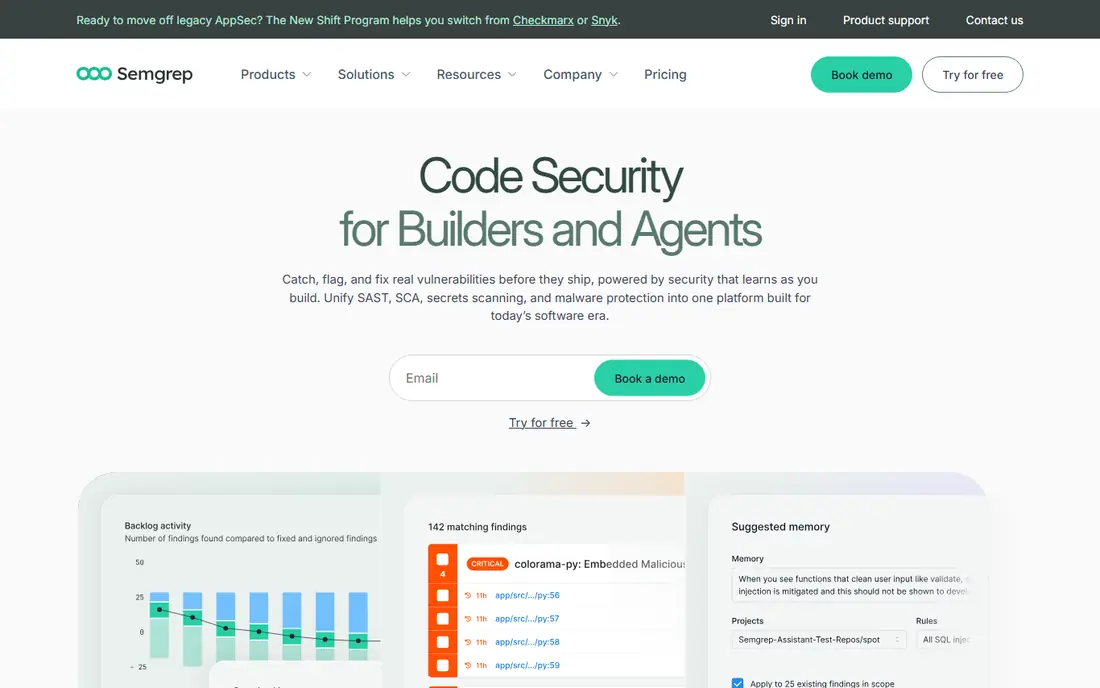
Semgrep appeals to security engineers who want to write their own rules for internal APIs, dangerous patterns, or cloud misconfigurations. Scans are fast in CI, and the open source engine means a team can test rules locally before enforcing them. Community rules cover many common issues, so a new team does not start from zero.
The trade off is ownership. Semgrep gives a team control, but that control requires someone to maintain rules and triage results. Teams without a security owner may prefer a more managed tool such as Snyk. For teams with that owner, Semgrep offers speed and flexibility at a fair price.
- Fast CI scans
- Custom rules are easy to write
- Open source engine and community rules
- Needs tuning for full coverage
- Enterprise features are on higher tiers
Checkmarx is built for enterprises that need one AppSec program across many teams, languages, and compliance requirements. It covers static analysis, dependency scanning, dynamic testing, API security, and container scanning under one roof. That breadth helps a central security team report on risk across a whole portfolio.
Smaller teams will find Checkmarx heavy and expensive, with annual contracts often in five figures. It also runs slower than Snyk or Semgrep in many setups, so it fits a scheduled scan model better than a fast pull request gate. For regulated enterprises, the depth and reporting justify the cost.
- Broad coverage across SAST, SCA, DAST, and API scanning
- Strong compliance features
- FedRAMP readiness
- Quote based pricing
- Scans can be slower than developer tools
- Rollout takes time
Veracode takes a different approach by analyzing compiled code, so some compliance focused organizations prefer it when source access is restricted. It offers attestation reports that help teams show auditors that applications were tested, and it supports a wide range of languages and frameworks. That audit focus is its main strength.
The downside is speed and cost. Full scans can take hours, and licensing per application gets expensive for microservices architectures. Veracode fits teams with formal release gates and compliance deadlines better than teams that want instant pull request feedback on every commit.
- Binary analysis without full source access
- Strong attestation and reporting
- Mature enterprise program
- Quote based pricing
- Full scans can take hours
- Per application licensing can be costly
GitHub Advanced Security is the natural choice for teams that already host code on GitHub and want security in the same place. Code scanning, secret scanning, and Dependabot alerts appear in pull requests without a separate dashboard. CodeQL adds deeper analysis for teams that need it, and secret scanning helps catch credentials before they reach the cloud.
The limit is platform lock in. Teams using GitLab, Bitbucket, or multiple hosts will need another tool. Pricing also depends on GitHub plan and committer counts, so teams should check the current GitHub pricing page. For GitHub native teams, the low friction is hard to beat.
- Native code scanning, secret scanning, and dependency alerts inside GitHub
- CodeQL for deep analysis
- Good for GitHub teams
- Only useful for GitHub hosted code
- Advanced features need an enterprise plan
- Costs scale with committers
Sonatype focuses on the supply chain problem: stopping a bad component before it enters a build. Its Nexus repository firewall can block components with known vulnerabilities or license issues, while its lifecycle tools give developers clear guidance on safer versions. That early block is powerful for teams that pull in many open source packages.
Sonatype is less of a general code scanner than Snyk or Checkmarx, so it pairs well with a SAST tool. Setup requires repository integration, which takes planning for large organizations. For teams where dependency risk is the top concern, Sonatype is a strong specialist pick.
- Strong repository firewall
- Blocks risky components at ingestion
- Deep license and vulnerability data
- Quote based pricing
- Setup needs repository integration
- Less focused on custom code flaws
Socket fills a gap that traditional vulnerability scanners miss: packages that are malicious by design, not merely outdated. It analyzes package behavior, such as network access, install scripts, and obfuscated code, and flags suspicious packages before they are installed. That focus matters as attackers publish typosquat and AI hallucinated package names.
Socket does not replace a full SAST or container scanner, so teams should use it alongside another tool in this list. Its free tier makes it easy to test on a few repositories. For any team that installs many npm, PyPI, or Go packages, Socket adds a useful layer of defense at low cost.
- Behavioral analysis catches malicious packages that CVE feeds miss
- Free tier
- Good GitHub integration
- Paid pricing needs a plan check
- Focused mainly on supply chain, not full SAST
How we picked these
We compared official feature pages, pricing pages, and public comparisons of code security tools in 2026. We favored tools that scan code and cloud artifacts, integrate with pull requests or CI, and are currently maintained. We excluded tools that only offered a single language check or only offered a desktop scanner with no cloud workflow.
How to build a code to cloud security workflow
Start with the highest risk surface for your stack. Most cloud teams should cover dependencies first, because a vulnerable package can affect many services at once. Add static code scanning next, then secrets detection, then infrastructure as code checks for cloud misconfigurations. Container scanning matters once the team ships images to production.
Next, tune for signal, not volume. Turn on blocking gates only for high severity, reachable issues at first, then expand as the team learns to fix them quickly. Track fix time and false positive rate, not only finding counts. A tool that reports thousands of low value issues will be ignored, while a tool that reports ten fixable issues per week will change behavior. Finally, keep secrets out of code with a scanner and a rotation plan, because a leaked cloud key can undo every other control.
Questions to ask vendors
Ask which languages and frameworks are fully supported, not only listed. Ask how reachability analysis works, so the team can prioritize vulnerabilities that are actually called in production. Ask about scan speed in pull requests, and whether the tool supports self hosted runners or private cloud deployments for regulated work.
FAQ
What is the best code to cloud security platform for a small team?
For a small team, Snyk, SonarQube Cloud, and Semgrep offer the best start, because each has a free tier and fast pull request feedback. Socket adds cheap supply chain protection on top. Start with one tool, measure fix rates, and add a second tool only when a clear gap appears.
What is the best code to cloud security platform for an enterprise?
Checkmarx and Veracode suit enterprises with compliance reporting, many teams, and formal release gates. Snyk Enterprise also fits large cloud native teams that want developer led workflows. The best enterprise choice depends on whether the team values audit reports or developer speed more.
How much do code security tools cost?
Free tiers cover small projects, while paid plans often start near 25 to 35 dollars per developer or contributor per month. Enterprise plans are quoted and can reach five figures per year. Count contributing developers carefully, because that count drives the bill more than total headcount.
Do these tools replace cloud security posture tools?
No. Code security tools check code, dependencies, and infrastructure templates before deployment. Cloud security posture tools check live cloud accounts for misconfigurations after deployment. Most mature teams run both, with code tools catching issues early and cloud tools catching drift in production.
How do I reduce alert noise from code scanners?
Start with high severity and reachable issues only, tune rules for your stack, and fix the most common issue types first. Use fix pull requests where available, and review false positives weekly for the first month. A smaller, trusted set of findings will get fixed faster than a large, noisy list.