Best Invent Software for Prototyping (2026): 6 Picks Checked on Vendor Pages
Weighing the best invent software for prototyping? We lined up 6 products by cost, free access and fit. Fit, price and catches for every tool. Decide faster.
- Editor's choice
 ProtoPie
Advanced, AI-driven prototyping
Starts atSee websiteVisit protopie.ioFull review - Great alternative
 Sketch
Designer-centric prototyping and handoff
Starts at$12 per editor a monthVisit sketch.comFull review - Also consider
 Balsamiq
Quick wireframing and low-fidelity prototyping
Starts at$16 per editor per monthVisit balsamiq.comFull review
Direct answer
Our first pick is ProtoPie, best for advanced, AI-driven prototyping. Listed starting prices: Sketch from $12 per editor a month, Balsamiq from $16 per editor per month and Axure RP from $29 per user a month. If your case is different, Sketch suits designer-centric prototyping and handoff and Balsamiq suits quick wireframing and low-fidelity prototyping. Details, prices and limits for the rest of the 6 tools are below.
TL;DR:
- Number one here is ProtoPie, a fit for advanced, AI-driven prototyping.
- Marvel fits all-in-one design and testing platform.
- The cheapest monthly starting price in the list is $3 per month, offered by Figma.
- The main caution on ProtoPie: concentrated on high-fidelity interactions.
- Marvel is the only tool of the 6 with a free plan.
Last checked November 2026. Prices and plan details were read from the vendors' own pages in November 2026; vendors change plans often, so confirm the current price on the vendor site before you buy.
Quick comparison
| Tool | Best for | Starts at | Free plan? | |
|---|---|---|---|---|
| ProtoPie | Advanced, AI-driven prototyping | See website | Not stated | Visit |
| Sketch | Designer-centric prototyping and handoff | $12 per editor a month | Free trial | Visit |
| Balsamiq | Quick wireframing and low-fidelity prototyping | $16 per editor per month | Free trial | Visit |
 Axure RP | In-depth specifications and diagrams | $29 per user a month | Not stated | Visit |
 Figma | Collaborative design and prototyping | $3 per month | Not stated | Visit |
| Marvel | All-in-one design and testing product | See website | Yes | Visit |
Invent Software for Prototyping profiles
If you are comparing invent software for prototyping, this page covers 6 tools in one place: what each is best for, what it costs to start, whether it has a free plan, and the main limit to know about.
ProtoPie serves advanced, AI-driven prototyping. ProtoPie is an AI-driven prototyping system that uses AI to produce interactions, perfect them credit-free, and hand off clean specs.
It is made for creating sophisticated, high-fidelity prototypes with complicated interactions. Worth adding: consider ProtoPie when your prototyping needs realistic, interactive elements and you want AI assistance in building them. Pricing for ProtoPie is not stated here, so ask the vendor for current figures. Free options: Not stated.
Trade-offs to know: Focused on high-fidelity interactions.
- AI-driven interaction generation
- Clean spec handoff
- May be overkill for straightforward prototypes
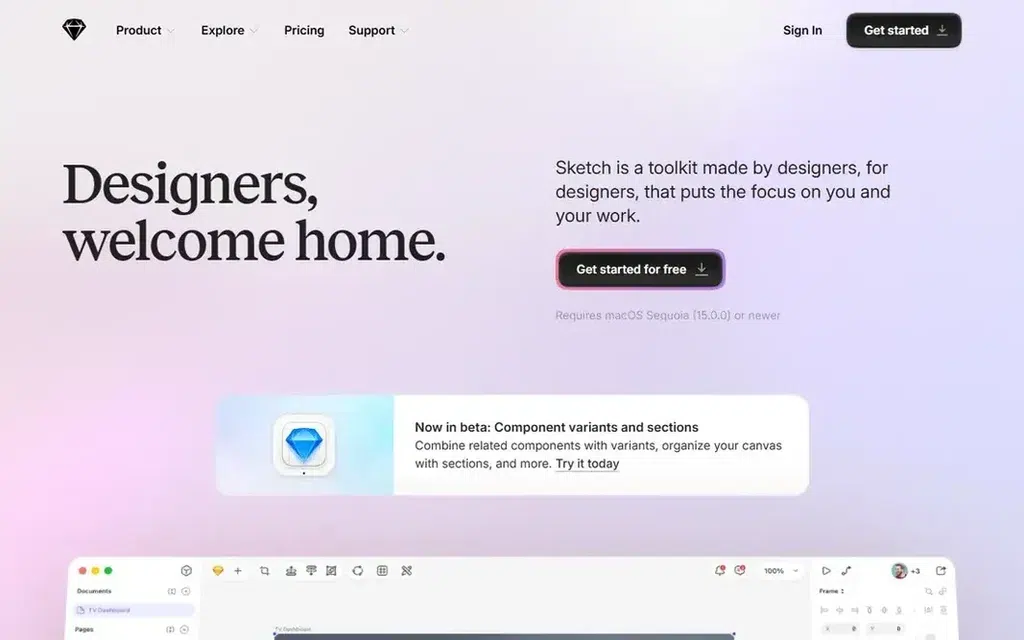
Sketch is designed for designer-centric prototyping and handoff. Sketch is a design and prototyping tool built with a focus on the designer's workflow. It gives you prototyping, collaboration, and handoff capabilities, aiming to keep the focus on your work.
Where it falls short: Mac-only system.
As for the details, Sketch is available only for macOS, which can be a barrier for teams using other operating systems. More specifically, if you need cross-platform access or live co-editing, Figma might be a better fit. Sketch cost at the entry level: $12 per editor per month. On free options: Free trial.
- Focus on design and prototyping
- Collaboration and handoff features
- Restricted live collaboration compared with web-based tools
Balsamiq serves fast wireframing and low-fidelity prototyping. It is aimed at product, tech, and business minds to sketch, test, and refine UI rapidly without the friction of more complicated tools.
Where it falls short: Not for in-depth visual design.
Beyond that, if you need advanced interactions or refined prototypes, consider Figma or ProtoPie. Balsamiq is not intended for high-fidelity prototyping or in-depth visual design, so it may not suit projects that need pixel-perfect mockups. What you pay to start with Balsamiq: $16 per editor per month. On free options: Free trial.
- Low-friction interface
- Fast and focused wireframing
- Limited high-fidelity prototyping
Axure RP makes the most sense for in-depth specifications and diagrams. Axure RP is an all-in-one software design tool for creating prototypes, specifications, and diagrams.
Watch-outs: Overkill for straightforward wireframes.
For everyday use, for fast wireframes or straightforward click-throughs, a lighter tool like Balsamiq or Marvel could be more efficient. In practice, Axure RP has a steeper ramp-up time and may be more complicated than necessary for entry-level prototyping. Starting cost for Axure RP: $29 per user per month. Free plan details: Not stated.
- Creates in-depth documentation
- All-in-one tool for prototypes and specs
- Steeper ramp-up time
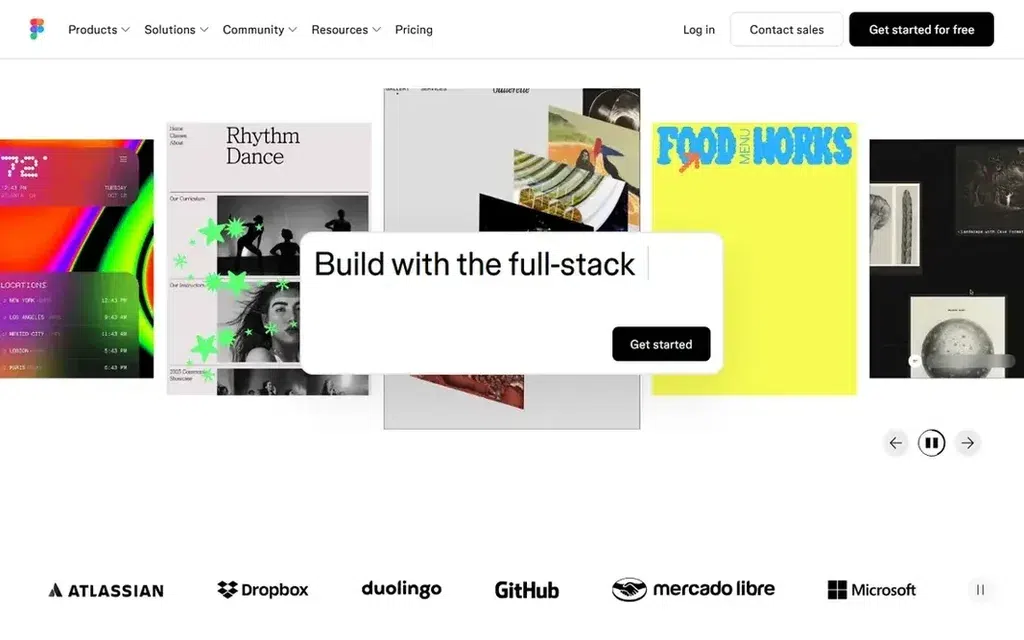
Figma was built for collaborative design and prototyping. Figma is a collaborative canvas where design, code, and AI come together.
It supports the whole process from first idea to shipped product, allowing teams to prototype and iterate in one place. On cost, Figma starts like this: $3 per month. On free options: Not stated.
Points against: Can be overwhelming for beginners.
- AI-assisted features
- Live team collaboration
- Needs internet connection
Marvel
Best for: All-in-one design and testing product
Marvel is built with all-in-one design and testing system in mind. Marvel is a collaborative design product that permits you to wireframe, prototype, user test, design, and inspect designs in one place.
Watch-outs: Less right for complicated interactions.
Main advantages: test in one place. It also gives you an API for creating integrations. Marvel does not show a starting price in this comparison, so check the vendor site for current pricing. Marvel offers a free plan.
- Collaborative design product
- Wireframe, prototype
- May lack advanced prototyping features
How these tools were picked
For each of the 6 tools we noted price, free plan or trial, fit for invent software for prototyping and the main limit, using vendor pages and documentation. Prices and plan limits come from vendor pages and can change, so confirm them on the vendor site before you buy. Order on the page follows fit for the typical buyer first, then price transparency and free access. Your own requirements should decide the final pick.
Before you commit
- Get a written quote from ProtoPie and Marvel; the list shows no starting price for them.
- Look at the free plan from Marvel closely: its caps decide whether it is usable for real work.
- Use real work to test the free trial from Sketch and Balsamiq, rather than a demo project.
- Before choosing ProtoPie, weigh its main limit: centred on high-fidelity interactions.
- Ask Axure RP whether prices are locked for the first term and what happens at renewal.
- List the apps you already depend on and check that Figma supports each one on the plan you would buy.
FAQ
How are the tools for invent software for prototyping ordered?
ProtoPie sits first and Marvel last because the order follows typical fit for invent software for prototyping, then price clarity and free access. It is a judgement call, so read each profile for fit and limits.
Which tool is a good match for creating detailed specifications?
ProtoPie comes first here and is built for advanced, AI-driven prototyping. Buyers with other needs may prefer Sketch (for designer-centric prototyping and handoff) or Balsamiq (for fast wireframing and low-fidelity prototyping). Compare costs and limits first.
Can I use these tools at no cost?
Some tools offer free versions or trials, but details vary. In daily use, check each vendor's website for current offerings. This comparison does not contain pricing information.
Do these tools publish their prices?
Not all of them. ProtoPie and Marvel publish no starting price, so expect a quote request for those. The rest, Sketch included, show a starting price, though seats and billing terms still change the final cost.
What is the difference between low-fidelity and high-fidelity prototyping?
Low-fidelity prototypes are straightforward sketches or wireframes used for fast concept testing, whereas high-fidelity prototypes are interactive and closely resemble the final product. Tools like Balsamiq excel at low-fidelity, whereas ProtoPie and Axure RP are suited for high-fidelity work.
What is the cheapest option for invent software for prototyping in this list?
On published monthly entry prices, Figma is the lowest here at $3 per month. Entry price is only part of the cost, because seats, add-ons and billing terms can change the total. Each of the 6 options in this invent software for Prototyping guide has its own card above with the price, free plan and limits.
Sources
- https://www.protopie.io
- https://www.sketch.com
- https://balsamiq.com
- https://www.axure.com
- https://www.figma.com
- https://marvelapp.com