5 Intranet Software for Universities Worth Shortlisting in 2026
Best intranet software for universities: 5 contenders ranked by fit, with entry costs and free tiers. The catches are listed up front. Full profiles inside.
- Editor's choice
 Simpplr
AI-assisted employee experience on campus
Starts atPricing on requestVisit simpplr.comFull review - Great alternative
 LumApps
Adaptable, scalable campus communication
Starts atPricing on requestVisit lumapps.comFull review - Also consider
 Workvivo
Community and knowledge sharing
Starts atPricing on requestVisit workvivo.comFull review
Direct answer
For AI-assisted employee experience on campus, Simpplr is where this list starts. LumApps is the stronger choice for adaptable, scalable campus communication, while Workvivo suits community and knowledge sharing. Free plan facts and limits for all 5 tools follow. None of these vendors publish plan prices, so pricing is on request for every option.
TL;DR:
- Simpplr sits first on this list: AI-assisted employee experience on campus.
- Pricing across the list, from Simpplr to Microsoft SharePoint, is by quote only.
- For universities already standardized on Microsoft 365, Microsoft SharePoint is worth a look.
- Neither Simpplr nor Microsoft SharePoint, nor any of the other 3 tools, has a permanent free plan; trials and quotes are the norm.
- LumApps comes with a trade-off: wide positioning can blur the starting point.
Last checked November 2026. Pricing on request: vendors did not publish plan prices when this guide was last checked (November 2026), so ask each vendor for a written quote.
Quick comparison
| Tool | Best for | Starts at | Free plan? | |
|---|---|---|---|---|
| Simpplr | AI-assisted employee experience on campus | Pricing on request | Free trial | Visit |
| LumApps | Adaptable, scalable campus communication | Pricing on request | Not stated | Visit |
| Workvivo | Community and knowledge sharing | Pricing on request | No | Visit |
 Unily | Large enterprise-grade campus experiences | Pricing on request | No | Visit |
 Microsoft SharePoint | Universities already standardized on Microsoft 365 | Pricing on request | Not stated | Visit |
The full intranet software for universities list
If you are comparing intranet software for universities, this page covers 5 tools in one place: what each is best for, what it costs to start, whether it has a free plan, and the main limit to know about.
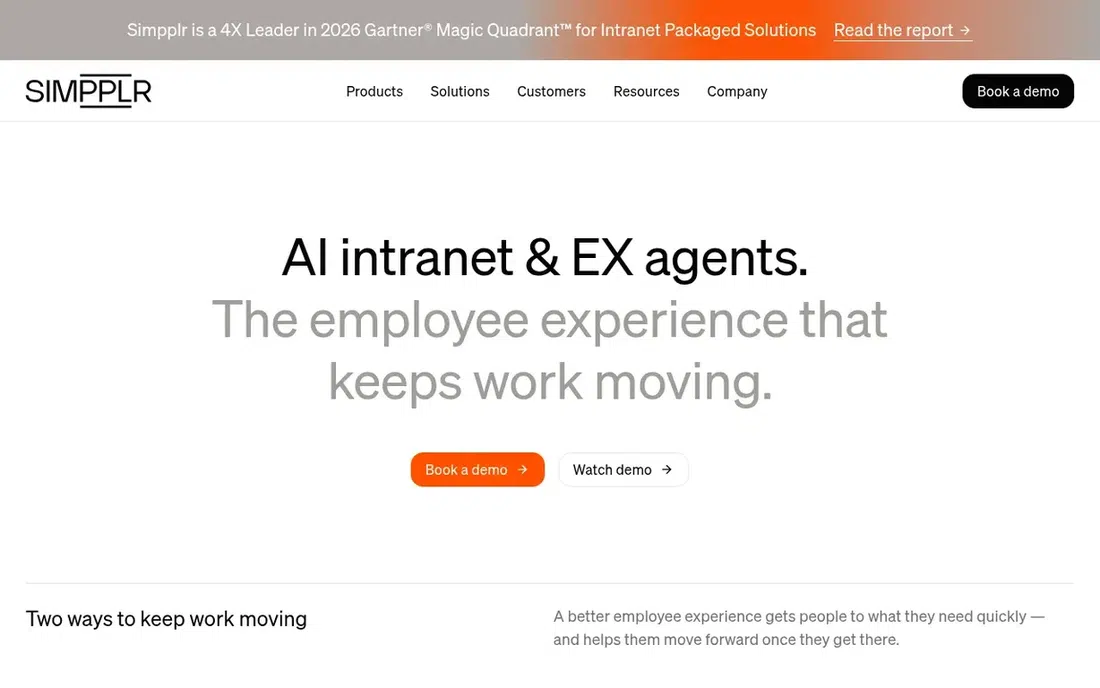
Pick Simpplr if this describes you: AI-assisted employee experience on campus. For universities, that translates into a modern communications hub for faculty and staff, with AI assistance for typical questions.
Watch-outs: Positioned around employee experience instead of student portals.
Simpplr is framed around employee work, so institutions seeking a combined student and staff portal should confirm how far it extends beyond staff use cases. Campuses heavily invested in Microsoft 365 may also weigh whether a dedicated experience product brings enough beyond what they already own. This comparison lists no price for Simpplr; ask the vendor. On free options: Free trial.
- AI intranet with specialized EX agents
- Helps employees stay informed and find answers
- May overlap with existing Microsoft investments
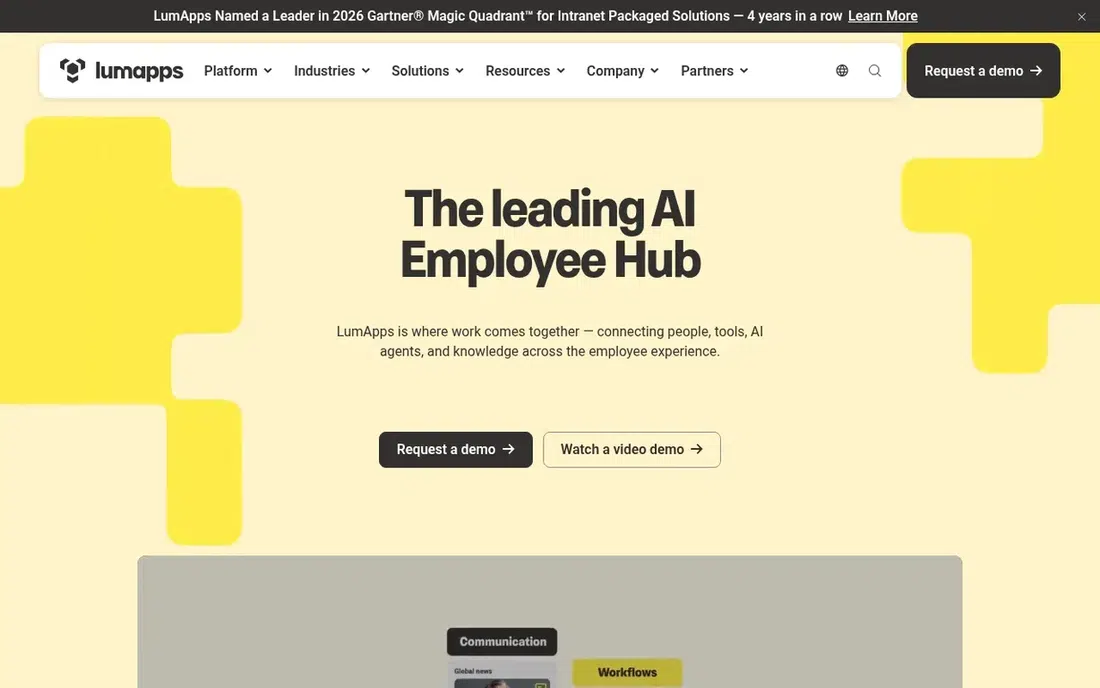
LumApps was built for adaptable, scalable campus communication. LumApps describes itself as an adaptable, scalable and future-ready intranet built to boost communication, productivity and learning. That combination maps well to universities, where internal comms, day-to-day work and learning resources frequently sit in different systems.
Institutions with very straightforward intranet needs may find a lighter product simpler to launch and maintain. Since LumApps positions itself broadly across communication, productivity and learning, campus teams should define their priorities early so the rollout stays focused. LumApps shows no starting price here, so confirm the cost on the vendor site. Free access: Not stated.
Honest limits: Wide positioning can blur the starting point.
- Includes communication
- Emphasizes adaptability and scalability
- Needs clear governance to stay organized
Workvivo targets community and knowledge sharing. Workvivo describes itself as an AI-native employee experience system that helps organizations enable people, unlock knowledge and deepen understanding.
Worth adding: success also relies on active community management, so plan for continuing content ownership. Worth adding: since Workvivo centers on employee experience, institutions needing heavy document governance or student-facing portal features should confirm coverage before committing. Workvivo does not show a starting price in this comparison, so check the vendor site for current pricing. Workvivo does not include a free plan.
Points against: Adoption relies on active community management.
- Emphasizes enabling people and knowledge
- Focus on deepening understanding
- Experience focus may not include every portal need
Unily is a good fit for large enterprise-grade campus experiences. Universities with several faculties, campuses and staff groups fit that enterprise profile, where consistent communication and a unified digital workplace matter. It is pitched at institutions that treat the intranet as a strategic experience product instead of a straightforward noticeboard.
Where it is weaker: Enterprise orientation can feel heavy for small teams.
The enterprise focus means smaller colleges or lean communications teams may find the product more than they need. Worth adding: universities should also plan for internal ownership, since a wide experience system relies on active governance to stay handy. Pricing for Unily is not stated here, so ask the vendor for current figures. Unily does not include a free plan.
- Enterprise employee experience focus
- Aims at organizational velocity
- Needs capable internal ownership
Microsoft SharePoint
Best for: Universities already standardized on Microsoft 365
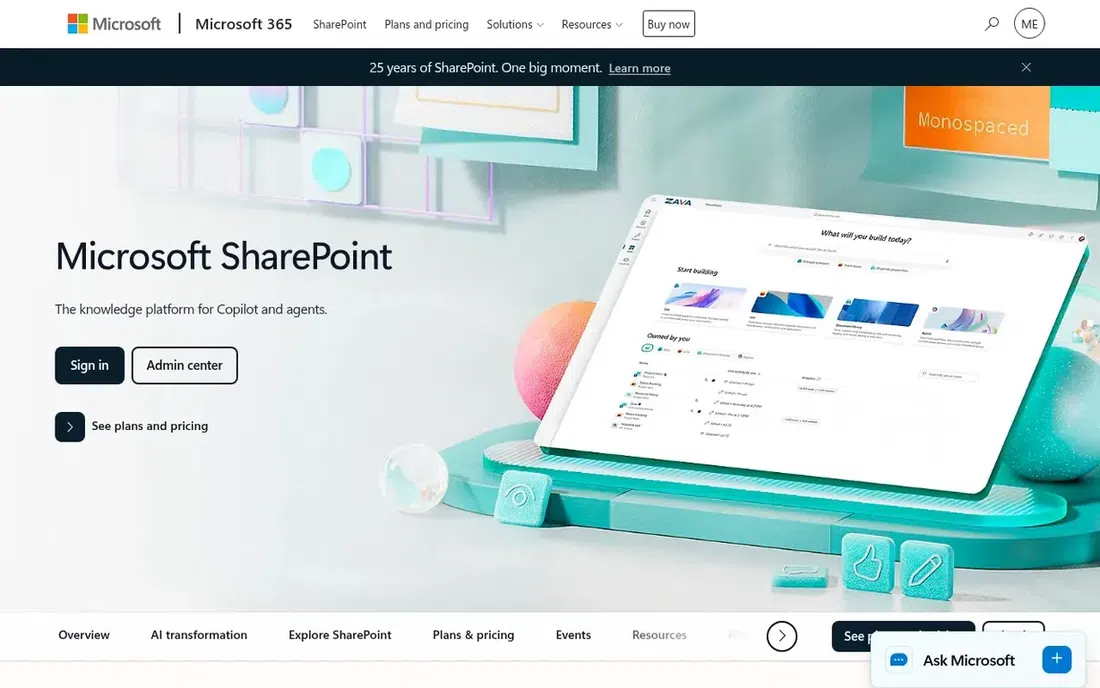
Microsoft SharePoint is built with universities already standardized on Microsoft 365 in mind. It fits IT-led institutions that want governance and automation built into their existing productivity stack instead of a separate intranet product.
Where it falls short: Less centred on employee experience from day one.
On top of that, since SharePoint is a wide product, campus teams frequently need design and governance work to make it feel like a modern intranet, and communication features can feel secondary. This comparison lists no price for Microsoft SharePoint; ask the vendor. As for free access: Not stated.
- Solid content governance and secure file sharing
- Supports automation and AI experiences
- Can need configuration expertise
What went into this list
Selection started from tools commonly considered for intranet software for universities, then narrowed to 5 that have clear pricing information or a clear quote process. Figures are shown as the vendors publish them. Billing terms, seat minimums and add-ons can change the real cost. Position on the page reflects fit for a typical buyer first, with price clarity and free access breaking ties. Treat it as a guide, not a ruling.
Things to verify first
- Confirm the entry price with every vendor: no tool from Simpplr to Microsoft SharePoint shows a fixed starting price.
- Use real work to test the free trial from Simpplr, rather than a demo project.
- Read the limits listed for Simpplr first: positioned around employee experience instead of student portals.
- Compare total cost, not headline price: for Workvivo, add extra seats, add-ons and any usage-based charges.
- Involve the people who will use Unily daily; a short pilot beats a long feature checklist.
FAQ
Can a university intranet serve both staff and students?
Some systems are positioned around employee experience, whereas others are broader collaboration tools. Universities should confirm whether a product supports student-facing use cases or plan to keep student services in separate systems.
Does any tool for intranet software for universities here have a free plan?
No tool in this list, Simpplr and Microsoft SharePoint included, has a permanent free plan. Simpplr offer a trial. Trials and quotes are the usual route, so plan a short evaluation period. Each of the 5 options in this intranet software for Universities guide has its own card above with the price, free plan and limits.
Do these tools publish their prices?
No. None of the tools, from Simpplr to Microsoft SharePoint, shows a fixed starting price here, so budget time for quotes. All 5 picks in this intranet software for Universities comparison list a starting price, free plan details and the main limits on their cards above.
Is Simpplr the right pick for everyone comparing intranet software for universities?
No single tool suits every team. Simpplr comes first because it fits AI-assisted employee experience on campus, while LumApps suits flexible, scalable campus communication and Workvivo suits community and knowledge sharing. Match the tool to your own size, budget and workflow before deciding.
What should universities check before buying intranet software?
Confirm integrations with existing campus systems, access governance, accessibility compliance and long-term content ownership. Also confirm current product details straight with each vendor, since features and terms change.
Can I try these tools before paying?
Often, yes. Simpplr offers a free trial. Use your own data and a real task during the test, and check what the free tier or trial limits before you rely on it. For the full picture, the cards above cover all 5 entries of this intranet software for Universities list, including price, free plan and limits.
Sources
- https://www.simpplr.com
- https://www.lumapps.com
- https://www.workvivo.com
- https://www.unily.com
- https://www.microsoft.com/en-us/microsoft-365/sharepoint/collaboration